
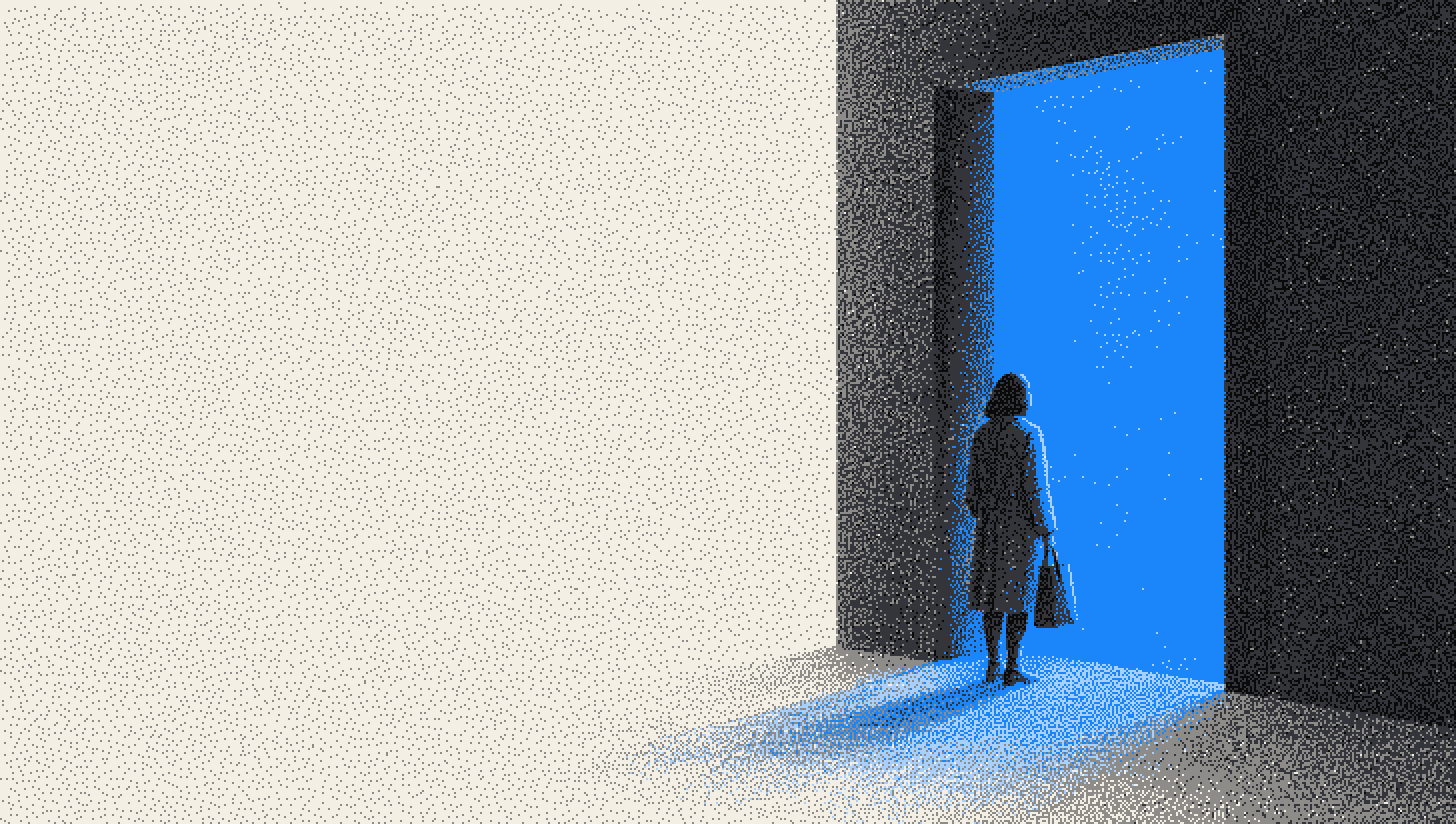
Full screen popups, like other popup types, are usually generated by JavaScript. A "welcome mat" is one shown as a visitor arrives, which is the moment Google's interstitial guidance warns about.
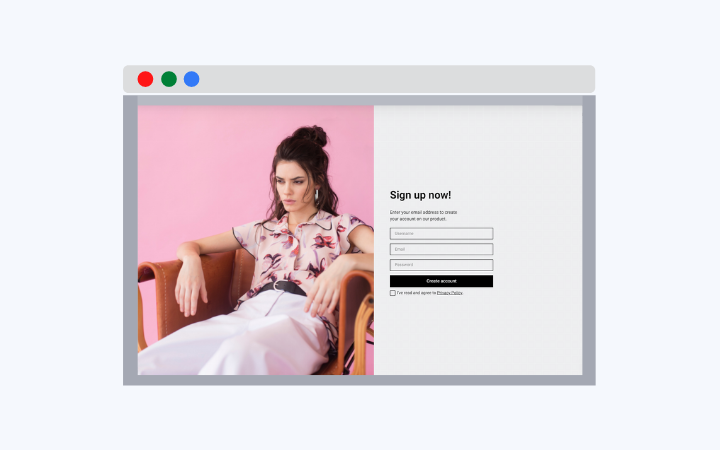
Because a full screen popup covers the visitor's whole screen, it interferes with the user and the website content. That is why it may hurt the website user experience. Unlike other popup types, such as lightbox, sidebar, and floating bar popups, full screen popups fully block the page content.
Do full screen popups hurt SEO?
They can, when one hides the page a searcher clicked for. Google calls a whole-page overlay an interstitial (see our guide to interstitial popups).
Google's August 2016 announcement on mobile interstitials said that from January 10, 2017, pages whose content isn't easily accessible from mobile search results "may not rank as highly". Its first example: "a popup that covers the main content, either immediately after the user navigates to a page from the search results, or while they are looking through the page."
Google's current page on intrusive interstitials and dialogs, updated December 10, 2025, no longer frames it as a mobile issue. It recommends "banners that take up only a small fraction of the screen" and warns: "Don't obscure the entire page with interstitials."
Google leaves room for:
- Legally required interstitials, such as for cookie usage or age verification (2016), or a casino's age gate (current page).
- Login dialogs on content that isn't publicly indexable, such as private email or paywalled content (2016).
- Small banners that are easy to dismiss.
When is a full screen popup worth the interruption?
When the message matters more than the page behind it. Three cases fit best:
- Exit intent on desktop: it appears as the visitor moves to leave, after the content rather than in front of it.
- Age gates: the check must block the page anyway, and Google exempts it.
- One major launch: a product or sale worth announcing once to each visitor.
Across all popup types we power (January 2024 to September 2026), the first two times a visitor sees a popup in a week convert at similar rates (1.33% and 1.22% of displays, pooled); from the third view conversion falls, and from the sixth view it is 0.41%, 31% of the first-view rate. I keep full screen popups for desktop exit intent, capped at one showing per visitor per week, because the format blocks the whole page each time. An age gate is the one case where I'd show one on the first screen a visitor sees from search.
Our 2026 popup conversion benchmark has too few full-screen campaigns to give a reliable rate, so this page quotes none.
For every other moment, a smaller format fits:
| Format | Covers | Better choice when |
|---|---|---|
| Full screen popup | Whole screen | Desktop exit intent, age gates, a major launch |
| Lightbox popup | Center box, page dimmed | One offer every visitor should read |
| Floating bar | Top or bottom strip | Short notices, and visitors from mobile search |
| Sidebar popup | Side or corner | Blog posts, where the article comes first |
Popupsmart builds all four formats, targeted by device, exit intent, scroll depth and frequency caps; its popup templates are organized by campaign goal.
How do you display a full screen popup without annoying visitors?
Show it to fewer people, later, and make it easy to leave. Visitors decide fast: across all popup types we power, 71% of visitors who close a popup do so within 5 seconds of it appearing.
- Like other popup types, full screen popups should have configured display settings which determine the right time and right audience to show the popup.
You may configure the advanced display and targeting settings for your popups with a smart popup builder service like Popupsmart.
Display settings ensure that popups are viewed by the users who are most likely to engage with their content and take the desired action, which contributes to the conversion rate of a website.
- The design of a full screen popup is as significant as its content. The delivered message should be to the point and suitable for the website’s overall tone.
- The call to action (CTA) button on the full screen popup should be clear and prompt the visitor to act.
How should a full screen popup close?
The WAI-ARIA dialog (modal) pattern sets the rules:
- Focus moves inside when it opens, and Tab stays inside.
- Escape closes it.
- On close, focus returns to the element that opened it, or another logical place.
- A visible close button sits in the tab order.
Before one goes live, I check it with the keyboard alone: Tab through it, press Esc, and see where focus lands.
Full Screen Popup Related Terms
Full Screen Popup Related Articles
- Popup UX Design: Common Mistakes & What To Do Instead
- How to Create Popups in WordPress Without Plugins?
- Popups Convert & Here is Why with Popup Statistics & 10 useful TIPS