
How Segmentation Works?
Enhance engagements with Popupsmart's segmentation. Learn how it optimizes campaigns by targeting specific audiences effectively.
We all know that the best way to show our popup campaign is related to finding the best segmentation along with the other designs.
After you have done with your customization and adjusted the style of your popup, it's time to manage the segment to target the most related audience for your campaign.
Popupsmart has useful and direct segmentation options to help you reach your target.
Let's learn how the segmentation of Popupsmart works!
How to Configure Segmentation
Go to Segment Step
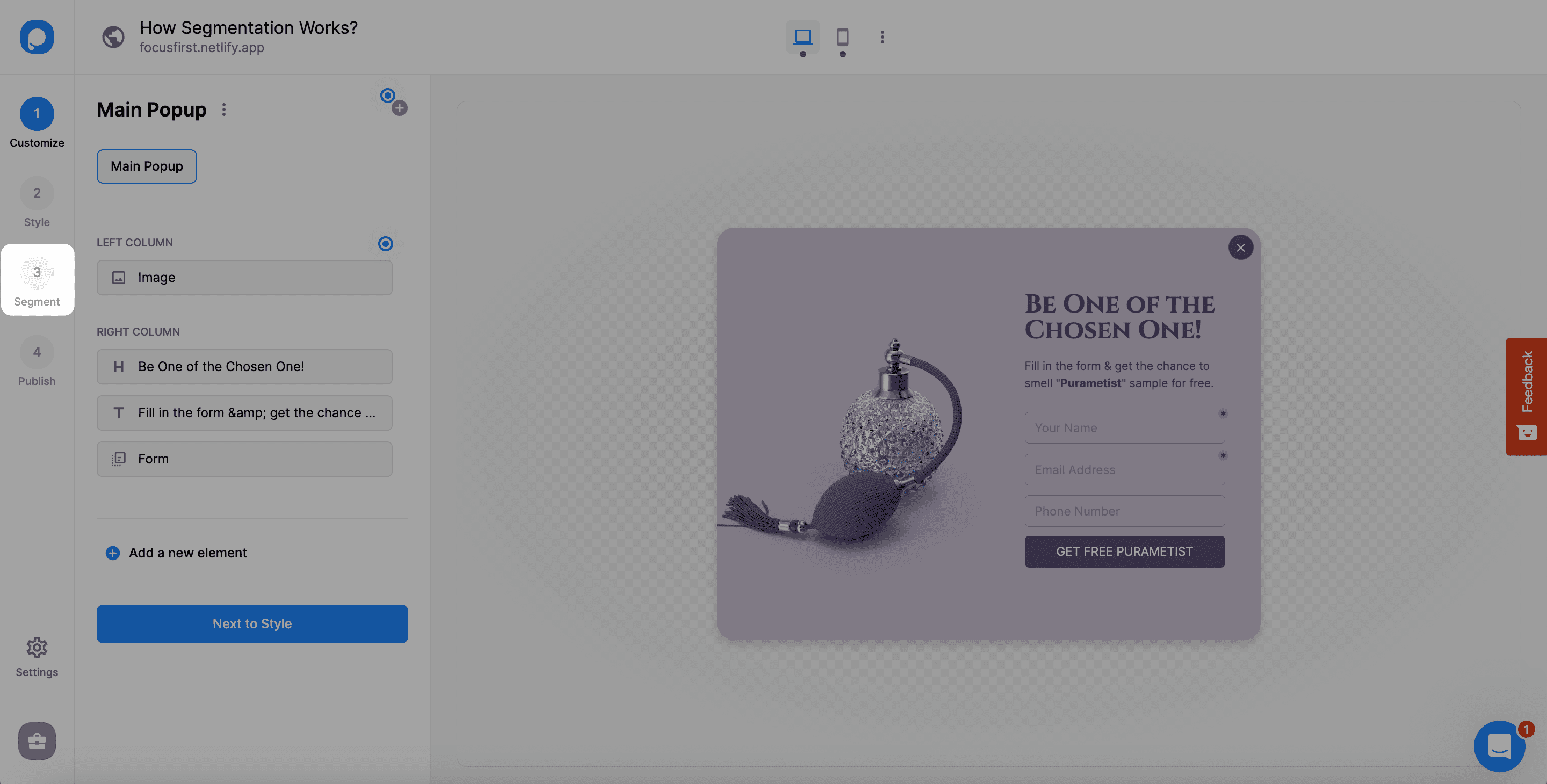
Since we have created our campaign and made arrangements on the Customize and Style steps, click Segment to start.
Change or Edit Segment
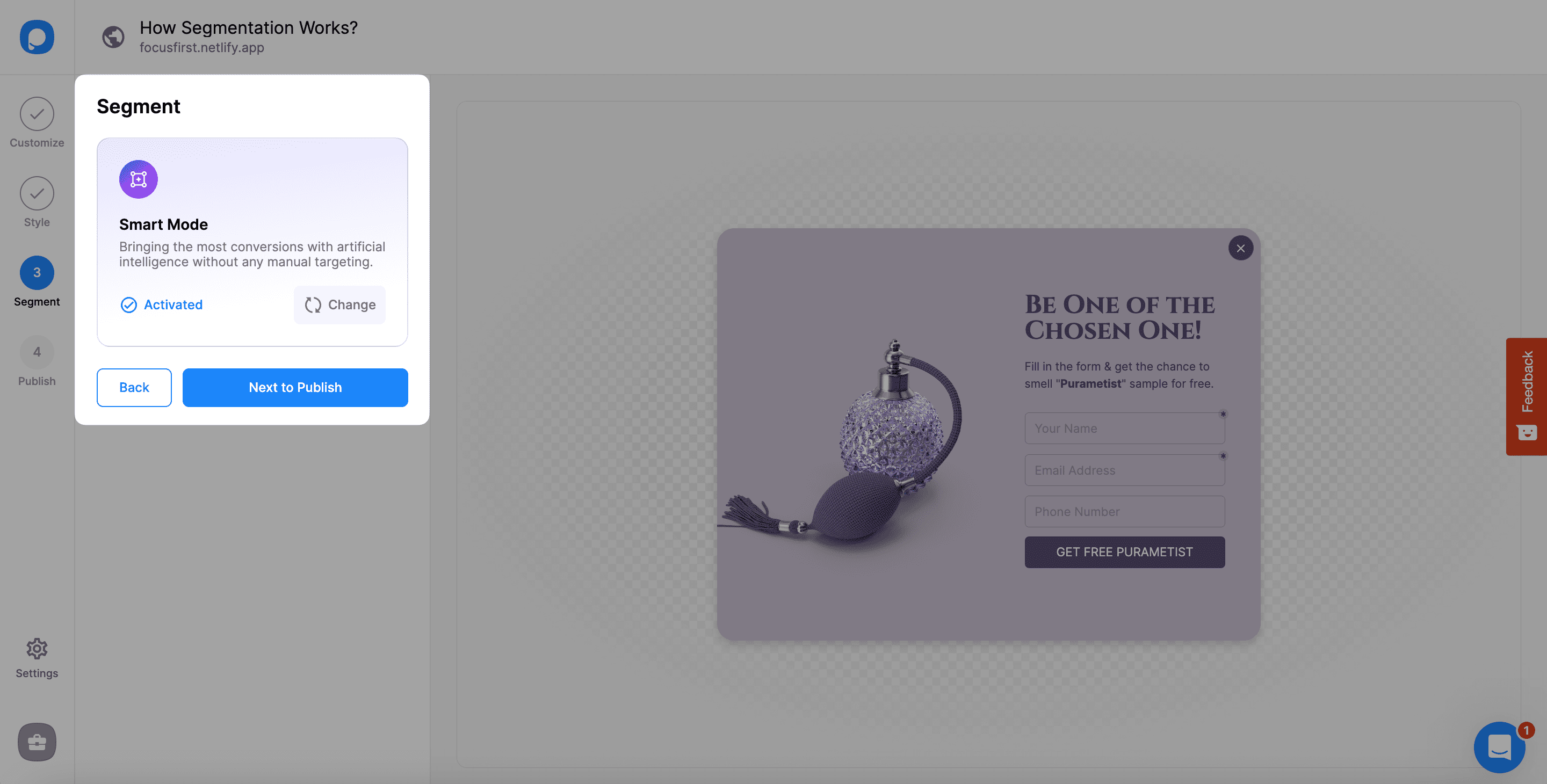
Since every template on Popupsmart's template gallery comes with a segment, you need to click "Change" to see the other customization options. If another current segment is available on this step, you can arrange it by clicking "Edit."
Choose Predefined or Custom
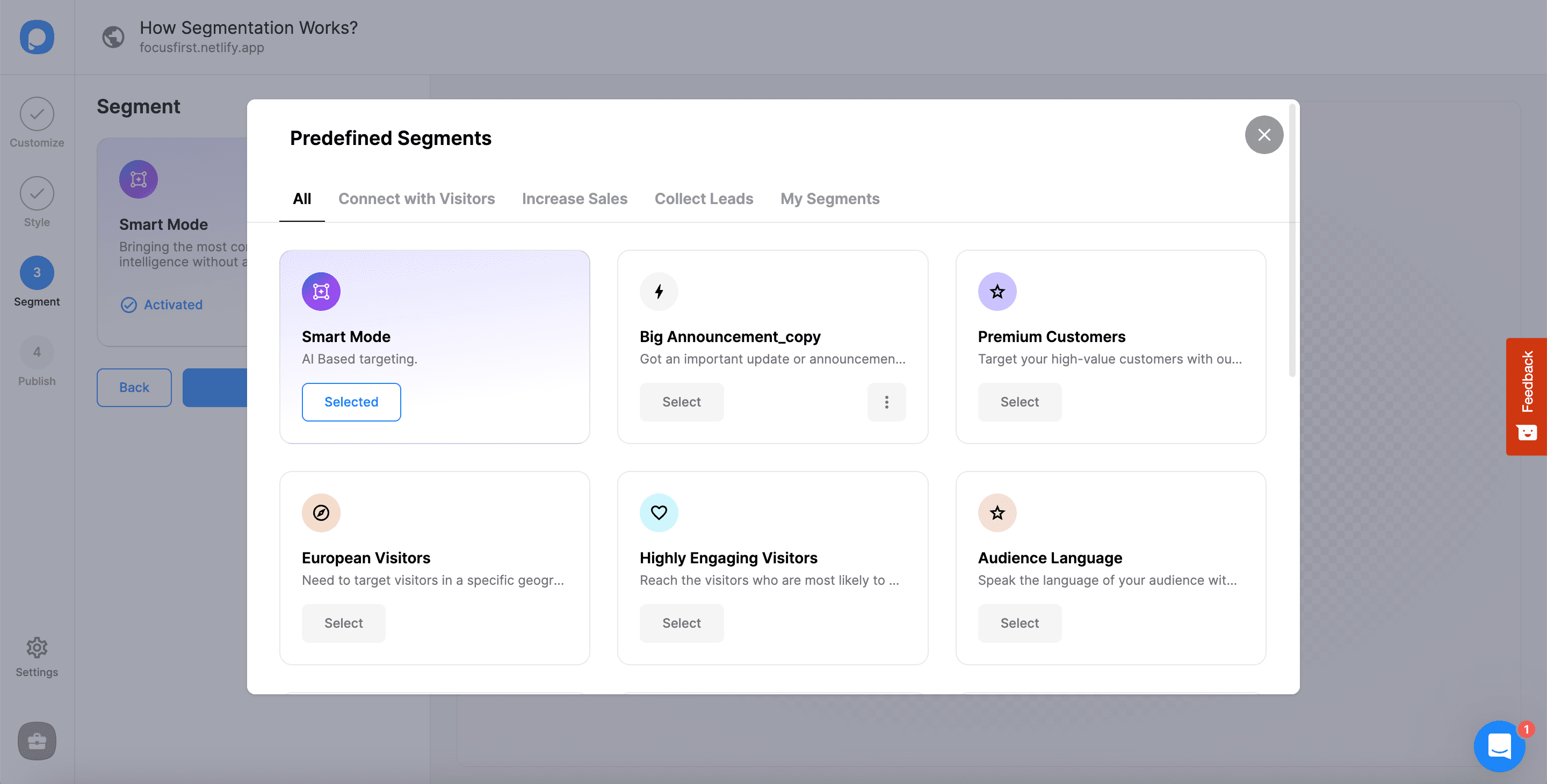
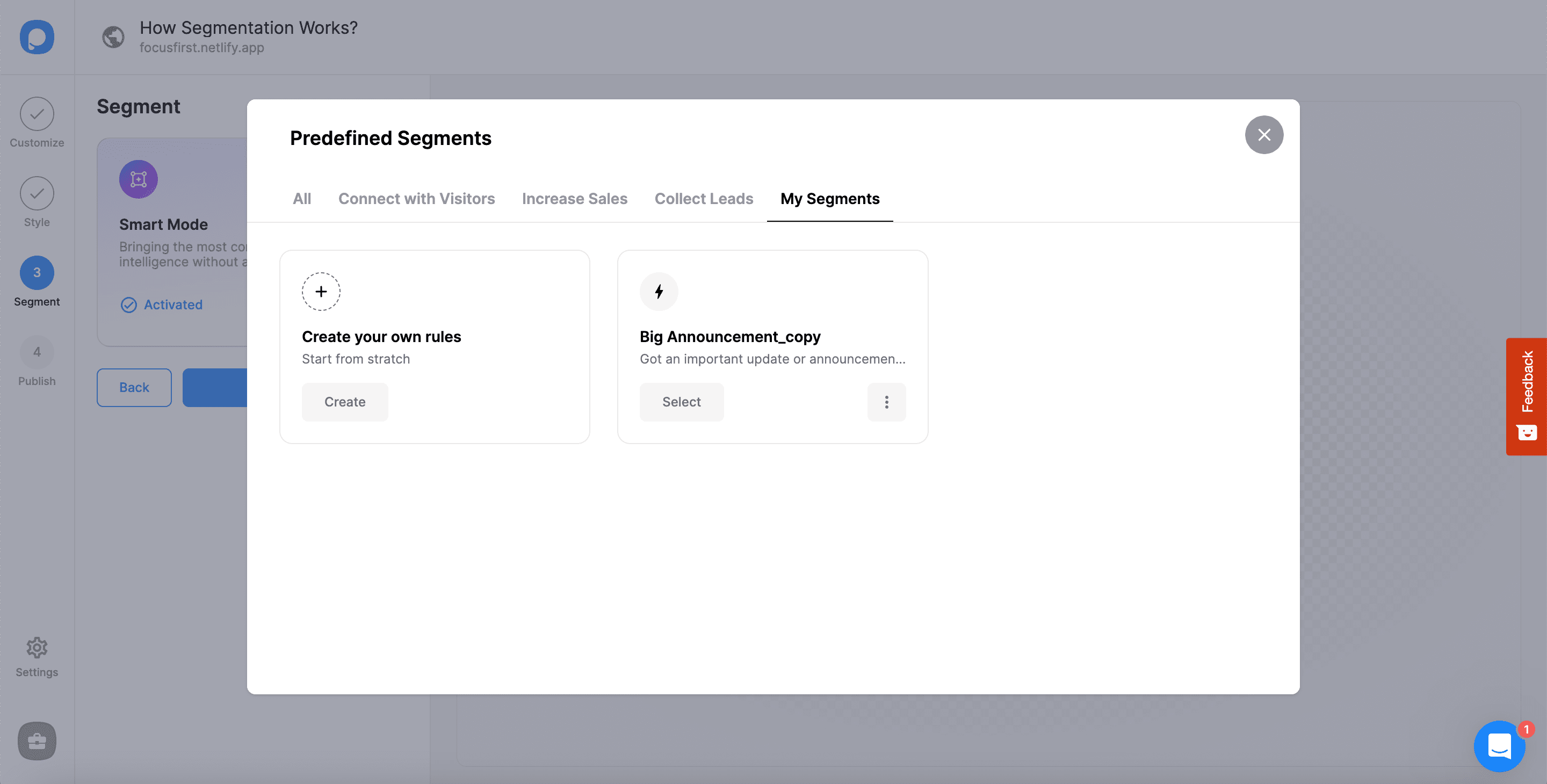
A modal of Predefined Segments will show up, and you have options there. You can choose among the specific titles or create your own segment on "My Segments."
Configure Audience Targeting
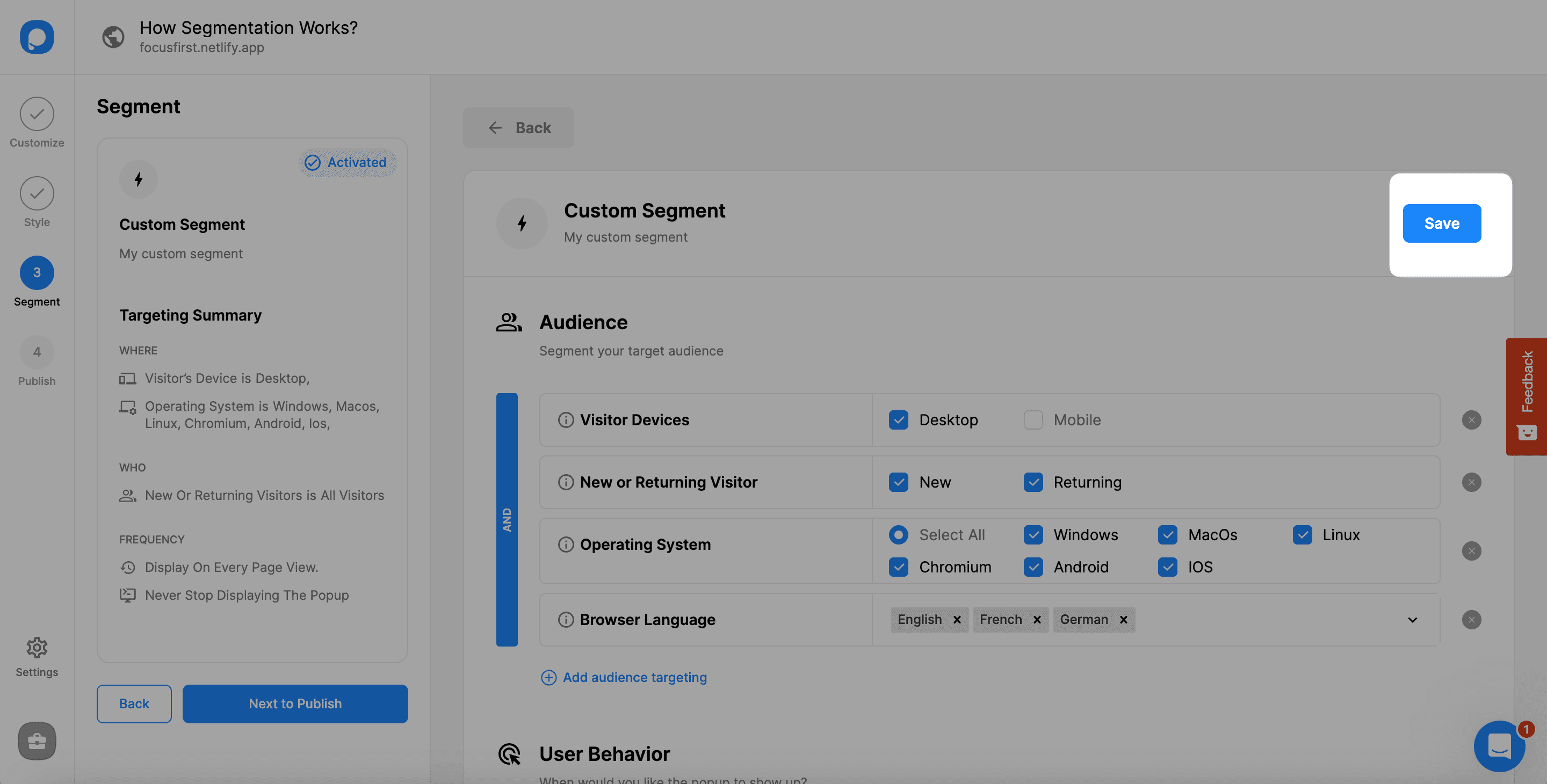
The first part of the Segment is "Audience," where you can target your audience. Click "Add audience targeting" to reach the options.
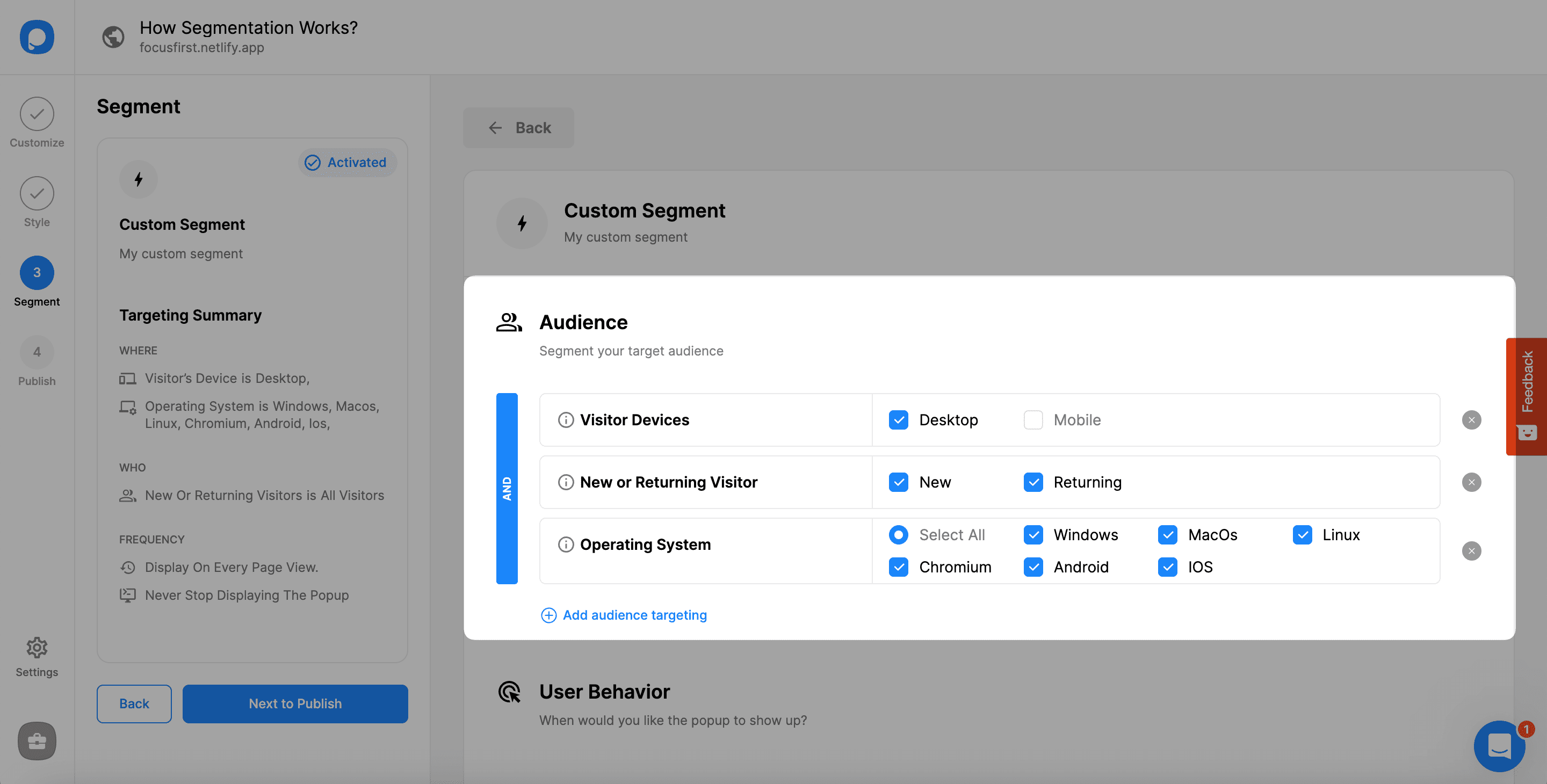
Choose Audience Options
The options for Audience targeting include different segmentation related to the device, location, website, language, and source of your audience. You can add more than one of them based on your needs.
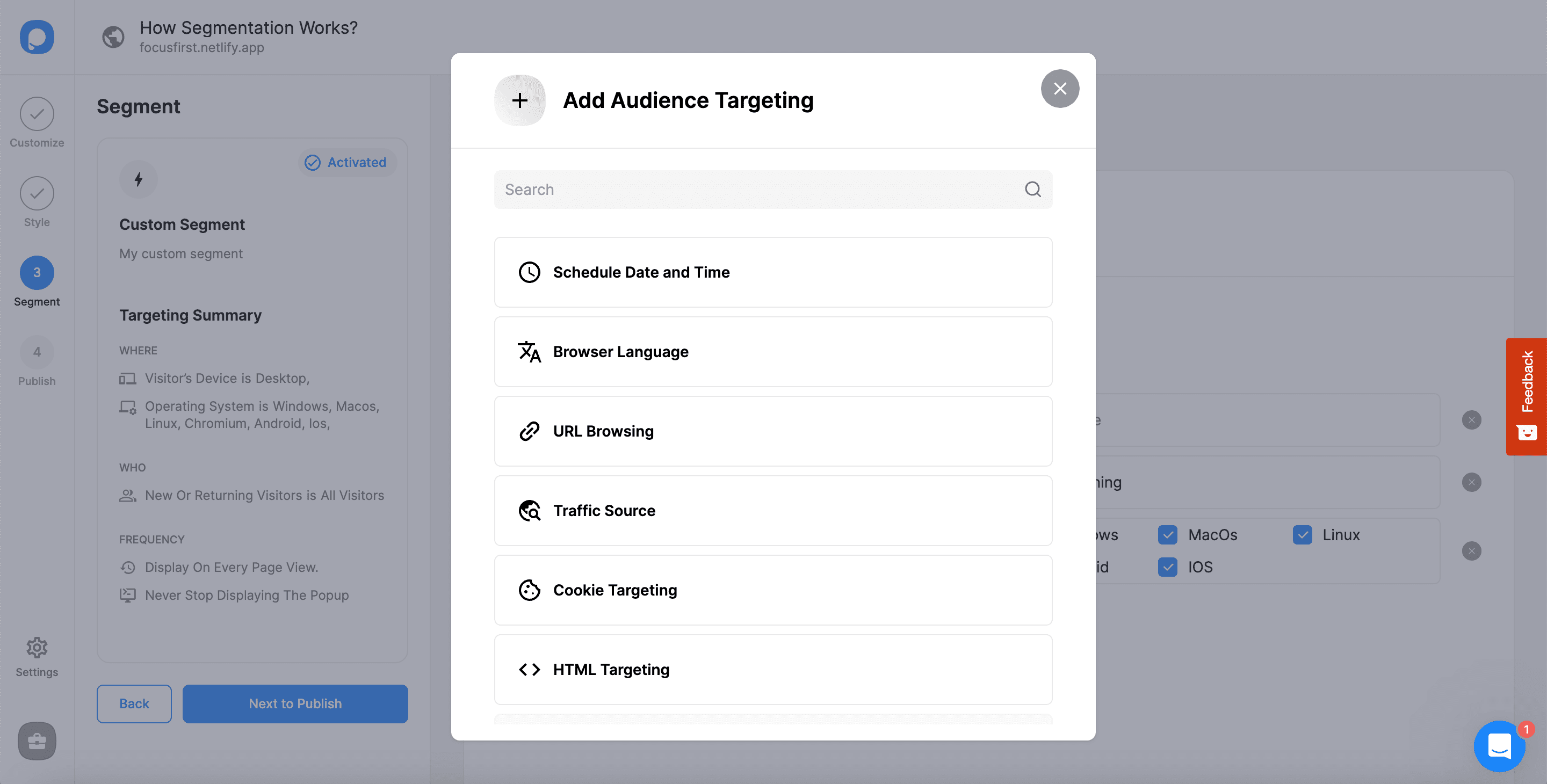
Configure User Behavior
The second part is "User Behavior," where you can decide when to show your popup based on their behavior. Click "Add user behavior targeting" to see the options.
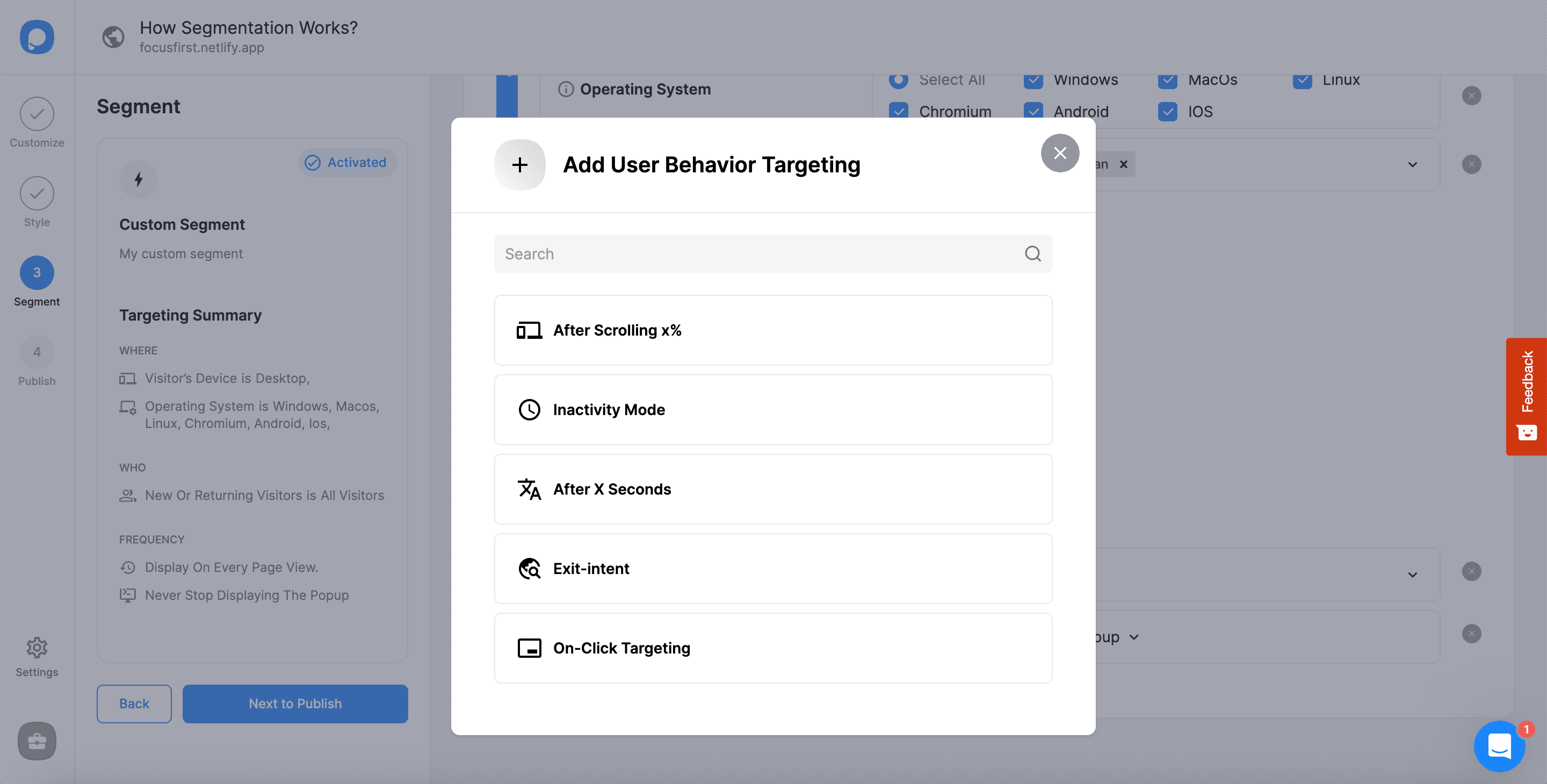
Set Frequency Settings
The last part is "Frequency Settings," where the frequency of popup appearance is determined. For more information about the frequency settings, please take a look at Popup Display Frequency Settings.
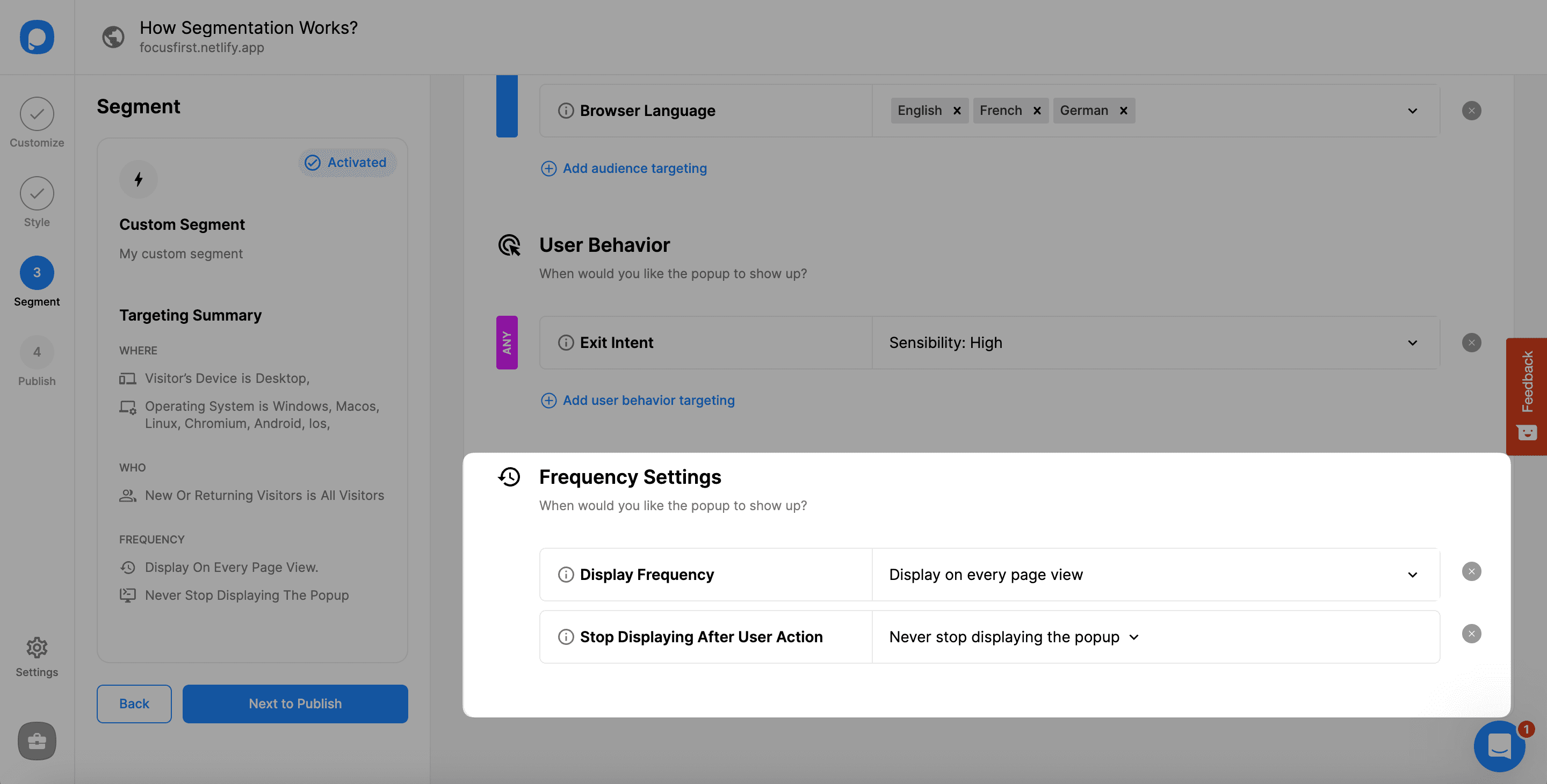
Save Your Segment
When you complete all the segments, you need to scroll up and click "Save" to save all the arrangements. You can also see the Targeting Summary of your Custom Segment on the left side easily after you save the changes.
Best Practice
Don't forget that you need to decide your segmentation based on the behavior and timing of your audience to make the most of your campaigns. Find your target audience and then segment for your campaigns.
While doing so, feel free to contact us if you have any questions in your mind.
How is this guide?