
How to Connect Your Popupsmart Campaign with a Webhook
Seamlessly integrate Popupsmart to Webhook. Learn how to make it for efficient data transfer and streamlined campaign management.
You can use Popupsmart's webhook integration if you want to configure a webhook for your campaign with ease.
Follow this guide below to easily connect a webhook to your popup campaign to receive your campaign's submitted data.
How to Set Up Webhook Integration
Create Campaign
After signing in to your Popupsmart account, create the best campaign by choosing a ready-made template or a blank popup with a form input element. On the popup, select the form input element or add a form input element if there isn't any.
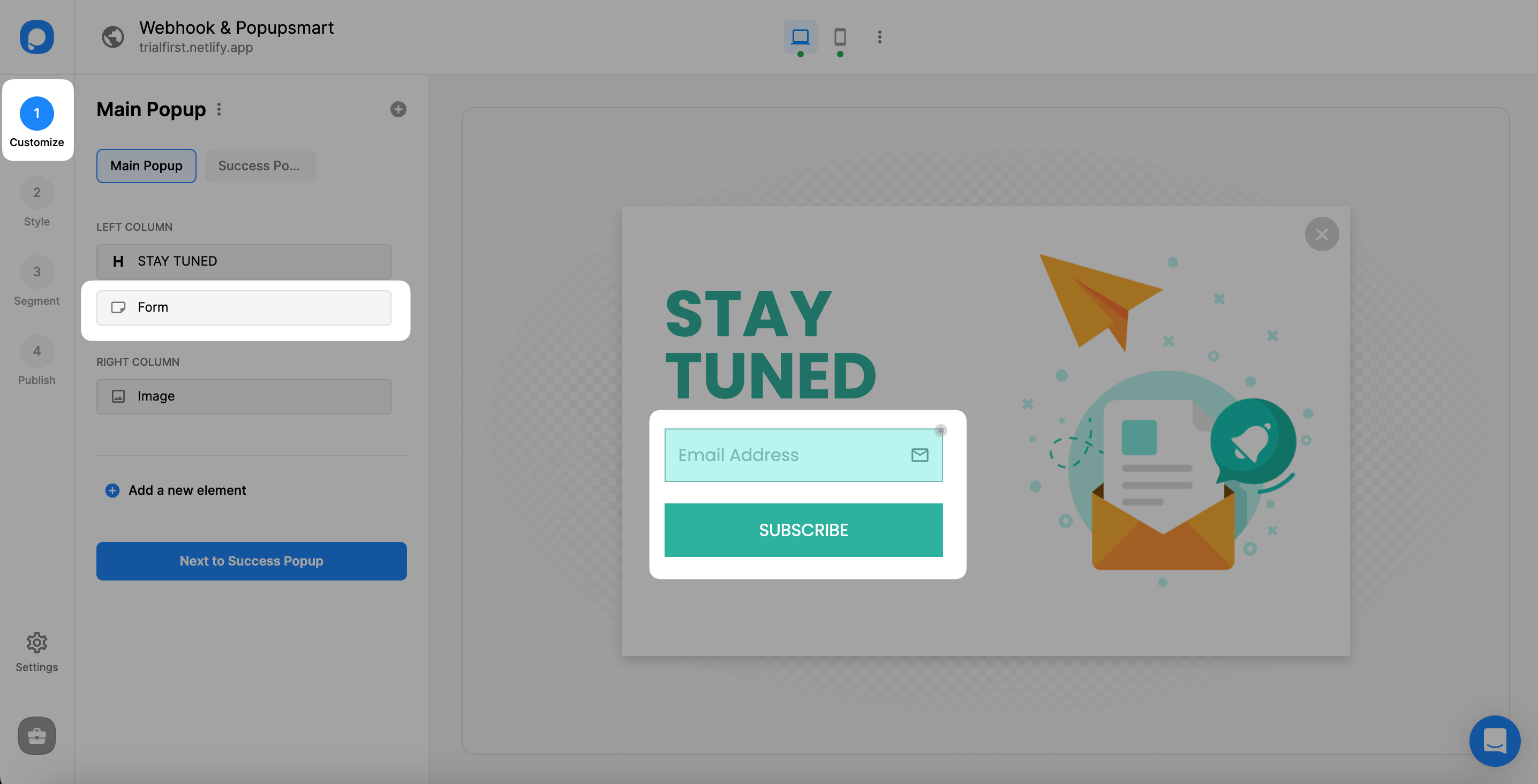
With this integration, you only take the related data with the related integration.
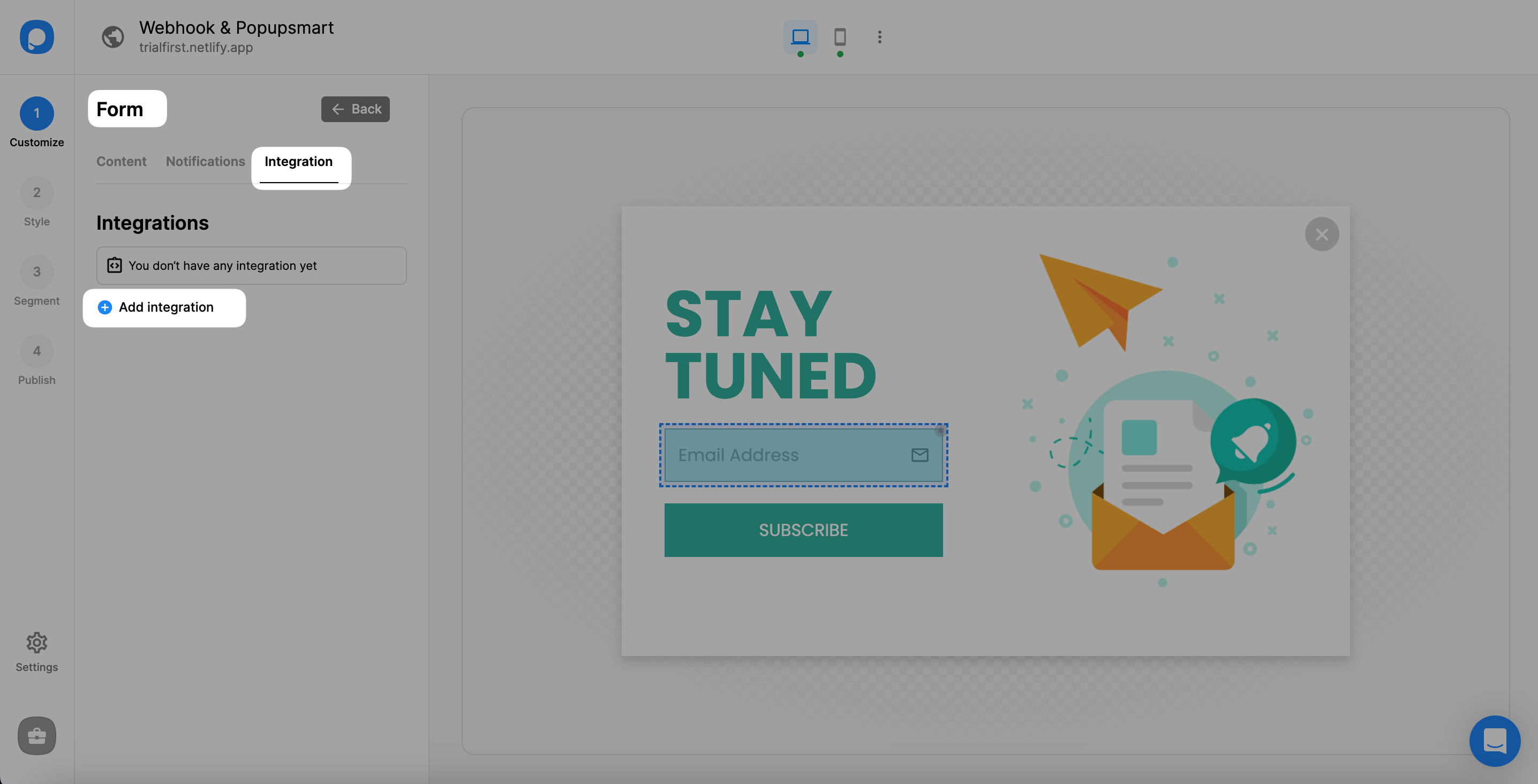
Connect Webhook
Click the "Connect" button on the Webhook section at the end of the integration list.
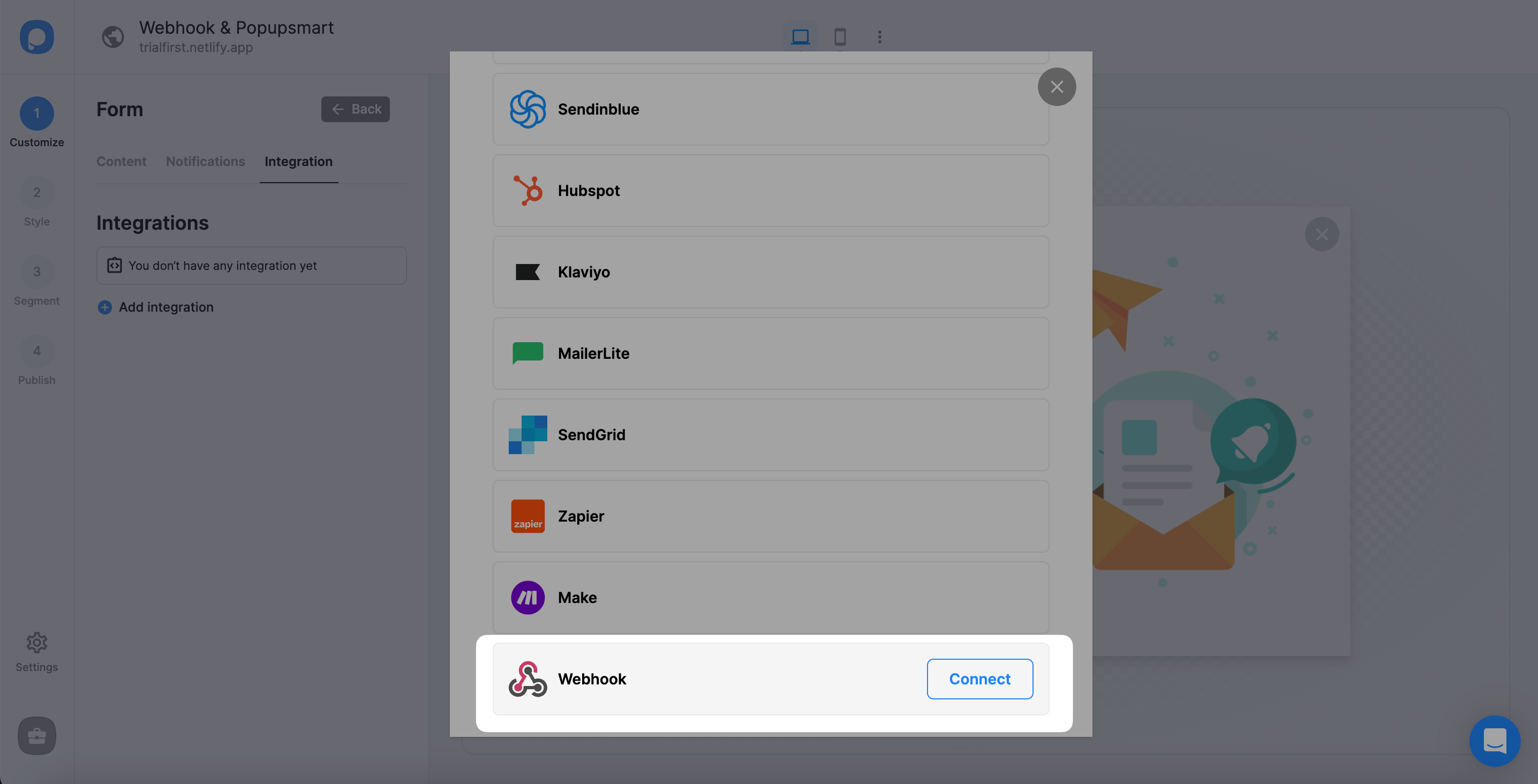
Save Connection
Fill in the blanks with your 'Connection name' and 'Webhook URL.' Then, click "Save."
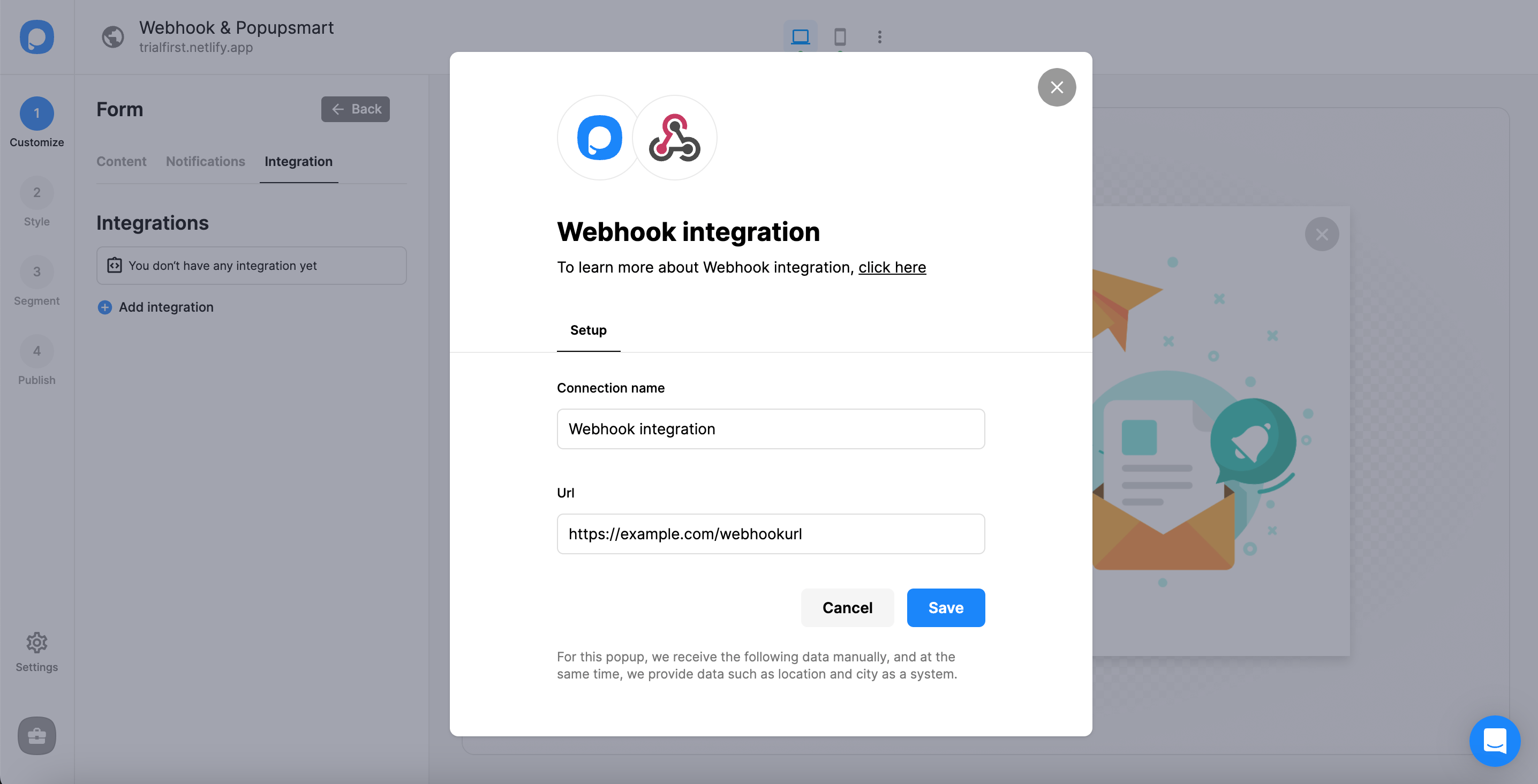
That's all! You have completed your integration.
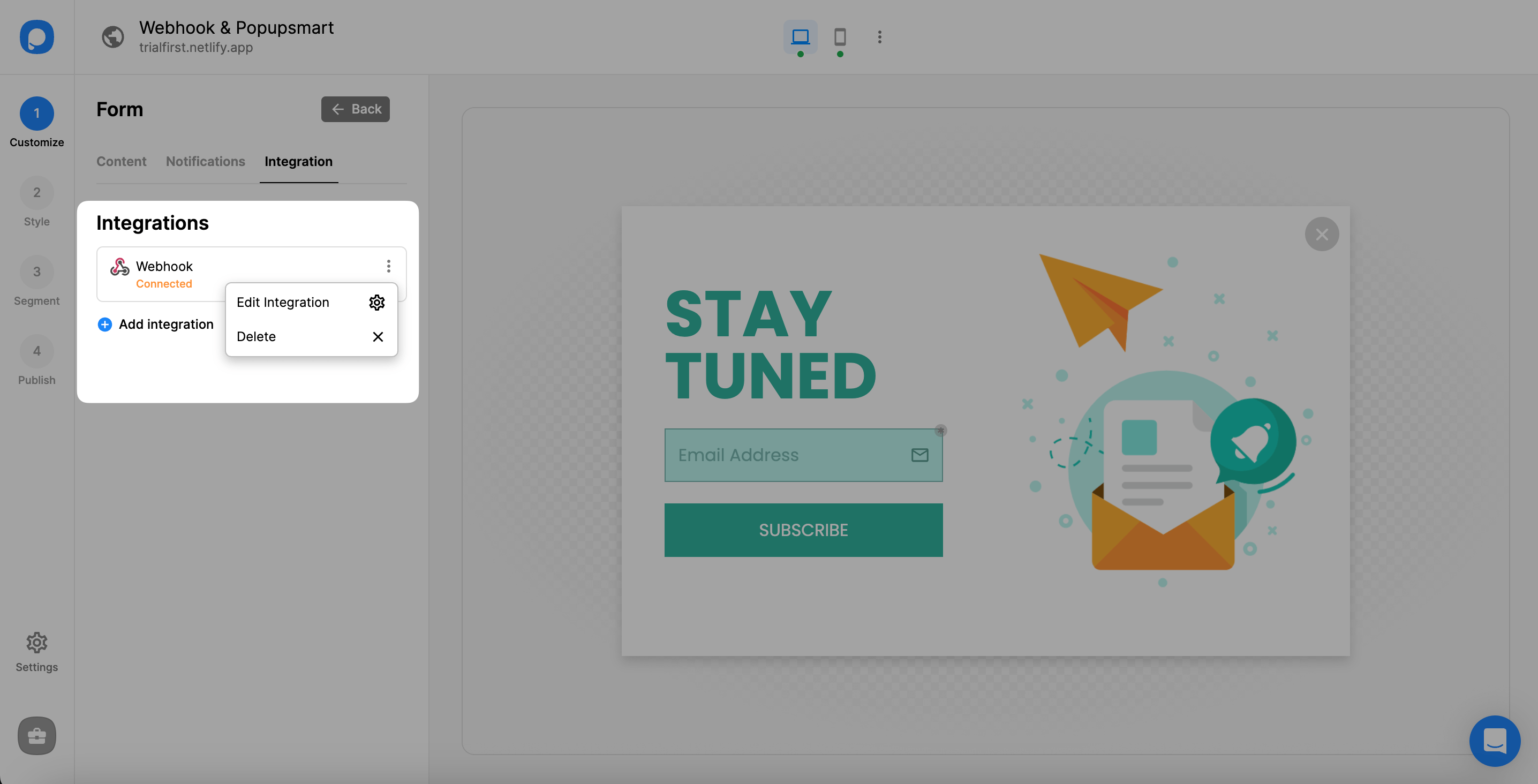
We will send you your form data to your Webhook URL seamlessly when you arrange all the details related to your website.
That's how you can collect leads and check the events on your website.
Note
As an important side note, you can lead the same process on the Settings part of your dashboard.
If you have any other questions about Webhook integration, feel free to mail us!
How is this guide?