ChatGPT
 Perplexity
 Claude
 Grok
Grok Google AI Mode
Which popup belongs on your website? That depends on what you want it to do, and there are plenty of options.
This post starts from the goal. If you want the formats instead (lightbox, fullscreen, floating bar, slide-in), our guide to types of popups covers them.
Maybe you're wondering which popup brings the most conversions, how to generate quality leads, or when to show a popup at all.
The use cases below each come with a goal, a moment to show the popup and what our benchmark data says about it, plus a few tips along the way.
First, a quick definition.
What is a Popup?
Popups are windows that suddenly pop up in the foreground of a visual interface.
If you still think popups are evil, look at the numbers first.
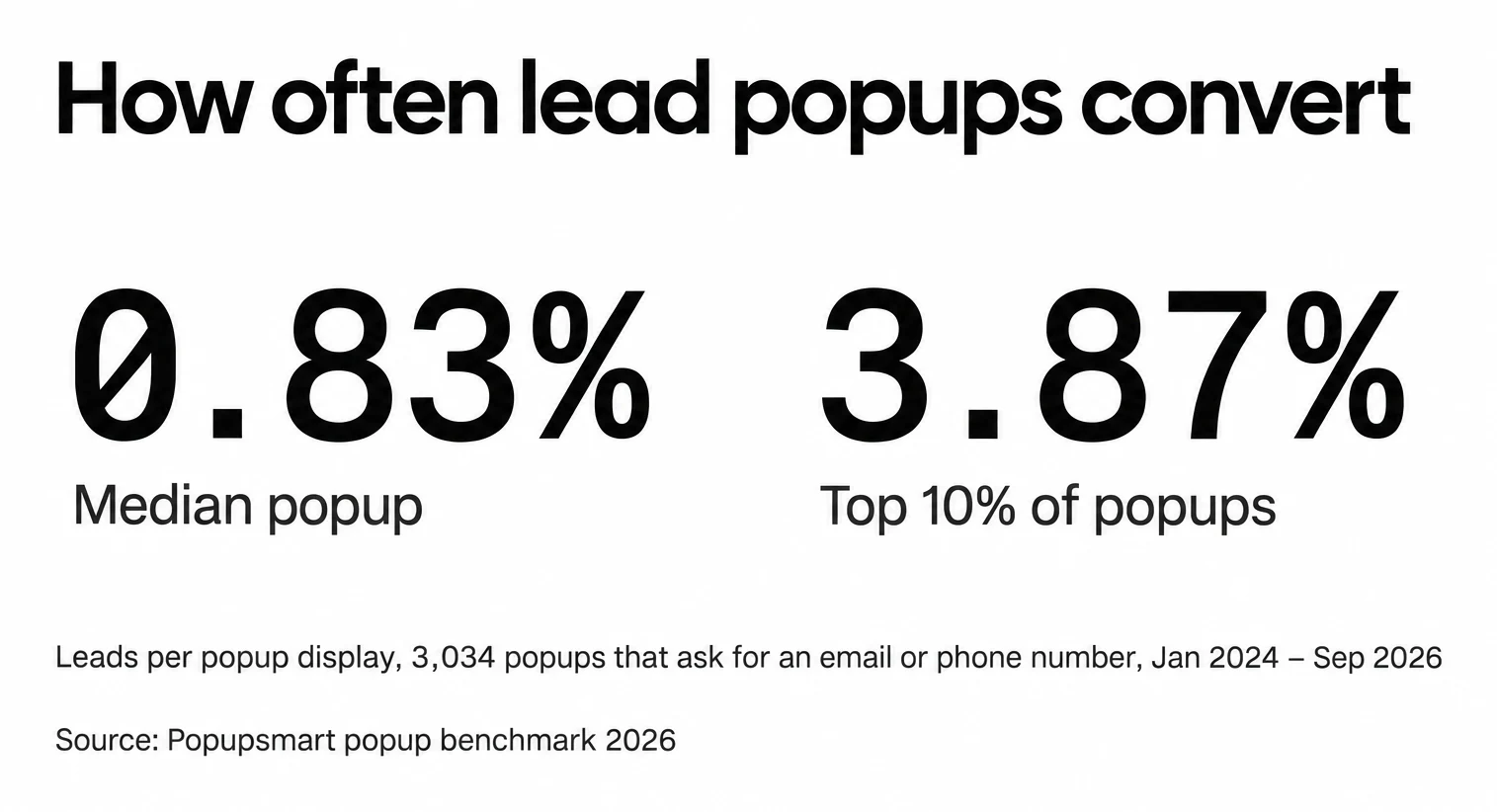
Our own data shows they work. Across 3,034 Popupsmart popups that ask for an email or phone number (January 2024 - September 2026, each with at least 1,000 displays and 14 active days), the median converts 0.83% of its displays into leads; the top 25% reach 1.96% and the top 10% reach 3.87%.
The catch is knowing how to use them. Run the same popup on every page and your conversion rates may be low.
The problem with generic popup campaigns is that they’re not optimized for different pages on your site.
Picture showing your popup only to the people most likely to buy from you. You'd focus on converting that audience instead of wasting money on popups every visitor sees.
When Should You Use Popups?
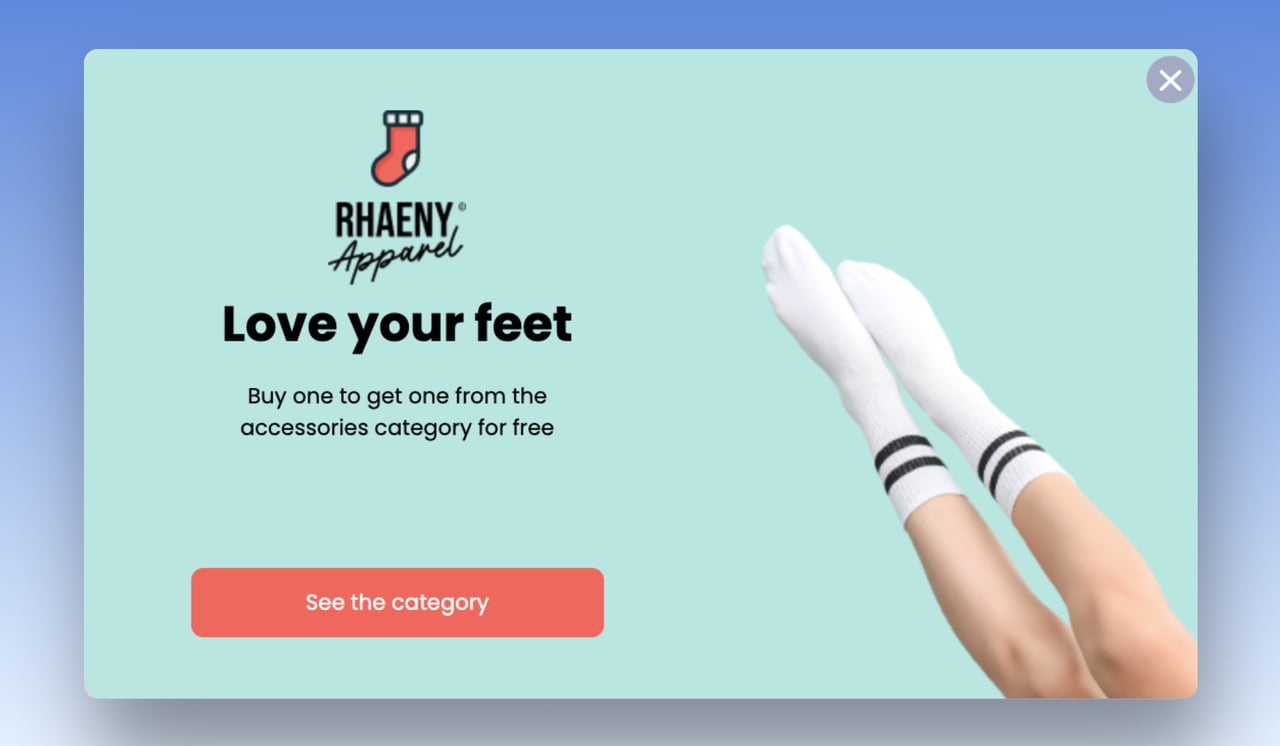
Popups should only appear on pages that hint at specific types of content or offers that may be of interest to the visitor.
Many digital marketers fear that popups drive visitors away and spoil the user experience.
Used well, they do the opposite and bring in high-quality leads and conversions. So yes, popups convert, but only at the right time and place.
Timing shows up clearly in our data. In our benchmark, 71% of visitors who close a popup do so within 5 seconds of it appearing, and 61% of popup leads are submitted within 30 seconds of the popup appearing. A visitor decides fast, so the offer has to match what they came for.
Any popup you display on your website should be relevant to the visitor and presented creatively and amusingly.
Visitors who seem to have a short attention span often aren't bored by your content or product. They don't know their way around the site, or where to begin.
That's where navigational popups help. Take a look at this one:
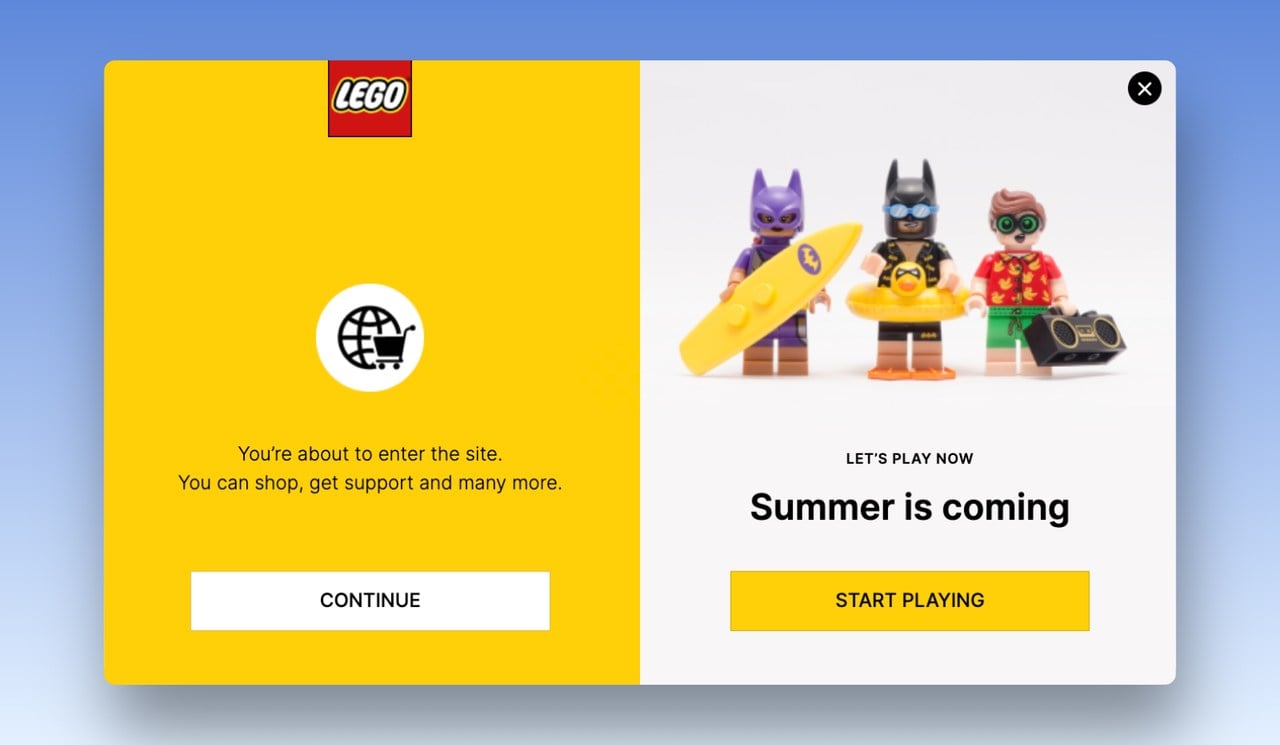
People focused on a task are prone to "inattention blindness": they miss something obvious.
That's when a popup is worth the interruption. An eye-catching overlay and a clear call to action catch their attention and point them where you want them to go.
Interrupt with care, though. Nielsen Norman Group's 2019 review of popups found that most overlays "appear at the wrong time, interrupt users during critical tasks, use poor language, and contribute to user disorientation." Each use case below names a moment that avoids those traps.
What are the Popup Use Cases?
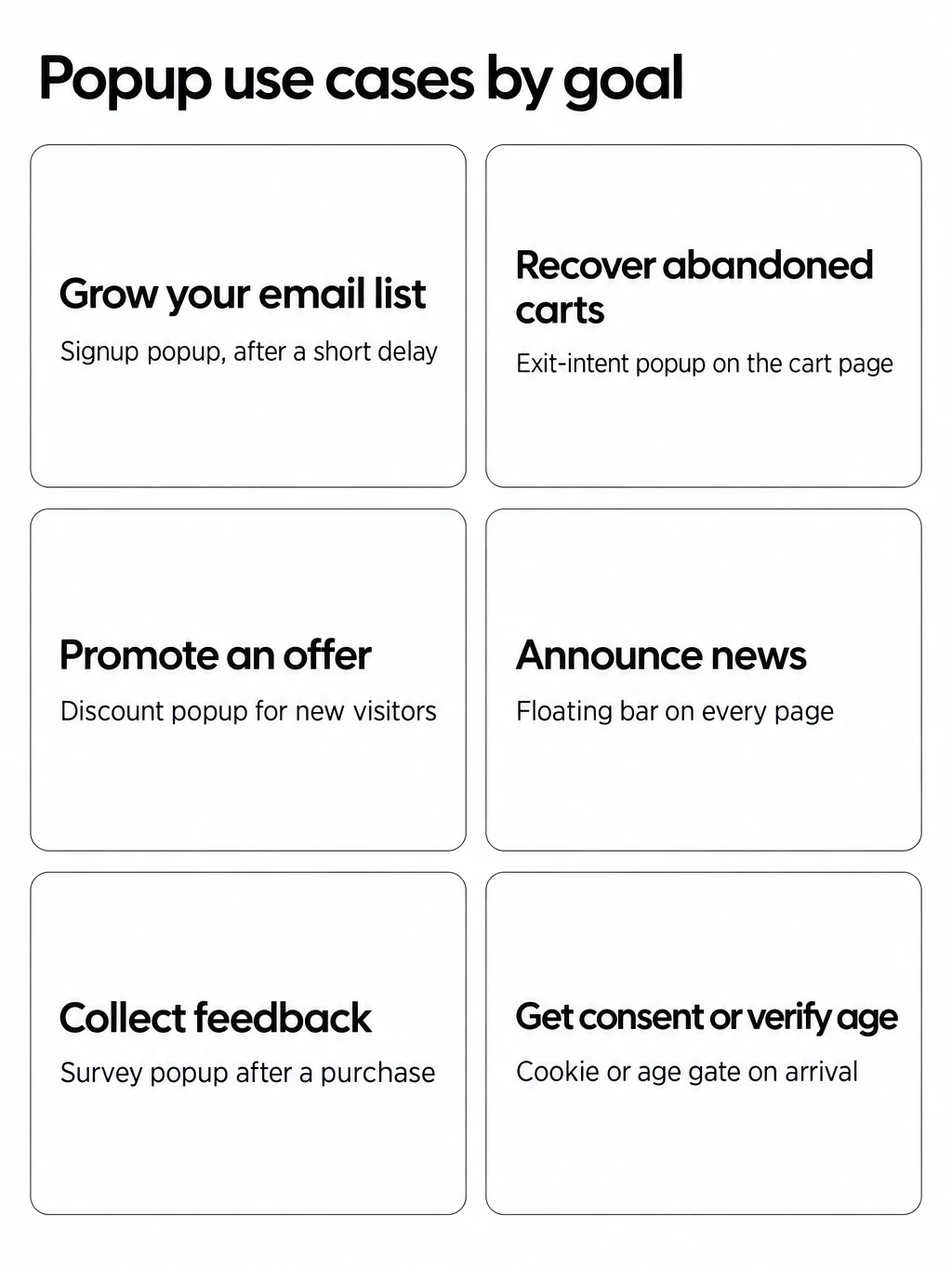
The use cases below are grouped by the goal each one serves, with examples you can adapt for an e-commerce website.
| # | Use case | Goal | When to show it | What our benchmark says |
|---|---|---|---|---|
| 1 | Informational popups | Tell visitors about a change | On arrival, on the pages the news affects | Not measured |
| 2 | Email list popups | Grow your email list | After a short delay, to new visitors | Median lead popup: 0.83% of displays |
| 3 | Cookie consent and age verification popups | Meet a legal duty | On the first visit, before browsing | Not measured |
| 4 | User login popups | Turn visitors into registered users | When a visitor reaches a member-only action | Not measured |
| 5 | Lead magnet popups | Trade a resource for contact details | On pages about the same topic | One or two fields: 0.88% and 0.94%; three fields: 0.56% |
| 6 | Limited-time promotion popups | Sell before a deadline | Only between the campaign dates | Discount code: 1.46% vs 0.75% without |
| 7 | Product recommendation popups | Raise order value | On product and cart pages | Not measured |
| 8 | Cart abandonment popups | Recover abandoned carts | On cart and checkout pages, as the visitor leaves | Cart and checkout pages: 4.57% vs 1.07% on the home page |
| 9 | Testimonial popups | Build trust before the purchase | On product and pricing pages | Not measured |
| 10 | Feedback rating popups | Collect feedback | After a purchase or after the visitor reads a page | Not measured |
| 11 | Phone call popups | Get calls or phone numbers | On contact, pricing and service pages | Phone-only forms: 0.46% vs 0.88% for email only, not reliable |
| 12 | Coming soon popups | Build a list before a launch or restock | On out-of-stock and launch pages | Not measured |
| 13 | Social media popups | Grow your followers | After the visitor has engaged with the page | Not measured |
"Not measured" means our benchmark counts leads (email addresses and phone numbers) and clicks, so it has no rate for consent, feedback or follow popups. We'd rather leave the cell empty than guess.
1. Informational Popups
Not every visitor to your website knows your brand or product, so keep them informed about your latest updates and products.
An informational popup is the simplest way to do it.
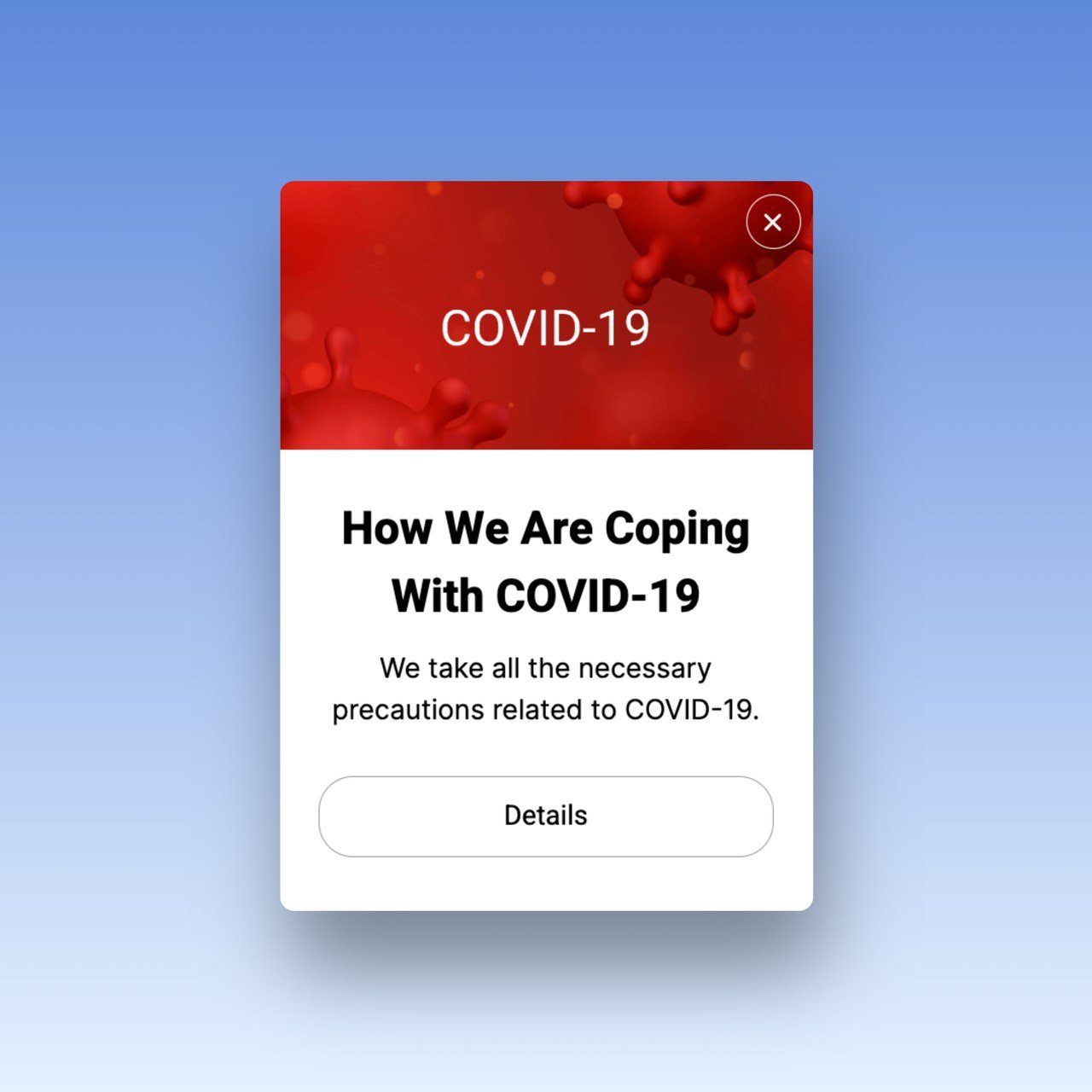
Informational popups are simple messages that you can send to your store customers.
They can be purely informational, like sending out a notice about changing your store hours, or they can be linked to a call-to-action, such as offering a discount on an item when the customer purchases another product.
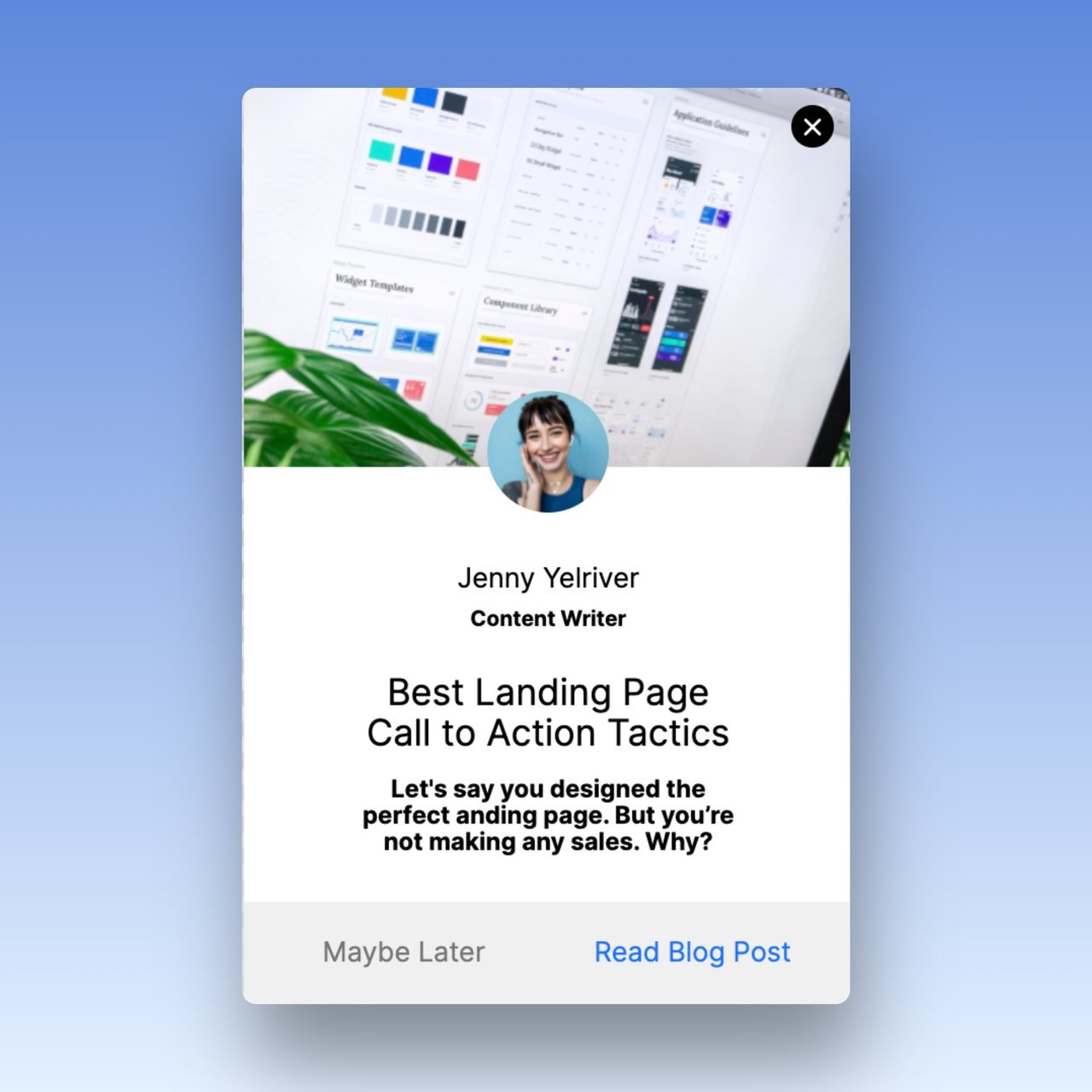
- Goal: tell visitors about something that changes their visit: new store hours, shipping delays, a new article or feature.
- When to show it: on arrival, only on the pages the news affects, and once per visitor. For news that should stay visible on every page, a thin bar works better than a popup; see our announcement bar examples.
- What our benchmark says: nothing; an informational popup doesn't collect leads, so judge it by clicks on its link.
2. Email List Popups
Email popups are the most common way to collect email addresses from visitors.
The goal is to convert targeted visitors into email leads without spoiling their visit. Once you have the address, you can follow up personally and offer the products or services that suit them.
A few ways to collect emails from prospects with a popup:
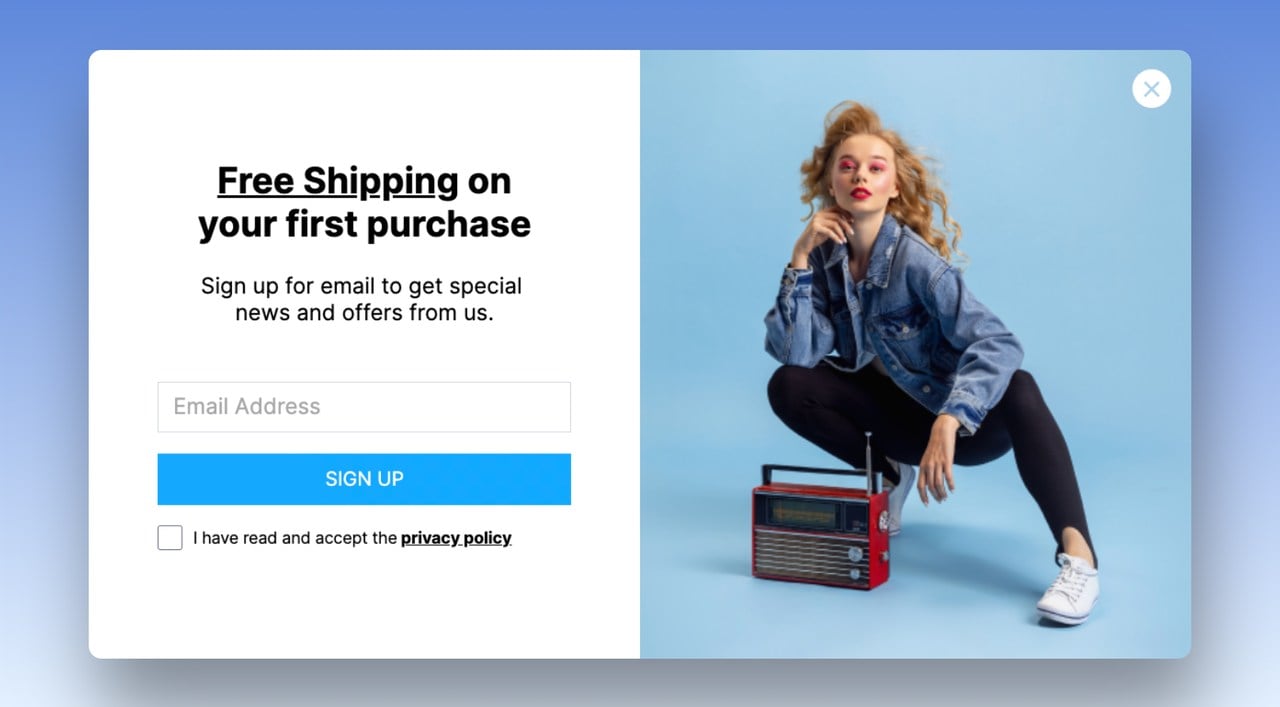
- Offer Free Shipping
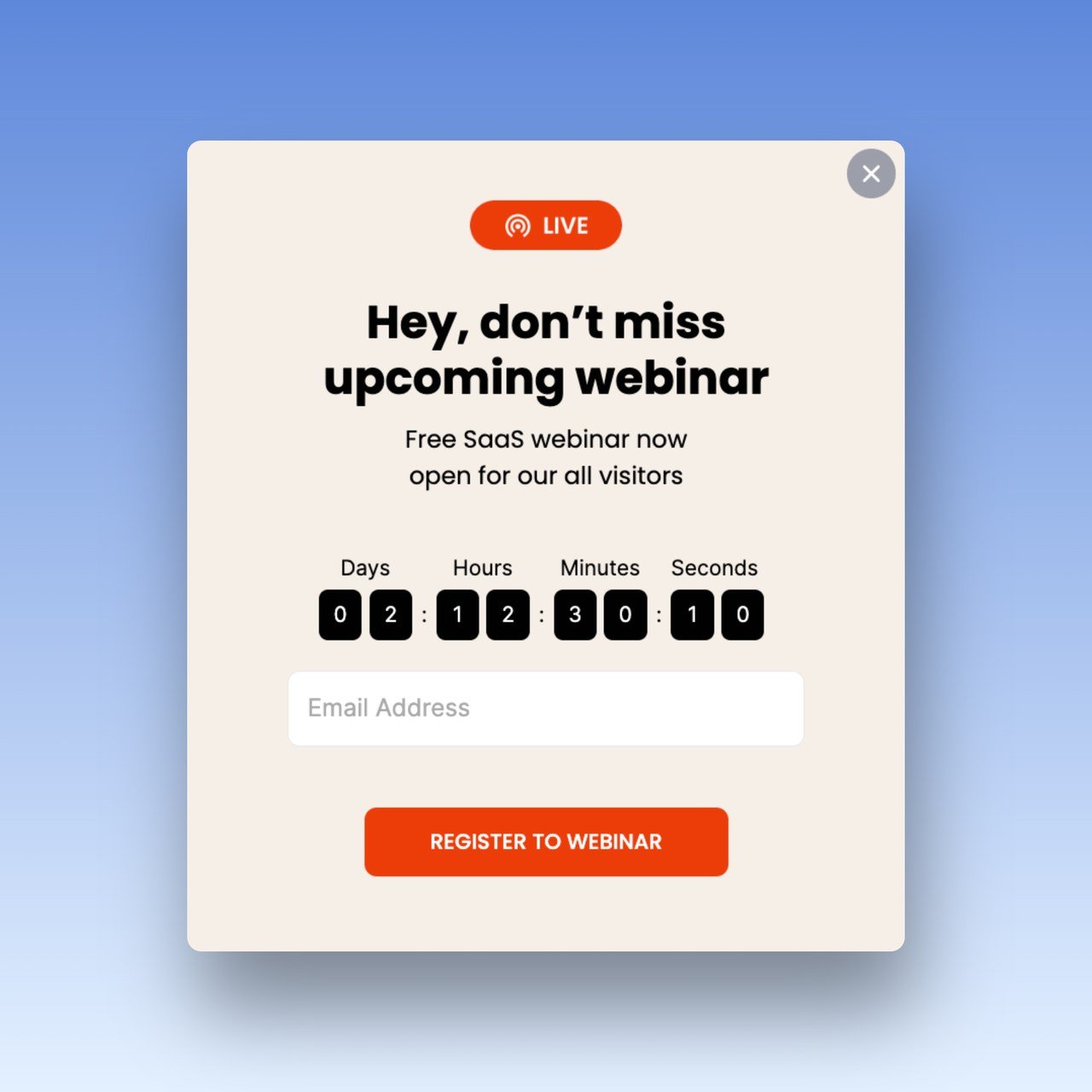
- Promote Free Webinar Invitation
- Offer Free E-Book
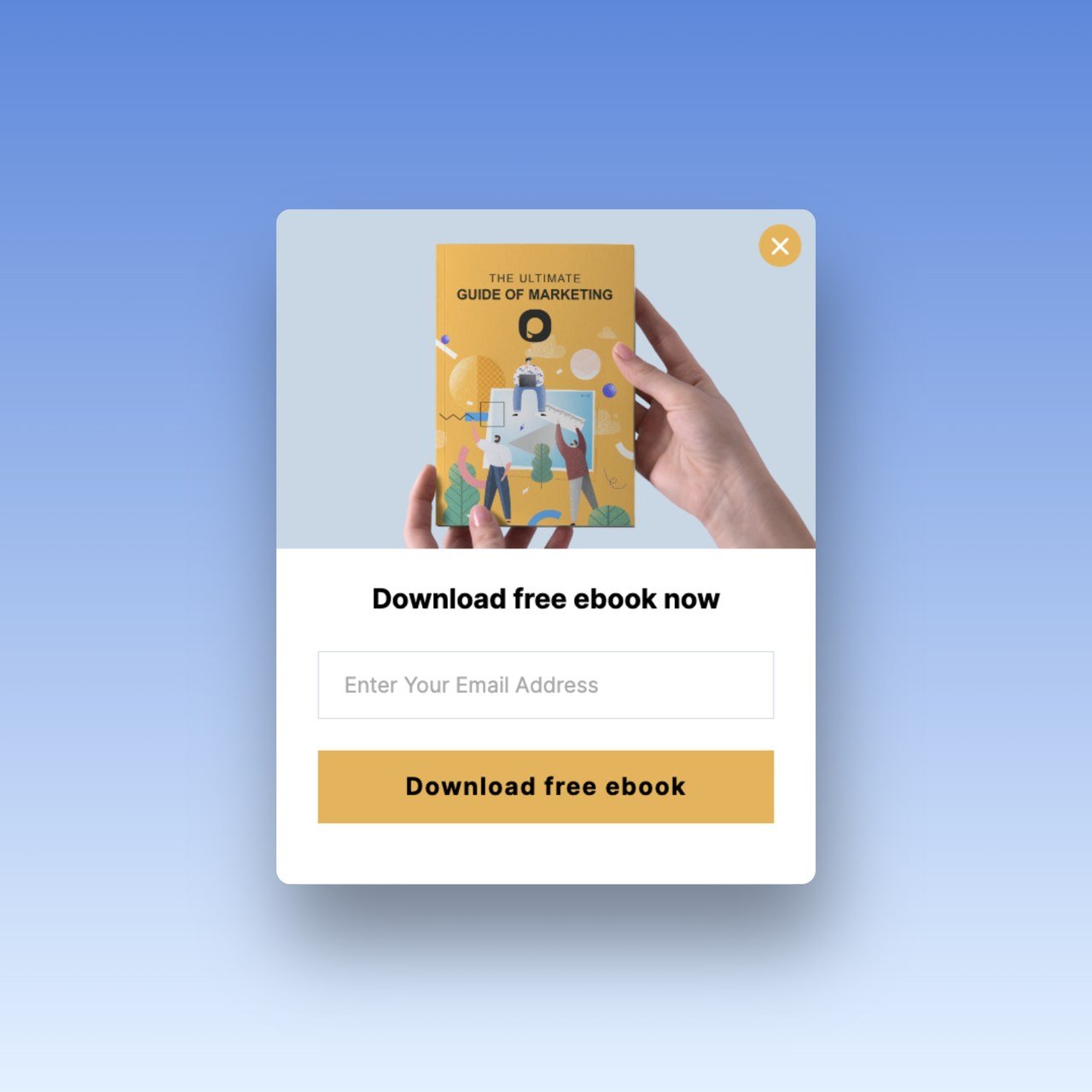
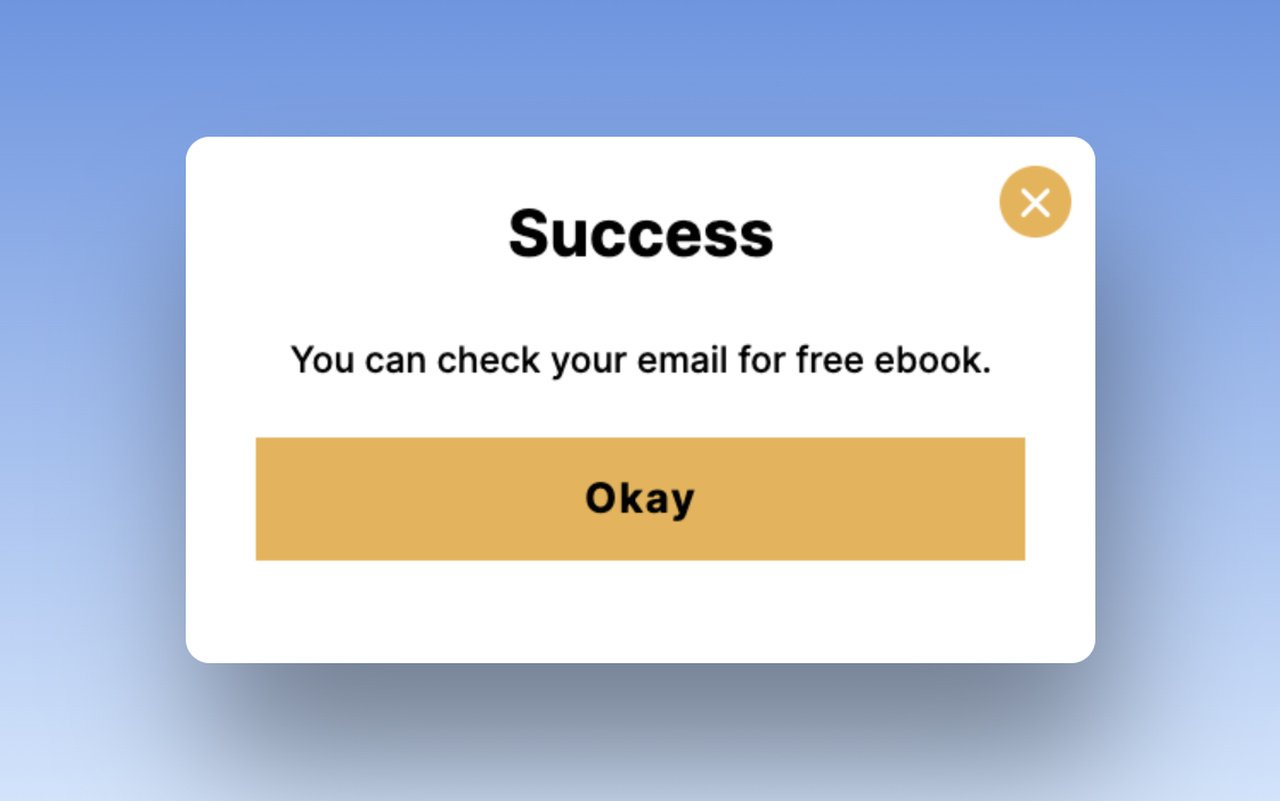
With multistep popups, you can confirm the signup and guide the visitor to the next step right away.
A success popup that follows the first one tells people the signup worked and sends them to the right place.
- Use Gamification in Your Popup
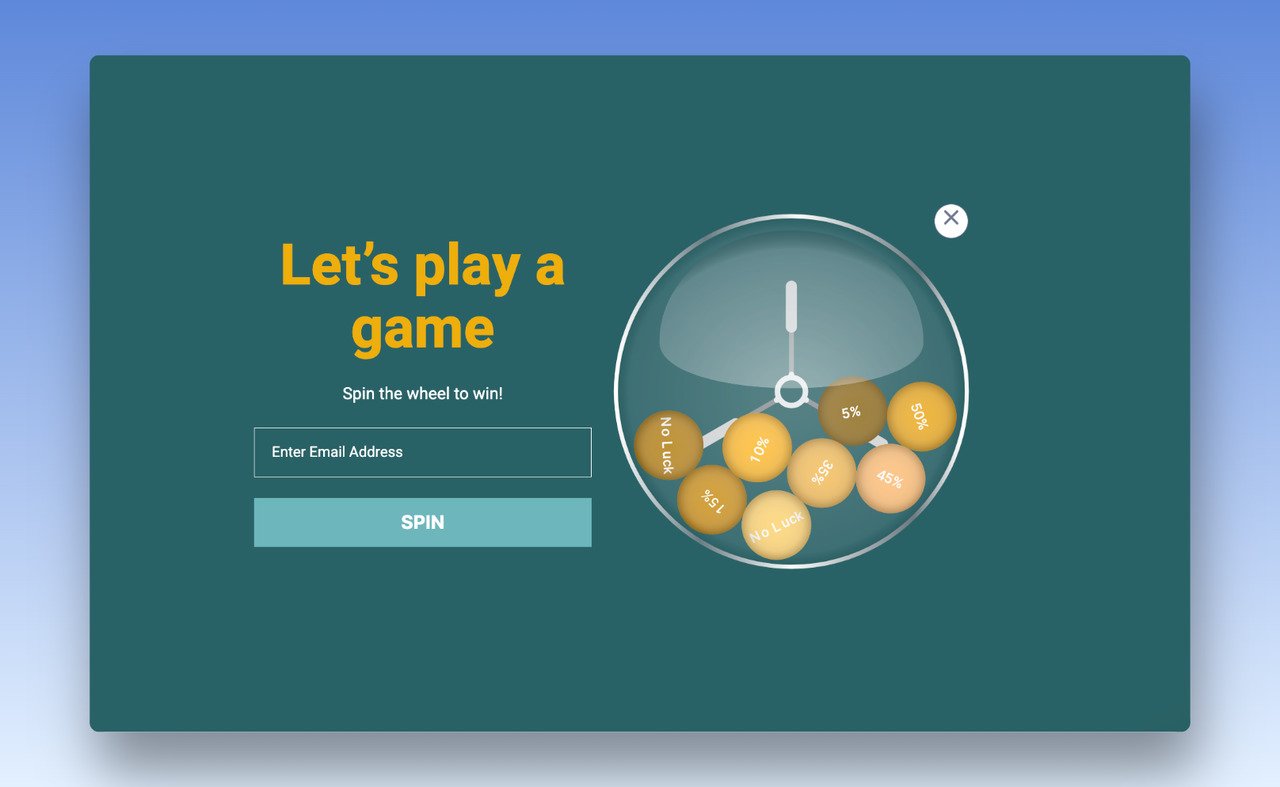
A spin the wheel strategy turns the signup into a game, with a prize as the reason to play.
- Offer Instant Discount Code
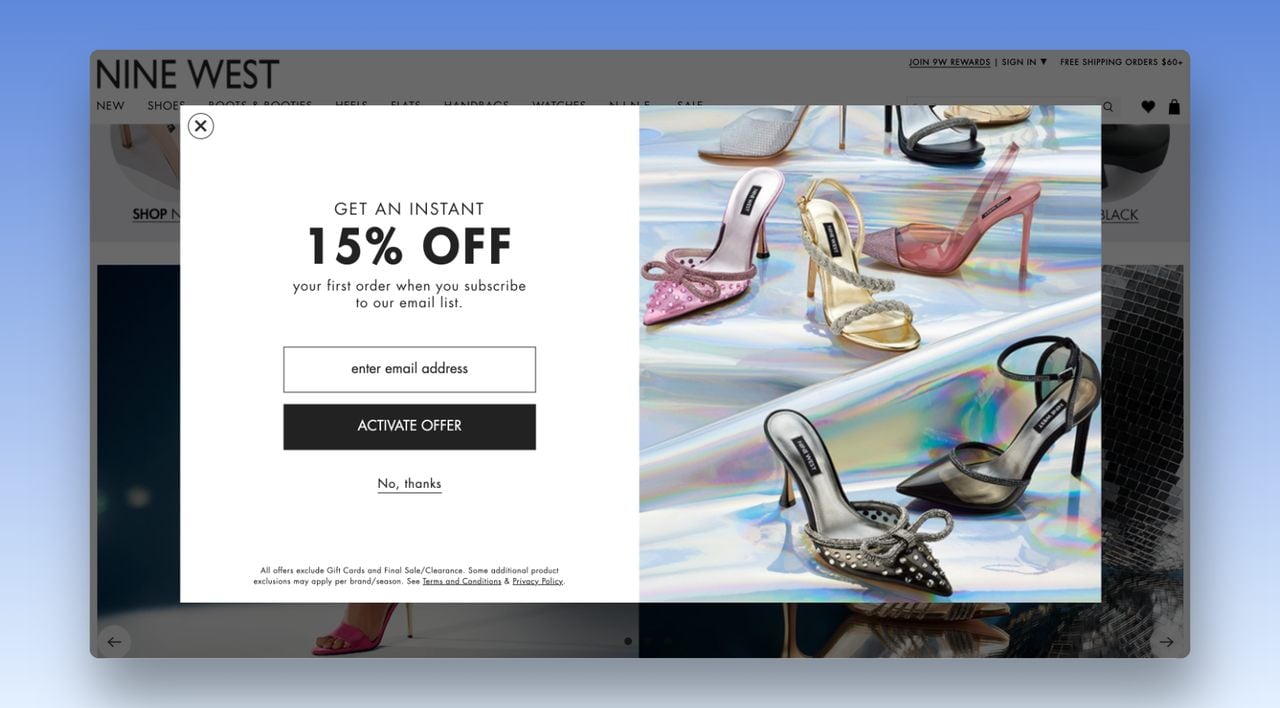
A full screen popup is hard to miss. Put an instant discount code in it and visitors have a reason to share their email address with you on the spot. Our guide to discount popups shows how to set the offer.
- Goal: grow a list you own, so you can reach visitors after they leave.
- When to show it: after a short delay rather than the instant the page loads, and to new visitors first.
- What our benchmark says: popups targeted at new visitors only convert 1.13% vs 0.77% for popups shown to everyone. The median lead-collecting popup converts 0.83% of its displays, and the top 10% reach 3.87%.
3. Cookie consent and age verification popups
To comply with the General Data Protection Regulation (GDPR), ePrivacy Directive (ePR), EU, and California cookie laws, you must store cookie consents from your visitors.
Cookies consent refers to the interaction between your site visitors and a consent management platform (CMP) that allows them to choose whether or not to allow cookies to collect their personal information.
A cookie popup is usually the simplest way to tell users that you store their data.
Here's how Mercedes’s homepage shows its cookie popup:
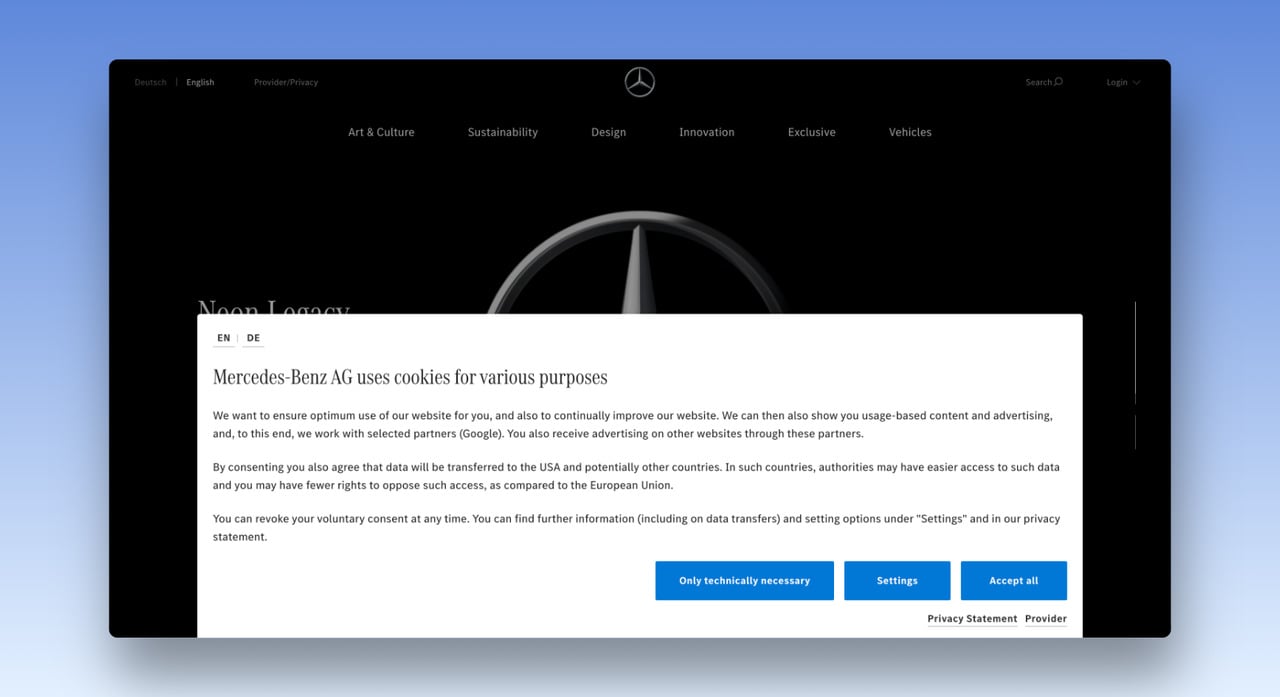
A popup can show the notice, but the consent itself has to be recorded and honoured, which is the job of a consent management platform. Compare the options in our roundup of GDPR cookie consent tools before you choose one.
An age verification popup, or age gate, asks visitors to confirm their age before they see the page. Stores that sell alcohol, tobacco or other age-restricted products show it on the first visit. Keep it to one question and two answers, with no close button, because closing it would skip the check. Our website popup examples include an example age gate design.
- Goal: meet a legal duty: record cookie consent, or confirm a visitor is old enough to see the page.
- When to show it: on the first visit, before the visitor browses, and not again once they've answered.
- What our benchmark says: nothing; these popups aren't built to convert. Google's guidance on intrusive interstitials (last updated 10 December 2025) exempts mandatory interstitials and names a casino's age gate as the example, but still recommends overlaying the gate on the content instead of redirecting to a separate page.
4. User Login Popups
Like an email popup, a user login popup collects email addresses from prospective customers. It also makes logging in easier, which improves the user experience (UX).
Visitors sign up in the popup and keep browsing the site.
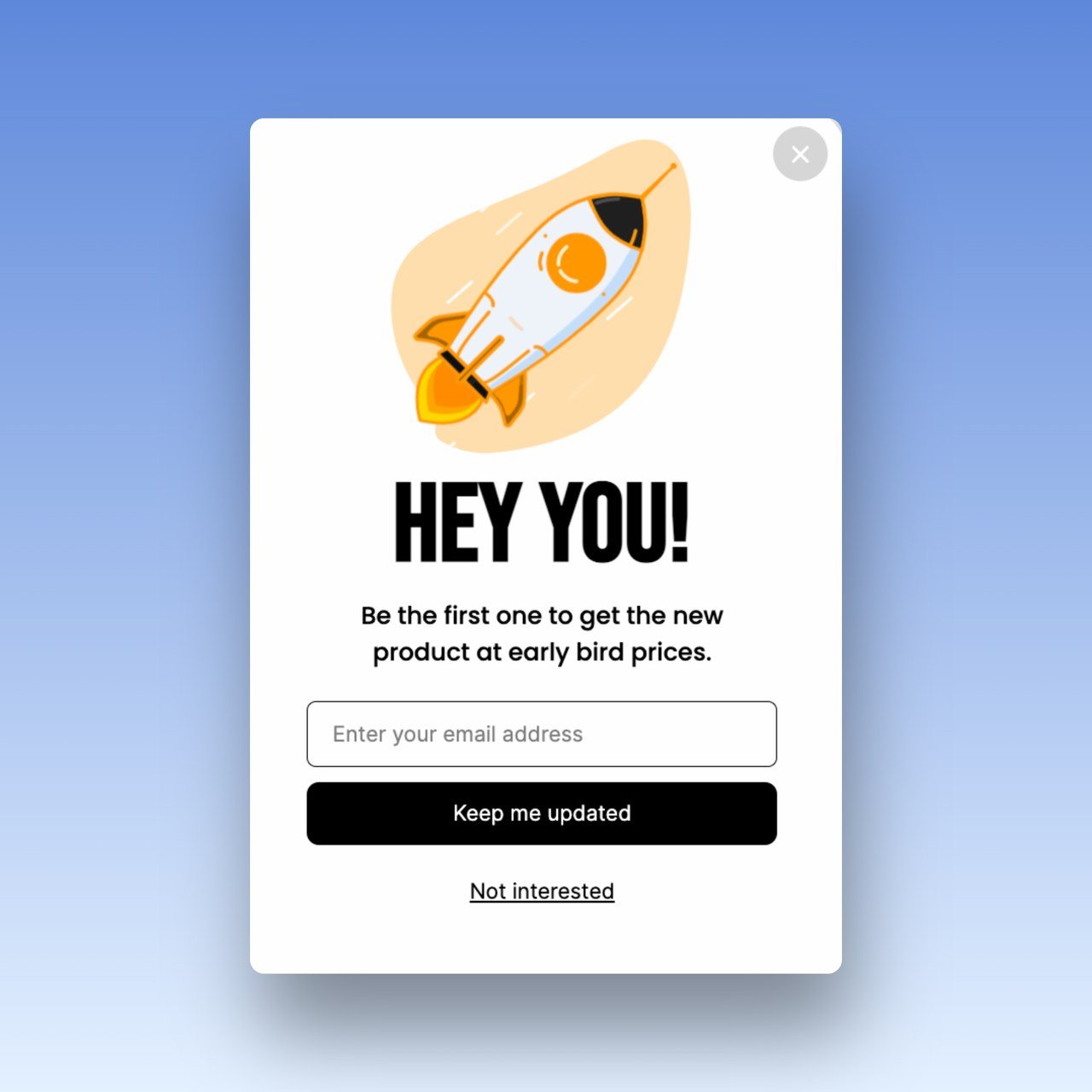
- Goal: turn anonymous visitors into registered users or early-access members.
- When to show it: when the visitor reaches something members get, such as early bird prices, a saved cart or a download, not on arrival.
- What our benchmark says: nothing specific to login popups.
5. Lead Magnet Popups
A lead magnet is a product or service that you give away in return for a piece of information such as email addresses or phone numbers.
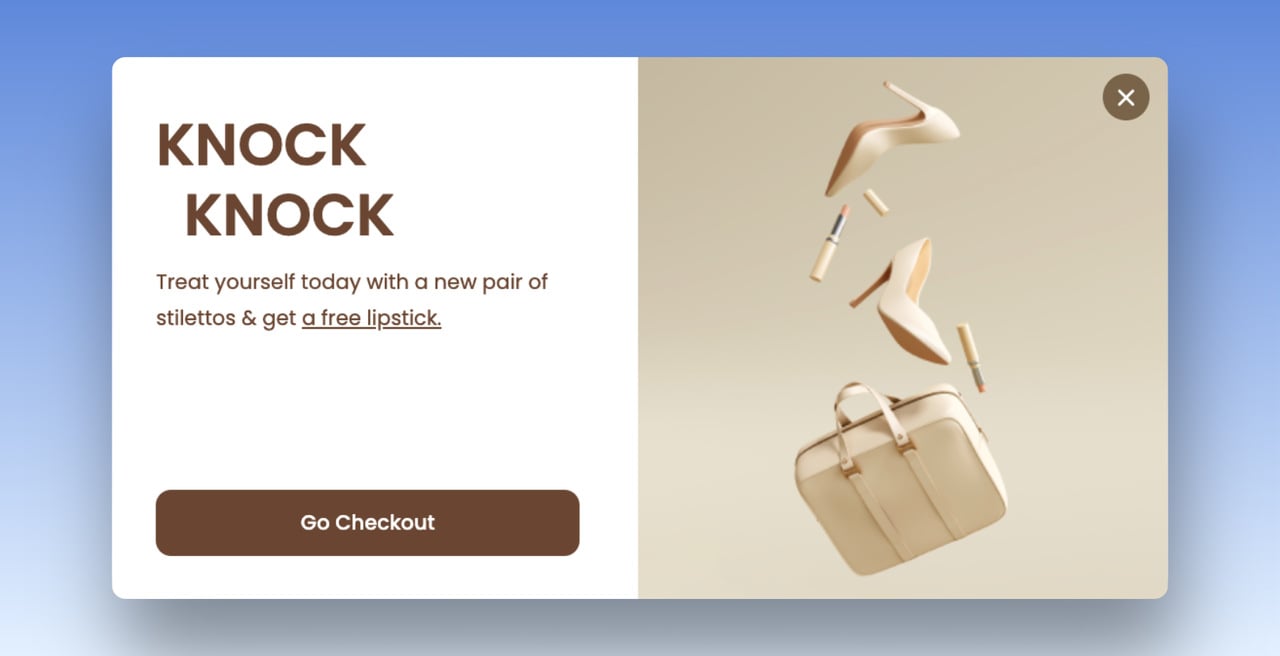
Offer Freebies:
Schedule a Meeting:
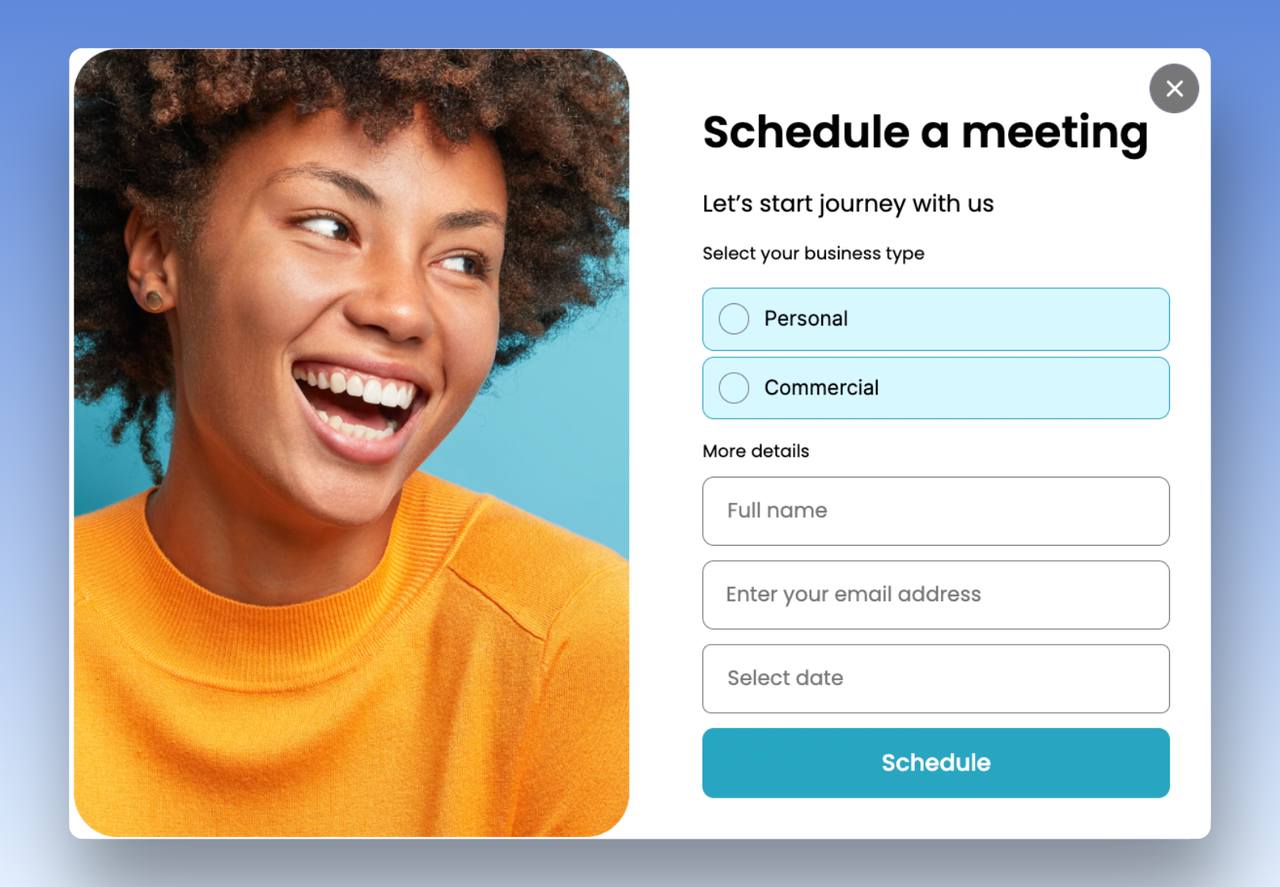
A meeting popup is a lead magnet for B2B sites: the freebie is the call. Our guide to B2B lead generation popups covers that case.
Promote New Products with Free Shipping:
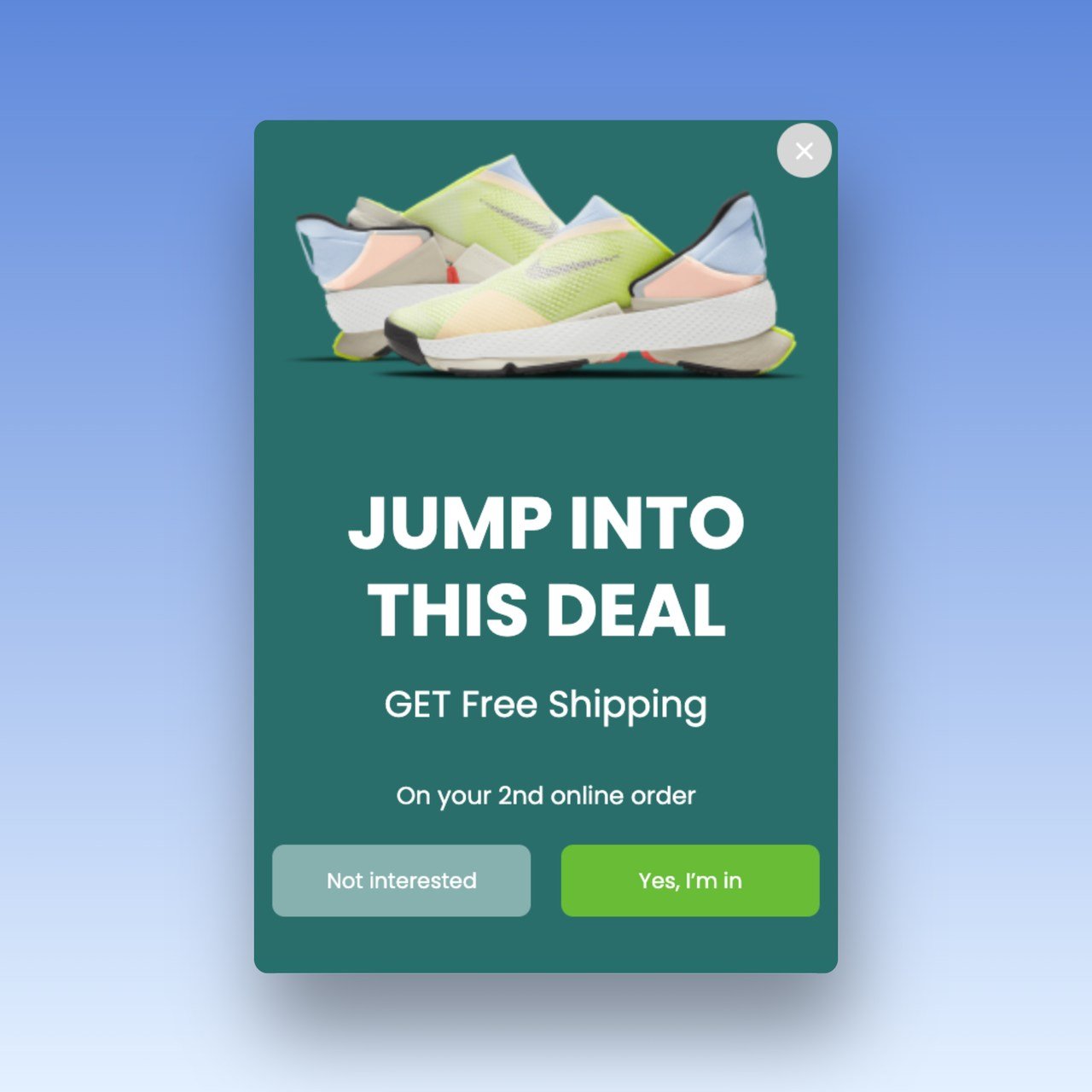
- Goal: trade a resource (an ebook, a checklist, a meeting, a sample) for contact details.
- When to show it: on pages about the same topic as the resource, once the visitor has read or scrolled for a while.
- What our benchmark says: popups asking for one or two fields convert 0.88% and 0.94%, against 0.56% for three fields (median campaign; spin-to-win and other gamified popups are counted separately). Ask only for what the follow-up uses. Our ebook popup examples walk through the lead magnet popup from offer to delivery.
6. Limited Time Promotion Popups
Limited-time promotions are one of the best ways to create a sense of urgency in customers.
Find out what your audience responds to most, then build the popup around it.
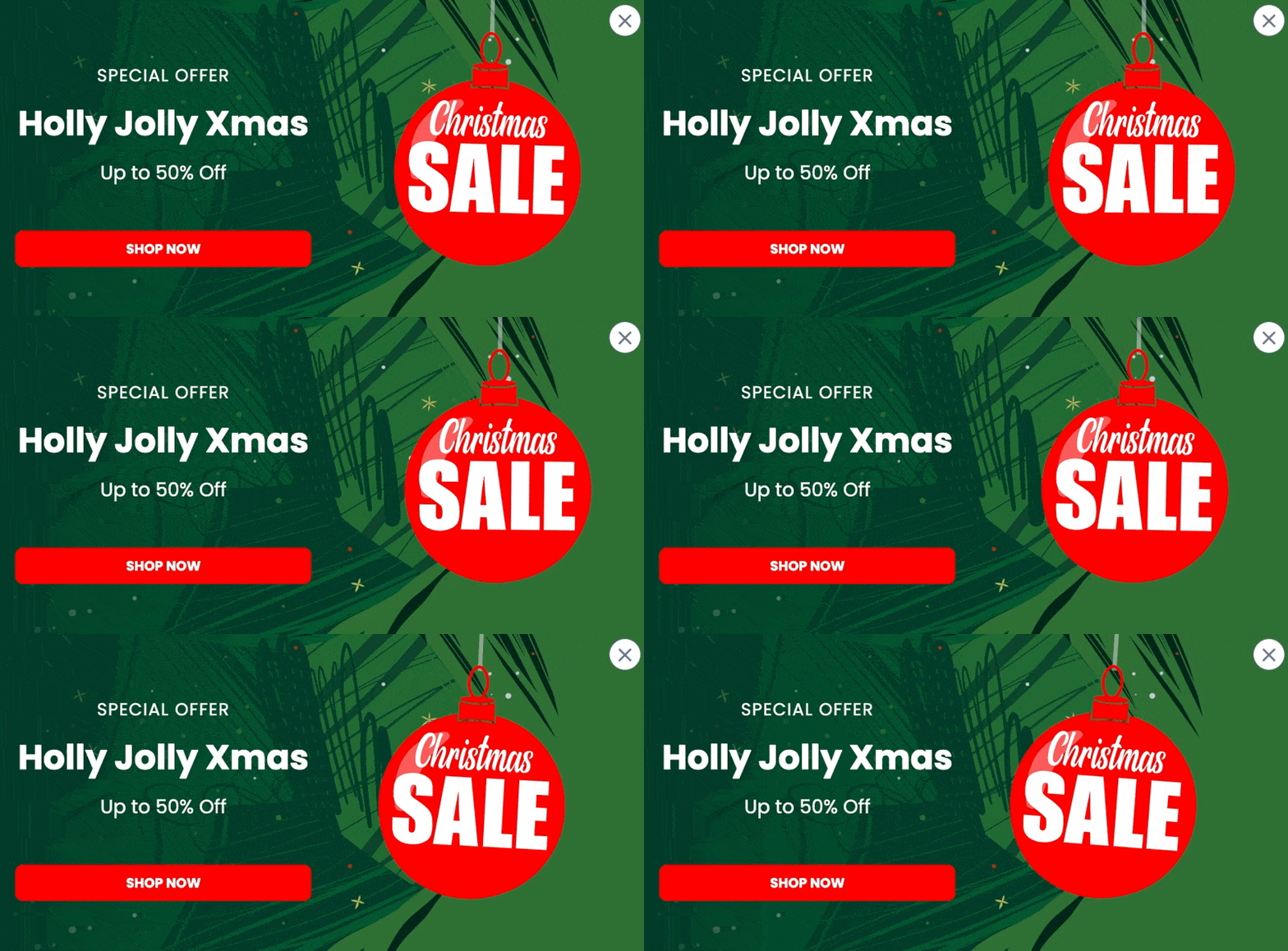
With a popup builder, you can create a Black Friday popup or a Halloween one and schedule the campaign between specific dates.
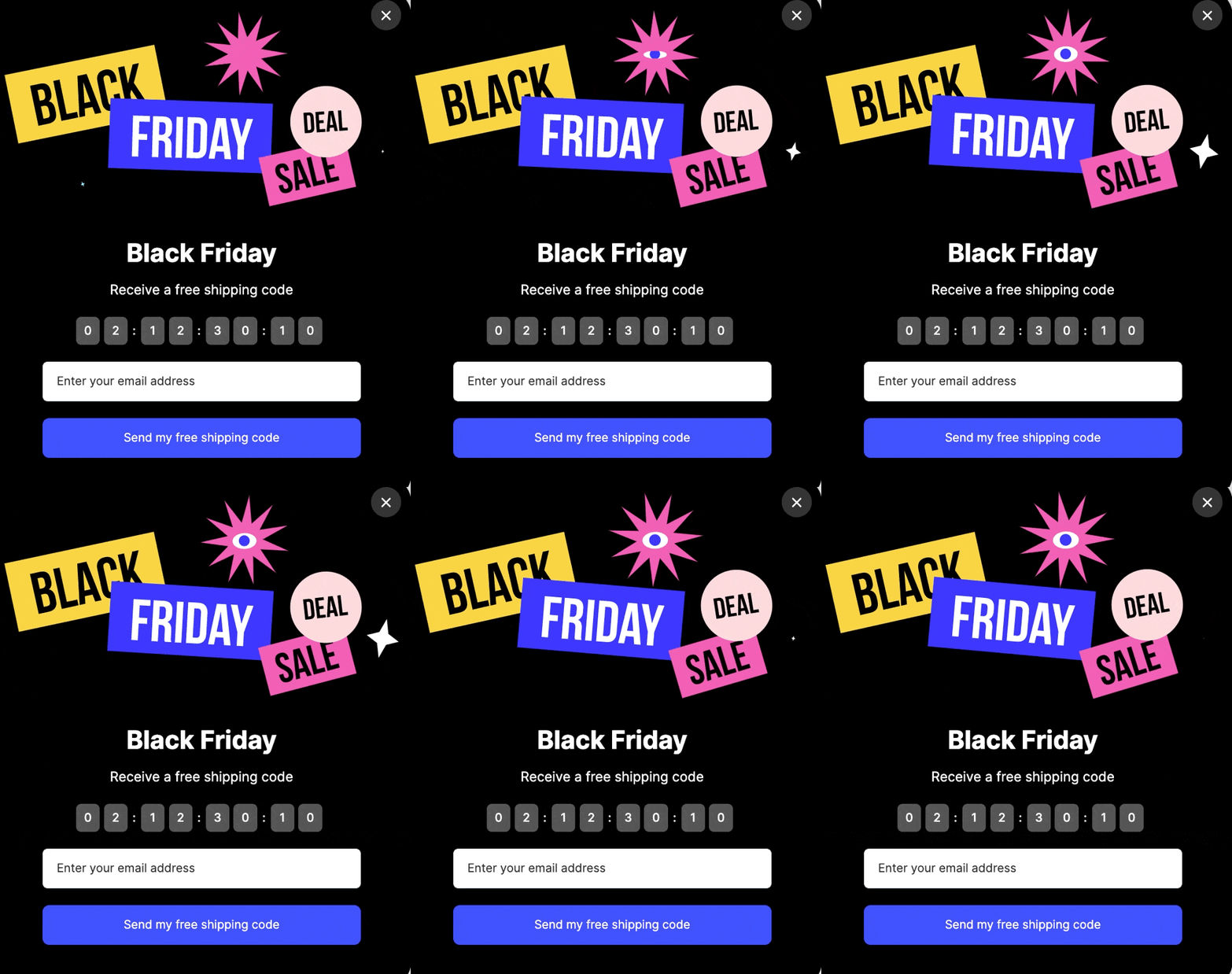
- Goal: sell more during a sale that really ends.
- When to show it: only between the campaign dates, with a countdown tied to the real deadline. Our countdown timer popup examples show how.
- What our benchmark says: signup popups that offer a discount code convert 1.46% vs 0.75% for signup popups without one. Urgency words on their own show no measurable effect on conversion; the data are too noisy to rule out modest effects.
7. Product Recommendation Popups
Show your products in a way that appeals to customers and they're more likely to buy additional items.
A product recommendation popup can promote your seasonal marketing campaigns and give visitors new ideas.
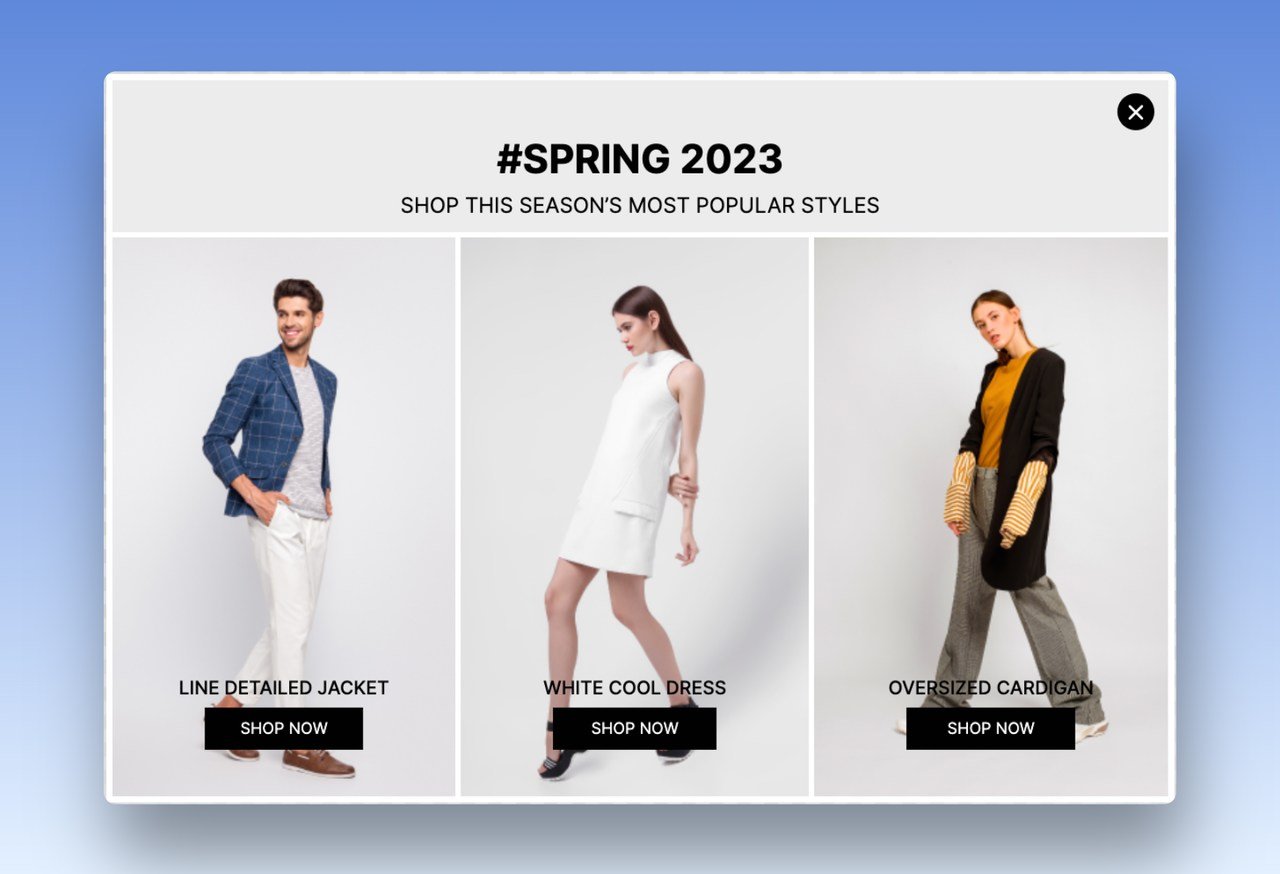
Done well, it raises how much each customer spends in your store.
If the customer clicks "no", they still have the option of picking one of their items or adding something else. If they select "yes", then an overlay that shows product recommendations will be displayed over the page.
- Goal: raise order value with related or seasonal products.
- When to show it: on product pages and after an item goes into the cart, never before the visitor has chosen something.
- What our benchmark says: nothing on recommendation popups specifically; they collect clicks, not leads.
8. Cart Abandonment Popups
Visitors need a reason to choose you over your competitors, so offer your potential customers value before they leave.
A cart abandonment popup is a good way to keep them from leaving.
You can give a discount or coupon code upon subscription.
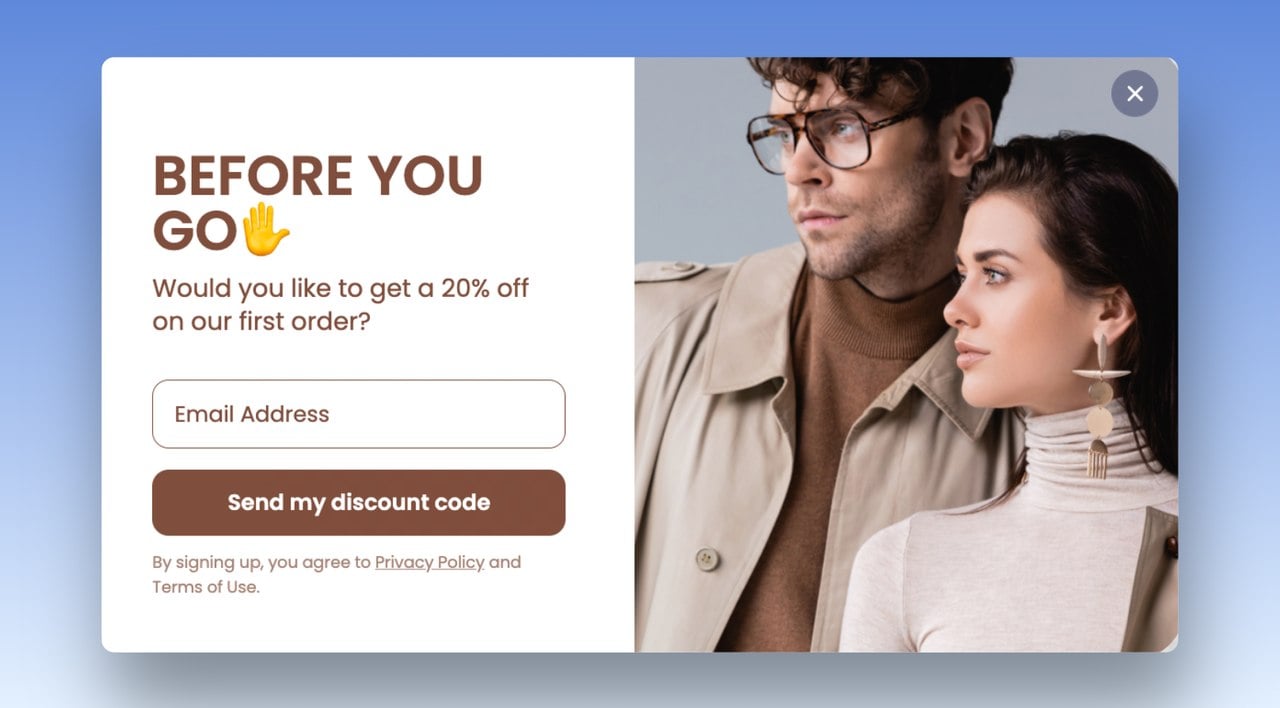
An exit popup helps you prevent cart abandonment: it shows your win-back offer as the visitor heads out, which is the moment to recover the revenue.
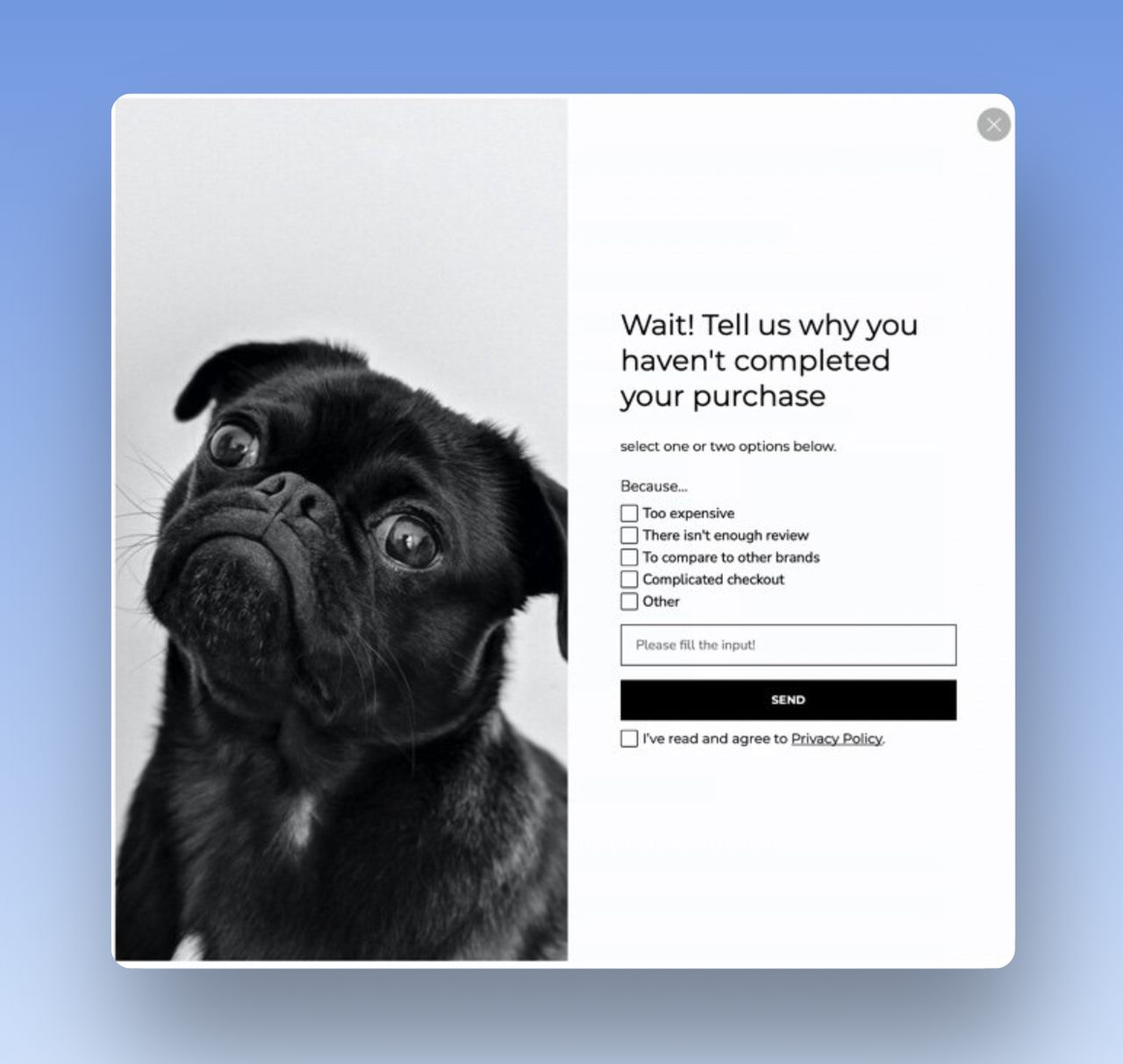
Shoppers leave their carts for many reasons and never come back. Every online store runs into it.
Our post on cart abandonment statistics has more on the scale of the problem.
- Goal: recover a sale the visitor has already started.
- When to show it: on cart and checkout pages, as the visitor moves to leave, with an offer or a question about what stopped them. Our cart abandonment popup examples collect the patterns.
- What our benchmark says: popups on cart and checkout pages convert 4.57% vs 1.07% on the home page (median campaign). Exit intent itself shows no statistically reliable advantage: popups on the most sensitive exit-intent setting converted 1.10% vs 0.78% without exit intent (median campaign), a gap that could be chance.
9. Testimonial Popups
Visitors tend to trust what customers say about a business more than what that business says about itself.
That's social proof.
A testimonial is an authentic recommendation from a customer or client. It builds trust in your brand and gives it a human face.
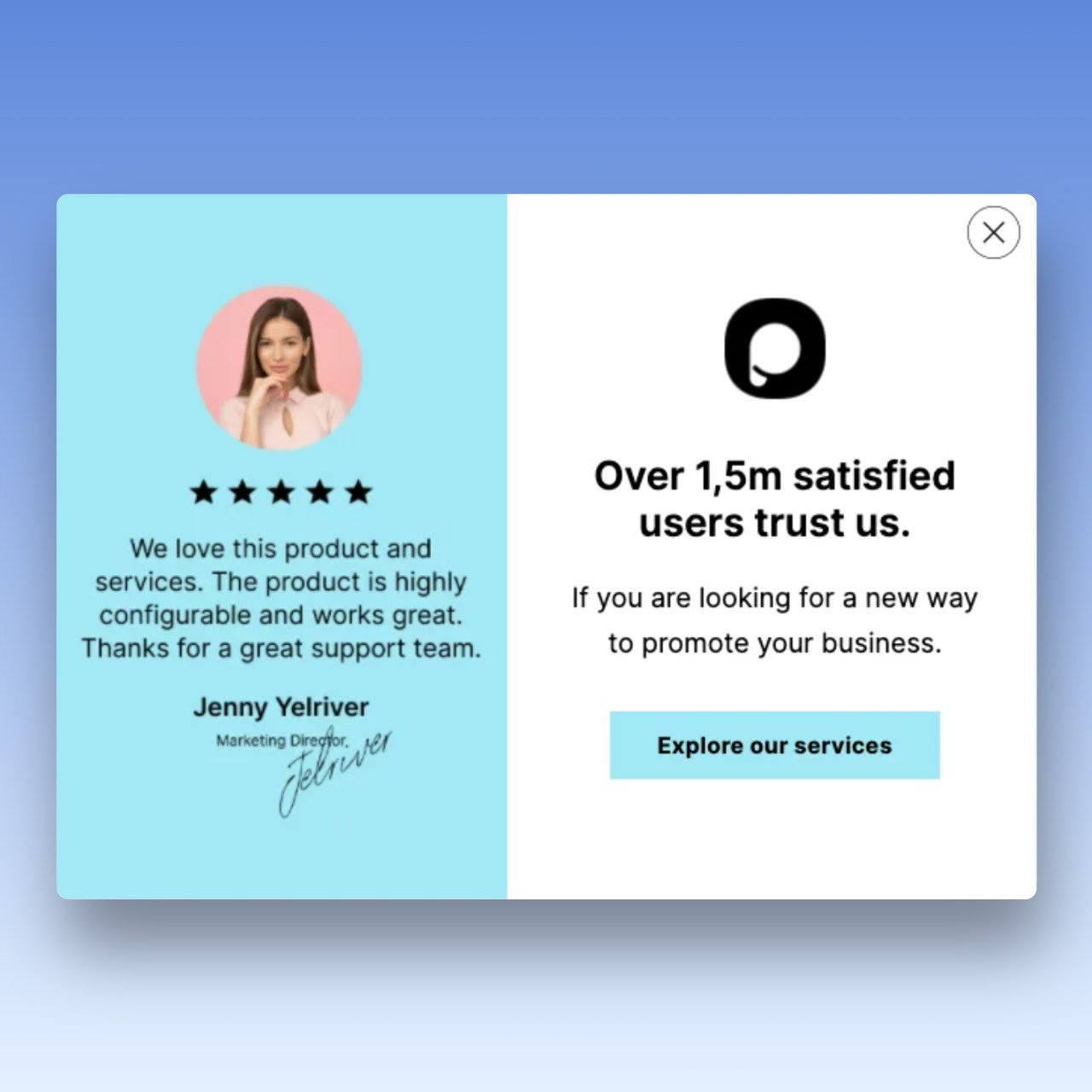
Content with a personal touch will be more believable than content that is purely factual.
Customers want to know that you're genuine and they'll respond better to testimonial and review popups that show the human side.
- Goal: build trust at the moment the visitor is deciding.
- When to show it: on product and pricing pages, after the visitor has scrolled past the price. Use real, attributed quotes only.
- What our benchmark says: nothing on testimonial popups.
10. Feedback Rating Popups
To get a better insight into customer opinions, ask customers how likely they are to recommend your product and service to their friends. You get useful data, and emails too.
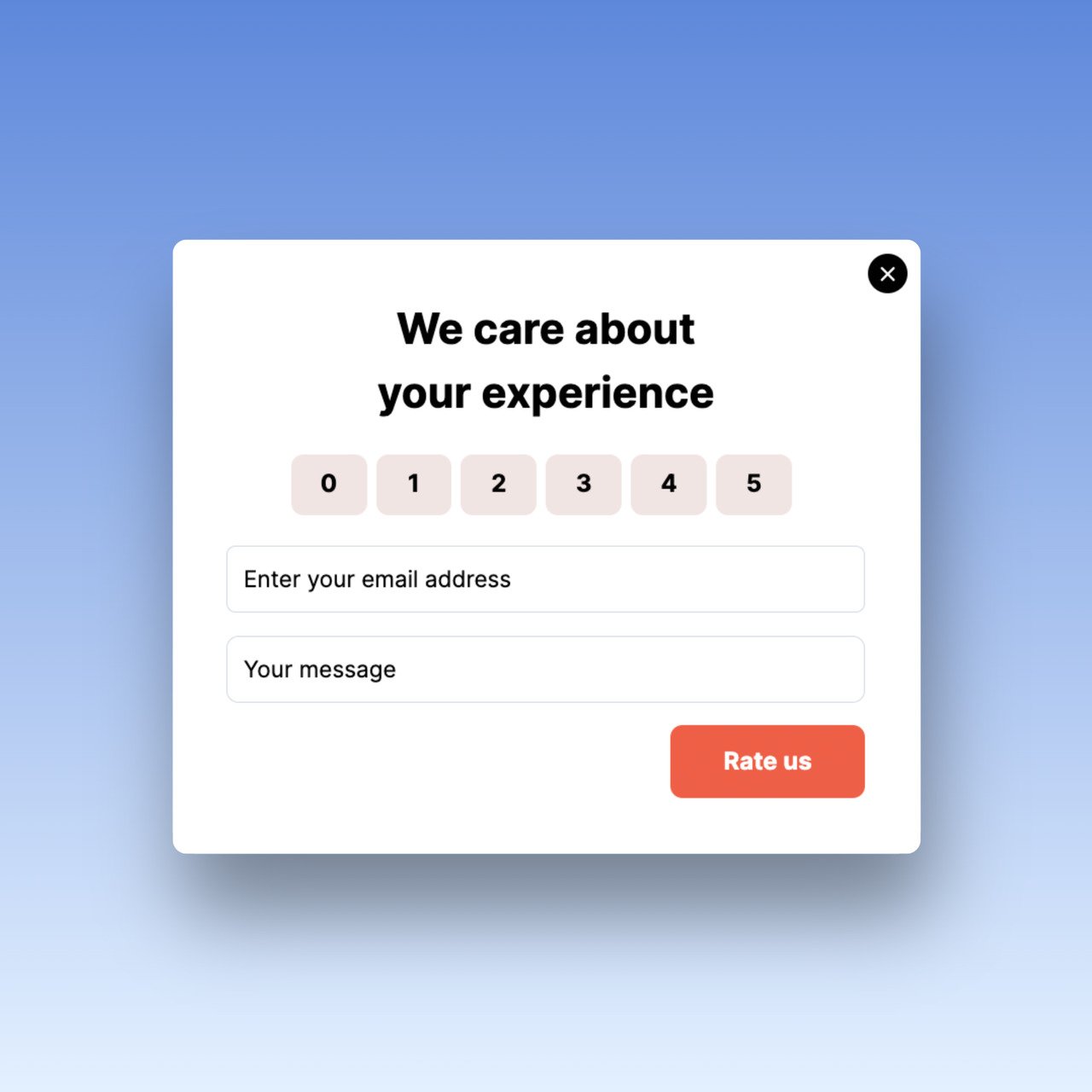
Yes/No Questions work well on a feedback popup too.
Visitors can answer them quickly, without having to explain why they like or dislike something. The easier the question, the more people bother to reply.
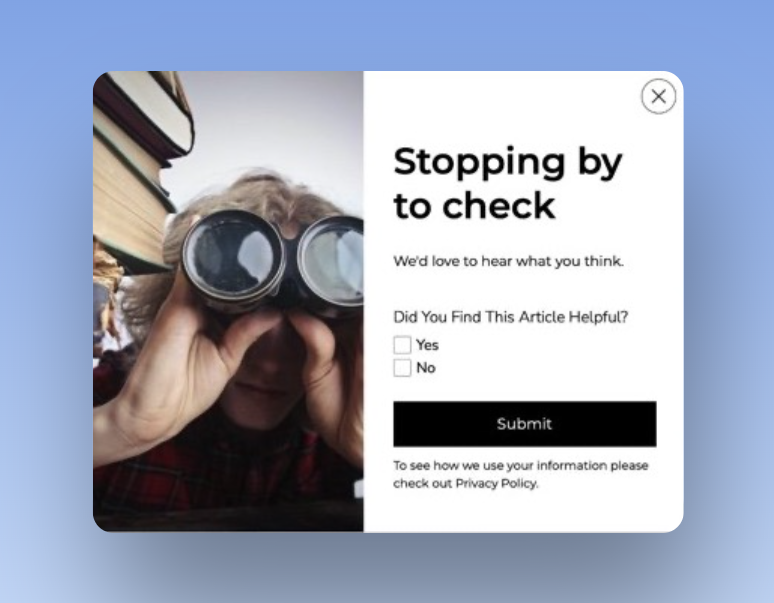
You can collect post-purchase feedback from your customers with popups as well.
- Goal: learn what visitors and customers think, in their words.
- When to show it: after a purchase, or after the visitor has read most of a page, never mid-checkout. Our guide to popup surveys covers the questions and timing.
- What our benchmark says: our benchmark measures leads, not survey answers, so it has no response rate for feedback popups.
11. Phone Call Popups
Even if some visitors aren't ready to make a purchase yet, that doesn't mean they aren't interested.
You can gather phone numbers with an eye-catching SMS popup, reach out to them via phone or SMS, and give them a special offer to persuade them to take action.
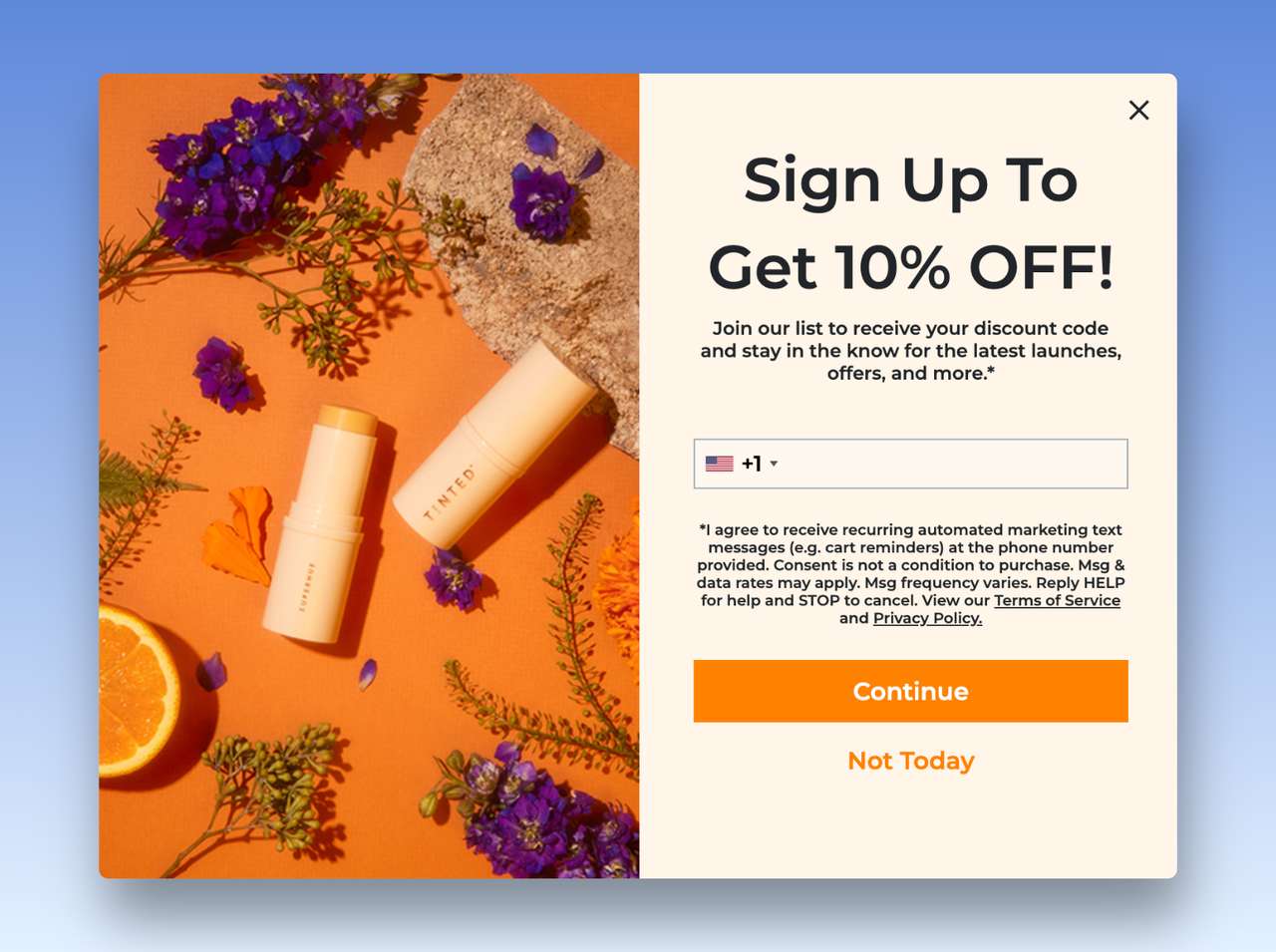
Popupsmart collects the number and the SMS consent and passes them to your SMS or email tool, such as Klaviyo, through the integration's Match Fields step; the messages themselves go out from that tool.
Or let visitors call you straight from a popup and close sales faster.
A user-friendly phone call popup lets customers type in their phone numbers, request a callback, and not have to leave your site.
- Goal: get a phone number for SMS marketing, or a call from a visitor who is ready to talk.
- When to show it: on contact, pricing and service pages, where a call is the natural next step.
- What our benchmark says: forms that ask for a phone number instead of an email look weakest (0.46% vs 0.88% for email only), though that gap is not statistically reliable. The share of popup leads that include a phone number rose from 21.3% (2024) to 26.3% (2025) to 33.5% (2026) (all leads pooled); much of that comes from a few high-volume accounts that collect phone numbers, while most lead-collecting campaigns collect email only.
12. Coming Soon Popups
A popup is a good way to announce a product or feature that's launching soon. More people see the announcement, and you start building a customer base before the launch.
When creating a popup for your website, it’s important to remember that different types of popups work for different businesses and websites.
Take a look at this example for items not being in stock yet. You can gather emails to inform customers when the stock is available.
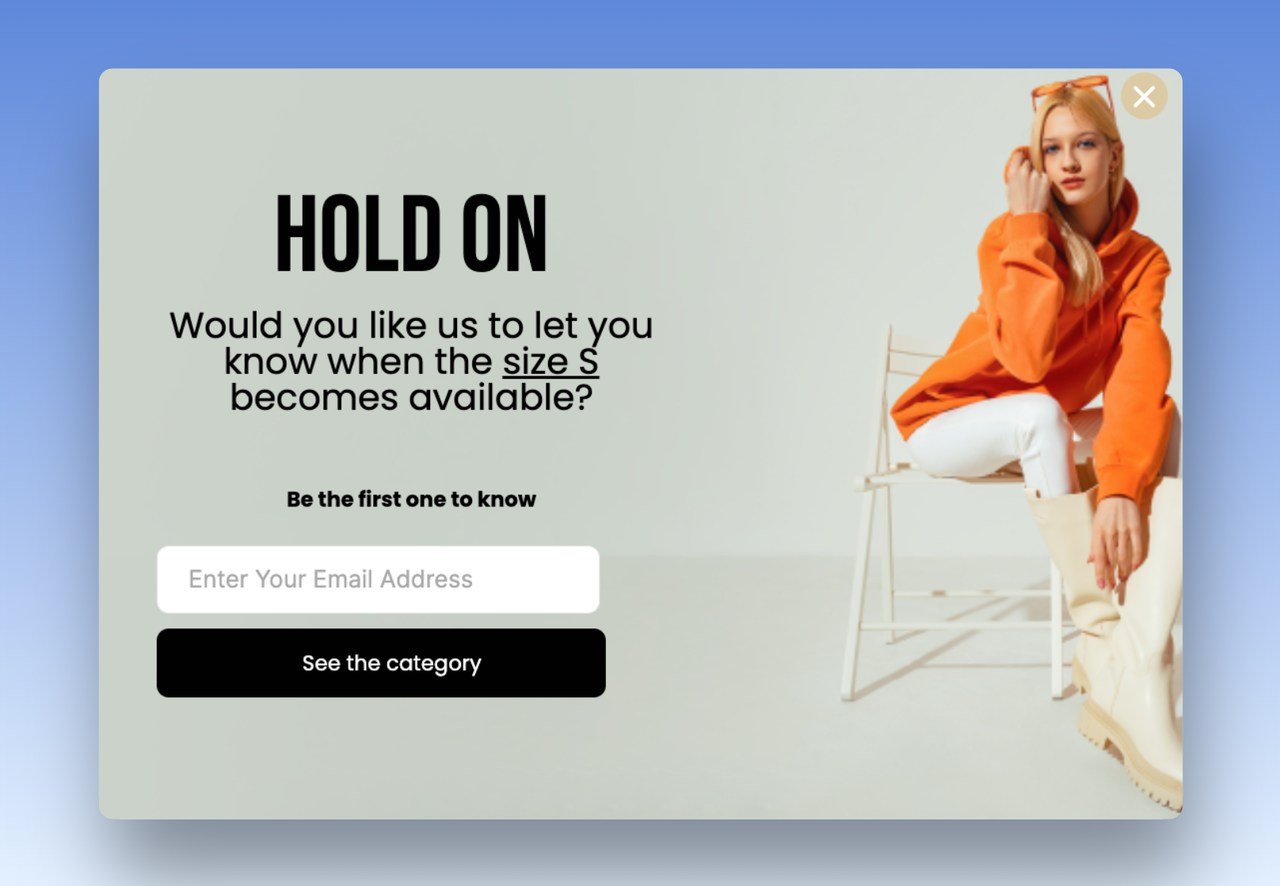
The visitor has a chance to get notified when their favorite item is back in stock, and the business has a chance to grow their email lists.
- Goal: build a list of people who want a launch or a restock.
- When to show it: on out-of-stock product pages and launch teasers, to the visitors who landed there.
- What our benchmark says: these are lead popups, so the email list figures above apply; there's no separate figure for back-in-stock popups.
13. Social Media Popups
Popups can also send traffic from your website to your social media accounts and raise engagement there.
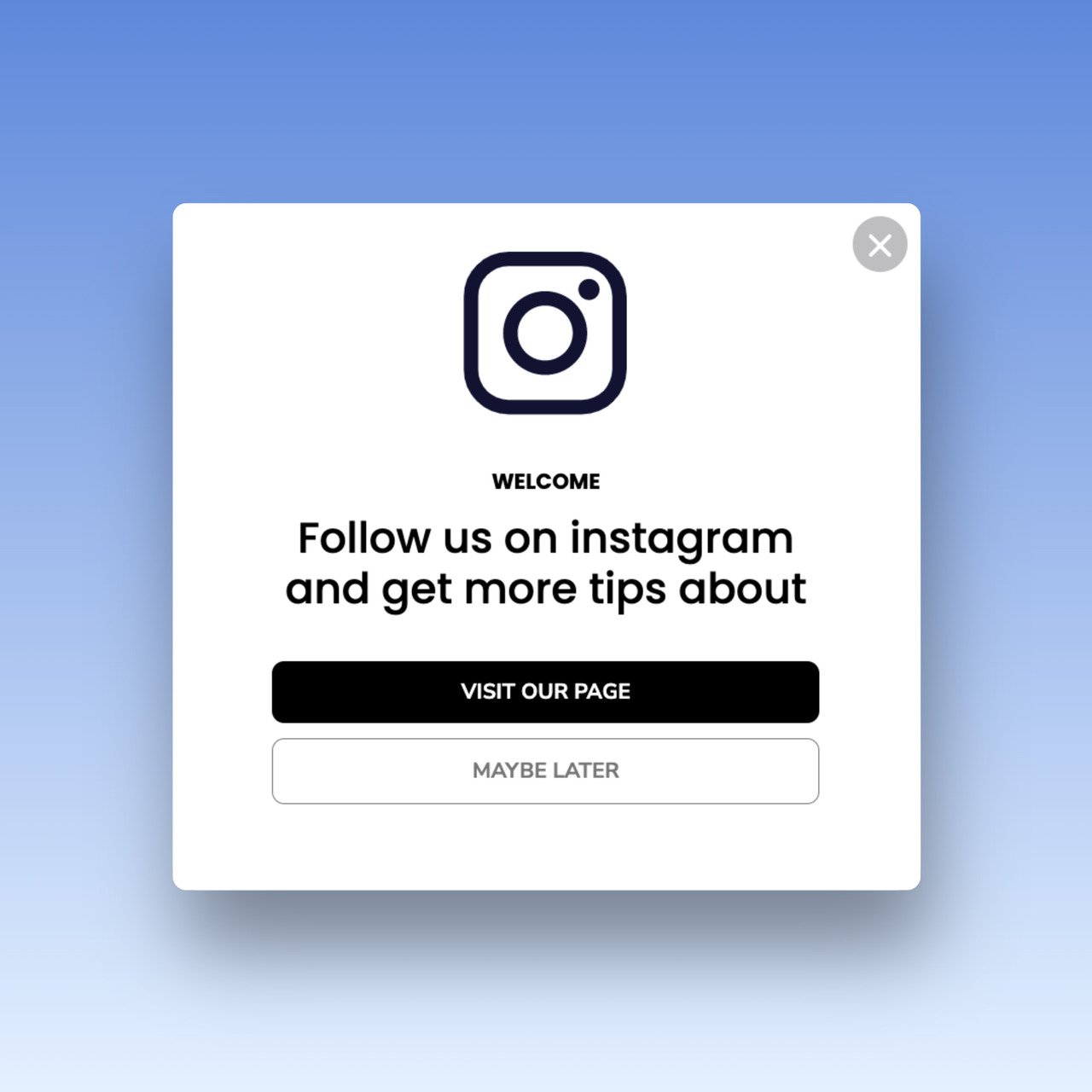
You can direct users to follow you on Instagram, link to your Tiktok account, or even Twitter.
Followers feel more connected to your brand, and that's how a visitor turns into a loyal customer.
- Goal: turn a one-time visitor into a follower you can reach again.
- When to show it: after the visitor has engaged, for example at the end of an article, not on arrival.
- What our benchmark says: nothing on follow popups; judge them by clicks on the follow button.
How to choose a popup use case for each page
Start from the page, then pick the use case that answers the visitor's question on it. The page a popup runs on is one of the clearest differences in our data.
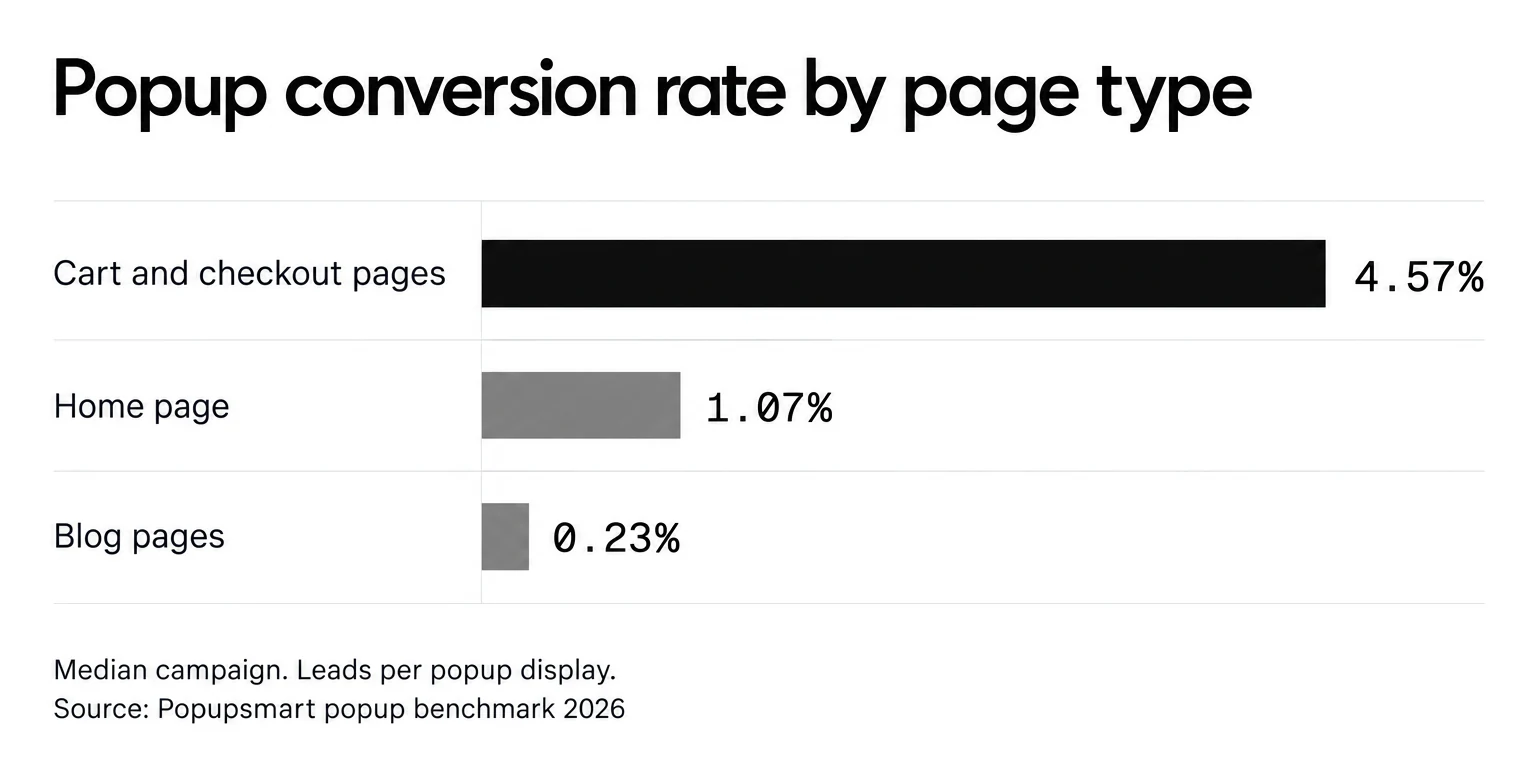
Popups on cart and checkout pages convert 4.57% vs 1.07% on the home page (median campaign); blog pages convert 0.23%. That doesn't make blog popups a mistake. It means a blog popup has to earn its place through topic match and lead quality, while a cart popup rides on intent that already exists.
| Page | Use cases that fit | Usually a poor fit |
|---|---|---|
| Home page | Email list, informational, coming soon | Cart abandonment |
| Product pages | Product recommendation, testimonial, limited-time promotion | Feedback surveys |
| Cart and checkout | Cart abandonment, free shipping threshold | Social follow, newsletter signup |
| Blog and content pages | Lead magnet, social media, feedback | Discount code on arrival |
| Contact, pricing and service pages | Phone call, schedule a meeting, testimonial | Gamified popups |
| Every page, on arrival | Cookie consent, age verification | Any second popup at the same time |
Two more rules from the benchmark help once the page is chosen:
- Aim at new visitors. Popups targeted at new visitors only convert 1.13% vs 0.77% for popups shown to everyone.
- Cap the frequency. The first two times a visitor sees a popup in a week convert at similar rates (1.33% and 1.22% of displays, pooled); from the third view conversion falls, and from the sixth view it is 0.41%, 31% of the first-view rate.
Conclusion
Which popup raises your conversion rate depends on what you want to achieve. Start from the goal, then pick the page and the moment.
For the design side, read our popup designs best practices. There are also dozens of other popup use cases beyond the ones above.
Popupsmart lets you set up the popup type you need without writing code.
Try one on your own site and see which use case earns its place.
Get Started With Popupsmart Today!
Frequently Asked Questions
What are popups used for?
Popups are used to grow an email list, recover abandoned carts, promote discounts and limited-time offers, announce news or launches, recommend products, show testimonials, collect feedback, capture phone numbers, drive social follows, and meet legal duties such as cookie consent and age verification. Pick the use case from the goal, then choose the page and the trigger.
Which popup use case converts best?
Popupsmart's 2026 benchmark doesn't rank use cases against each other, but the page and the offer make a measurable difference. Popups on cart and checkout pages convert 4.57% vs 1.07% on the home page (median campaign); blog pages convert 0.23%. Signup popups that offer a discount code convert 1.46% vs 0.75% for signup popups without one.
Are cookie consent and age verification popups bad for SEO?
Not when the law requires them. Google's guidance on intrusive interstitials (last updated 10 December 2025) exempts mandatory interstitials and names a casino's age gate as the example. It still recommends overlaying the gate on the page content instead of redirecting visitors to a separate page.
Why Timing is Important in Popup Engagement?
Having the popup appear at the right time makes a difference between a high or low level of engagement.
By displaying a popup too soon, you can annoy your visitors by interrupting their experience on a page and most likely ignoring your popup without even looking at it.
In Popupsmart's 2026 benchmark, 71% of visitors who close a popup do so within 5 seconds of it appearing, and popups that wait before appearing convert 0.83% vs 0.61% for popups shown the instant the page loads (median campaign); the direction holds in every year of data but the difference is not statistically reliable, so treat it as a lean, not a rule.
Are Popups Really Effective?
Yes, they are. A well-designed popup with witty and sincere language eliminates distractions, makes your customers interact more, and greatly simplifies the decision process, as long as the offer fits the page. Across 3,034 Popupsmart popups that ask for an email or phone number (January 2024 – September 2026), the median converts 0.83% of its displays into leads; the top 25% reach 1.96% and the top 10% reach 3.87%.
You can also take a look at these related blog posts and learn more about popups: