ChatGPT
 Perplexity
 Claude
 Grok
Grok Google AI Mode
Below are 10 use cases with implementation steps, what our own popup data says about form length, and how to build a multistep popup without code.
What Is a Multistep Popup?
A multistep popup is an on-site overlay that guides visitors through two or three sequential screens instead of asking for everything at once. The first step typically presents a low-friction question or offer, and subsequent steps collect contact information or direct visitors to a specific action.
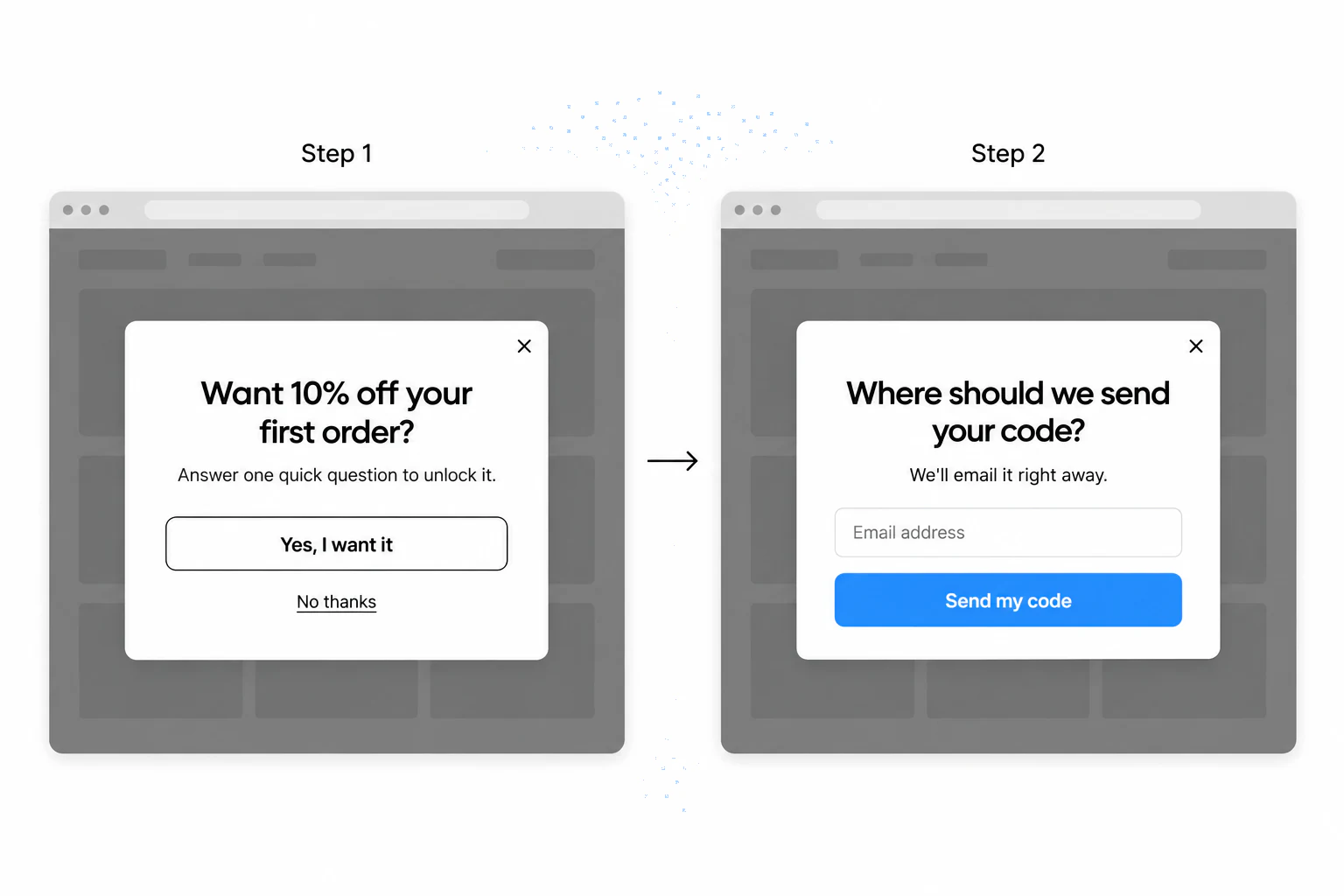
Think of it as a conversation, not a demand. Instead of opening with a form with five fields, a multistep popup might first ask "What are you shopping for today?" and then follow up with a relevant offer and an email field. A good salesperson in a shop works the same way: a little small talk, then the ask.
The idea behind it is old UX practice: progressive disclosure, showing only what the person needs for the current step and deferring the rest. In a popup, that means the visitor answers one easy thing before seeing the field that asks for their details.
Do multistep popups convert better than single-step?
Not by default. Across the popups we power, between January 2024 and September 2026, multi-step forms show no measurable conversion advantage over single-step forms once step-1 clicks without contact details are excluded. That's from Popupsmart's 2026 popup benchmark, where a lead is a popup submission that contains an email address or phone number.
The qualifier matters. The first step of a multistep popup usually asks for a click ("Yes, I want it"), and a report that counts that click as a conversion will make the format look better than it is. Count only the submissions that carry an email address or phone number.
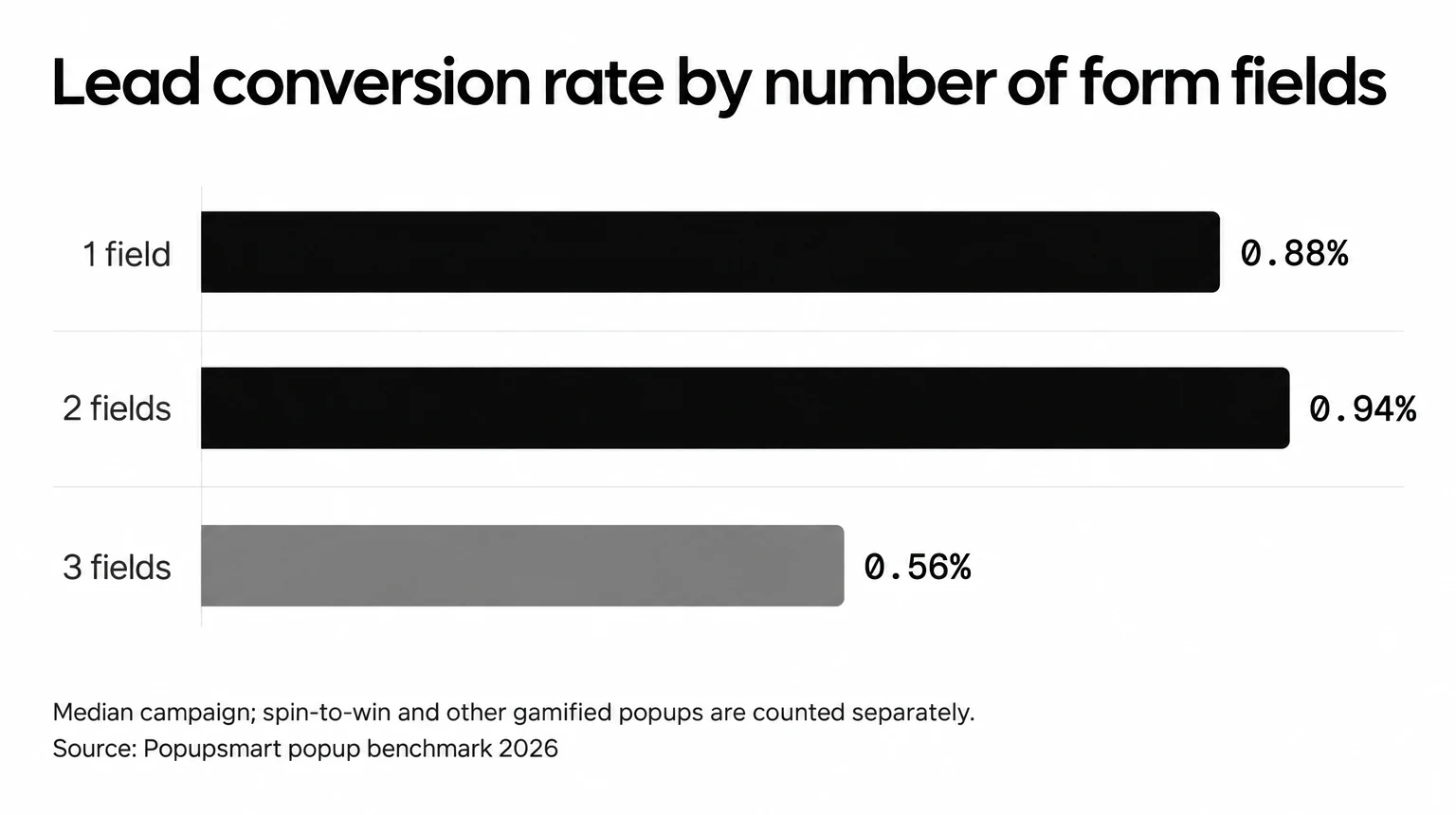
What the data does show is that the length of the ask matters. Popups asking for one or two fields convert 0.88% and 0.94%, against 0.56% for three fields (median campaign; spin-to-win and other gamified popups are counted separately). So if a multistep popup is your way to ask for three or more things, keep each screen short and put the contact field where the visitor has already said yes.
| Form fields | Median lead conversion rate |
|---|---|
| 1 field | 0.88% |
| 2 fields | 0.94% |
| 3 fields | 0.56% |
Median campaign, per popup display; spin-to-win and other gamified popups are counted separately. Popupsmart popup benchmark 2026.
The psychology people cite for multistep popups comes down to two principles: cognitive load reduction and the commitment-consistency bias.
Cognitive load reduction. A single popup asking for name, email, phone number, and company size creates decision fatigue. Split the same request into steps (one field per screen) and each decision feels small.
Commitment-consistency bias. Once a visitor takes a small action (clicking "Yes, I want a discount"), they may feel inclined to stay consistent with that decision. Our data doesn't show that this adds up to more leads on average, so treat it as a reason to test, not a promise.
10 Use Cases of Multistep Popups to Increase Conversions
Quick overview of all 10 use cases:
1. Increase Sales Conversion: guide visitors to products they want, then offer a discount to close the sale
2. Reduce Cart Abandonment: catch leaving visitors with a free shipping offer, then capture their email
3. Promote Products and Offers: put seasonal deals up front and collect emails for catalog delivery
4. Collect Form Submissions: split long forms into short steps
5. Get More Phone Calls: let visitors pick a support channel, then collect contact info
6. Grow Your Email List: offer a lead magnet in step one, collect the email in step two
7. Make Announcements: share brand news, then a follow-up offer
8. Increase User Engagement: run a quiz and ask for the email before the result
9. Collect Feedback and Surveys: ask how it went, and answer unhappy customers with an offer
10. Facilitate Social Sharing: ask for social follows and learn which platforms your audience prefers
1. Increase Sales Conversion: Guide Shoppers to the Right Product
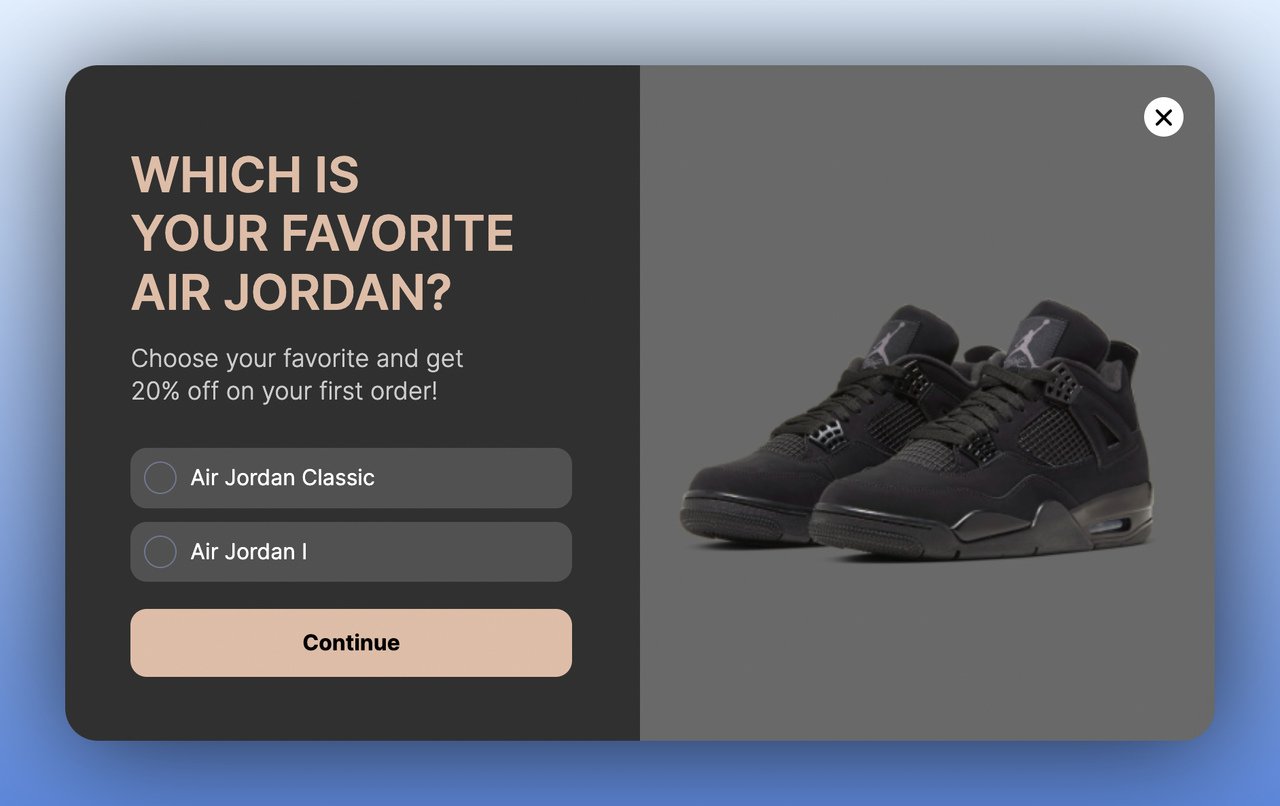
A product-selection multistep popup lets visitors self-segment by showing their preferences in step one, then delivers a targeted offer in step two. It fits stores with large catalogs, where visitors can drown in choice. Instead of a generic "10% off everything" popup, the offer matches what the visitor said they want.
How to implement:
1. Create a first-step popup that asks visitors to pick their preferred product category or style. Use image-based answer options for higher engagement.
2. Design a second step that shows a discount code specific to the category they selected. Personalization matters here.
3. Set the trigger to fire after 30 seconds of browsing or when visitors view 3+ product pages. Both point to purchase intent.
4. Add urgency by making the discount time-limited (24-48 hours) to prevent visitors from bookmarking and forgetting.
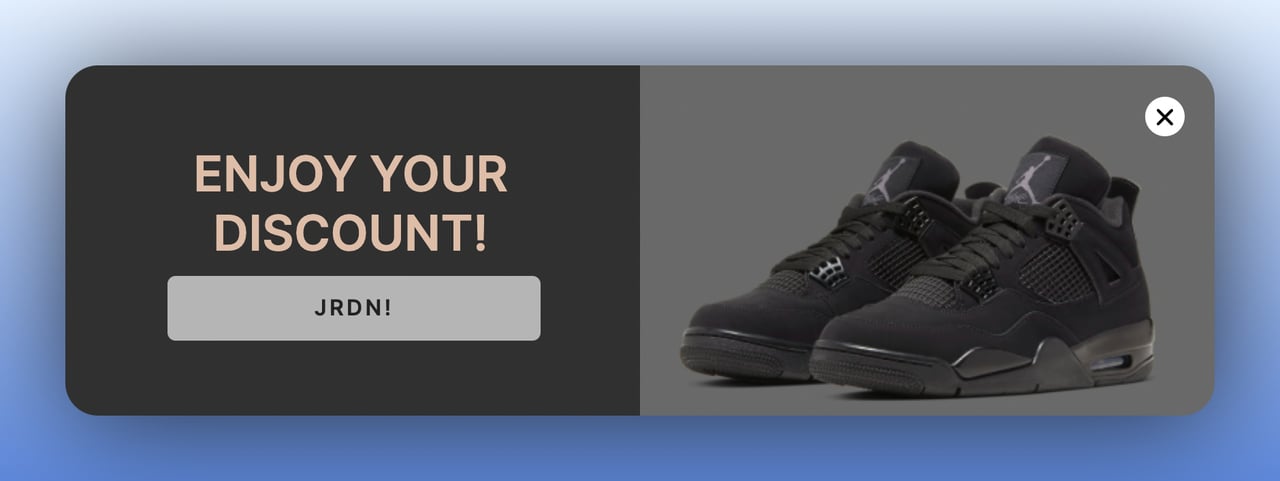
What the data says: a discount is the part of this flow with evidence behind it. Signup popups that offer a discount code convert 1.46% vs 0.75% for signup popups without one. The discount popup guide covers offer size and wording.
2. Reduce Cart Abandonment: Recover Sales Before Visitors Leave
An exit-intent popup with a multistep flow intercepts visitors who are about to leave with items in their cart. Step one presents the rescue offer (free shipping, discount, or limited-time deal), and step two captures their email so you can follow up even if they don't buy today. You get a reason to stay now and a way back in later.
How to implement:
1. Set an exit-intent trigger on cart and checkout pages. The popup should only fire when the visitor has at least one item in their cart.
2. Design step one around one clear offer: free shipping, percentage discount, or a bundle deal. Keep the copy to under 15 words.
3. In step two, ask for their email address "to send the offer." With the address, you can run a cart recovery email sequence.
4. Connect the popup to your email tool and trigger an automated abandoned cart email within 1 hour.
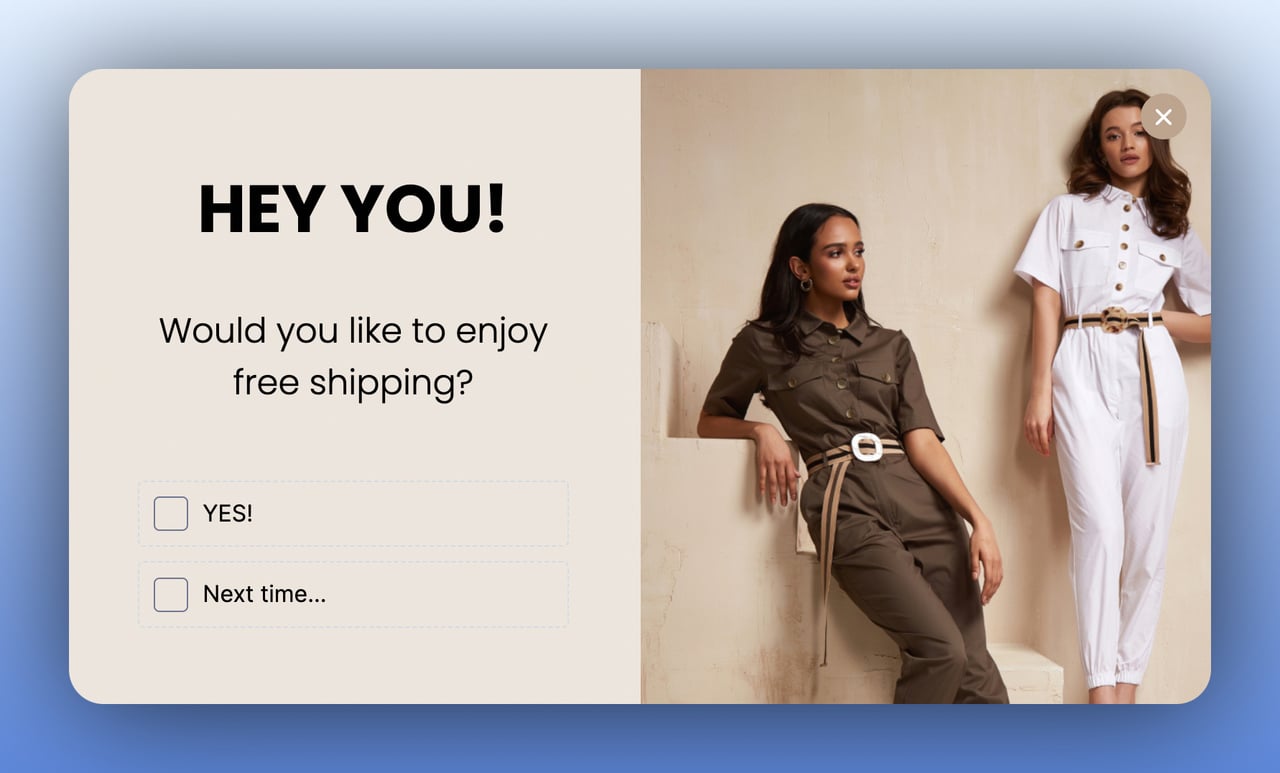
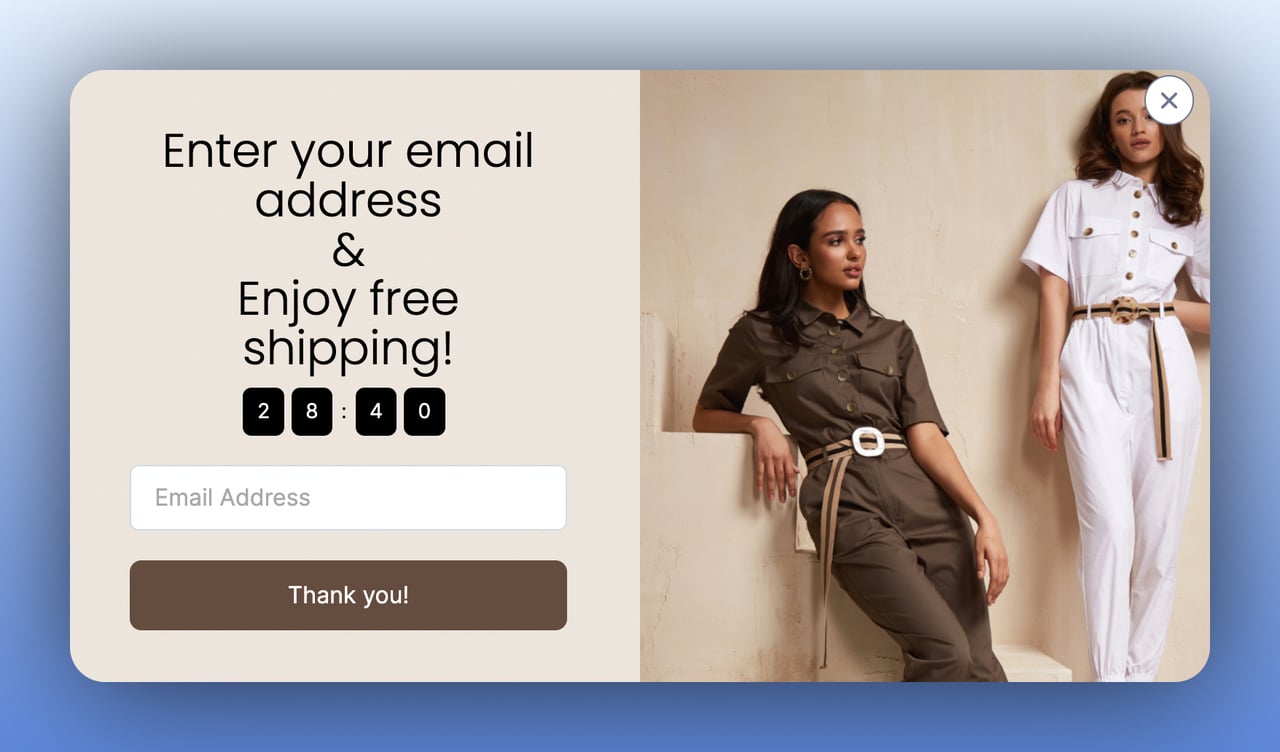
What the data says: the page matters more than the trigger. Popups on cart and checkout pages convert 4.57% vs 1.07% on the home page (median campaign). Exit intent itself shows no statistically reliable advantage: popups on the most sensitive exit-intent setting converted 1.10% vs 0.78% without exit intent (median campaign), a gap that could be chance.
3. Promote Products and Offers: Turn Browsers into Buyers
A promotional multistep popup puts a specific product, collection, or seasonal offer in step one, then asks for the visitor's email in step two, with a reason attached: "sending the full catalog" or "notifying when the sale starts." It suits flash sales, new product launches, and seasonal campaigns. The visitor hears about the offer and leaves an email in the same popup.
How to implement:
1. Design step one with good product images and sale pricing. Let the picture make the offer.
2. Add a "Get the catalog by email" or "Remind me when it drops" CTA that leads to step two's email capture.
3. Time the popup to appear 15-20 seconds after page load on collection or homepage visits.
4. Exclude returning visitors who already have the offer (use cookie-based targeting to avoid annoyance).
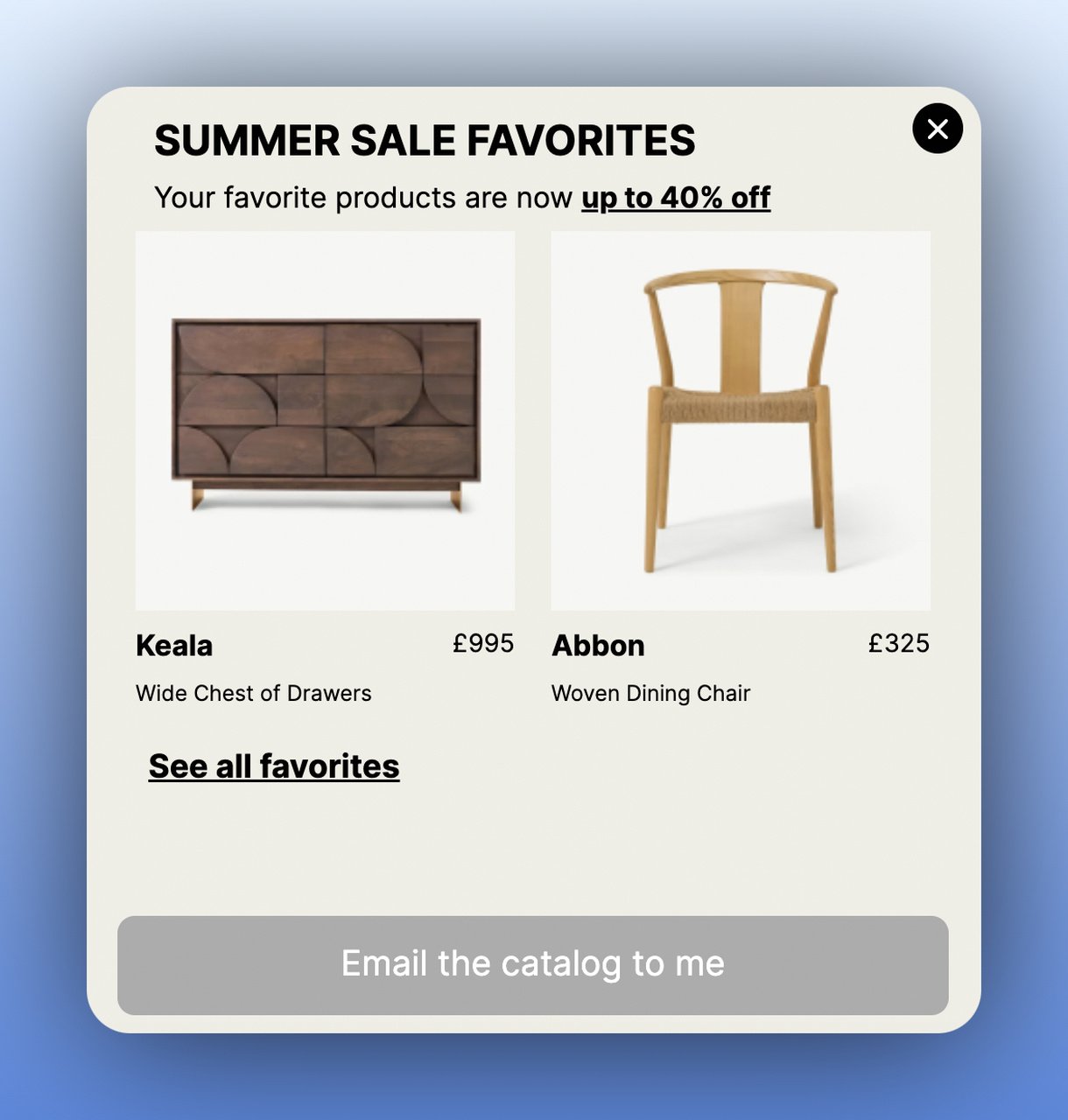
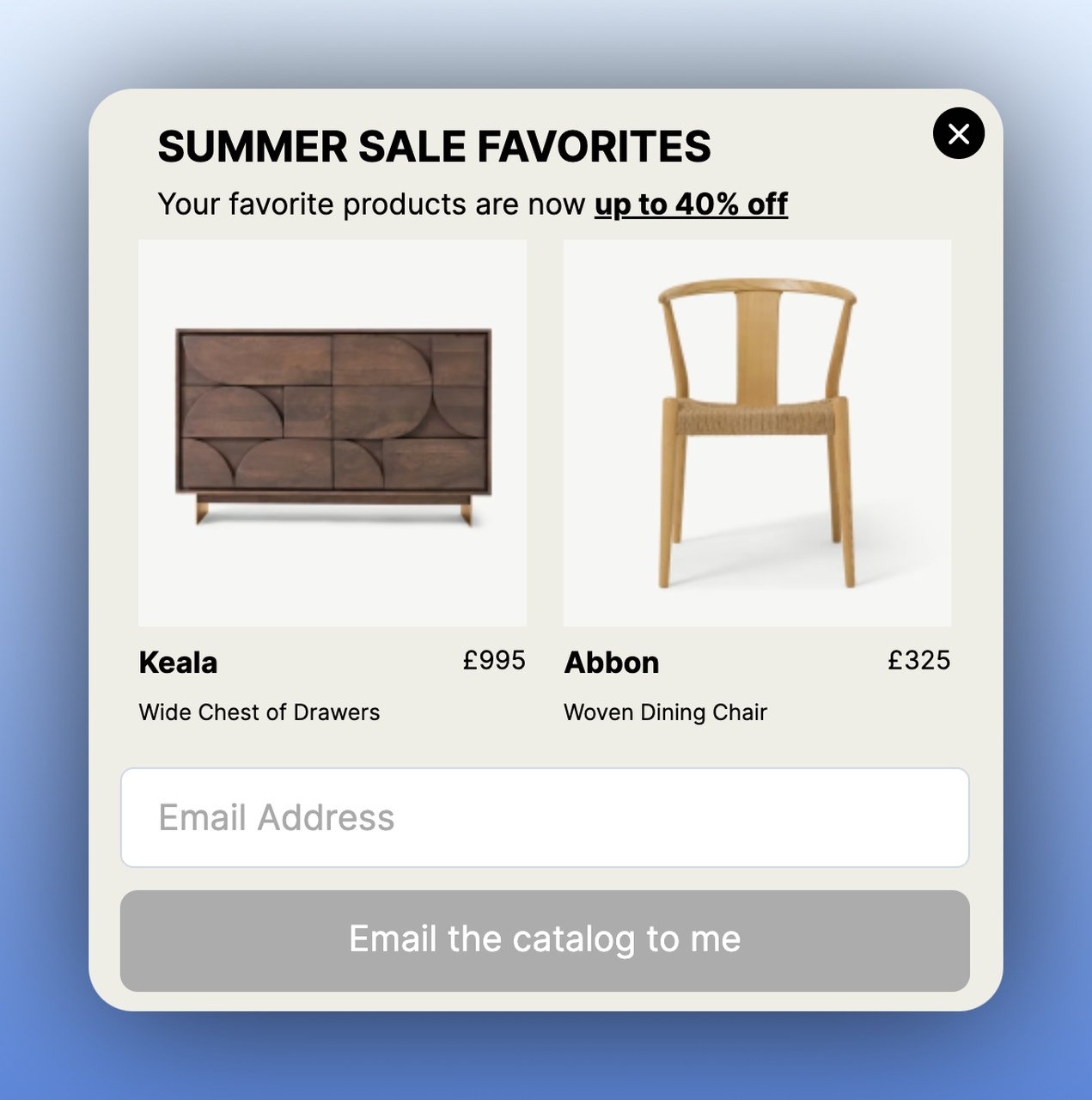
What the data says: excluding returning visitors has support in our numbers. Popups targeted at new visitors only convert 1.13% vs 0.77% for popups shown to everyone, and popups that wait before appearing convert 0.83% vs 0.61% for popups shown the instant the page loads (median campaign), though that difference is not statistically reliable, so treat it as a lean, not a rule.
4. Collect Form Submissions: Break Complex Forms into Steps
Long forms kill conversions. A multistep popup form breaks a 5-7 field submission into two or three screens, so no single screen looks like work. Step one might ask a qualifying question ("Are you interested in a free demo?"), step two collects contact details, and an optional step three confirms the submission. Use it for SaaS demos, B2B lead generation, and service quote requests.
How to implement:
1. Map your form fields and split them logically. Put the easiest, most engaging question first (yes/no or multiple choice).
2. Limit each step to 2-3 fields maximum. Name and email on one step, company and role on another.
3. Add a progress indicator so visitors know how many steps remain. Transparency reduces drop-off.
4. Include a "Maybe Later" option on step one. People resent a popup they can't say no to.
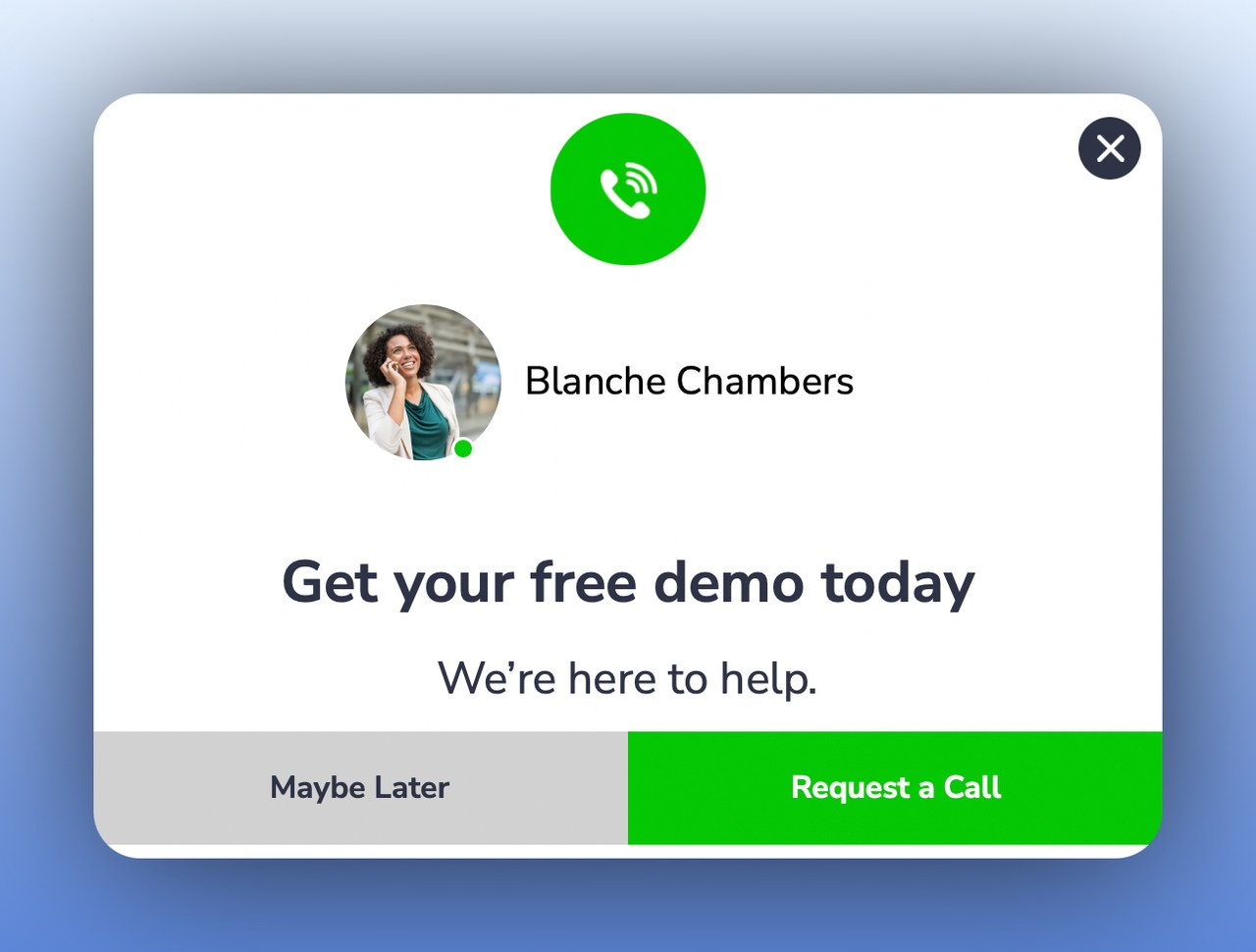
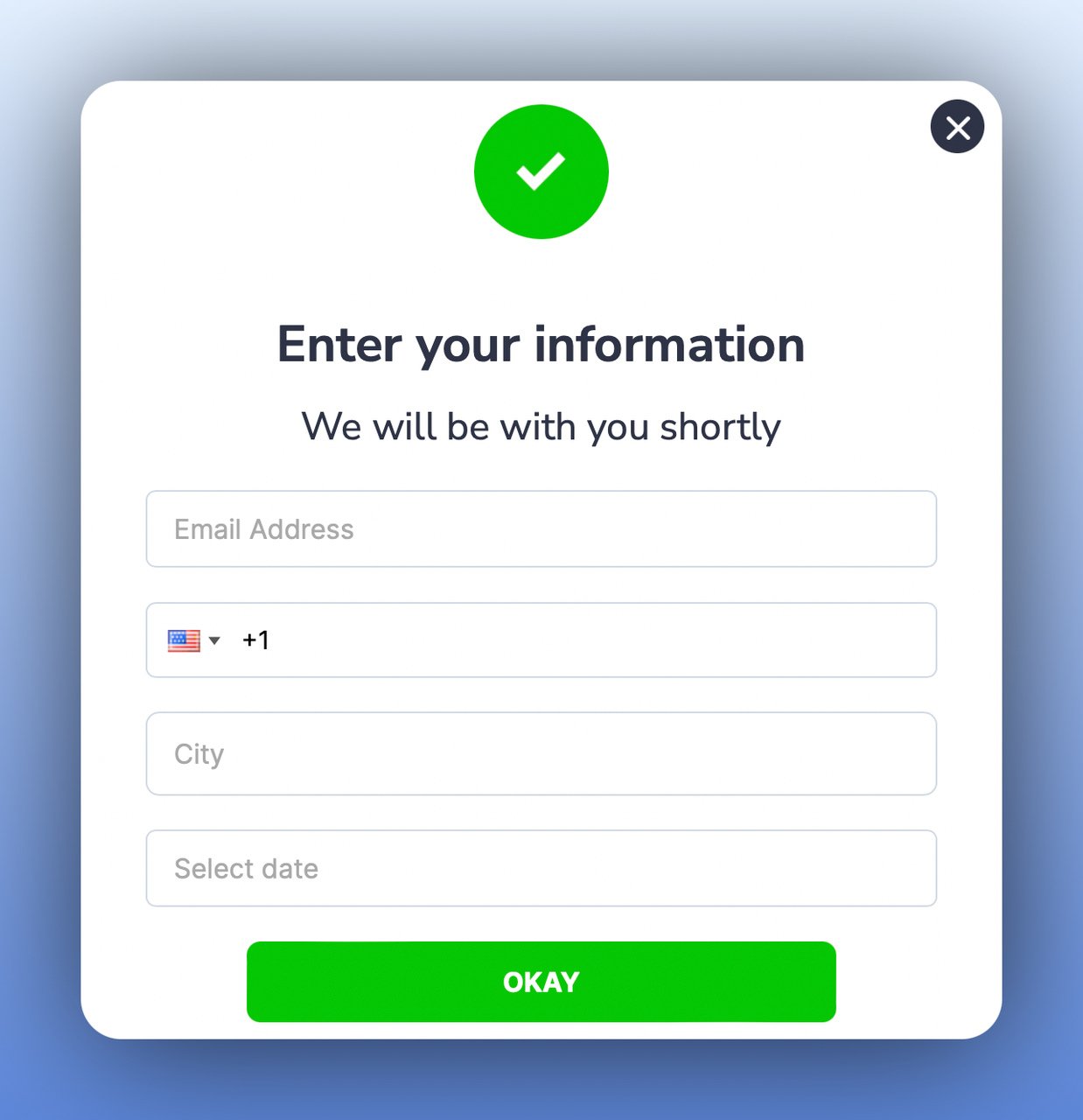
A real example: DorukNet, an internet service provider, ran a multi-step lead-generation popup with Popupsmart and reports a 37.98% conversion rate on it (DorukNet customer story). Its popup opened on click, so visitors had already asked for it; that rate isn't comparable with the benchmark medians above, which cover popups shown to all visitors.
5. Get More Phone Calls: Let Visitors Choose Their Support Channel
A support-channel multistep popup gives visitors a choice between calling, emailing, or chatting, then collects the relevant contact information based on their selection. Trigger it on exit intent on pricing or product pages, where visitors often have questions before they buy. You don't have to guess which channel they prefer. They tell you.
How to implement:
1. Create step one with clear channel options: "Call Me," "Email Me," or "Live Chat." Use recognizable icons for each.
2. If "Call Me" is selected, step two collects their phone number and preferred time slot.
3. Set the exit-intent trigger on high-value pages (pricing, product details, checkout) where questions typically arise.
4. Connect the phone number collection to your CRM or helpdesk so your team can follow up within 15 minutes.
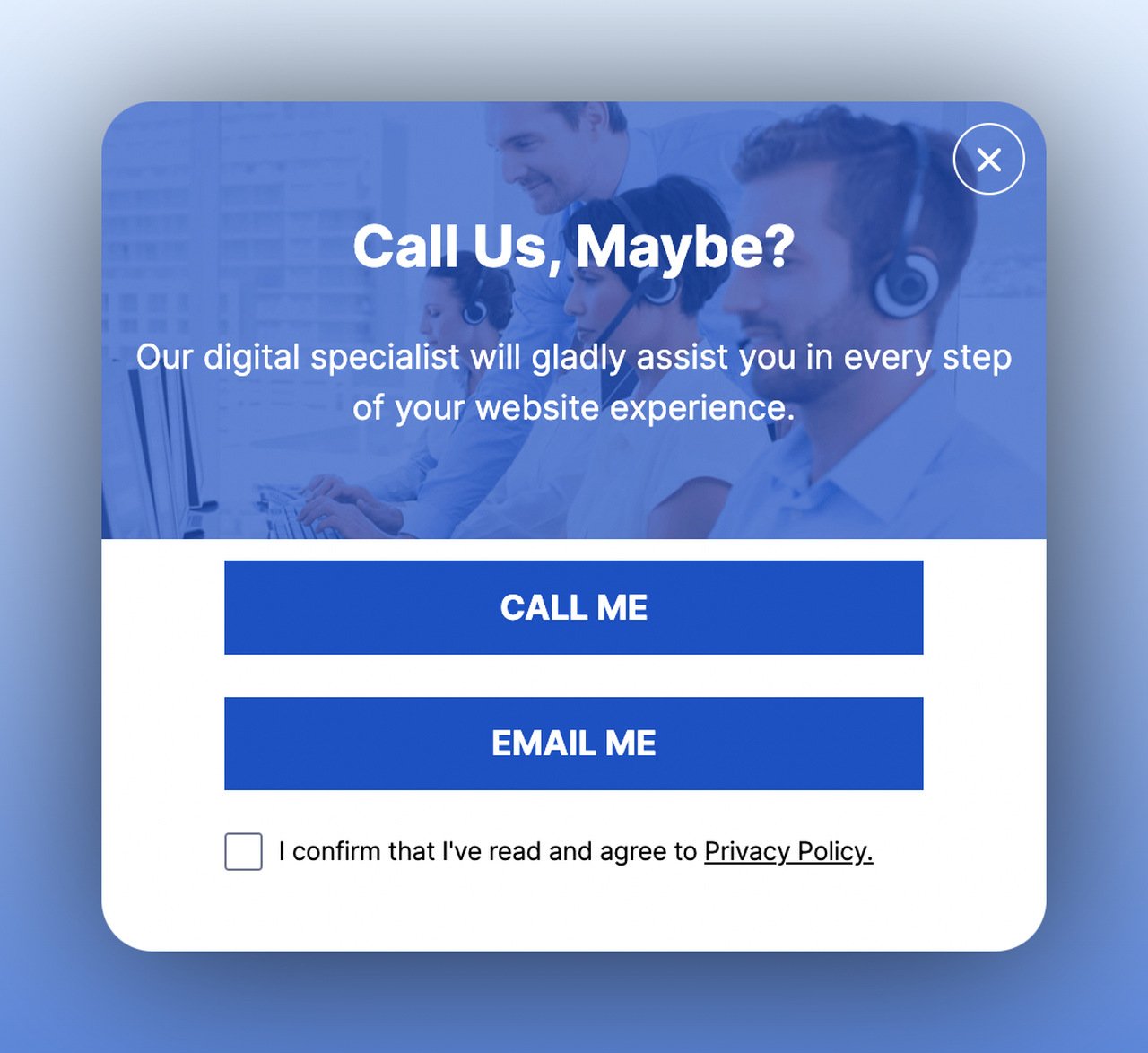
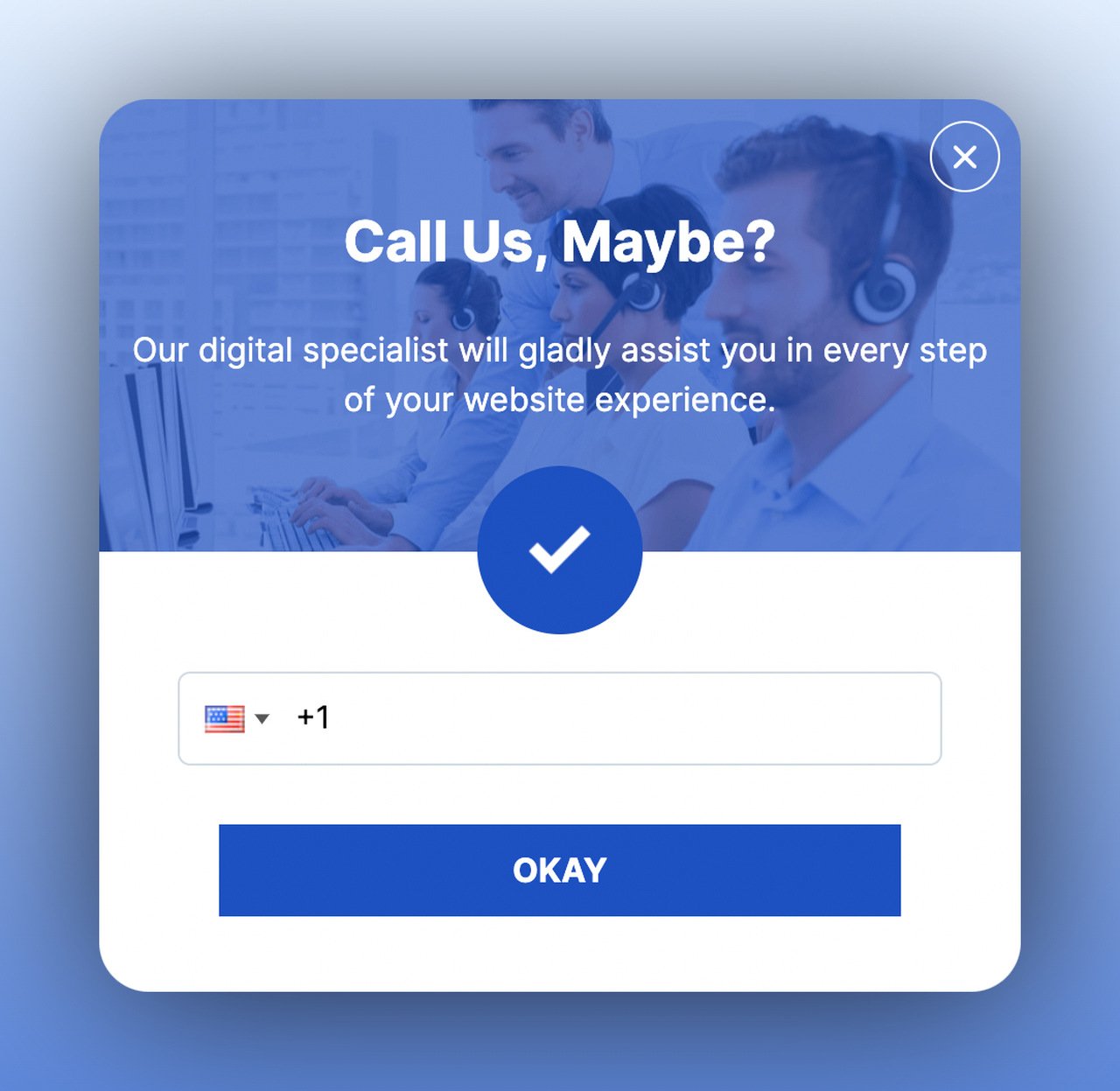
What the data says: asking for a phone number on its own is the harder ask. Forms that ask for a phone number instead of an email look weakest (0.46% vs 0.88% for email only), though that gap is not statistically reliable. Letting the visitor choose "Call me" first means the phone field only appears to people who want a call.
6. Grow Your Email List: Offer Value Before Asking for the Address
The classic email list building popup turns multistep when you put the offer in step one and the email field in step two. A free e-book, webinar invite, discount code, or exclusive content offer makes the email address feel like a fair trade. The confirmation step (step three) tells subscribers it worked.
How to implement:
1. Design step one around a specific lead magnet that matches the page content. A generic "newsletter" is a weak offer.
2. Step two should have a single email field and a clear CTA like "Send My Free Guide." Fewer fields equals higher completion.
3. Add a confirmation step that says "Check your inbox!" This reduces support tickets and sets expectations.
4. Target the popup based on page content. Blog readers get content upgrades; product page visitors get discount codes.
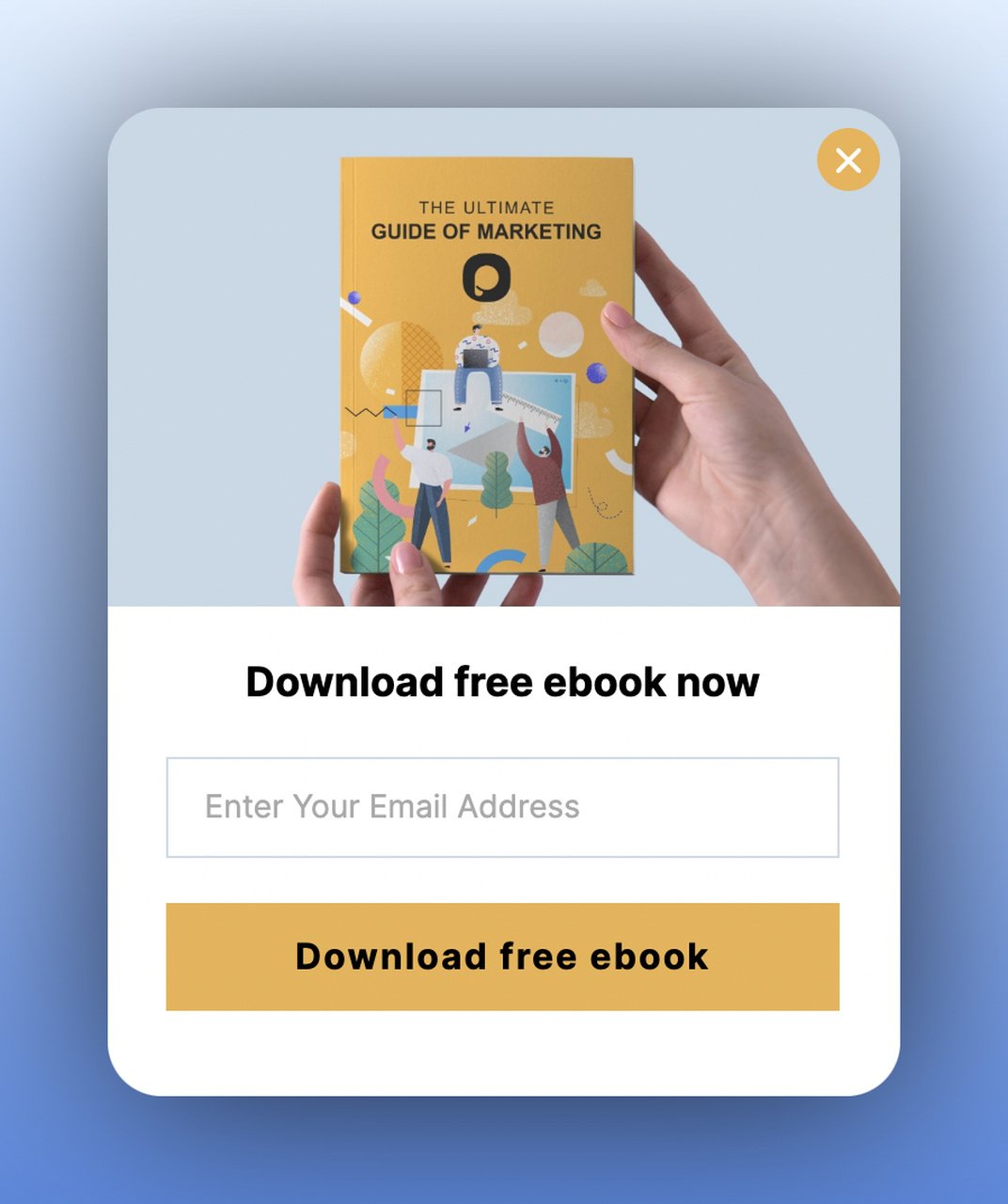
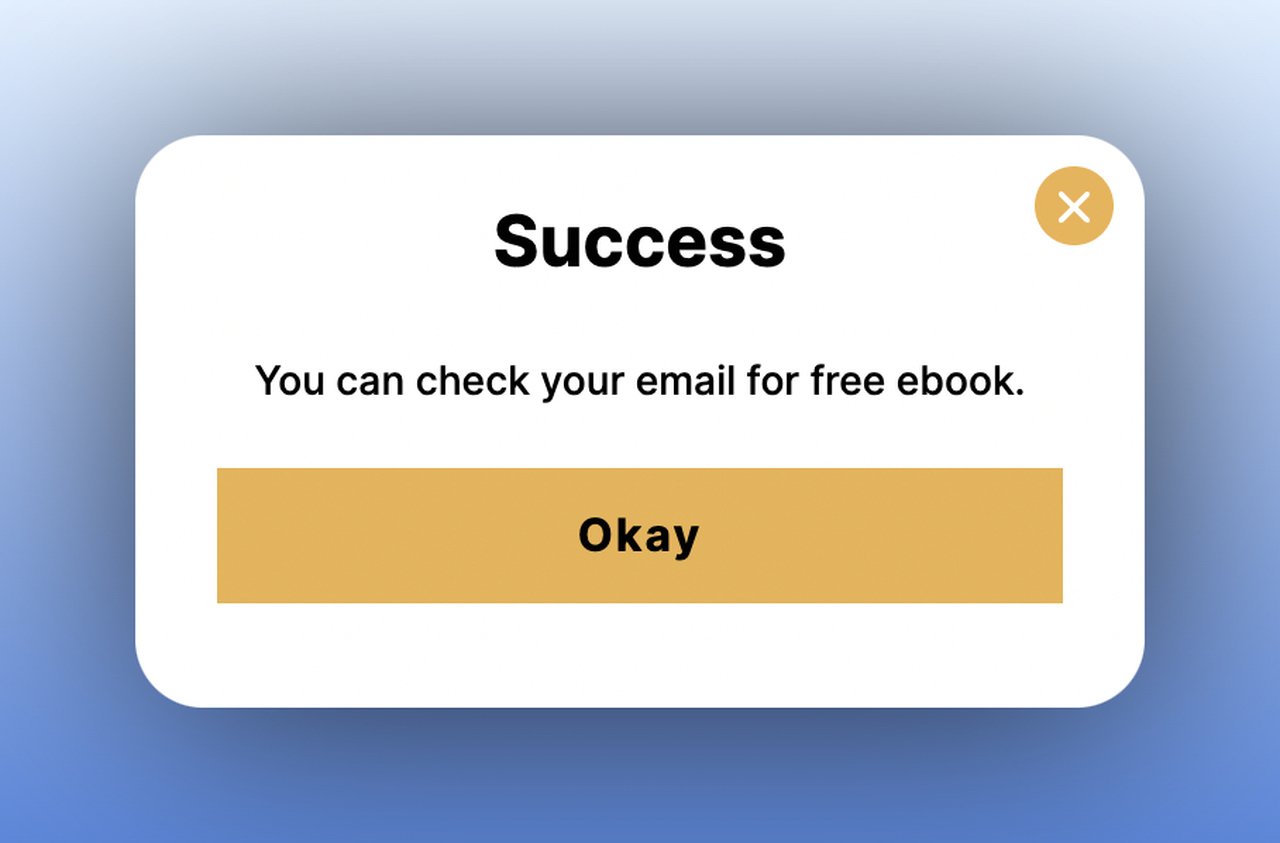
What the data says: the button wording in step two is worth your time. First-person buttons ("Send my code") convert 1.18% vs 0.80% for neutral wording (English popups, median campaign).
The name field is murkier. Adding a name field alongside the email shows no reliable effect: the overall gap in its favour (1.25% vs 0.88% for email only) reverses among campaigns whose form rarely changed (0.74% vs 0.79%). A quality lead can still come out of a preference step, and the lead generation page shows where those leads go next.
7. Make Announcements: Share News and Capture Interest
An announcement multistep popup tells the story in step one and asks for an action in step two. A new product, a seasonal campaign, a company milestone: in each case the visitor reads the news before you ask them to act on it. Press releases work the same way. Inform first, then the call to action.
How to implement:
1. Step one shows the announcement with visuals. Use product photos, collection images, or event graphics. Keep text under 20 words.
2. Include interactive elements in step one: "Shop Men's" / "Shop Women's" or "I'm interested" / "Not now." The choice reveals customer preferences.
3. Step two follows up based on their selection with a relevant offer or email capture for updates.
4. Time announcements to coincide with campaigns and set a clear end date for the popup display.
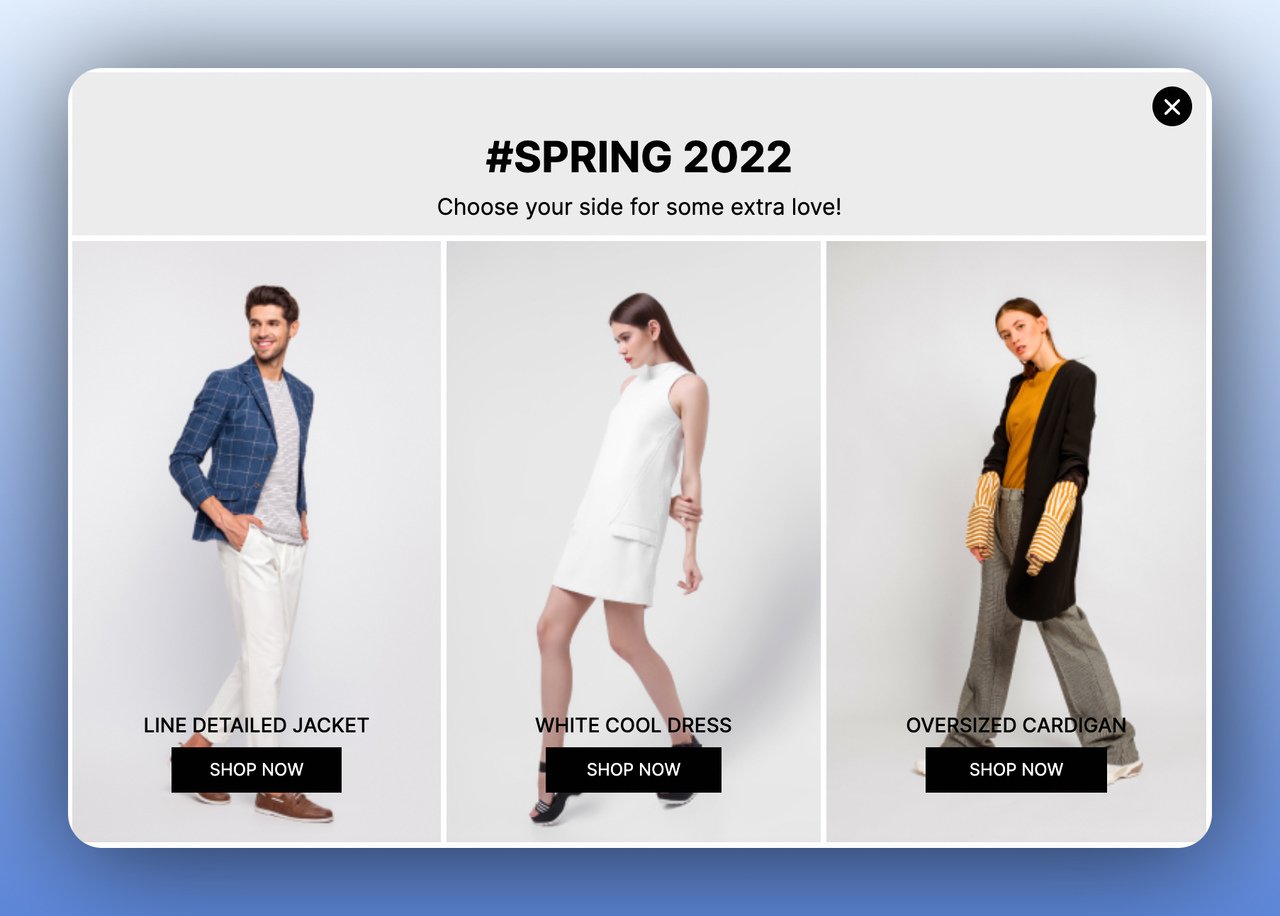
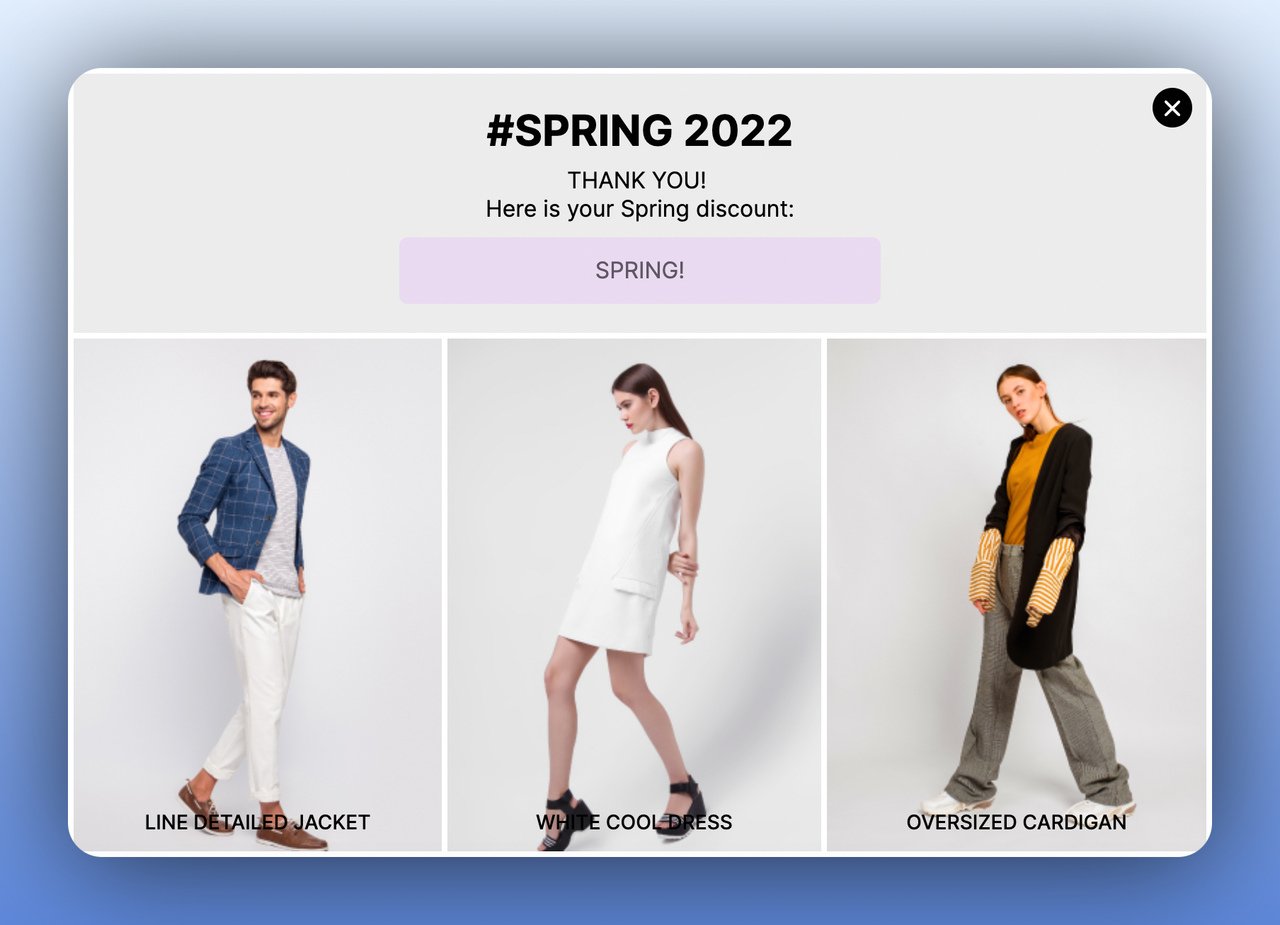
Why a second step here: Popupsmart's 2026 benchmark found no measurable conversion advantage for multi-step forms over single-step ones once step-1 clicks without contact details are excluded. The case for a two-step announcement is clarity: the first step sets up the news before the ask.
8. Increase User Engagement: Run Interactive Quizzes
A quiz-style multistep popup gives a browsing visitor something to do. Step one asks a question (product quiz, knowledge test, personality match), and step two collects the email address to deliver results. Curiosity does the work here: visitors want their answer, so the email field feels like a small price.
How to implement:
1. Design a quiz that relates to your product. A skincare brand might ask "What's your skin type?" while a SaaS company might ask "How mature is your marketing stack?"
2. Keep the quiz to 2-3 questions maximum. Each question should be a popup step with clear visual options.
3. Gate the results behind an email field: "Enter your email to see your personalized recommendation."
4. Use the quiz responses to segment your email list and send targeted follow-up sequences based on their answers.
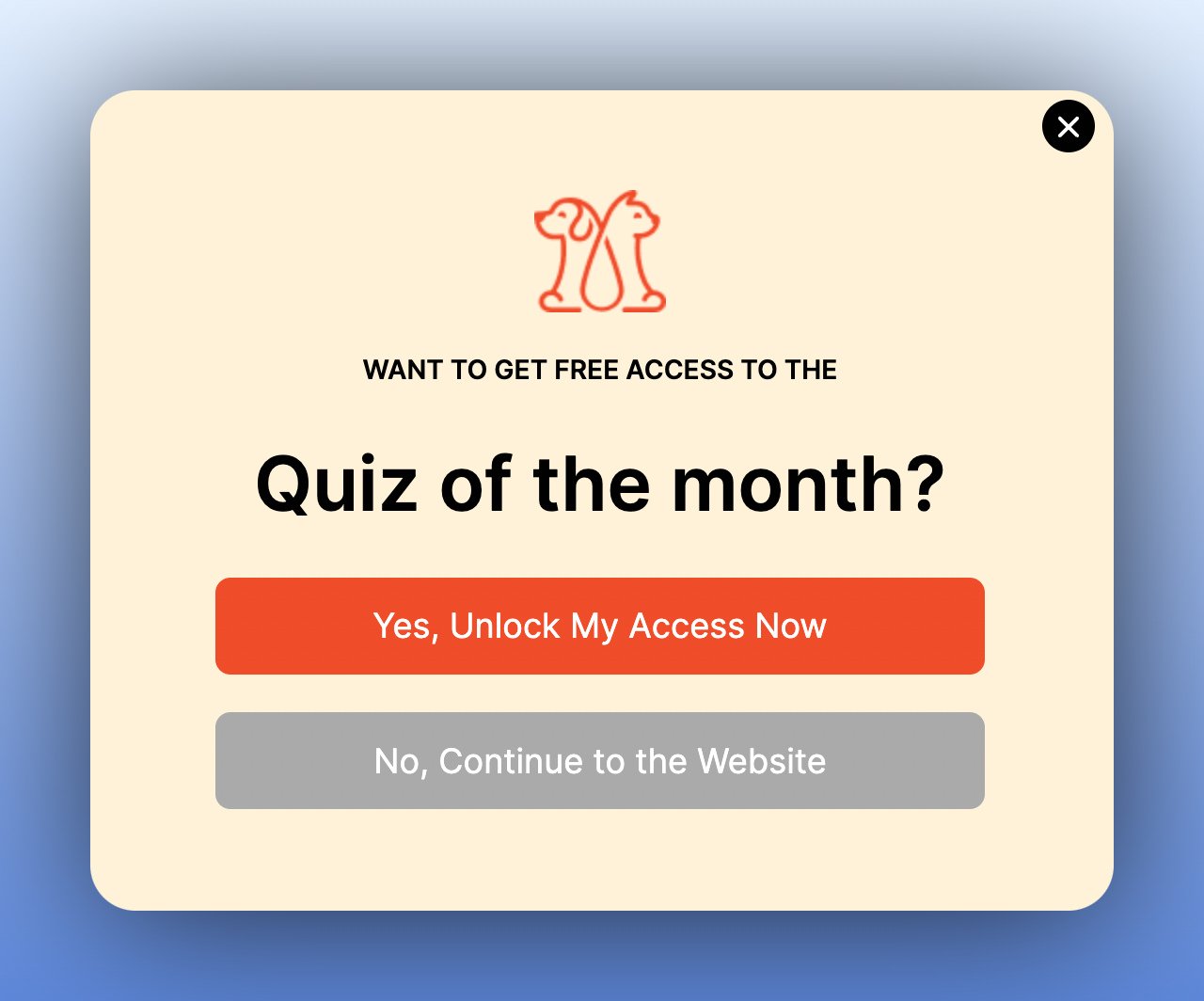
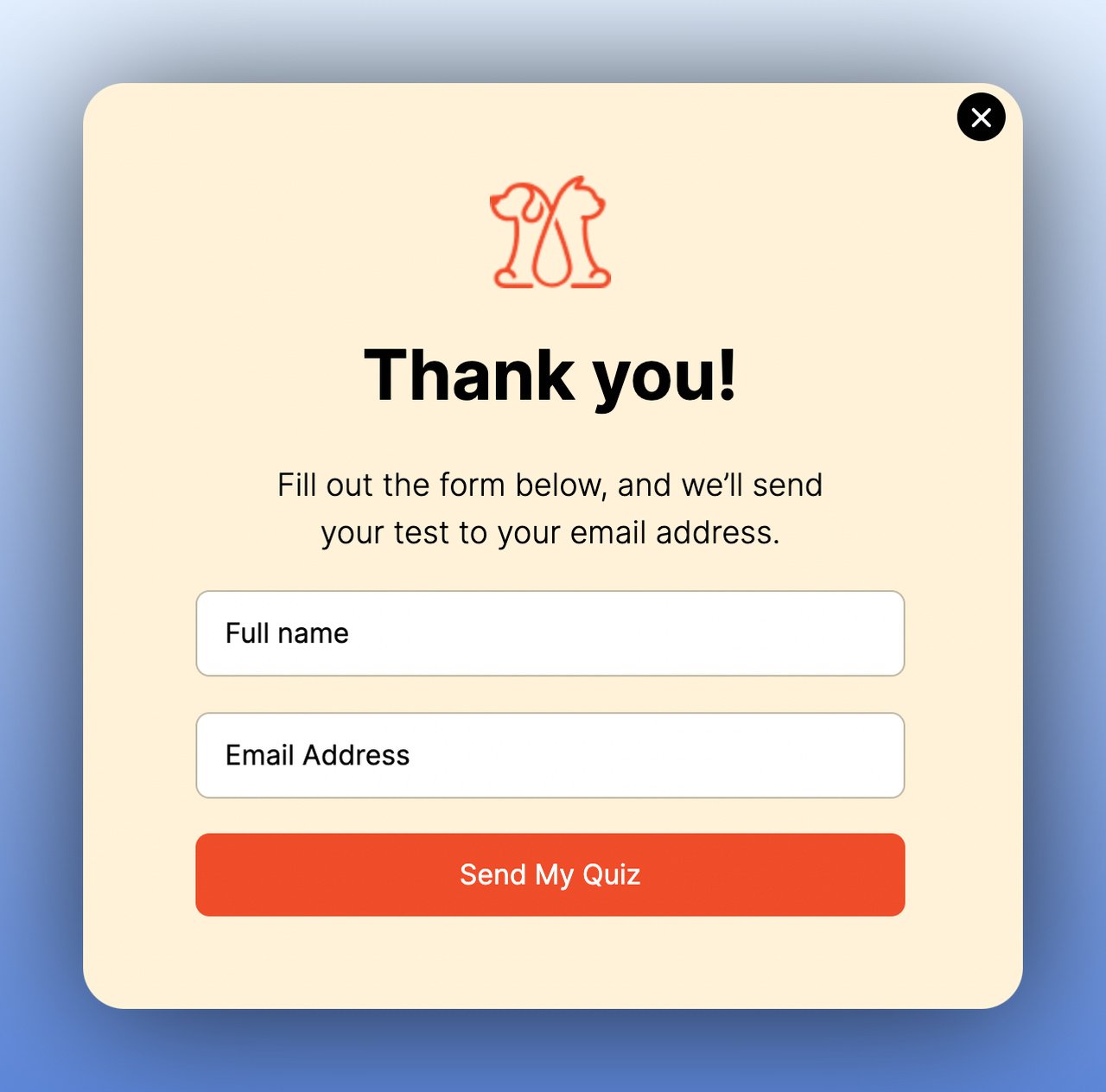
What the data says: engagement and leads are different numbers. Spin-to-win and other gamified popups get far more clicks (7.33% vs 1.87% of displays, median campaign; the spin itself counts as a click), but do not collect measurably more email or phone leads than plain signup popups. A quiz is interactive in the same way, so judge it by the emails it collects, not by how many people start it.
9. Collect Feedback and Surveys: Turn Bad Experiences into Loyalty
A feedback multistep popup asks for the customer's experience in step one, then answers it in step two. Happy customers might get a referral request or review prompt. Unhappy customers get a discount or direct line to support. With the branch, the survey becomes a retention tool: you act on the feedback while the customer is still on the page. The popup survey guide has nine survey types and the questions to ask in each.
How to implement:
1. Step one: ask a simple satisfaction question. "How was your experience?" with 2-3 answer options (great, okay, not good) works better than a 1-10 scale.
2. Branch the flow: positive responses lead to a review request or social sharing prompt. Negative responses lead to a recovery offer.
3. For negative feedback, step two should offer immediate value: a discount code, free shipping on next order, or direct access to a support agent.
4. Trigger the popup post-purchase (on the order confirmation page) or 2-3 days after delivery via an on-site return visit.
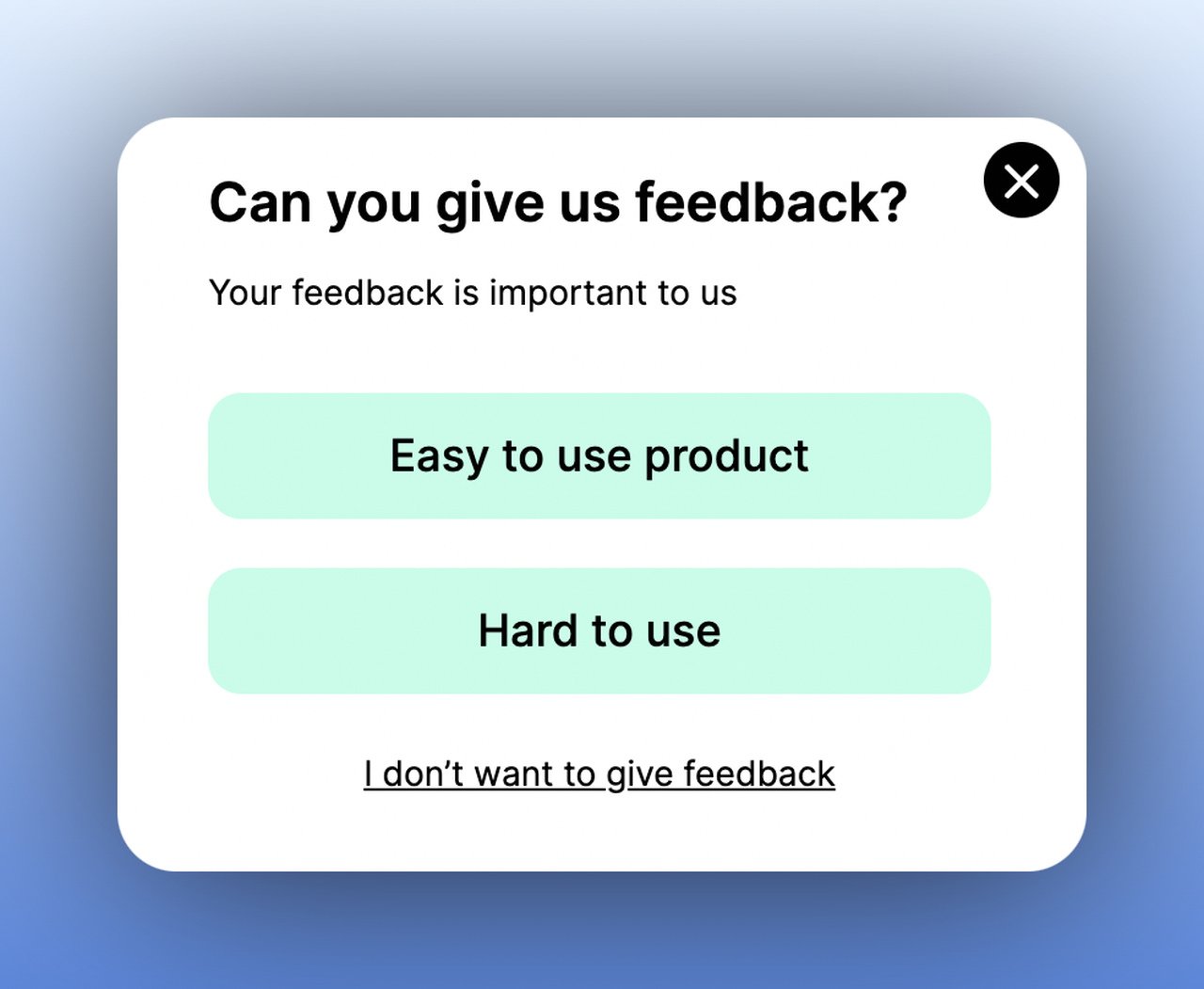
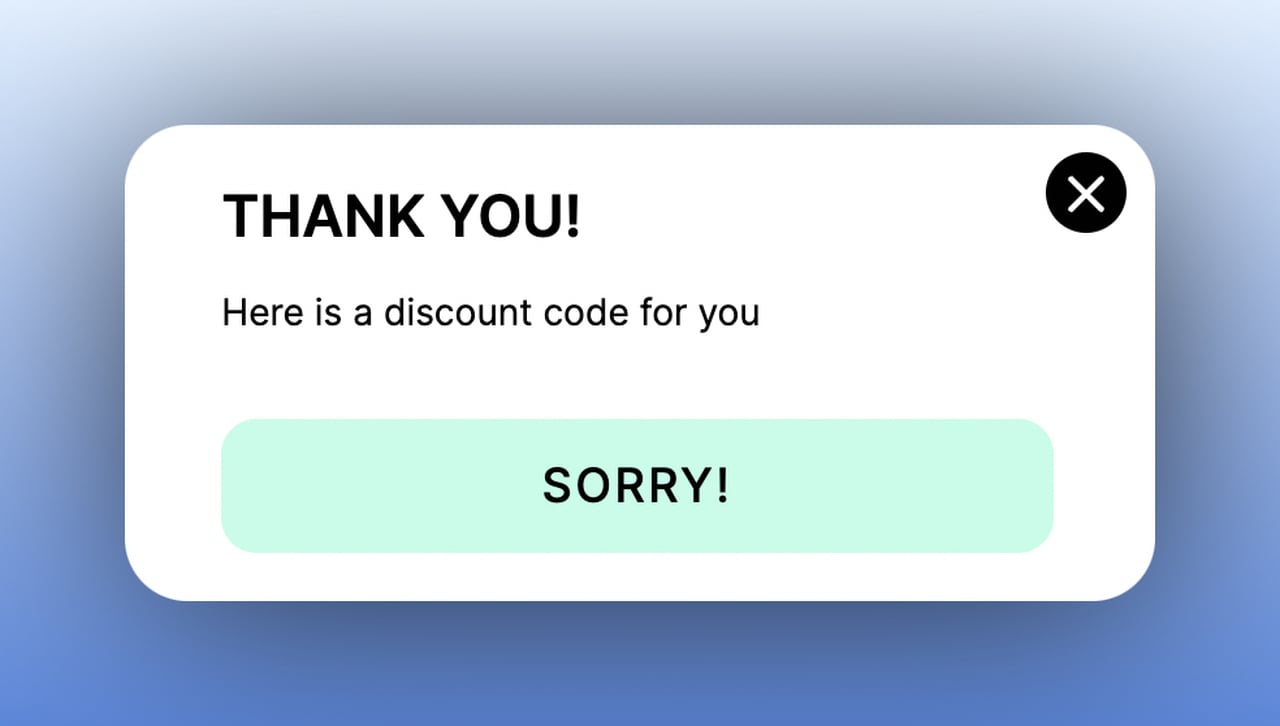
What the data says: the first question has to be answerable at a glance. 71% of visitors who close a popup do so within 5 seconds of it appearing, so a step one that takes longer to read than that loses most of the people who were going to leave anyway.
10. Facilitate Social Sharing: Identify Your Audience's Preferred Platforms
A social-sharing multistep popup asks visitors to follow your brand on their preferred social channel in step one, then uses that data to shape your social media strategy. The followers are the small part. The bigger one is market research: you learn which platforms your visitors use most, and that tells you where to spend your content budget.
How to implement:
1. Design step one with buttons for each social platform: Instagram, TikTok, Pinterest, LinkedIn, Facebook. Include the platform icons for instant recognition.
2. When visitors click their preferred platform, redirect them to your profile on that channel in a new tab.
3. Step two (optional) captures their email with a "Get exclusive social-only deals" or "Join the community" message.
4. Track which platform buttons get the most clicks and reallocate your social media budget accordingly.
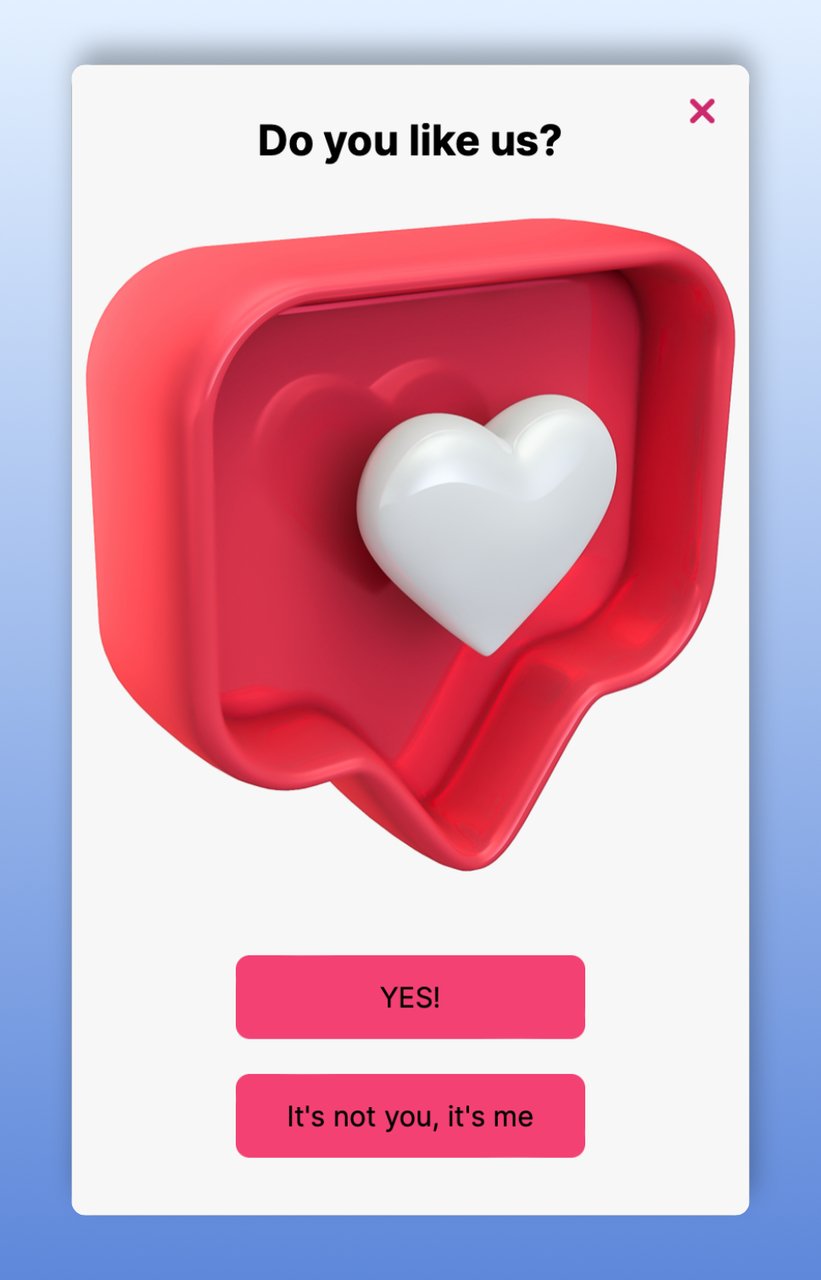
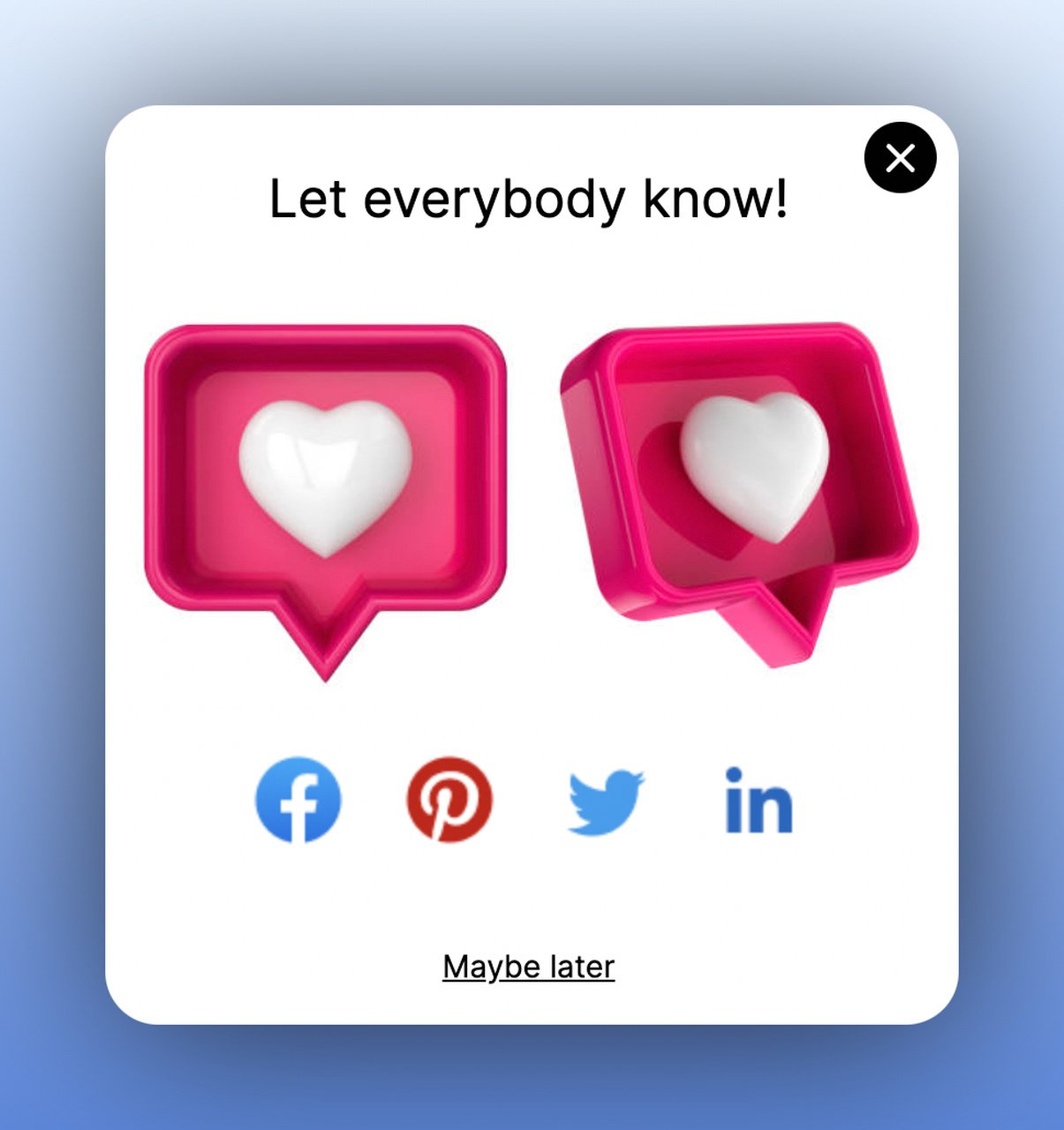
Why it works: A popup interrupts, so the visitor has to decide something. When the ask is this small, that works for you.
Where to Start: Prioritization by Effort and Impact
Not every use case fits every business. Here's how I'd prioritize based on effort to implement and expected impact. The effort and impact columns are my judgment, not measurements:
| Priority | Use case | Effort | Impact | Best for |
|---|---|---|---|---|
| 1 | Reduce Cart Abandonment | Low | High | E-commerce stores that lose shoppers at the cart |
| 2 | Grow Your Email List | Low | High | Any site without an active email capture strategy |
| 3 | Increase Sales Conversion | Medium | High | Stores with 50+ products needing guided discovery |
| 4 | Collect Form Submissions | Medium | High | B2B SaaS and service businesses with long forms |
| 5 | Promote Products and Offers | Low | Medium | Seasonal businesses and product launches |
| 6 | Collect Feedback and Surveys | Medium | Medium | Businesses focused on retention and NPS improvement |
| 7 | Make Announcements | Low | Medium | Brands with frequent launches or news |
| 8 | Increase User Engagement | High | Medium | Brands wanting interactive on-site experiences |
| 9 | Get More Phone Calls | Medium | Medium | High-ticket products and services needing consultation |
| 10 | Facilitate Social Sharing | Low | Low | Brands building social presence from scratch |
Start with priorities 1-3. They need the least setup and put the popup where our data points: cart and checkout pages, a clear offer, and a short contact step. Add the rest once those are live, in whatever order your goals call for.
How to Create a Multistep Popup with Popupsmart
You can build a multistep popup in Popupsmart two ways: start from a multi-step template, or add steps to any popup. The steps below follow Popupsmart's multi-step popup guide in the help center. For a Shopify store, the multi-step forms on Shopify guide covers the App Embed setup and design rules; I won't repeat them here.
1. Sign up for a free Popupsmart account (no credit card required) and click "New Campaign" from your dashboard.
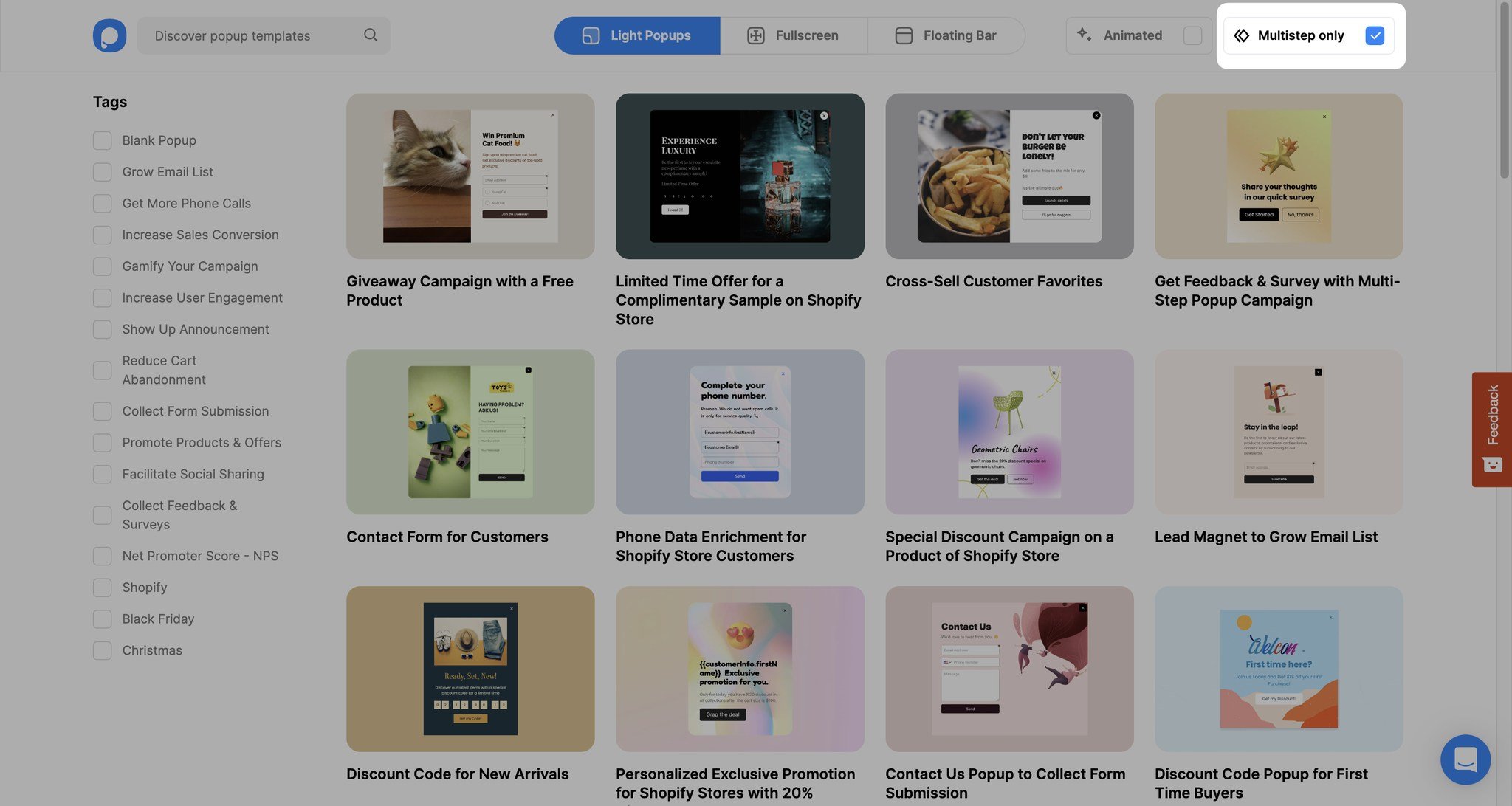
2. Use the "Multistep only" filter on the template page to browse pre-designed multistep templates. Pick one that matches your use case. On the public popup template gallery, multi-step designs include a winter-collection campaign, a Shopify cart-recovery popup and a product feedback popup.
3. In the "Customize" step, edit text, swap images, add elements (video, countdown timer, social icons), or modify the call to action buttons.
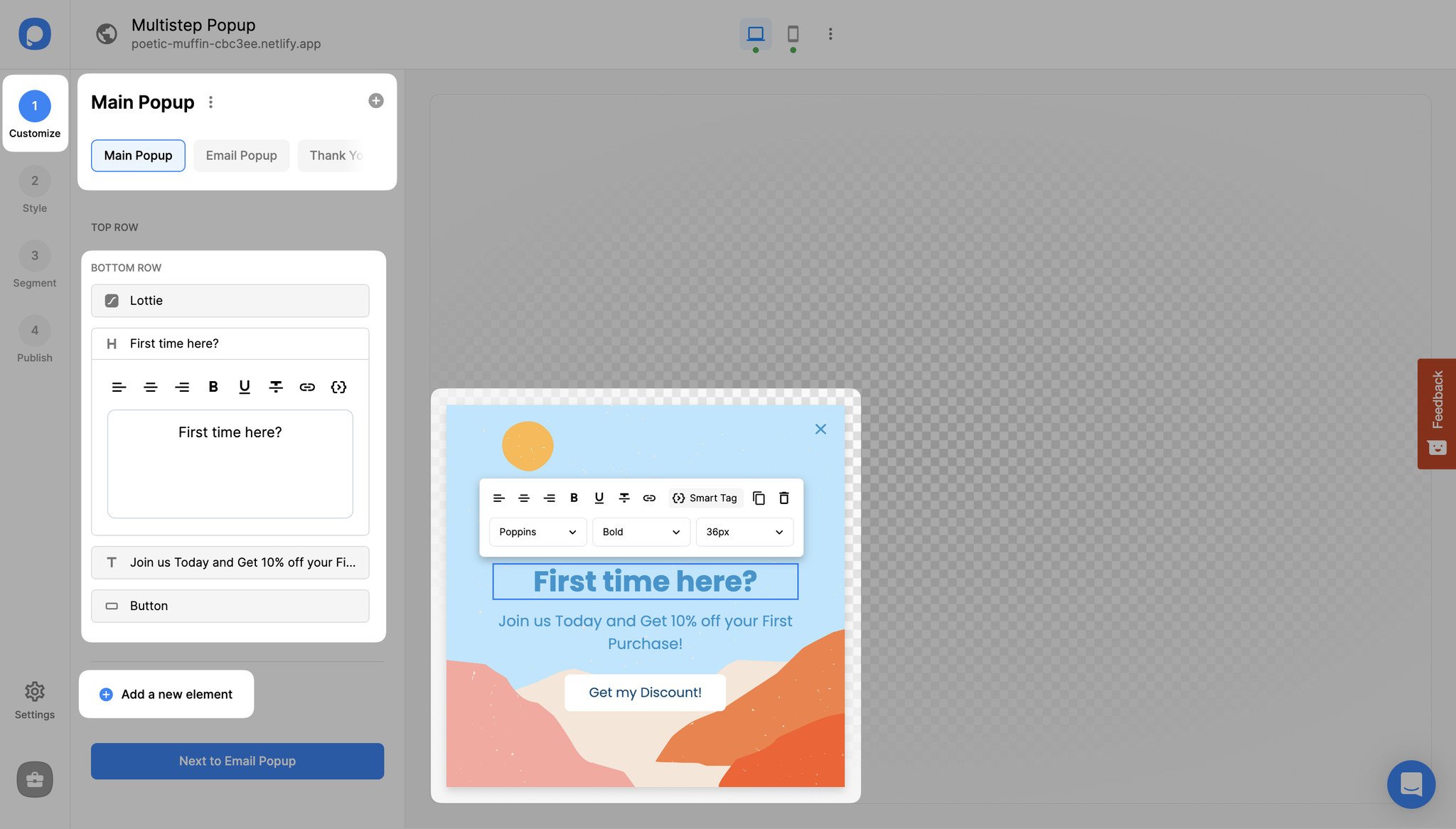
4. Add a new step by clicking "Add a new step" next to your existing popup steps, then choose its layout, type and position. Each step can have different content, layout, and actions.
5. Link the steps: select a button in the first step, open its "Action" dropdown, choose "Show the Page" and pick the step it should open. That's what moves the visitor from step one to step two.
6. Use the "Style" tab to customize fonts, colors, and backgrounds. Themes give you ready-made design options you can apply with one click.
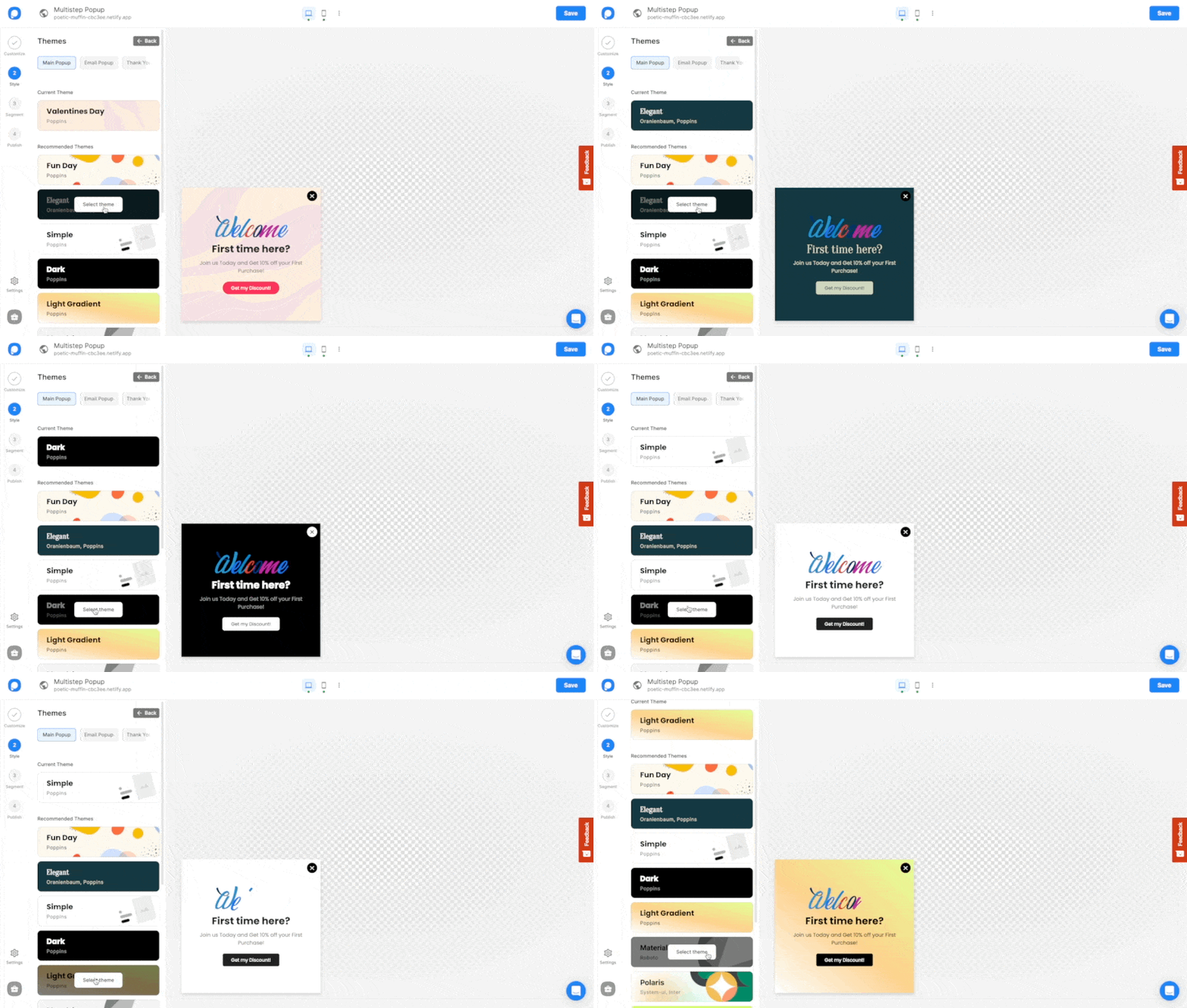
7. Set targeting rules in the "Segment" tab (page URL, visitor behavior, device type, location), add integrations in "Settings," and hit publish.
Popupsmart says most customers build and publish a campaign in under 5 minutes. A flow with branching steps, like the feedback popup above, takes longer to plan than to build. For multi-step forms outside popups, such as landing pages and checkouts, see the multi-step form guide.
Common Mistakes to Avoid with Multistep Popups
These are the mistakes that undo a multistep popup most often:
Counting step-one clicks as conversions. The first step of a multistep popup is usually a click, not a lead. Our benchmark's finding on multi-step forms holds only once step-1 clicks without contact details are excluded, so measure your own popup the same way: leads are submissions that carry an email address or phone number.
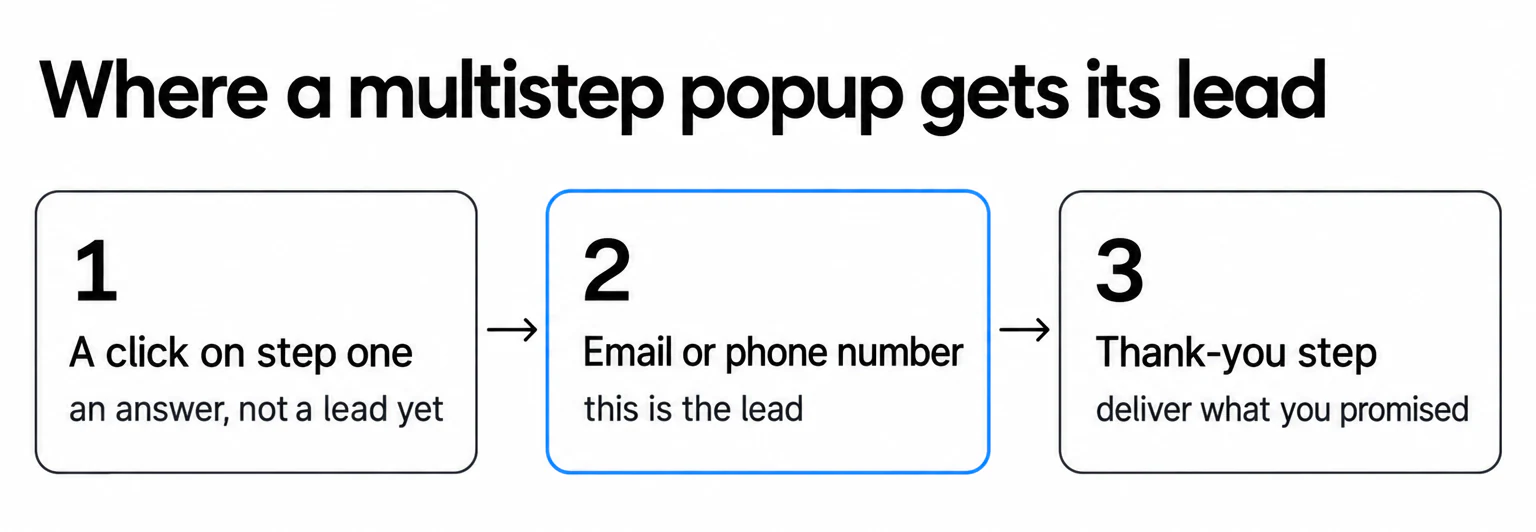
Too many steps. Three steps is the practical maximum. Past three, you're asking more than a popup can carry. Use a landing page instead.
No clear value exchange. Each step should give the visitor something back for what they hand over. In our benchmark, signup popups that offer a discount code convert 1.46% vs 0.75% for signup popups without one.
Ignoring mobile optimization. 63% of popup displays happen on mobile. A multistep popup that looks great on desktop but requires horizontal scrolling on mobile will frustrate visitors. Test every step on a phone screen before publishing.
Same popup for every page. A returning customer on the checkout page and a first-time visitor on a blog post shouldn't see the same multistep popup. Use page-level and visitor-behavior targeting to match the popup to the context. Popupsmart's segmentation tools make this straightforward.
No A/B testing. Run at least one variant, even a small one: the offer amount (10% vs 15% off) or the CTA wording. For a multistep popup, the first test worth running is the multistep version against a single-step one with the same offer, judged on leads.
Frequently Asked Questions
How is a multistep popup different from a regular popup?
A multistep popup shows more than one screen: when the visitor acts on the first step, for example by clicking a button, the popup moves to the second step. A regular popup has a single screen that shows everything at once. Both can collect leads; a multistep popup suits offers that need a question or some context before the ask.
Do multistep popups improve conversions?
Not by default. In Popupsmart's 2026 benchmark, multi-step forms show no measurable conversion advantage over single-step forms once step-1 clicks without contact details are excluded. A multistep popup earns its place when the first step does a job, such as segmenting visitors or qualifying a lead, and the contact step stays short.
What Is a Multistep Form?
A multi-step form breaks a long data collection process into two or three shorter screens. Instead of presenting all fields at once, each step shows 1-3 fields with a progress indicator. Visitors commit to each step individually rather than facing the full form upfront. Multistep forms work in popups, landing pages, and checkout flows.
What Is an Example of a Multi-Step Instruction?
A practical multistep popup instruction: Step 1 shows "What's your skin type?" with options (oily, dry, combination). Step 2 displays "Here's your personalized routine" with product recommendations. Step 3 asks "Want these sent to your inbox?" with an email field. Each step logically follows the previous one, and the visitor feels guided rather than pressured.
What Are the Benefits of Multistep Popups?
The benefits are segmentation (the first answer tells you who the lead is), progressive profiling, lighter screens, and the room to explain an offer before you ask for anything. A higher conversion rate isn't guaranteed: Popupsmart's 2026 benchmark finds no measurable advantage for multi-step forms once step-1 clicks without contact details are excluded. The trade-off is more setup time and a flow to design.
How Many Steps Should a Multistep Popup Have?
Two steps suit most popup use cases: a question or offer, then the contact field. Add a third only when it has its own job, such as a thank-you step that delivers the code. Keep the contact step short: in Popupsmart's 2026 benchmark, popups asking for one or two fields convert 0.88% and 0.94%, against 0.56% for three fields (median campaign).
Do Multistep Popups Work for Mobile Visitors?
Yes, but design matters more on mobile, where 63% of popup displays happen in Popupsmart's 2026 benchmark. Each step should display without scrolling on a standard smartphone screen. Use tap targets of at least 44 by 44 pixels (the WCAG target size guideline), cut text to essentials, and preview every step on a phone before publishing.
Is it difficult to create a multistep popup?
No. It depends on the tool you use. In Popupsmart you pick a multi-step template or add a step to any popup, then set a button's action to show the next step, without writing code. Popupsmart says most customers build and publish a campaign in under 5 minutes.
Start Converting More Visitors Today
Multistep popups don't win on format alone: our data finds no measurable advantage for multi-step forms once step-one clicks are set aside. They win when the first step does real work, segmenting or qualifying the visitor, and the contact step stays short. Start with cart abandonment recovery or email list building, since those two use cases need the least setup. Then test the two-step version against a one-step popup, judged on leads.
If you want to try a multistep popup on your site without writing code, Popupsmart's free plan covers up to 5K pageviews a month and includes the drag-and-drop editor and multi-step templates.