 ChatGPT
 Perplexity
 Claude
 Grok
Grok Google AI Mode
We’ll take a nice look at 15 actionable strategies specifically to improve your Shopify store's conversion rate.
For those desiring a more in-depth journey into conversion rate optimization, this focused exploration will help you do it right away.
The statistics which we provide for you are from SpeedCommerce’s 2024 eCommerce Benchmarks and Smart Insights’ E-commerce conversion rate benchmarks – 2024 update.
1. Arrange Your Webpage Elements
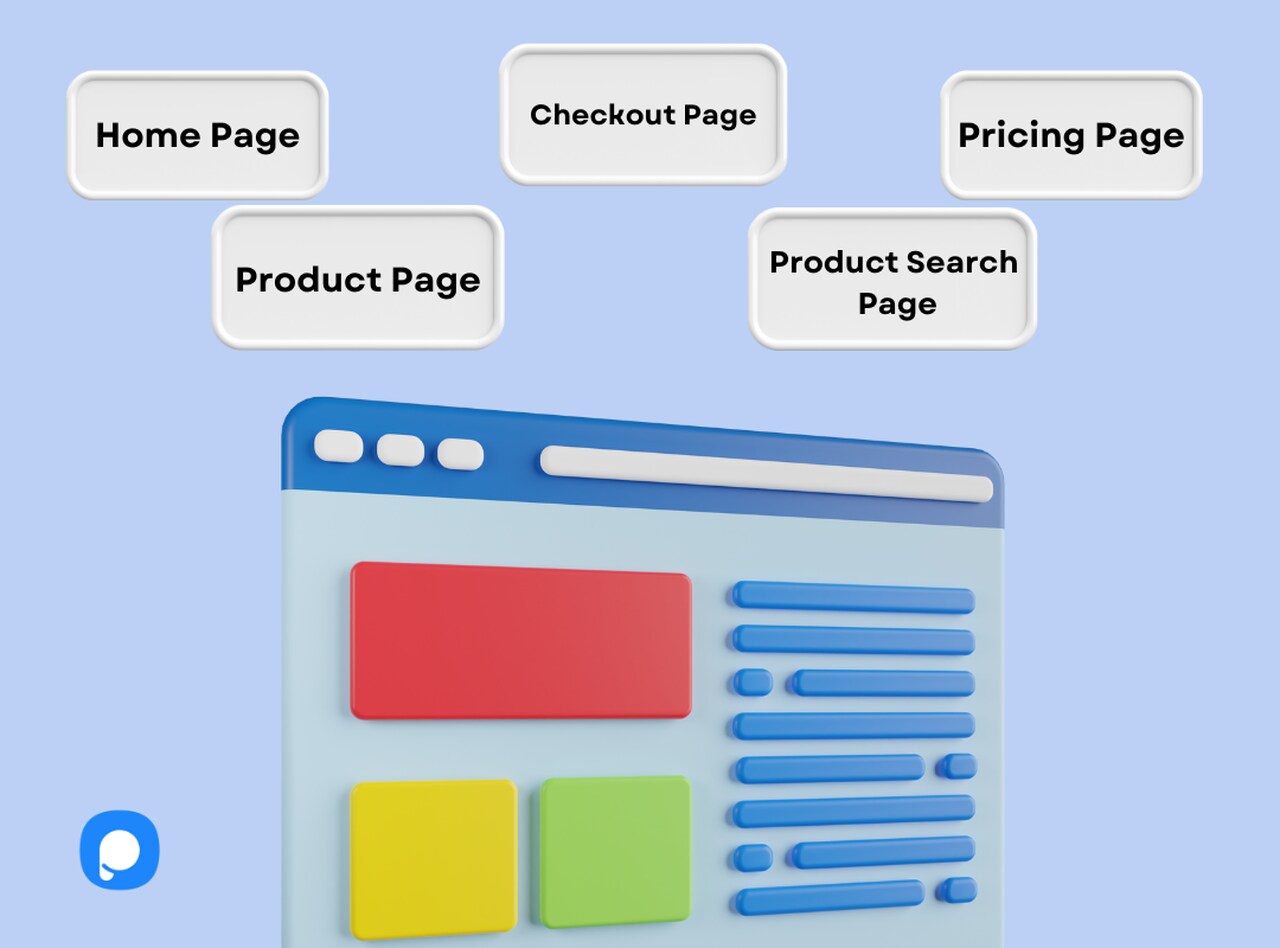
Make sure you give your customers a simple user experience to lead them into purchasing your products.
Home Page
Your home page is the first page your customers engage with. Include important details that will convince them to stay on your website and take the desired action.
It is important to:
- Have a mobile-friendly website
- Include video content to increase reliability
- Have a chat box to show that your customers can easily reach you
- Add a free signup button
- Highlight your top-selling products
- Offer support and contact
Product Search Page
Your product search page should convince your customers to purchase your products. Arranging your product search page will result in higher conversion.
- Provide auto-suggestions to simplify the product search process.
- Test your search options accuracy before putting it into practice.
- Ensure your search covers singular, misspelled, or suggested words.
Product Page
This page is where browsers decide whether to buy your product or not. To convert more browsers, your product page should;
- Include high-quality images and videos of the product.
- Have clear calls-to-action such as BUY or ADD TO CART.
- Include filtering options and category structure.
- Provide delivery time of the product and offer free shipping.
- Involve social proof and testimonials.
Pricing Page
Convince browsers to purchase your products by showing that your product is better than your competitors’.
- Clearly explain your product’s features.
- Support your customer’s purchase activity via live chat.
- Highlight your products’ benefits.
- Offer free trials or samples of your product.
- Make product comparison available ensure conversion.
Checkout Page
Do not let your customers abandon their carts. You need to have an appealing checkout page without long forms or continual input errors.
- Provide input examples for each field.
- Have an auto-fill feature to simplify the process.
- Clearly show your shipping and refund policy.
- Offer free shipping.
- Vary payment options and show your store’s security.
2. Identify Your Target Customers
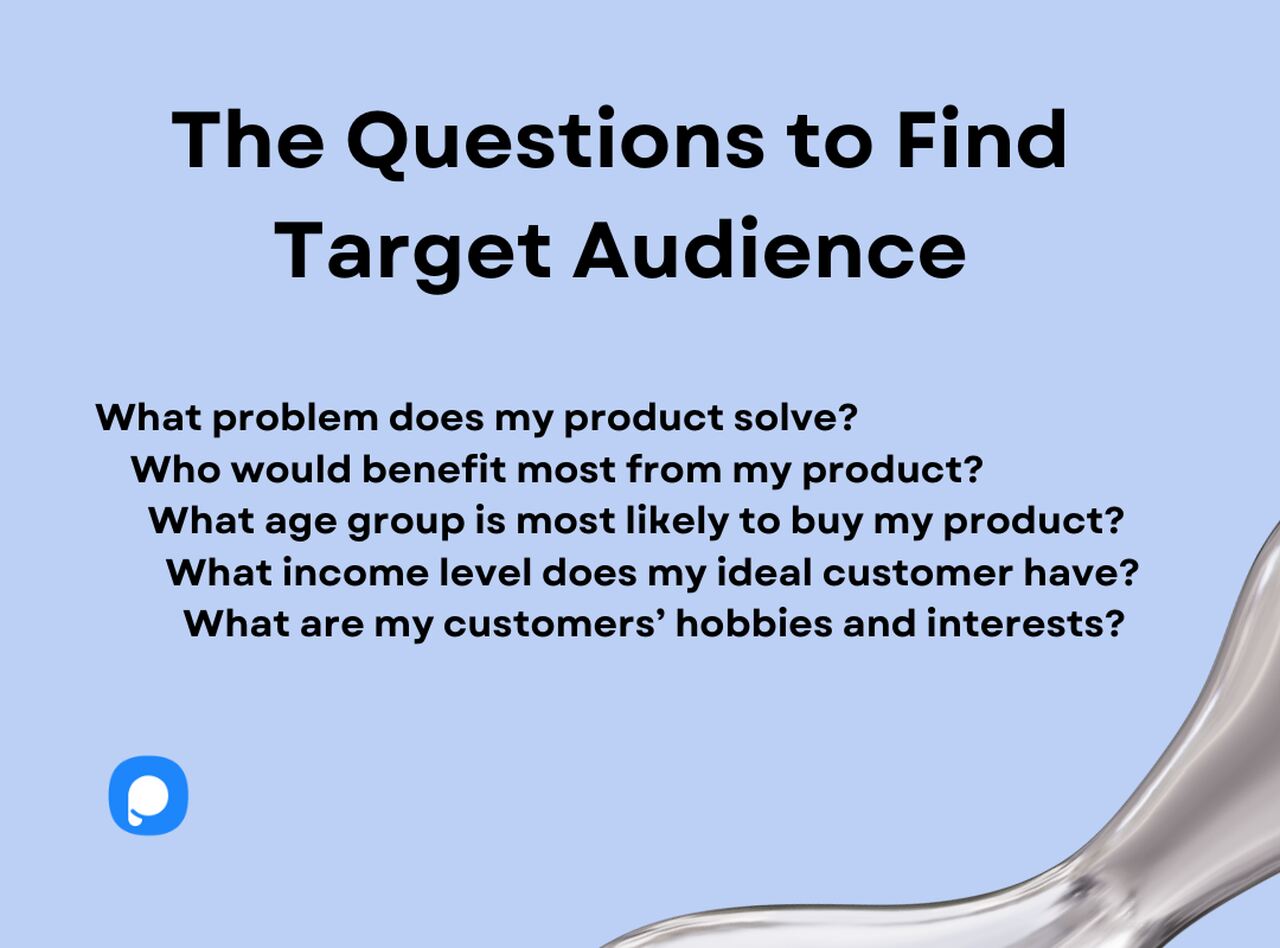
What is your customer profile? Identify your target customers to give them exactly what they need.
You should find out more about your targeted customers and aim for converting them.
For example, if your store contains clothing in a specific style like casual clothing for young adult women, put yourself in their shoes.
Highlight the products they like the most or emphasize why your brand is more suitable for their needs.
3. Have a Mobile Responsive Website
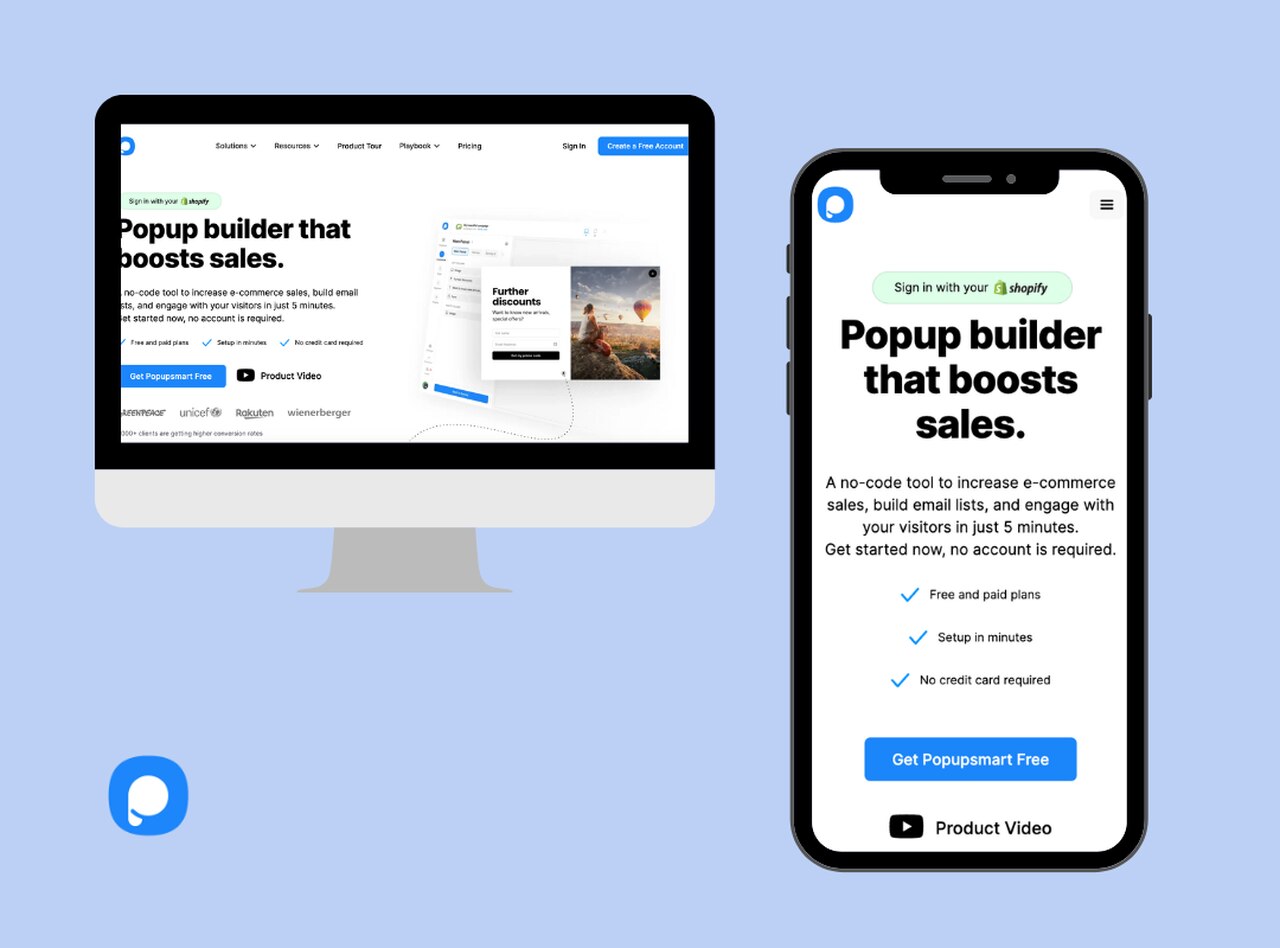
If your website visitors are browsing on their mobile phones. It may be tiresome to open your page on their computers.
Do not lose your potential customers. Have a mobile-friendly website and convert the customers using mobile phones to shop.
This way you will decrease your cart abandonment rate and increase conversion rate.
4. Add Clear Calls-to-Action
Remember, customers, do not want to go through a complex shopping process. Make your calls-to-action precise and to the point.
Moreover, you need to test your CTAs to see if they lead to the right pages. You can use CTAs on your popups, product page, and landing page to have a higher conversion rate.
5. Have a Prompt Customer Service
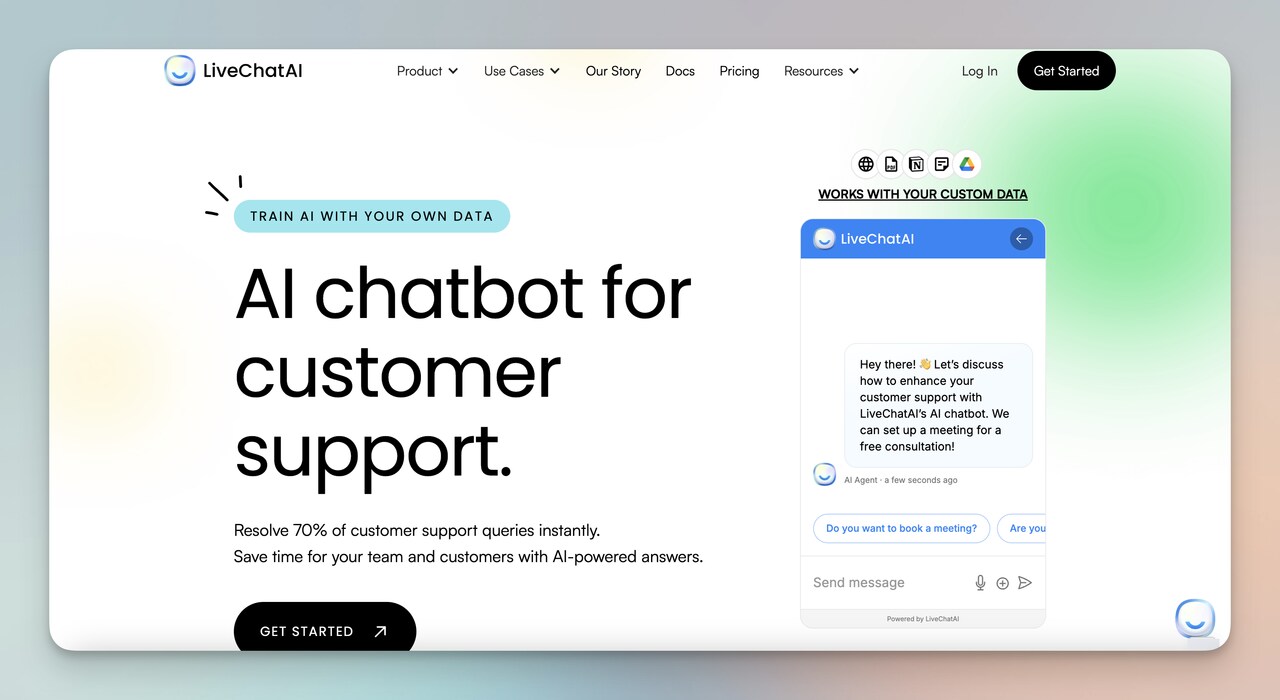
Being available when your customers need assistance about your products, or their orders is key to have repeated customers and increased conversion.
You can provide live-chat with a successful human resource team or AI chatbots on your website. There are successful customer service apps for Shopify available as well.
Work on improving your customer service to retain your existing customers and obtain new ones.
Offering multiple ways to contact can boost your engagement traffic and show your store’s reliability to your customers.
Make sure you return to your customers’ contact requests as soon as possible.
Why should you respond to your customers within a short time?
- Because when it comes to online shopping, customers can easily leave your website in seconds.
- They may even make bad comments about your brand and products, which will decrease your brand image and conversion rate.
6. Never Underestimate Social Proof
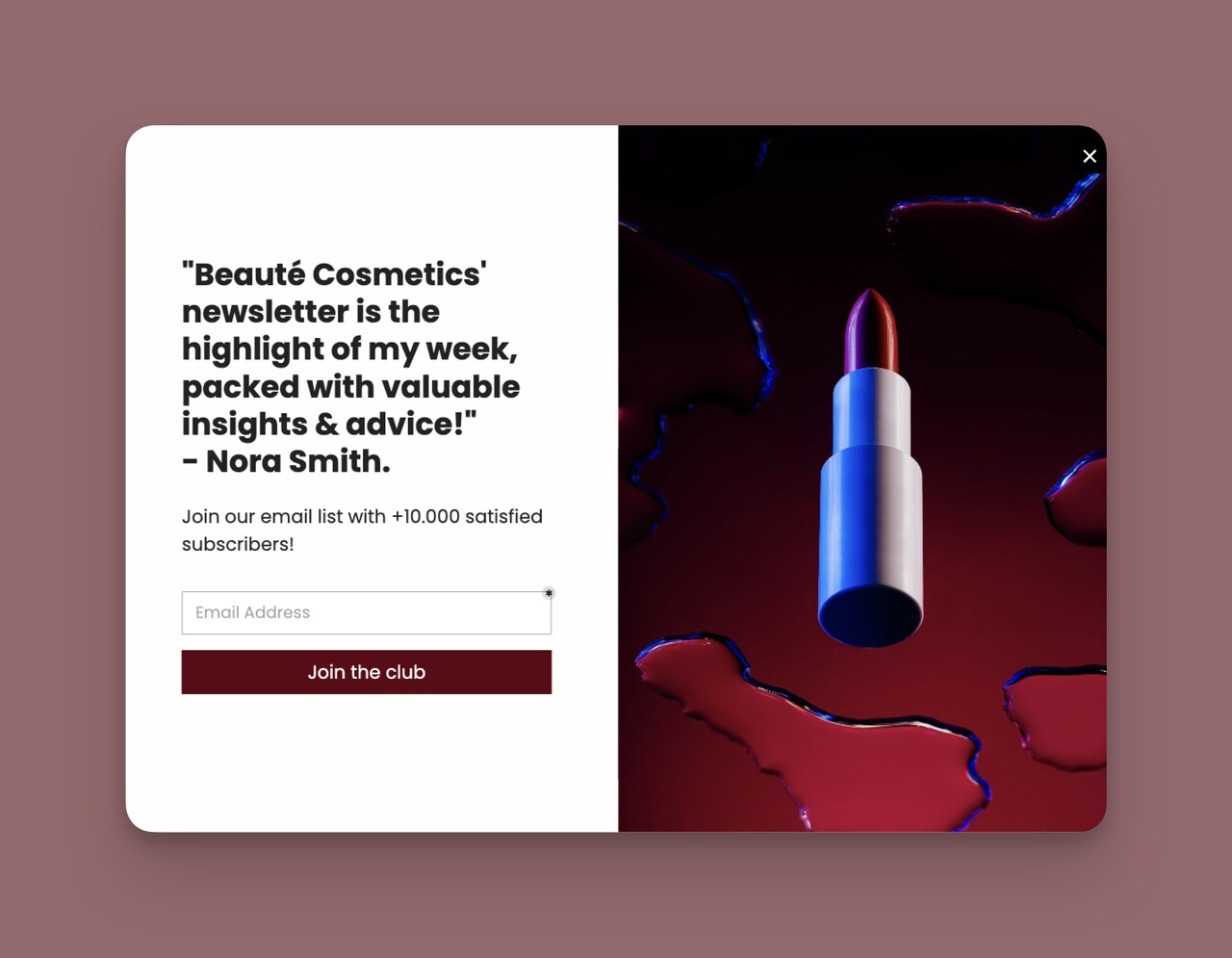
Think of it like this;
Online shoppers have no other way to see your product’s quality than relying on other customers’ comments or influencers who try and advertise your product.
How many times have you purchased something online that has no comments or ratings? Not many I suppose.
This is exactly why you need to include social proof, testimonials, and guarantees on your website and for each product.
Convert your hesitated, “not sure if I should buy” browsers into customers by proving your products’ quality with social proof.
If you are unsure about definition of social proof, you can search for the best social proof examples.
How to encourage your customers to write comments about your products?
Offer discounts or coupons on the condition that they give their comments about the products they purchased. This way, you will have social proof by satisfied customers and increase conversion rate for Shopify by having repeated customers and new ones.
7. Improve Your Website Speed
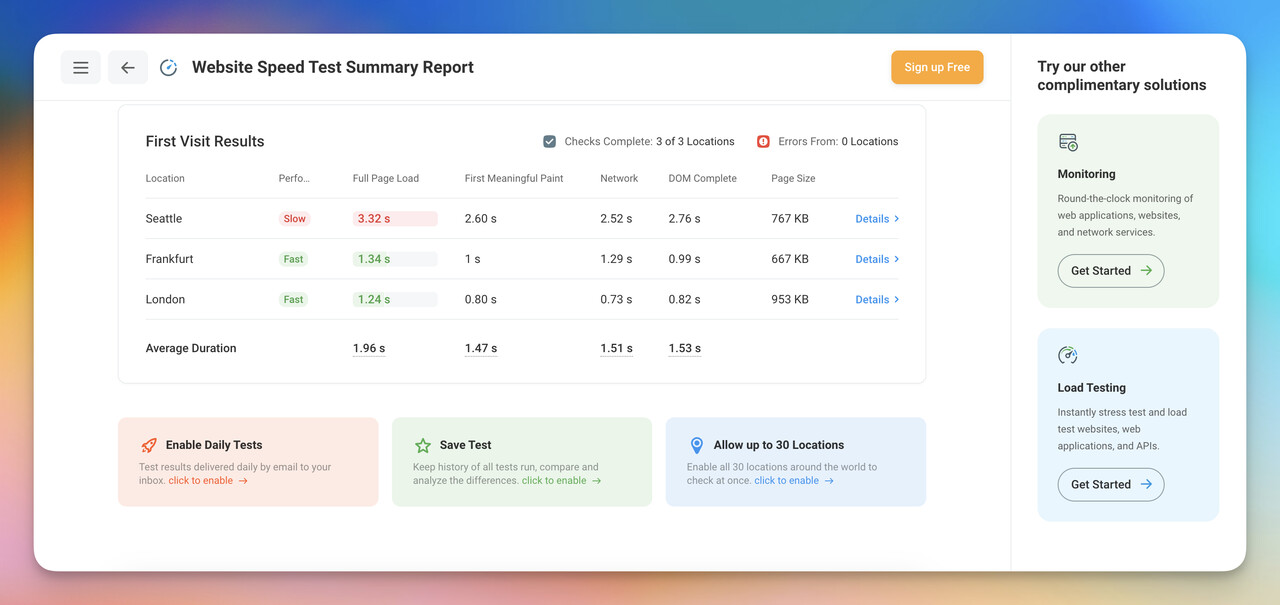
Your website visitors will leave right away if your website takes forever to load. A slow website can cause;
- Increased cart abandonment
- Lower website traffic
- A decrease in conversion rate
40% of people abandon a website that takes more than 3 seconds to load.
You should test your website speed and ideally have a website loading in 2-3 seconds to increase conversion rate for Shopify.
8. Include Conversion-Driven Popups
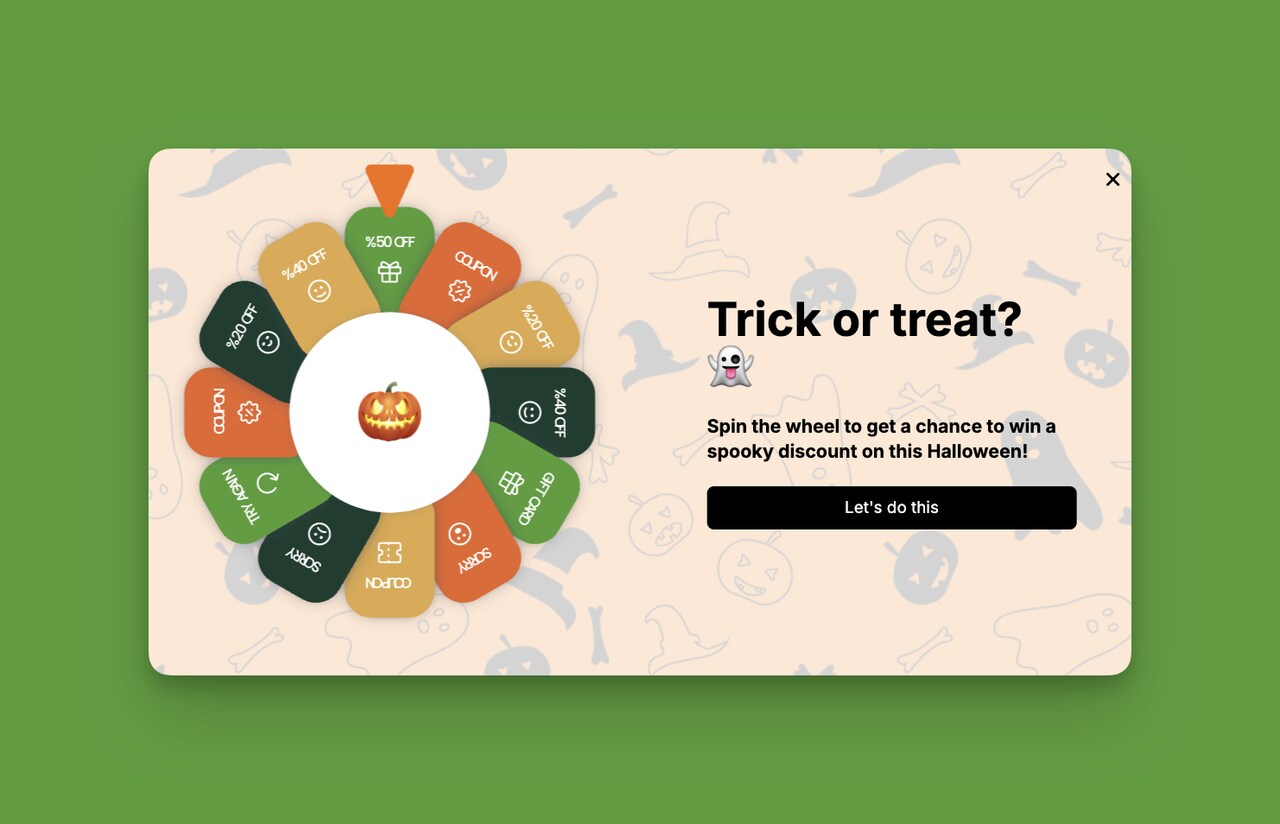
Popups are one of the most efficient ways to increase the conversion rate for Shopify.
What you need to consider is your popup service’s reliability. A better popup service should;
- Not decrease your website speed
- Not interfere with customer experience
- Beautifully designed to attract customers
- Not affect the SEO performance of your website
- Have advanced targeting options
A popup service provider like Popupsmart can help you grow your website and maximize conversion with seamless integration.
What can you do with popups?
You can grow your email list, offer discounts, giveaways, or coupons, collect submission forms, ask for cookie consent, promote your products, increase phone call traffic, inform your customers about upcoming discounts, and so on.
9. Prevent Cart Abandonment
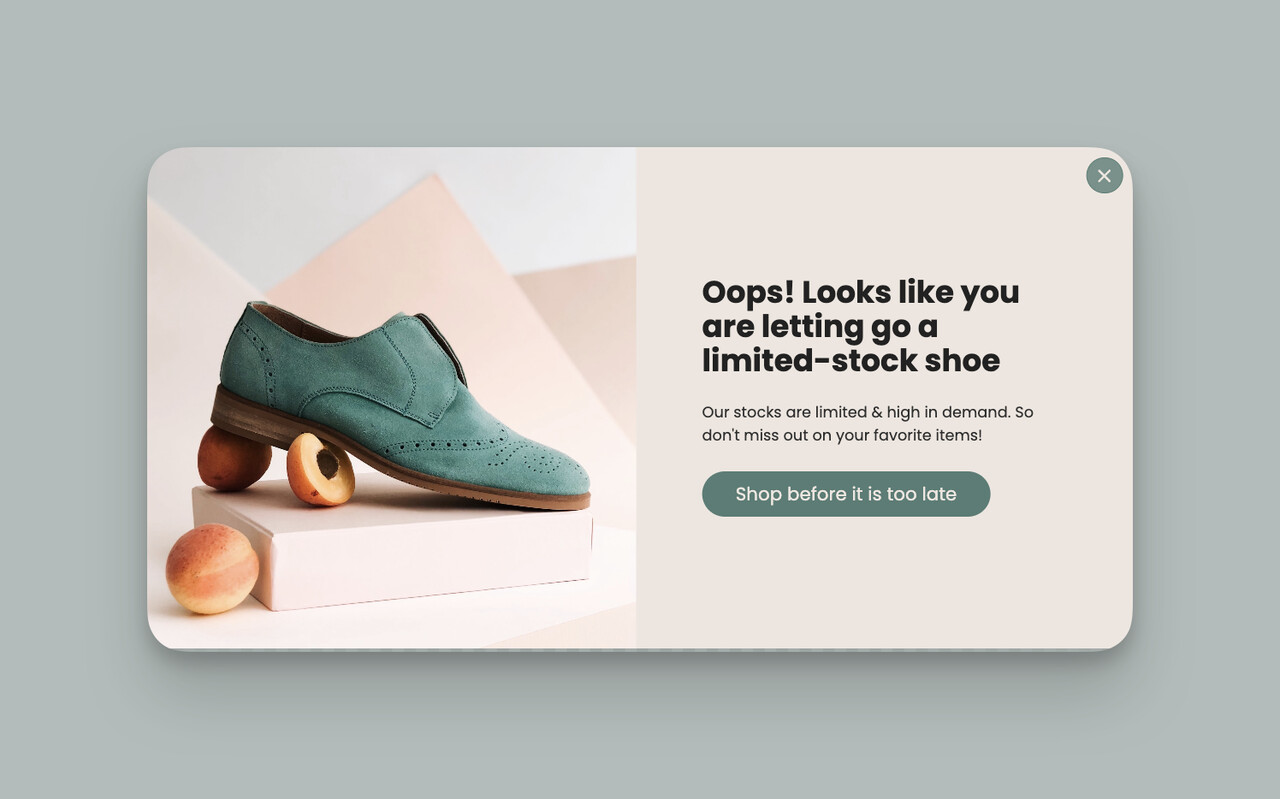
There may be various reasons why your customers abandon their online shopping cart such as;
- Extra costs (tax, shipping)
- Website error
- Creating an account obligation
- Complicated checkout process
This means lots of lost customers and income, right?
You can decrease cart abandonment rates by email marketing, popup campaigns, and website improvement.
Moreover, there are email marketing apps for Shopify that can increase your conversion rate.
Just make sure you carry out a planned email marketing by considering certain tactics in mind such as finding a converting email subject line.
10. Optimizing Search Features
Optimizing on-site search functions is crucial for making products easy to find, especially as over 30% of e-commerce visitors use site search to find specific items quickly.
A refined search experience can significantly impact conversion rates by seamlessly guiding users to their desired products.
- Analyze Search Behavior: Regularly review search data to identify what customers are looking for and any gaps in search results. Understanding search behavior helps you optimize for the products that customers want most.
- Auto-Correct Typos: Misspelled words are common, yet can lead to dead ends in search. Implementing typo correction ensures users still find relevant results, improving their overall experience and reducing potential frustration.
- Seasonal Trend Adjustments: Update search features seasonally to reflect current demand (e.g., “holiday gifts” during December or “back-to-school” in August). Aligning search results with trends keeps your offerings timely and relevant, capturing seasonal purchase intent.
Optimizing these search features ensures customers find what they’re looking for without extra effort. It helps you capitalize on high-intent visitors and potentially raises conversion rates by up to 5% in some cases, according to e-commerce industry benchmarks.
11. Focusing on Micro-conversions
Micro-conversions are small actions customers take that indicate interest and engagement, often leading up to a purchase.
Although they aren’t final sales, boosting micro-conversions can increase the likelihood of conversion. They’re also particularly effective in nurturing customer relationships, with stats showing an uptick in conversions when customers engage with multiple touchpoints.
- Boost Email Opt-Ins: Encourage visitors to subscribe to your newsletter or promotional emails. By offering a small incentive, such as a discount or free shipping on their first purchase, you can drive sign-ups and increase the chances of return visits.
- Encourage Multiple Page Views: Guide visitors to explore different areas of your site by recommending related products or popular collections. Sites with higher page views often see increased engagement and sales, as users are more likely to find products that interest them.
- Use Live Chat on High-Intent Pages: Integrating live chat support on pages like products or checkout pages helps answer questions in real time, alleviating any hesitation and fostering confidence. For instance, e-commerce sites that use live chat on high-intent pages report up to a 30% increase in conversions.
Micro-conversions help pave the way for a final sale, boosting engagement and building trust. Focusing on these smaller touchpoints creates a seamless shopping experience that nudges visitors toward completing a purchase.
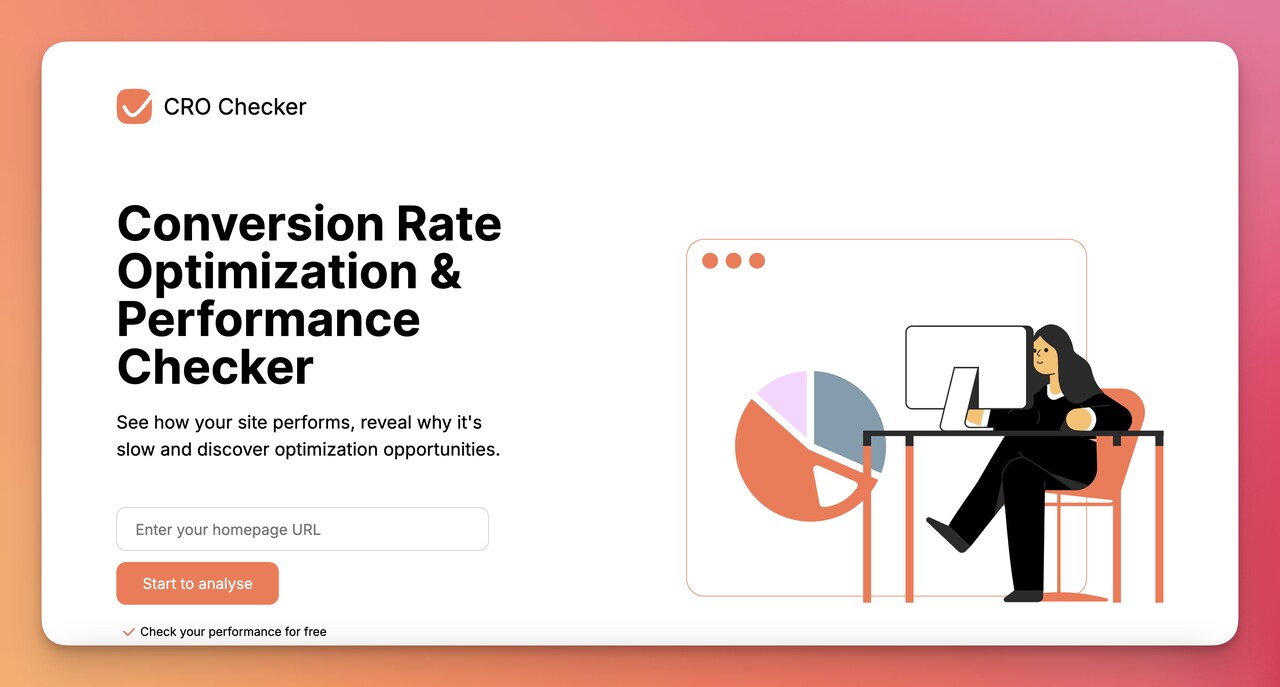
For calculating conversion, you can use Popupsmart’s CRO Checker.
12. Streamlining the Checkout Process
A streamlined checkout process is essential for reducing cart abandonment.
With the average cart abandonment rate hovering around 70%, simplifying checkout steps can dramatically impact conversion rates.
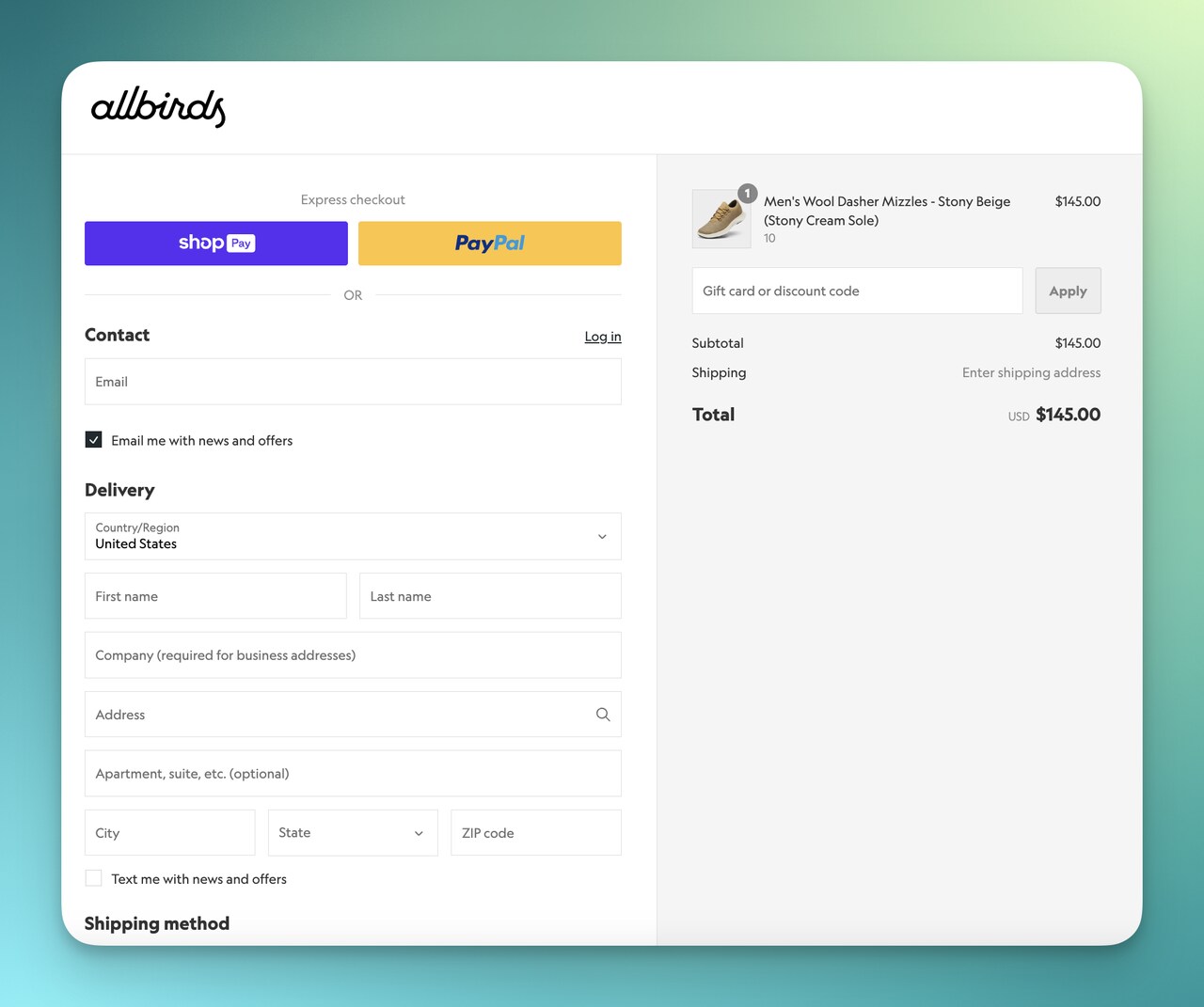
A smooth, frictionless checkout not only minimizes drop-offs but also increases customer satisfaction.
- One-Page Checkout: Condense the checkout process into a single page, minimizing the number of steps. Customers who can complete their purchase without navigating multiple pages are less likely to abandon their cart due to frustration.
- Progress Indicators: Adding a progress bar helps customers track their steps in the checkout journey, reducing anxiety and uncertainty. Knowing exactly how close they are to completing the purchase makes users more likely to follow through.
- Express Payment Options: Integrate express payment options like PayPal, Apple Pay, or Google Wallet. These quick-pay options are especially popular among mobile users and can significantly reduce checkout time. For instance, stores offering PayPal as a checkout option see conversion rates increase by up to 30%.
Streamlining checkout not only reduces cart abandonment but also encourages repeat business by making the buying process easy and hassle-free.
This optimized experience can align with higher average conversion rates (around 3.5% to 4.2% post-pandemic) for e-commerce stores with efficient checkout processes.
13. Communicating Your Brand USP
A clear and compelling Unique Selling Proposition (USP) is essential for setting your brand apart in the competitive e-commerce landscape.
Communicating this effectively can not only drive conversions but also foster brand loyalty by resonating with the specific values and needs of your target customers.
- Define and Highlight Your USP: Identify what makes your brand different and valuable to customers. Whether it’s product quality, ethical sourcing, or a distinct style, make this the focal point of your messaging across the site.
- Tell Your Brand Story: Consumers today value authenticity. Share the origin of your brand, your mission, and what you stand for on your “About Us” page. A compelling story can elevate your brand’s appeal and encourage trust—qualities that drive purchasing decisions.
- Maintain a Consistent Tone and Voice: Keep your messaging aligned across all touchpoints, from product descriptions to customer emails. Consistency builds recognition and strengthens the overall brand experience, which, in turn, can boost customer retention and lifetime value.
A well-communicated USP doesn’t just differentiate your brand; it serves as a foundation for customer loyalty, with research showing that brands with clear missions see significantly higher engagement and repeat purchases.
14. Engaging Customers with Advanced Media
Using interactive media such as Augmented Reality (AR) and product videos adds depth to the shopping experience, allowing customers to engage with products in meaningful ways before purchasing.
Given that 73% of mobile traffic is now standard across e-commerce, creating engaging, mobile-friendly media experiences is crucial.
- Use Augmented Reality (AR): AR can offer a unique, immersive shopping experience that enables users to visualize products in their own environment. For instance, furniture brands often use AR to allow customers to see how items will look in their home, helping reduce uncertainty and boost conversions.
- Leverage Product Videos: Short, informative videos provide a closer look at products, showcase features, and demonstrate use cases. Video content has been shown to increase conversions by up to 80%, making it a powerful addition to your product pages.
- Create Personalized Offers: Tailor your recommendations based on user behavior and preferences. Personalization can increase the likelihood of a sale by up to 20%, as customers feel that the shopping experience is curated to their needs.
Advanced media not only enriches the shopping journey but also increases buyer confidence and purchase intent.
By providing customers with an immersive and interactive experience, you can elevate engagement and differentiate your brand in a crowded market.
15. Tracking and Measuring Conversion Rate
Accurate tracking and analysis of your conversion rate are crucial for understanding customer behavior, identifying bottlenecks, and optimizing the shopping experience.
In 2024, e-commerce conversion rates across devices are still significantly higher on desktop (4.8%) than mobile (2.9%), underscoring the importance of device-specific tracking.
- Use Google Analytics: Google Analytics is a foundational tool for monitoring e-commerce performance. Track visitor behavior, measure conversion rates by traffic source, and segment data by device. This data provides insight into where users drop off, allowing you to optimize accordingly.
- Implement Tracking Pixels: For paid campaigns and retargeting, pixels from platforms like Facebook and Google Ads are indispensable. These tools allow you to measure campaign success, calculate cost-per-acquisition (CPA), and refine targeting based on real-time performance.
- Order ID Tags: Adding order IDs to your tracking setup enables you to trace specific sales back to customer sessions, helping you evaluate the effectiveness of various marketing channels and promotional efforts.
Tracking tools not only give you visibility into current conversion rates but also allow you to refine strategies based on actual data.
For instance, industry leaders like Dynamic Yield report that cart abandonment on mobile is around 77.2%, highlighting the need for targeted improvements to the mobile checkout experience.
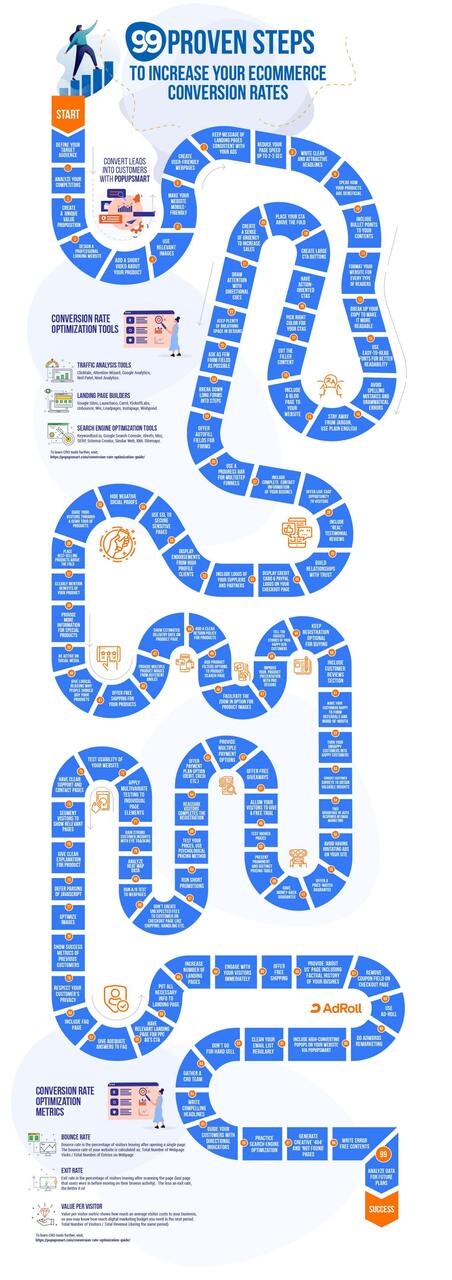
The Infographic On the Steps to Increase E-Commerce Conversion Rates
Wrap-up
Increasing your Shopify conversion rate relies on strategic, data-driven changes that cater to customer behavior.
By testing and refining the strategies outlined here, you’ll uncover what drives real results for your store.
Track key metrics, adapt to insights, and steadily build a more conversion-focused experience.
Frequently Asked Questions
Why does conversion rate matter for Shopify Stores?
Conversion rate is a key performance indicator for Shopify stores as it directly correlates with sales. A high conversion rate indicates that more of your store's visitors are making purchases – implying effective marketing, user-friendly design, and successful sales strategies. It's not just about driving traffic to your store; conversion rates show how well you can transform that traffic into paying customers, which ultimately impacts your revenue.
What is a good conversion rate on Shopify?
A good conversion rate on Shopify typically falls between 1% and 2%. This means that out of 100 visitors to your Shopify store, one to two of them would make a purchase. However, it's worth noting that conversion rates can vary significantly from industry to industry, and factors such as product type, price point, and competition can influence these numbers.
How can I effectively increase my conversion rate on Shopify?
Increasing your conversion rate on Shopify involves several strategies: refining your store design for ease of navigation, optimizing product descriptions and images for clarity and appeal, implementing customer reviews for social proof, and offering multiple payment options for convenience. It's also essential to use data analytics to track and analyze customer behavior to continuously improve your store's performance.
Related posts: