
Mobile Marketing Strategies & 10 Tools to Drive Conversions

 ChatGPT
 Perplexity
 Claude
 Grok
Grok Google AI Mode
Mobile marketing is growing fast (19% of US budgets; global mobile ad spend projected $362B in 2023) and boosts UX, instant interaction, local targeting, and personalization. Key tactics include mobile sites, SMS, popups, social ads, location/voice/QR/video/push, plus tools like Popupsmart, Attentive, Braze, and Brevo.
Mobile marketing strategies are the tactics brands use to reach and convert customers on smartphones — through responsive sites, SMS, push notifications, popups, social ads, and location targeting. According to Drip, more than half of web traffic and two-fifths of email opens now come from mobile devices, so these strategies decide whether a campaign reaches its audience at all.
This guide covers nine proven mobile marketing strategies, the 2026 tools that support them, how to measure ROI, the mistakes that quietly kill campaigns, and where the channel is heading next. Each strategy includes a plain explanation, step-by-step setup, and real evidence so you can start implementing within an afternoon.
Quick Overview of All 9 Mobile Marketing Strategies
If you want the outline before the detail, here is the full list. Each one links to a section below with implementation steps.
1. Optimize your website for mobile — The foundation; a responsive, fast site lifts return visits and purchase intent.
2. Build SMS marketing campaigns — Direct access to the lock screen, with open rates email cannot match.
3. Use popups on your website — Capture mobile visitors before they bounce with targeted, mobile-friendly popups.
4. Invest in social media mobile advertising — Meet users inside the apps where they already spend hours daily.
5. Use location-based marketing — Trigger offers when customers are physically close to acting.
6. Optimize for voice search — Match the conversational queries people speak into assistants.
7. Include QR codes — Bridge physical touchpoints to digital content with one scan.
8. Get involved in mobile video marketing — Use the format mobile users watch most, formatted for vertical screens.
9. Send mobile push notifications — Re-engage app users with timely, segmented messages.
Why Mobile Marketing Matters in 2026

Mobile marketing matters because the money has already moved there. According to Revenue Memo, global mobile ad spend will exceed $430 billion in 2026, absorbing 74% of total digital advertising investment worldwide. When three of every four ad dollars chase mobile, ignoring the channel is not a strategy choice — it is a budget leak.
The market itself is expanding fast, too. According to Grand View Research, the global mobile marketing market was valued at USD 18.90 billion in 2023 and is projected to reach USD 81.74 billion by 2030, growing at a compound annual rate of 23.9%. That growth is not abstract. It means more competitors, more inventory, and more sophisticated targeting in the channel where your customers already live.
For B2B SaaS specifically, the shift is easy to underestimate. Decision-makers research vendors on phones between meetings, open your nurture emails on mobile, and click your retargeting ads from a social feed. If the experience after the click is clumsy, the lead is gone — and you paid for the click anyway.
What Are the Key Benefits of Mobile Marketing for B2B SaaS?

Mobile marketing gives B2B SaaS brands faster interactions, sharper personalization, and a direct line to buyers who rarely sit still. Here are the benefits that actually move pipeline.
• A smoother user experience: A mobile-responsive design keeps content readable and forms usable on any screen. Lose that, and prospects bounce to a competitor with a cleaner interface before they ever see your value prop.
• Quick, in-the-moment interaction: People reach for their phones to satisfy an immediate need. If your demo request or pricing page loads fast and answers the question they have right now, you catch them at peak intent.
• Stronger local and contextual engagement: Even software brands run regional events, webinars, and field sales. Location-aware messaging turns "someday" interest into a same-week meeting.
• Real personalization at scale: Mobile data — behavior, preferences, session timing — lets you tailor offers per segment. That personal touch is now an expectation, not a perk. As customer experience strategist Shep Hyken puts it, quoted by Netmera, "The personalized experience is now an expectation. Customers expect you to know who they are, their past purchases, and their buying behaviors. They want you to treat them like you know them."
1. Optimize Your Website to Be Mobile-Friendly: The Foundation Every Other Strategy Sits On

Mobile optimization means your site automatically adapts its layout, text size, images, and load behavior to the device viewing it. It is not one tactic among nine — it is the surface every other strategy lands on. Drive SMS or social traffic to a broken mobile page and you have paid to send people somewhere frustrating.
How to implement:
1. Audit on real devices, not just an emulator. Open your top five pages on a mid-range Android and an iPhone. Note anything that requires pinch-zoom, horizontal scroll, or a misfired tap.
2. Run Google's mobile-first checks. Google indexes the mobile version of your site for all users, so test load speed and Core Web Vitals on a throttled 4G connection, not office wifi.
3. Fix tap targets and font sizes. Buttons need at least 44x44px of tappable area; body text should be 16px minimum so no one squints.
4. Compress and lazy-load images below the fold. Keep the hero image fast and prioritized; defer the rest.
5. Shorten forms. A 7-field desktop form should drop to 2-3 fields on mobile, with the rest captured later. Our guide to mobile conversion rates breaks down which fields to cut first.
The payoff here is well-documented. According to Keele University, 74% of people are more likely to return to a website if it is optimized for mobile, and 67% are more likely to buy a product or service when that is the case. In practice, expect mobile optimization to lift return visits within weeks, with conversion gains following once the rest of your funnel catches up.
2. Build SMS Marketing Campaigns: Reach the Lock Screen Directly

SMS marketing sends short, permission-based text messages straight to a subscriber's phone. Unlike email, which competes with a cluttered inbox, a text lands on the lock screen and gets read in minutes. That makes it the sharpest channel for time-sensitive offers, event reminders, and renewal nudges.
How to implement:
1. Collect numbers compliantly. Use a popup or inline form with explicit opt-in language. Our SMS subscriber growth guide covers list-building tactics that keep you on the right side of TCPA and GDPR.
2. Pick a dedicated SMS tool. Attentive, Brevo, or EZ Texting handle compliance, scheduling, and segmentation — more on these in the tools section.
3. Segment before you send. Split by lifecycle stage, location, or past behavior so a trial user and a paying customer never get the same message.
4. Keep each message under 160 characters with one clear call to action and a real link, not a vague "check your email."
5. Cap frequency. One to four messages a month for most B2B audiences. Over-texting is the fastest route to opt-outs.
Done well, SMS is also efficient. According to a case study published by Econsultancy, a brand found that targeting people on a mobile platform was 35% more cost effective than its existing desktop marketing strategy. Expect strong open rates almost immediately, but give yourself 60-90 days to tune cadence and segments before judging revenue impact.
3. Use Popups on Your Website: Catch Mobile Visitors Before They Bounce
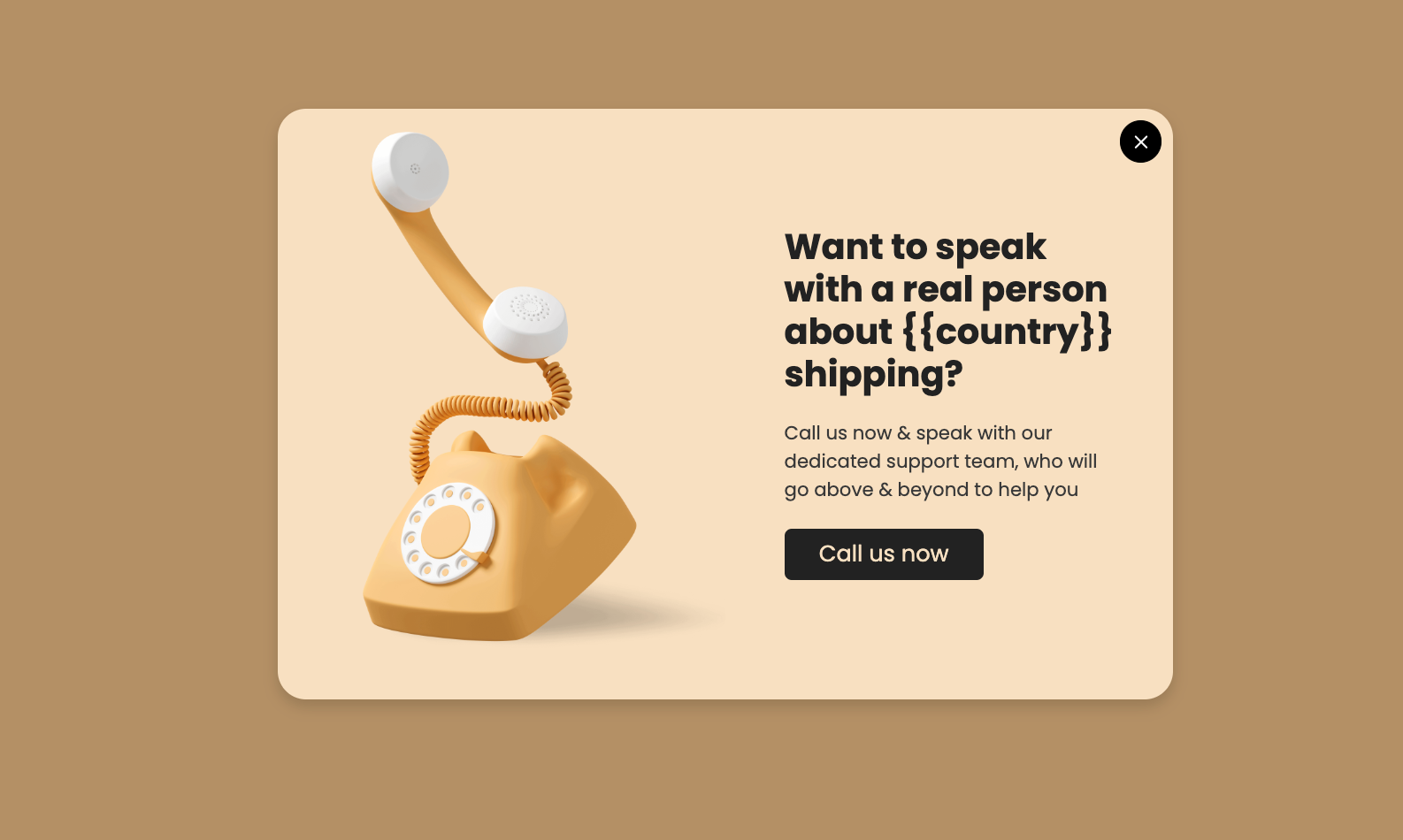
Popups are timed or triggered on-site messages that direct a visitor's attention to one specific offer — a discount, a lead magnet, a demo booking. On mobile, where attention spans are short and the back button is one thumb-flick away, a well-targeted popup is often the only chance to convert a session that would otherwise end in a bounce.
The catch is that mobile popups have to be built for mobile. A desktop popup shrunk down covers the whole screen, hides the close button, and trips Google's intrusive interstitial rules. That is the difference between a tool that converts and one that gets you penalized.
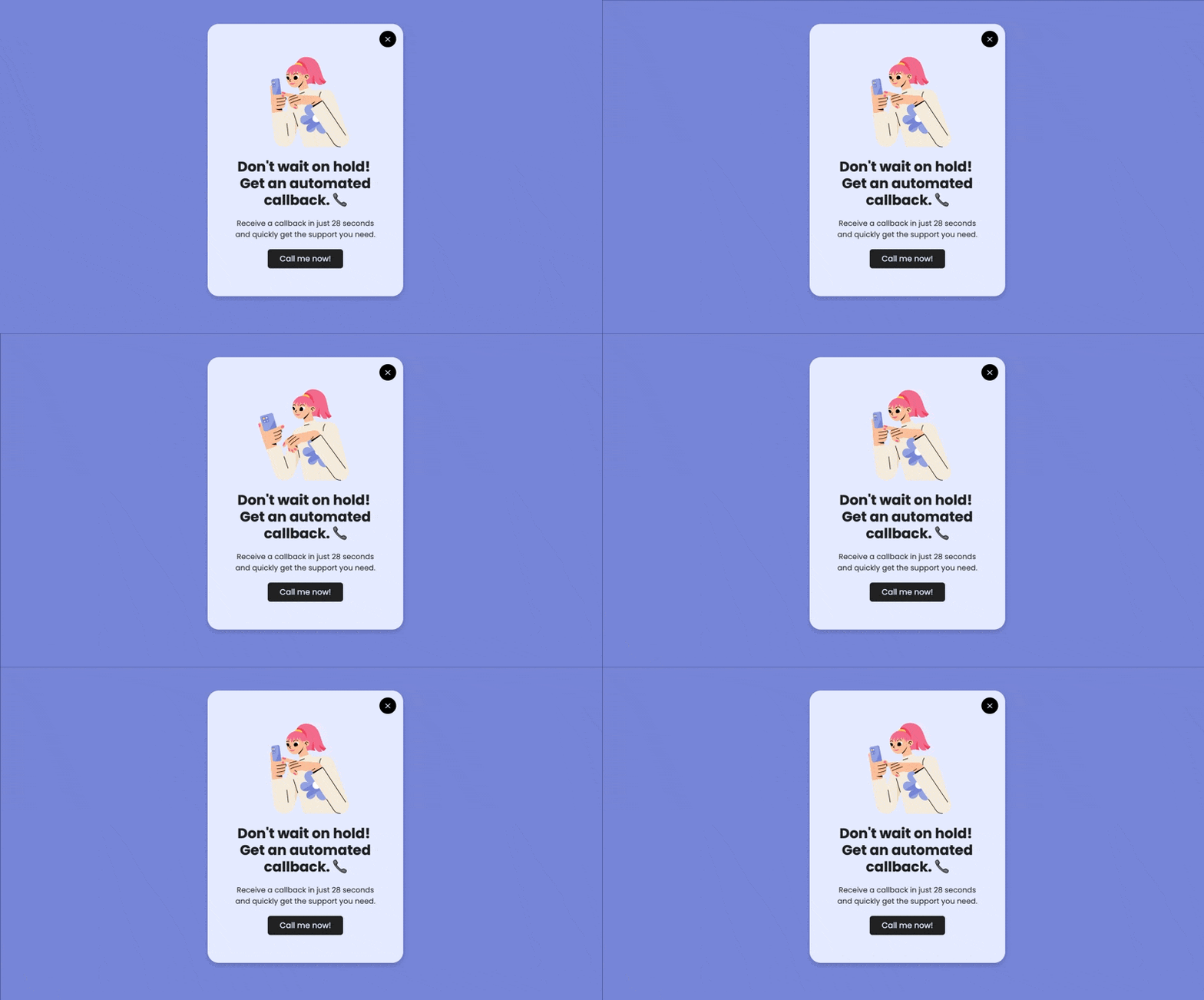
How to implement:
1. Build a mobile-specific campaign in Popupsmart's popup builder — set the device target to mobile only so the design and timing match small screens.
2. Use exit-intent or scroll-depth triggers, not instant load. Fire the popup after 50-60% scroll or on exit signal so you catch engaged visitors, not people who just arrived.
3. Keep the form to a single field — email or phone — and a large, thumb-friendly call-to-action button.
4. Segment by source and behavior. Show returning visitors a different offer than first-timers; target mobile users coming from SMS or social separately.
5. Cap impressions at one per visitor per session so you inform without nagging.
In my own campaigns, swapping a generic desktop popup for a mobile-targeted, single-field version is one of the most reliable quick wins — mobile capture rates typically climb within the first two weeks because the friction simply drops. For a deeper walkthrough, our mobile popup guide covers the four practices that keep popups SEO-safe. Popupsmart's free plan covers 5,000 monthly page views, so you can test the approach before committing budget.
4. Invest in Social Media Mobile Advertising: Meet Users Inside the Apps They Live In
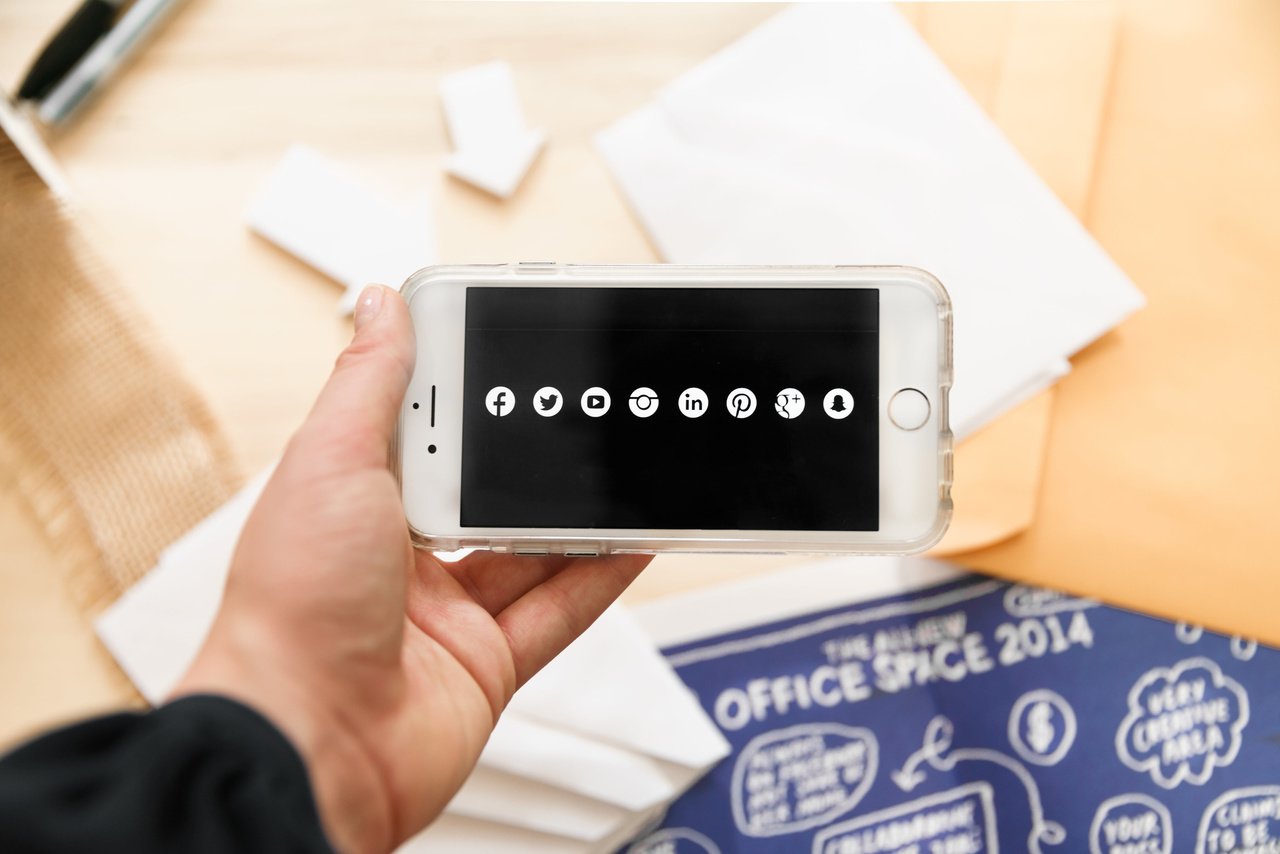
Social media mobile advertising places your brand inside Instagram, LinkedIn, Facebook, TikTok, and X — the apps where mobile users already spend hours each day. Because the targeting and creative tools are built mobile-first, this is the most accessible paid channel for reaching a phone-based audience at scale.
How to implement:
1. Pick platforms by audience, not by hype. For B2B SaaS, LinkedIn and X usually outperform TikTok; for e-commerce, the reverse is often true.
2. Design for vertical, sound-off viewing. Most feeds are scrolled silently in portrait — caption everything and make the first frame stop the thumb.
3. Keep ad copy to two or three lines. Mobile attention is thin; lead with the outcome, not the feature.
4. Mix in user-generated content. Customer screenshots and short testimonial clips read as authentic and outperform polished studio creative.
5. Retarget site visitors with a separate campaign — these are your warmest mobile prospects, and our multi-channel campaign examples show how to sequence the touchpoints.
Spend is concentrating here for a reason. According to Keele University, more than half of all digital marketing spend is now focused on mobile ads. Expect a 4-6 week learning phase before the platform algorithms optimize delivery, so resist the urge to kill a campaign in week one.
5. Use Location-Based Marketing: Trigger Offers When Customers Are Close to Acting

Location-based marketing uses a device's location data to deliver messages that are relevant to where someone physically is — a nearby event, a regional offer, a store within walking distance. It combines two things mobile does uniquely well: knowing where the user is, and reaching them instantly.
How to implement:
1. Define your geofences. Draw boundaries around event venues, partner offices, or trade-show floors where your prospects gather.
2. Match the message to the place. Someone near your conference booth should get a different offer than someone browsing from a competitor's city.
3. Use push or SMS as the delivery channel — both support location triggers through tools like CleverTap and Airship.
4. Layer location onto your popups. Show region-specific offers to website visitors based on IP location, not just GPS.
5. Be transparent. Tell users how location data is used and make opt-out easy — trust is the whole game here.
Geofencing and proximity tactics are moving from retail-only into B2B field marketing and event strategy. Combine this with Strategy 9 (push notifications) for the sharpest results: a geofenced push at a trade show outperforms a generic blast every time. Expect this to be a medium-effort play that pays off most when tied to specific events rather than run always-on.
6. Optimize for Voice Search: Match the Way People Actually Talk to Assistants
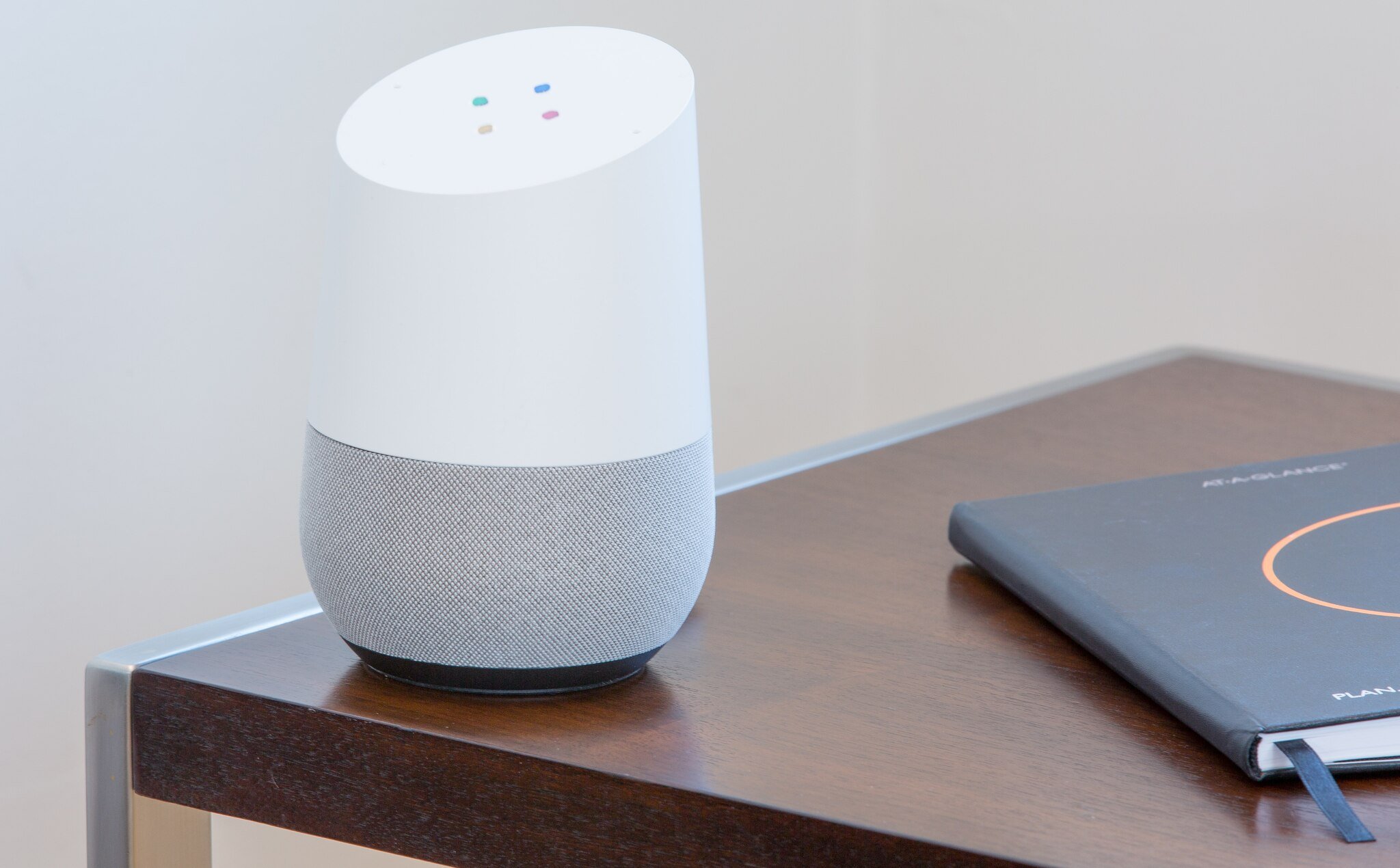
Voice search optimization means structuring content to answer the full, conversational questions people speak into Siri, Alexa, and Google Assistant — "what's the best CRM for a small sales team?" instead of the typed fragment "best CRM small team." As voice and AI assistants handle more queries, the brands whose content answers questions directly get surfaced; the rest get skipped.
How to implement:
1. Mine real questions. Pull "People Also Ask" boxes and support tickets for the exact phrasing customers use.
2. Write a direct 40-60 word answer near the top of each page — assistants and AI engines lift these answer blocks almost verbatim.
3. Use question-based H2s so your structure mirrors how people ask.
4. Keep local listings current. Voice search is heavily "near me" — your Google Business Profile must have accurate hours, address, and category.
5. Tighten page speed. Voice results favor fast-loading pages, which loops back to Strategy 1.
This overlaps directly with how AI engines like Perplexity and Google's AI Overviews choose what to cite. In my experience, the same structural changes that win voice results — clear answer blocks, question headings, fast pages — also lift AI citation rates, so you are optimizing two channels with one effort. Results here build over a quarter or two as content gets re-crawled.
7. Include QR Codes: Bridge Physical Touchpoints to Digital Content

QR codes turn any physical surface — a booth banner, a product box, a business card, a slide — into a one-scan gateway to digital content. Modern phone cameras read them natively with no app, which is what makes them genuinely useful again rather than a 2010s gimmick.
How to implement:
1. Use a dynamic QR code generator so you can change the destination URL without reprinting. Our roundup of QR code generators compares the options, and tools like QR Code Dynamic let you edit and track codes after they ship.
2. Send scans to a mobile-optimized landing page — never a PDF or a desktop-only page.
3. Add UTM parameters so every scan is attributed to the right campaign and placement.
4. Give the scan a reason. "Scan for 15% off" or "Scan for the live demo" beats a bare code with no context.
5. Brand the code with your colors and logo while keeping enough contrast for reliable scanning.
QR codes shine at events, on packaging, and in print where a typed URL would lose most people. Treat them as a low-effort connective tactic rather than a standalone channel — the value is in linking offline moments to the rest of your mobile funnel.
8. Get Involved in Mobile Video Marketing: Use the Format Phones Were Built to Watch
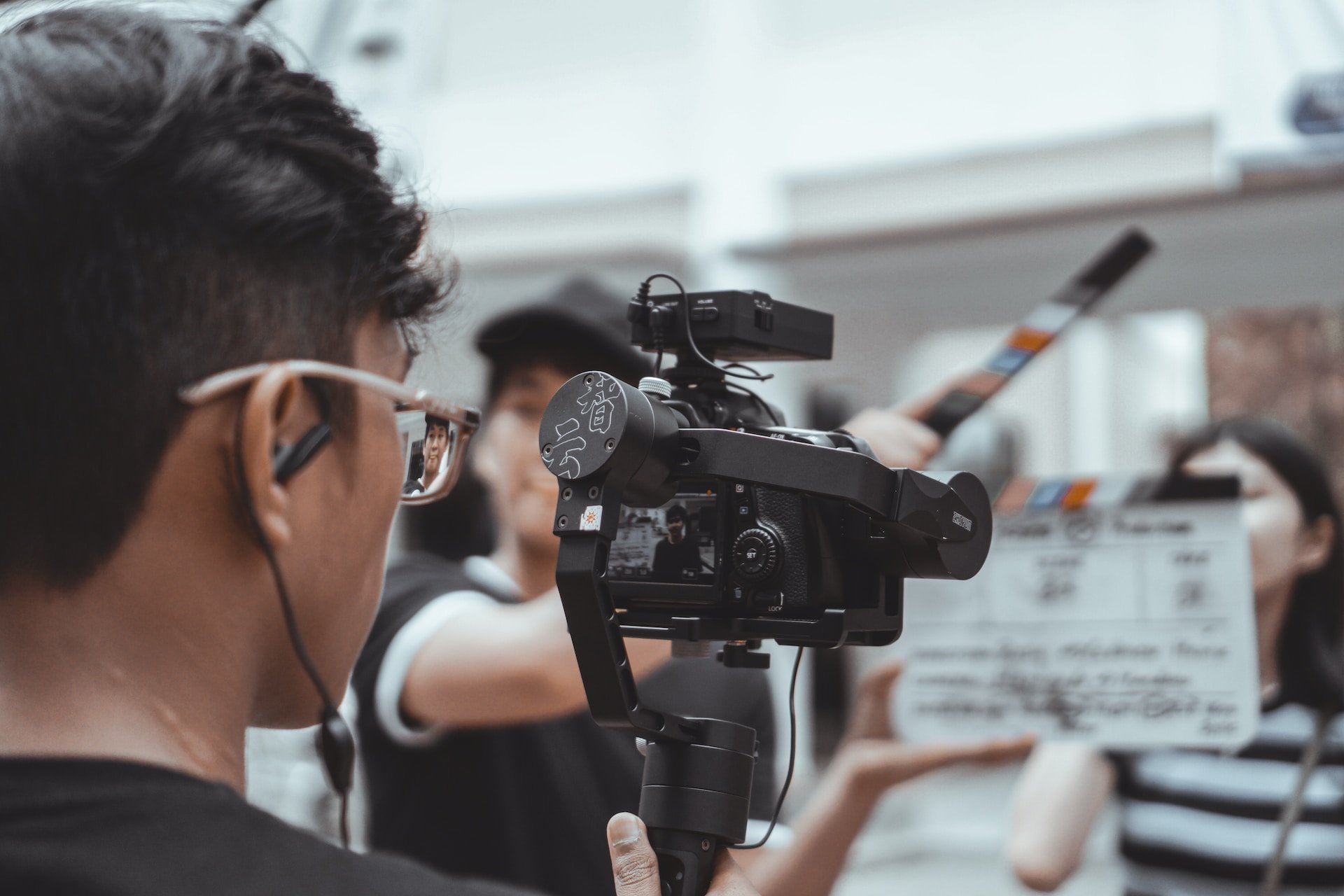
Mobile video marketing means creating short, vertical, fast-paced video specifically for how people watch on phones — in feeds, between tasks, often with the sound off. For SaaS, that is product demos, customer stories, and quick how-to clips; for e-commerce, it is the product in use. Video carries nuance and emotion that text and static images cannot.
How to implement:
1. Shoot or crop to 9:16 vertical. Horizontal video wastes most of a phone screen.
2. Hook viewers in the first three seconds — state the payoff before anyone scrolls past.
3. Caption everything. Sound-off viewing is the default, not the exception.
4. Cut platform-specific versions. A 60-second LinkedIn demo and a 15-second TikTok teaser are different edits of the same footage.
5. Repurpose customer footage — a screen recording of a real workflow often outperforms a polished animation.
Video pairs naturally with Strategy 4 (social mobile advertising), since vertical video is the highest-performing ad creative on most feeds. Expect production to be the heavy lift; once you have a repeatable format, output gets fast and engagement compounds over a few months.
9. Send Mobile Push Notifications: Re-Engage App Users With Timely, Segmented Messages
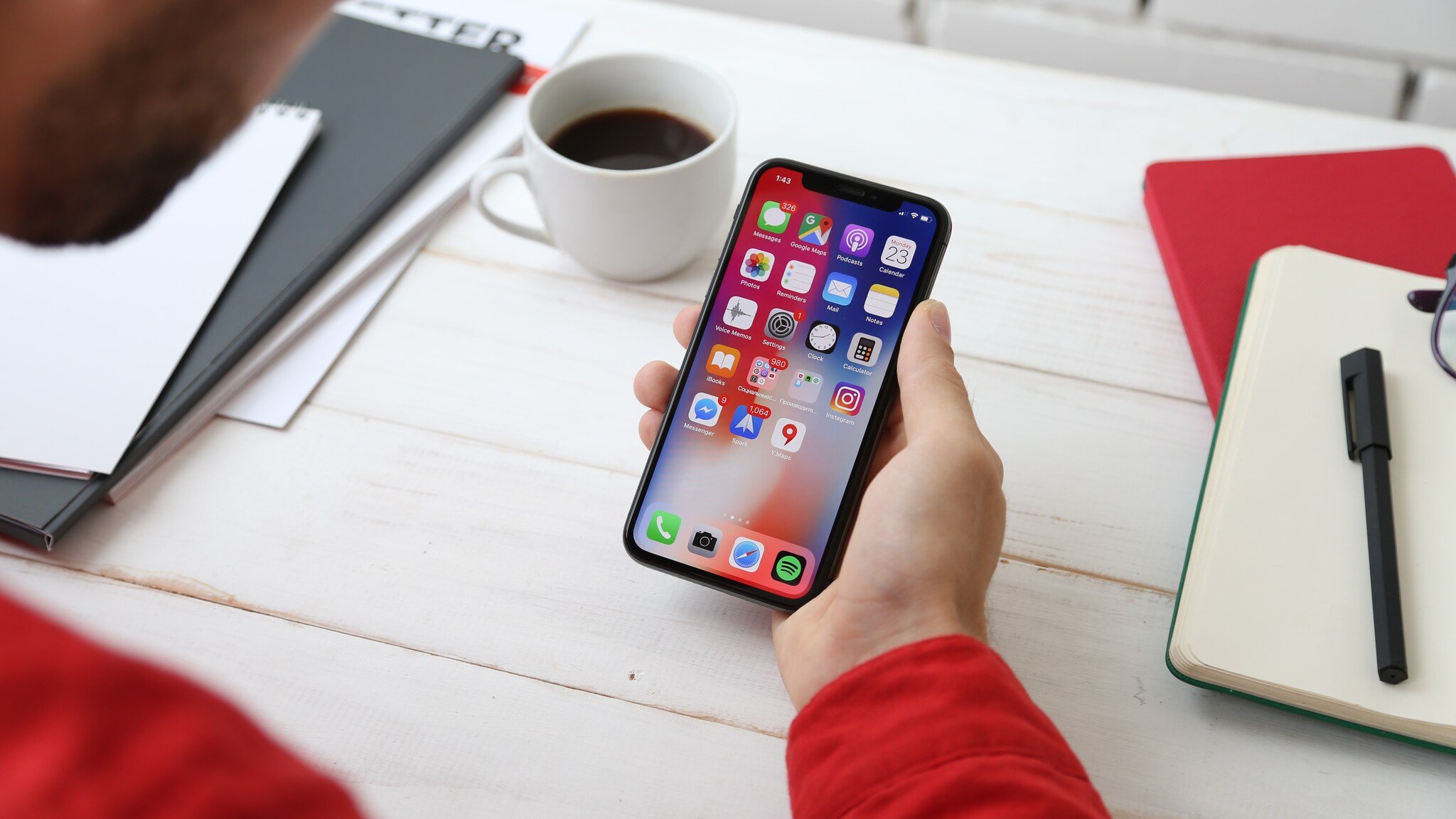
Mobile push notifications are short messages delivered straight to a user's screen from an installed app. For SaaS products with a mobile app, push is the most direct re-engagement channel there is — no inbox, no algorithm, just a tap away from your product.
How to implement:
1. Segment hard. Group users by behavior, lifecycle stage, plan, and location so messages stay relevant.
2. Personalize the content — reference the user's name, a milestone they hit, or a feature they have not tried yet.
3. Respect time zones. Schedule sends for each user's local working hours, not your headquarters' clock.
4. Keep it to one idea per push with a clear next action.
5. Watch your opt-out rate like a key metric — rising opt-outs mean your frequency or relevance is off.
Re-engagement spend is climbing fast across the industry. According to Reteno, marketers are spending 37% more year over year on re-engagement — $31.3 billion in 2025 — as remarketing and retention take center stage. That tells you push and retention messaging are no longer optional. Expect measurable lift in session frequency within a few weeks of launching well-segmented campaigns.
Essential Mobile Marketing Tools for Your 2026 Campaigns
Strategies need tooling. These ten platforms cover popups, SMS, push, and app store optimization — the operational backbone of the strategies above. I have grouped pricing and core strengths so you can match a tool to the strategy you are starting with.
1. Popupsmart
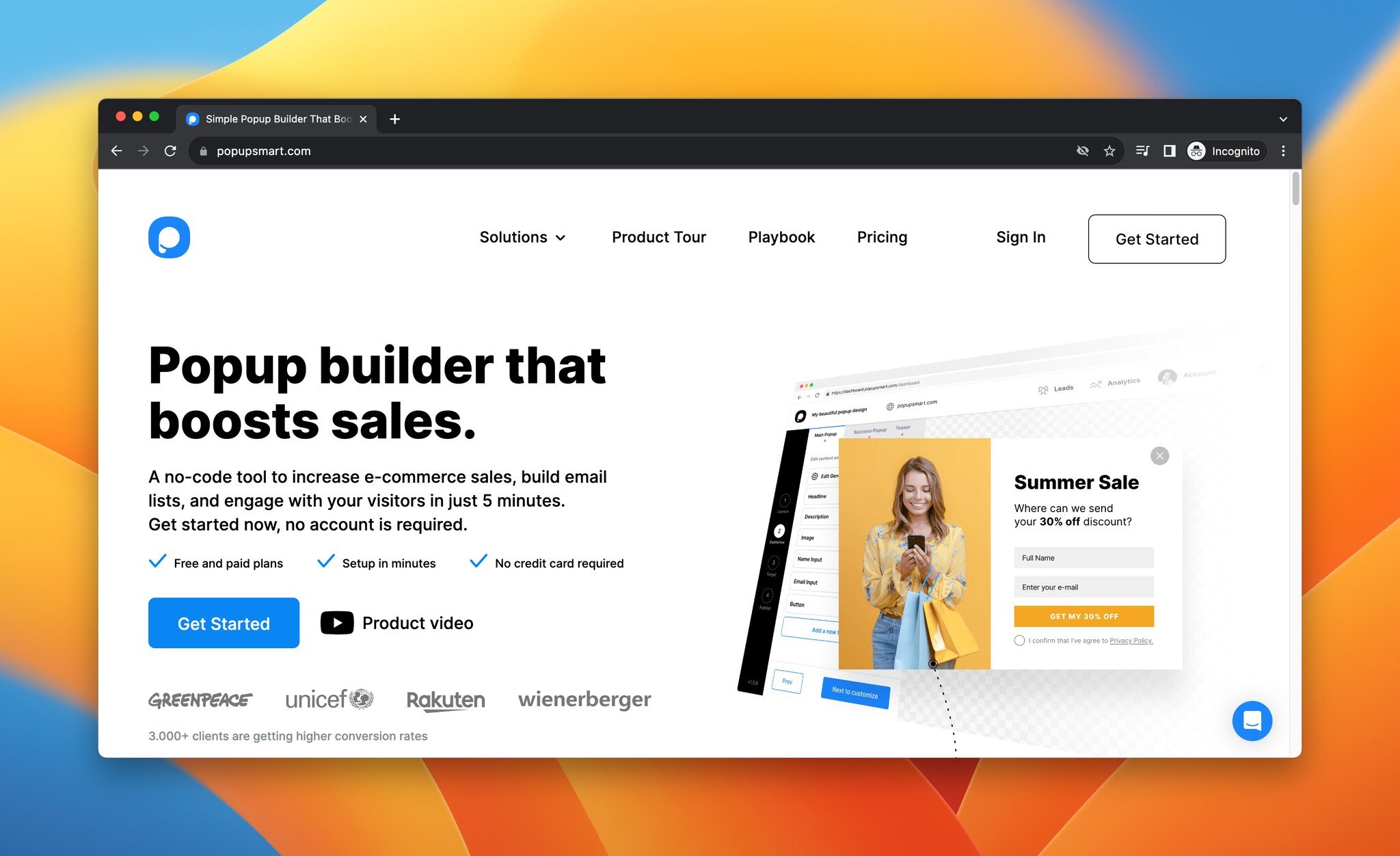
Popupsmart is a no-code popup builder for creating mobile-friendly popups, sticky bars, and on-site messages. Its drag-and-drop editor lets you launch a conversion-ready campaign in under five minutes, which makes it the quickest way to act on Strategy 3.
Key features:
• Multi-step popups to raise engagement and capture more data per visitor.
• Advanced segmentation — URL targeting, visitor device, browser language, traffic source, site data, new versus returning visitors, and HTML targeting.
• Gamification popups like "spin to win" and the "lottery ball game" for interactive capture.
• Integrations with Mailchimp, ActiveCampaign, Customer.io, Drip, EmailOctopus, Brevo, HubSpot, Klaviyo, MailerLite, SendGrid, Zapier, Make, and Webhook.
• Brand customization with Lottie animation support.
Pricing: Free plan with 5,000 monthly page views, one popup, and one website. Basic starts at $32.5/month for 100,000 page views. Pro starts at $82.5/month for 500,000 page views. Expert starts at $132.5/month for 1M page views with unlimited popups and websites. Custom pricing above 1M page views.
Honest take: Popupsmart is our own product, so weigh that. It is strongest for on-site capture and mobile popups; it is not an SMS or push platform, so you will pair it with one of the tools below for a full mobile stack.
2. Attentive
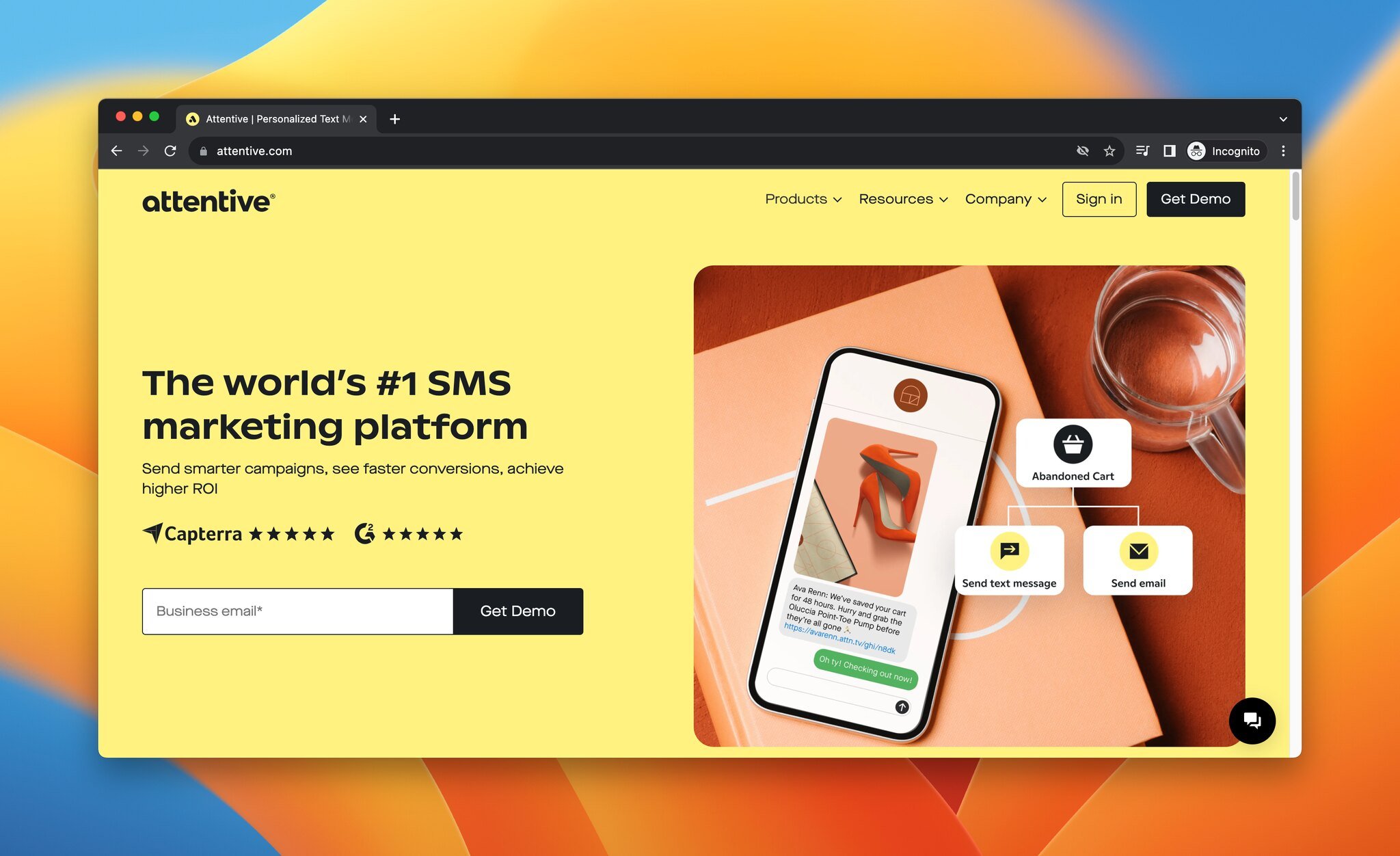
Attentive is a personalized text-messaging platform built for full-scale SMS marketing — the natural pick for Strategy 2.
Top features:
• Rich messaging with images, GIFs, audio, and video.
• AI-based prediction for segmentation and best-performing content.
• Keyword and number triggers for collecting preferences and sending relevant replies.
• Smart Sending to time messages when opt-out risk is lowest.
• Branded contact cards.
Pricing: Request a demo for pricing details.
3. Braze
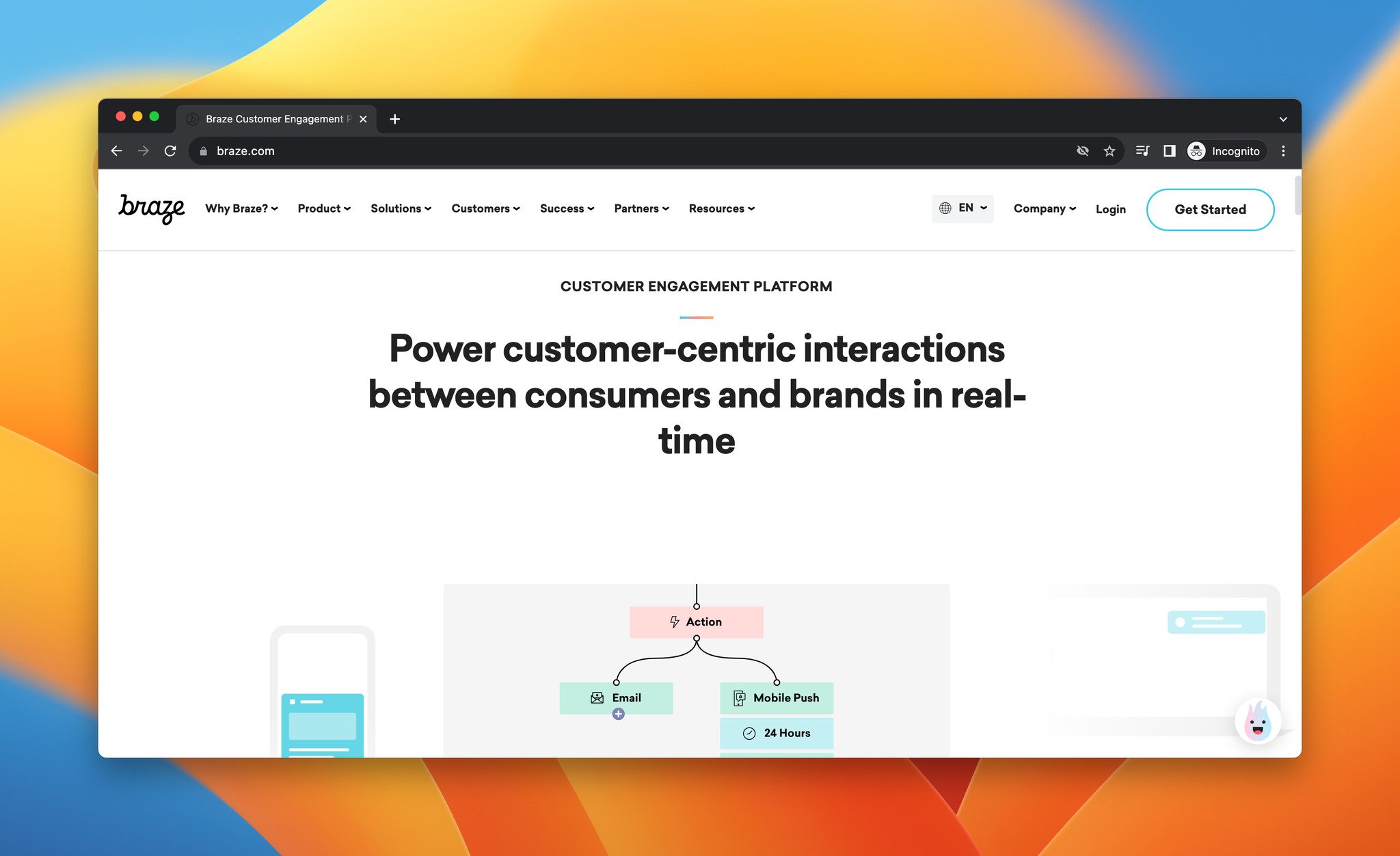
Braze is a customer engagement platform for cross-channel delivery — SMS, WhatsApp, email, mobile and web push, plus in-app and in-browser messaging.
Top features:
• In-app messages to drive transactions, announce products, and surface discounts.
• Ready-to-use SMS templates and workflows.
• High-volume sending across 200+ countries.
• Real-time subscription status updates via built-in keyword processing.
• Push notifications for onboarding, feature announcements, and win-back.
Pricing: Contact sales for pricing details.
4. CleverTap
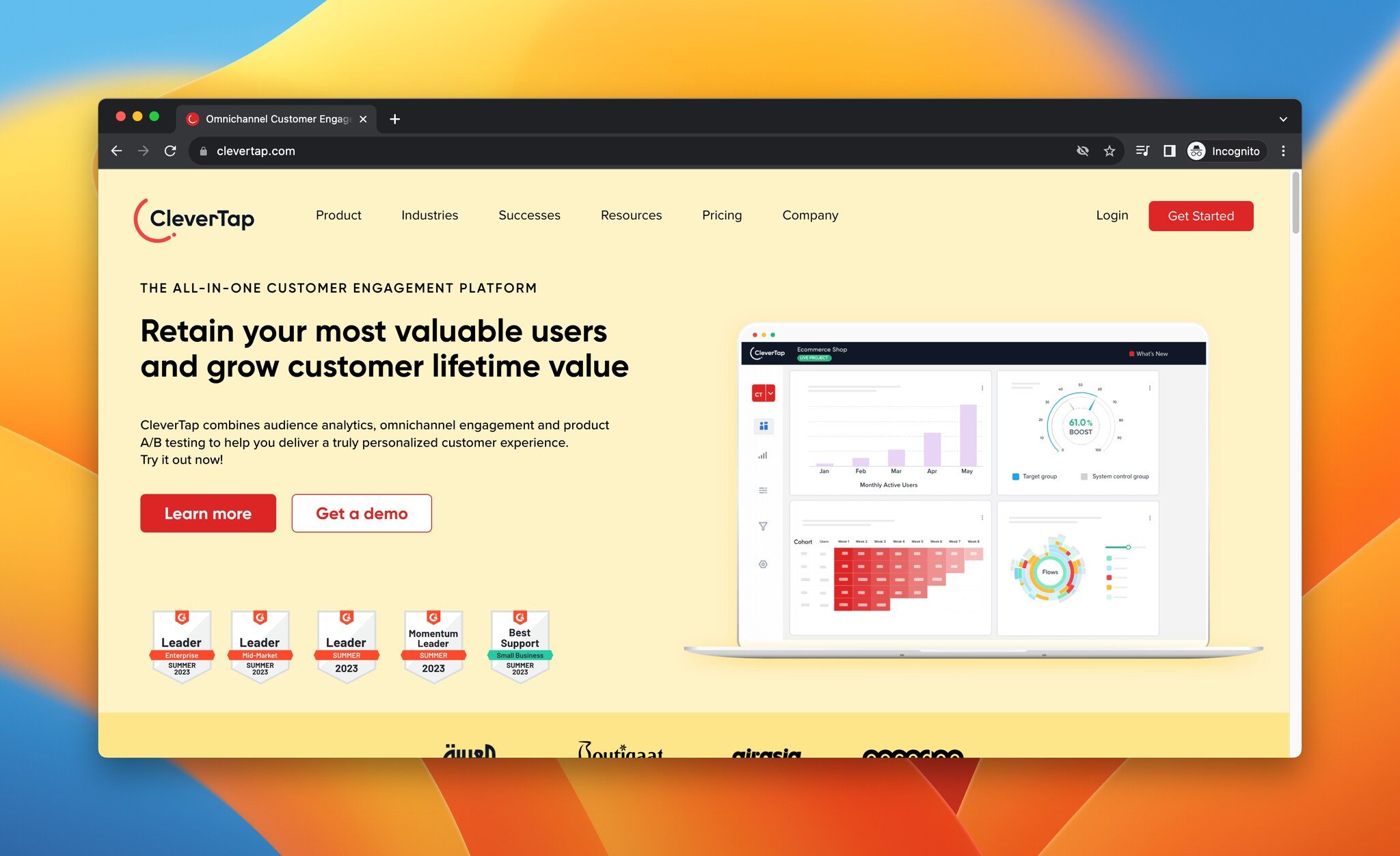
CleverTap is an all-in-one customer engagement tool covering automated segmentation, omnichannel engagement, journey orchestration, and campaign optimization across WhatsApp, email, in-app messaging, and SMS.
Top features:
• In-app messaging with personalized and localized messages, a drag-and-drop editor, and pre-built templates.
• Time-sensitive messaging for offers and delivery estimates.
• Behavior-based SMS scheduling.
• Geo-specific campaigns for location-aware push — useful for Strategy 5.
• New-user reminders to drive registration and activation.
Pricing: Essentials starts at $99/month. Contact sales for Advanced and Cutting Edge plans.
5. Brevo
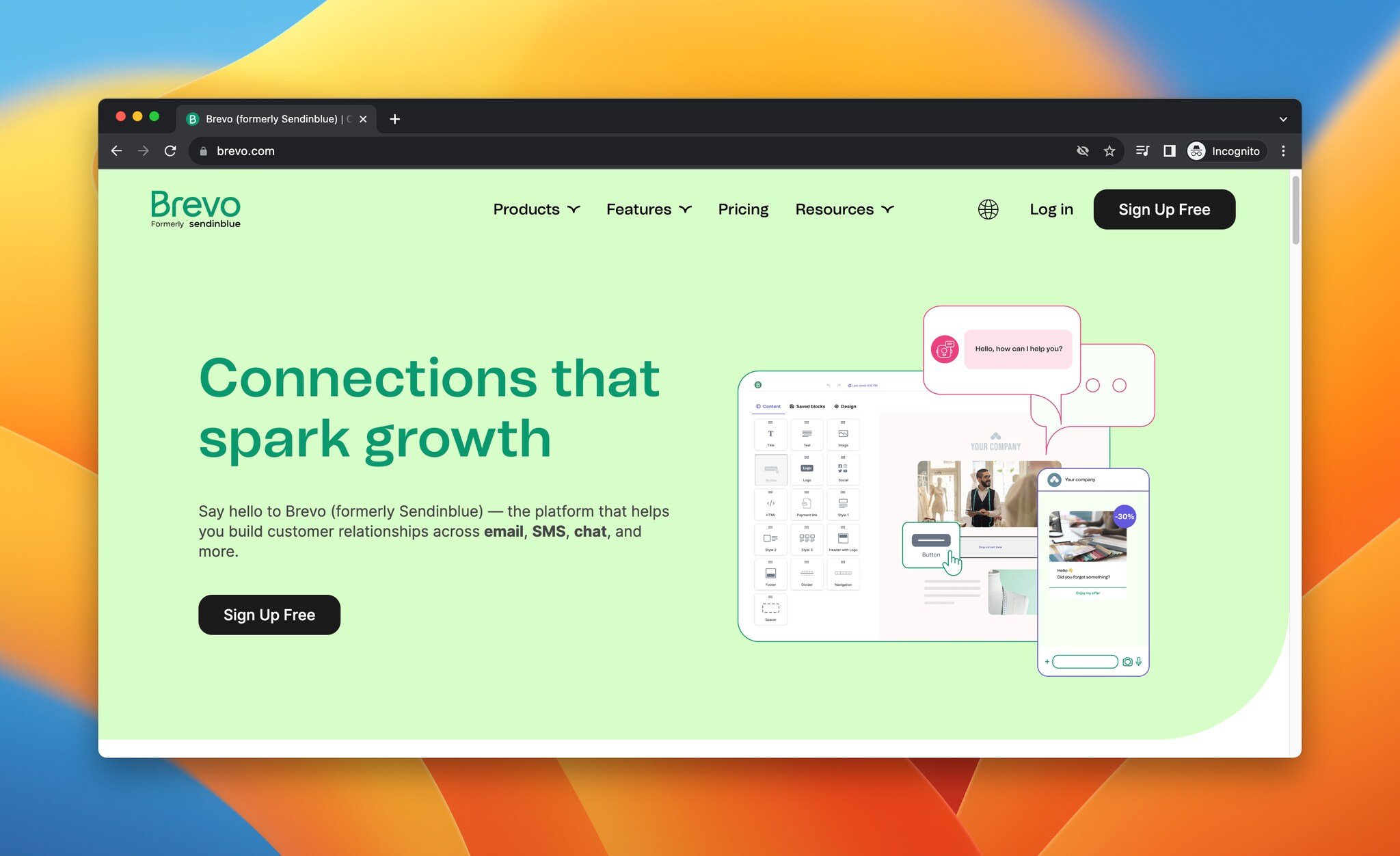
Brevo, formerly Sendinblue, is a customer relationship platform that combines email, SMS, chat, and WhatsApp campaigns.
Top features:
• Personalized, targeted SMS with real-time updates.
• WhatsApp Business campaigns for multimedia messaging.
• Campaign reports and statistics to read performance.
• Contact segmentation by location, preferences, and purchase history.
• Mobile app for live chat support on the go.
Pricing: Free plan available. Starter from $25/month, Business from $65/month, BrevoPlus at custom pricing.
6. EZ Texting
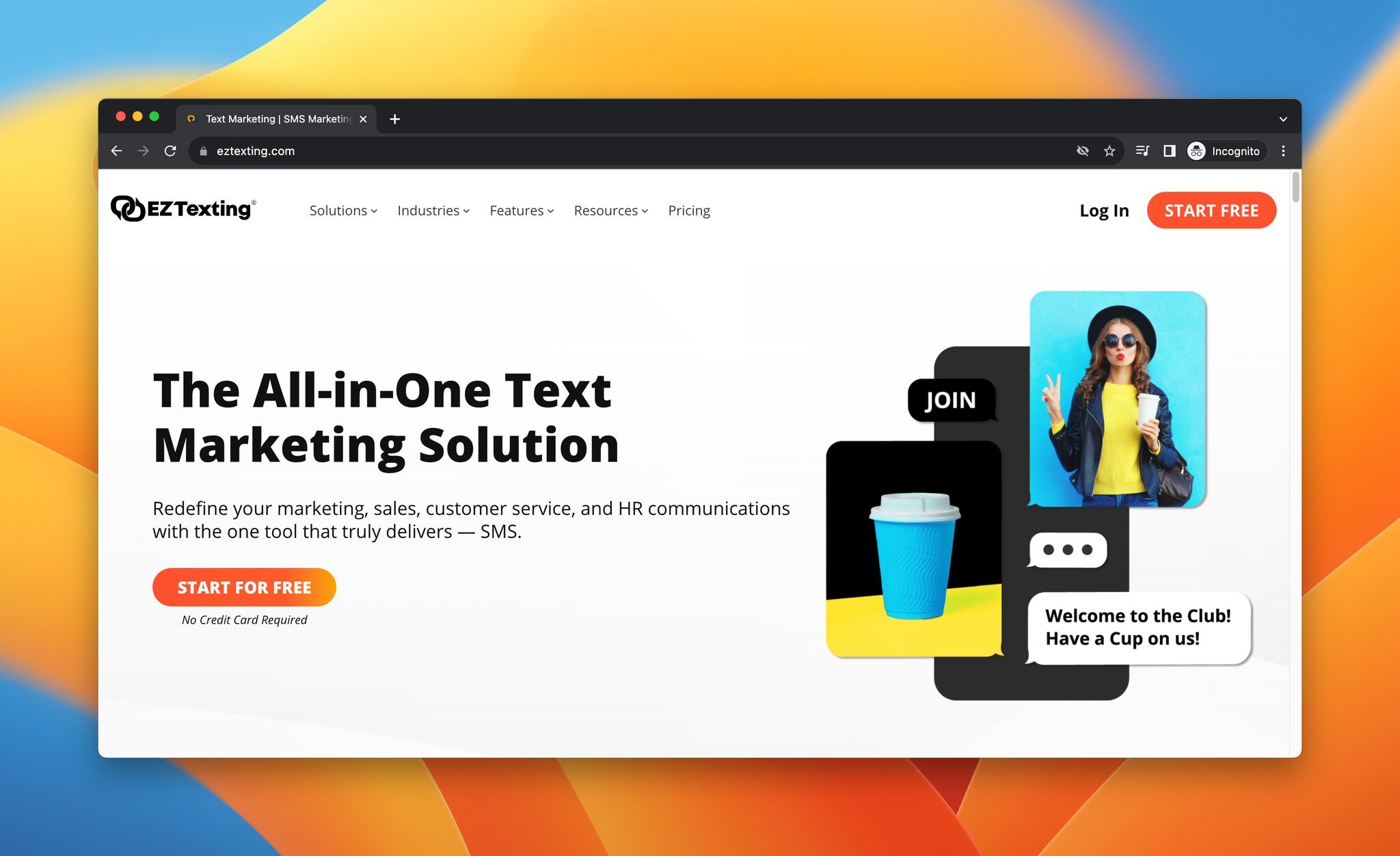
EZ Texting is an SMS marketing tool for marketing, sales, customer service, and HR communications.
Top features:
• MMS campaigns and mobile coupons.
• Text-to-join, QR codes, and sign-up forms for list growth.
• Contact management with group building for targeting.
• Automated texts with performance analytics.
• Direct messaging and follow-ups to reconnect with non-responders.
Pricing: Launch from $20/month, Boost from $60/month, Scale from $100/month, Enterprise from $3,000/month.
7. Airship
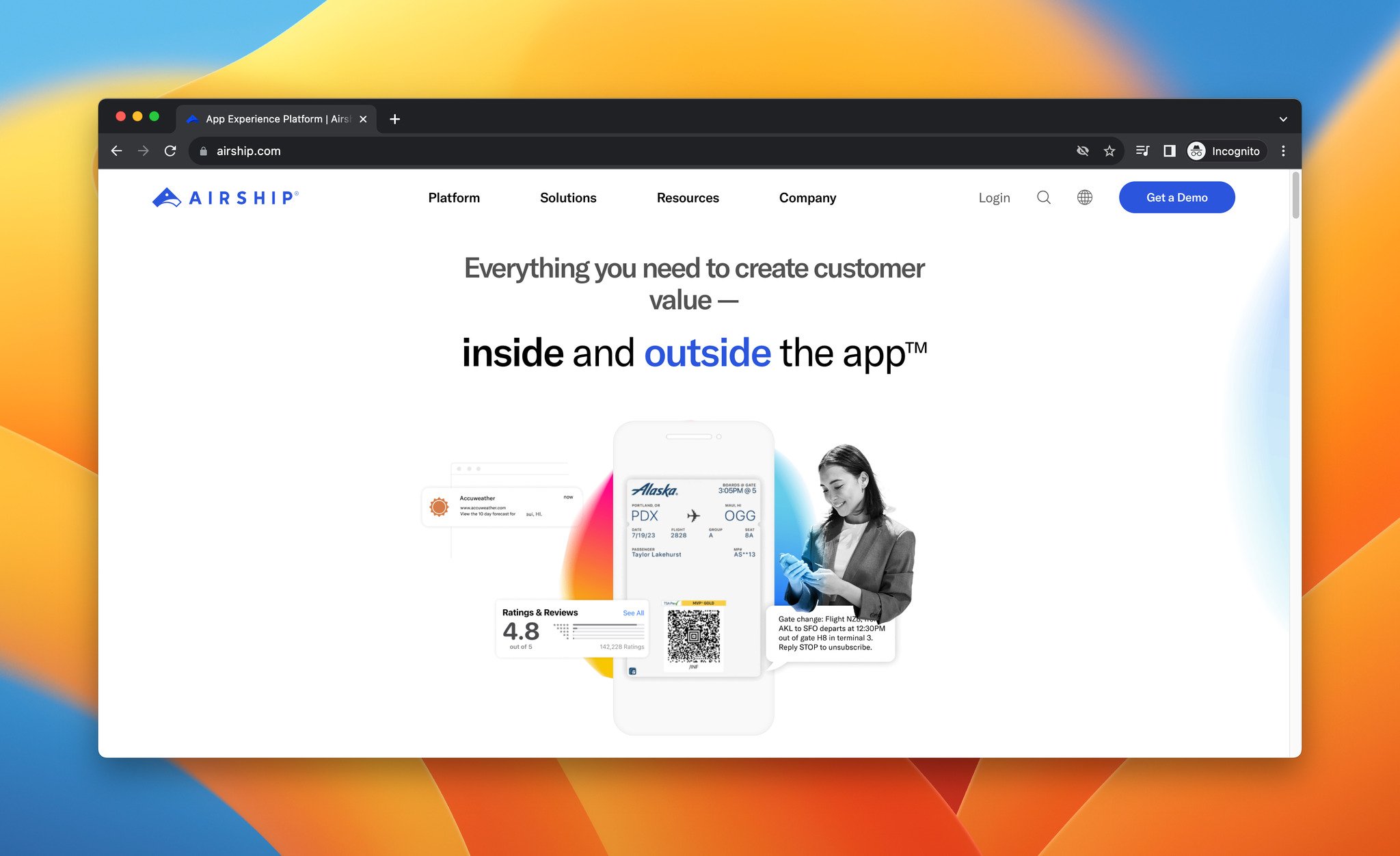
Airship is an app experience platform built around mobile engagement and lifecycle messaging.
Top features:
• Solutions for onboarding, cross-channel acquisition, loyalty, churn prevention, win-back, upsell, retargeting, and abandoned carts.
• Push notifications with predictive AI, automation, and segmentation for delivery timing.
• In-app messaging with location-sensitive targeting.
• App Store Optimization for keywords, content, and creative.
• Mobile Wallet for dynamic loyalty cards and tickets.
Pricing: Contact the sales team for custom pricing.
8. SendPulse
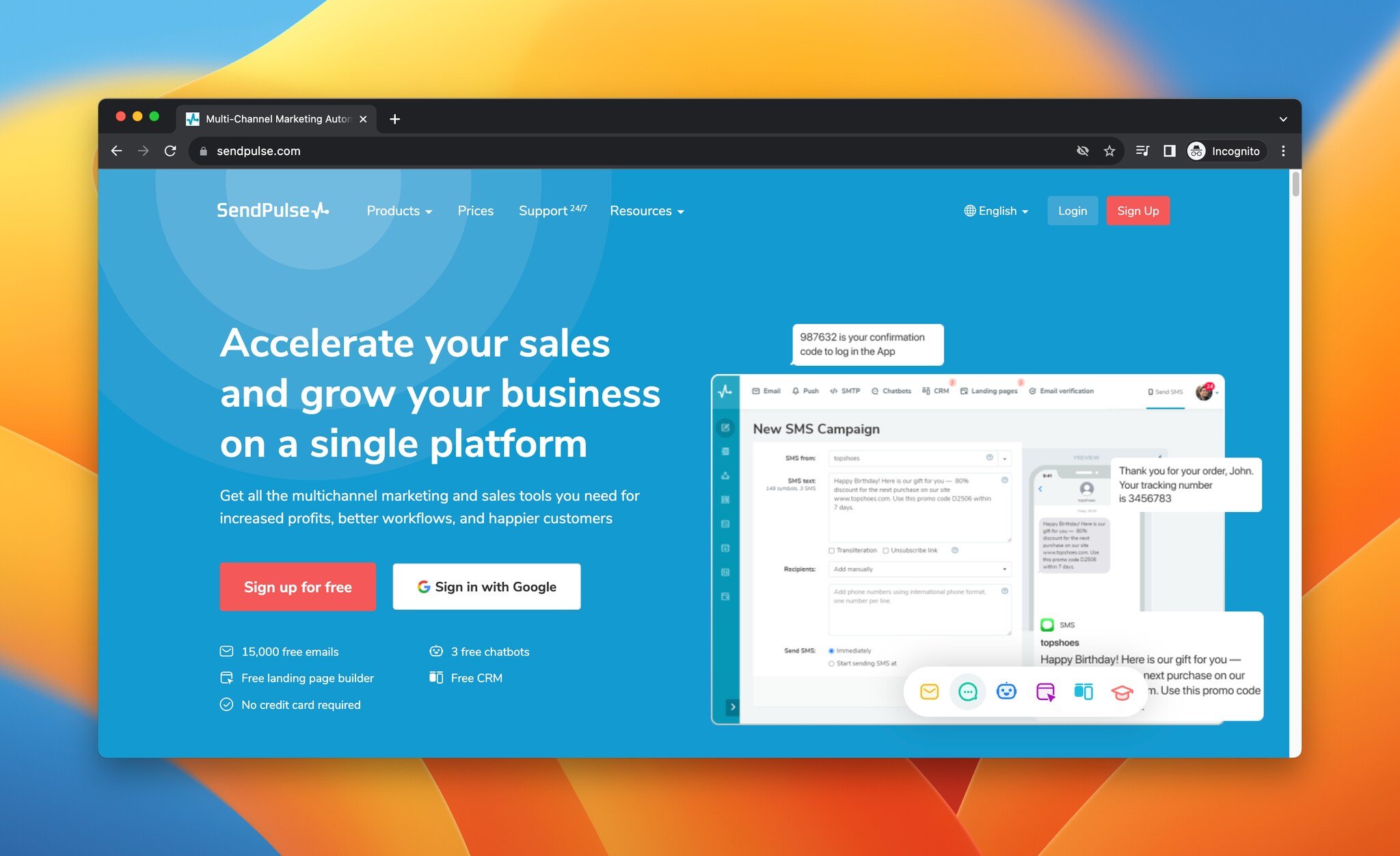
SendPulse is a multichannel marketing automation platform with triggered emails, chatbots, scheduled SMS, and web push.
Top features:
• Bulk SMS campaigns with segmentation.
• Instant browser notifications to reach customers on phones.
• API integration with CRM, CMS, and e-commerce tools.
• Automation 360 for triggered email, web push, and social campaigns.
• SMS delivery to 1,000+ mobile operators across 200 countries.
Pricing: SMS costs vary by country — check SendPulse's pricing page for details.
9. MoEngage
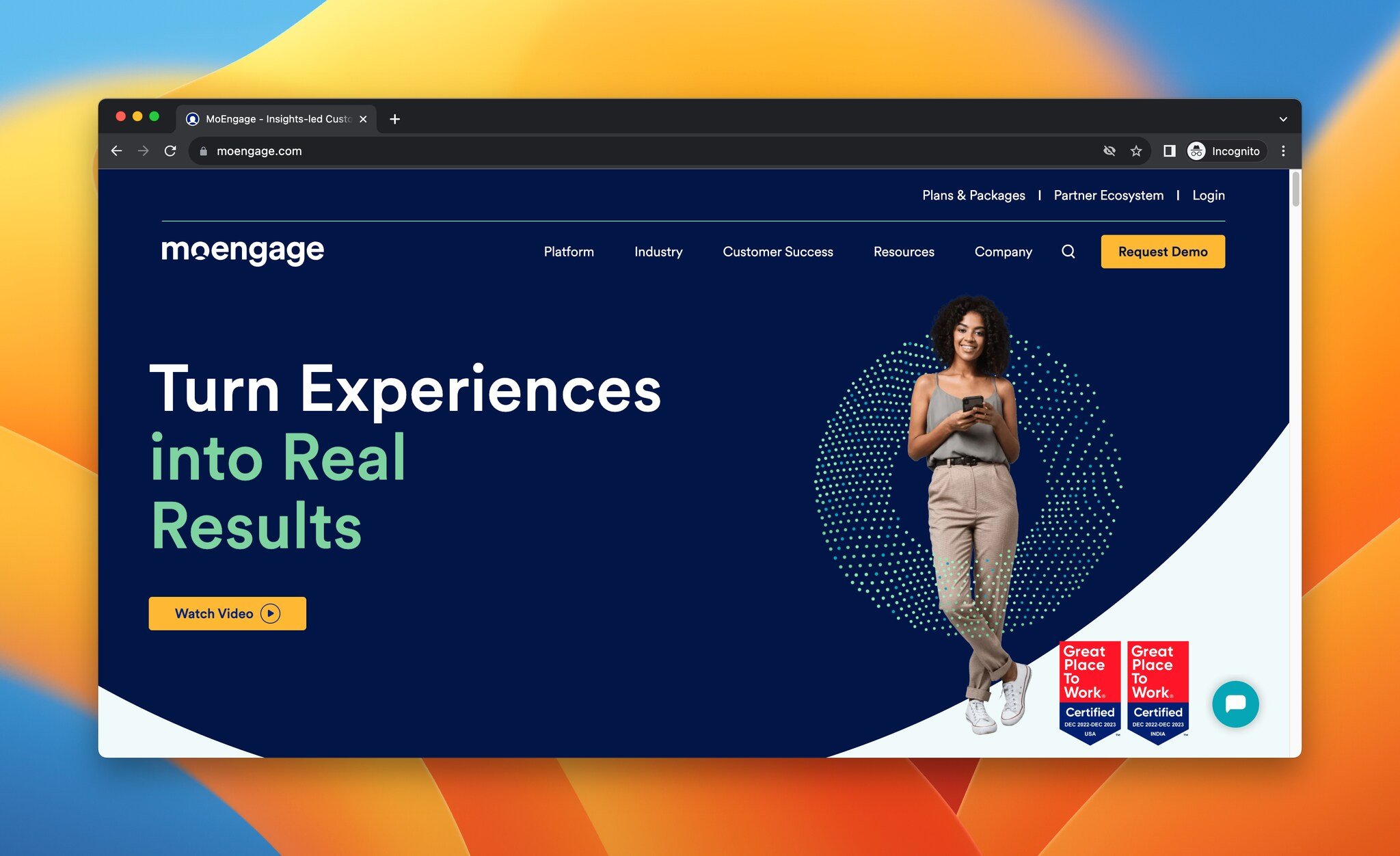
MoEngage is a customer engagement platform for mobile push, SMS automation, in-app messaging, and web push.
Top features:
• Link tracking inside SMS for omnichannel retargeting.
• A single dashboard for analyzing and optimizing SMS strategy.
• In-app messaging with templates and a drag-and-drop editor.
• AI-based push for event-triggered, location-based, and behavior-based notifications.
• Industry solutions for financial services, media, telecom, retail, travel, and ed-tech.
Pricing: Request a demo for pricing details.
10. Mobile Action
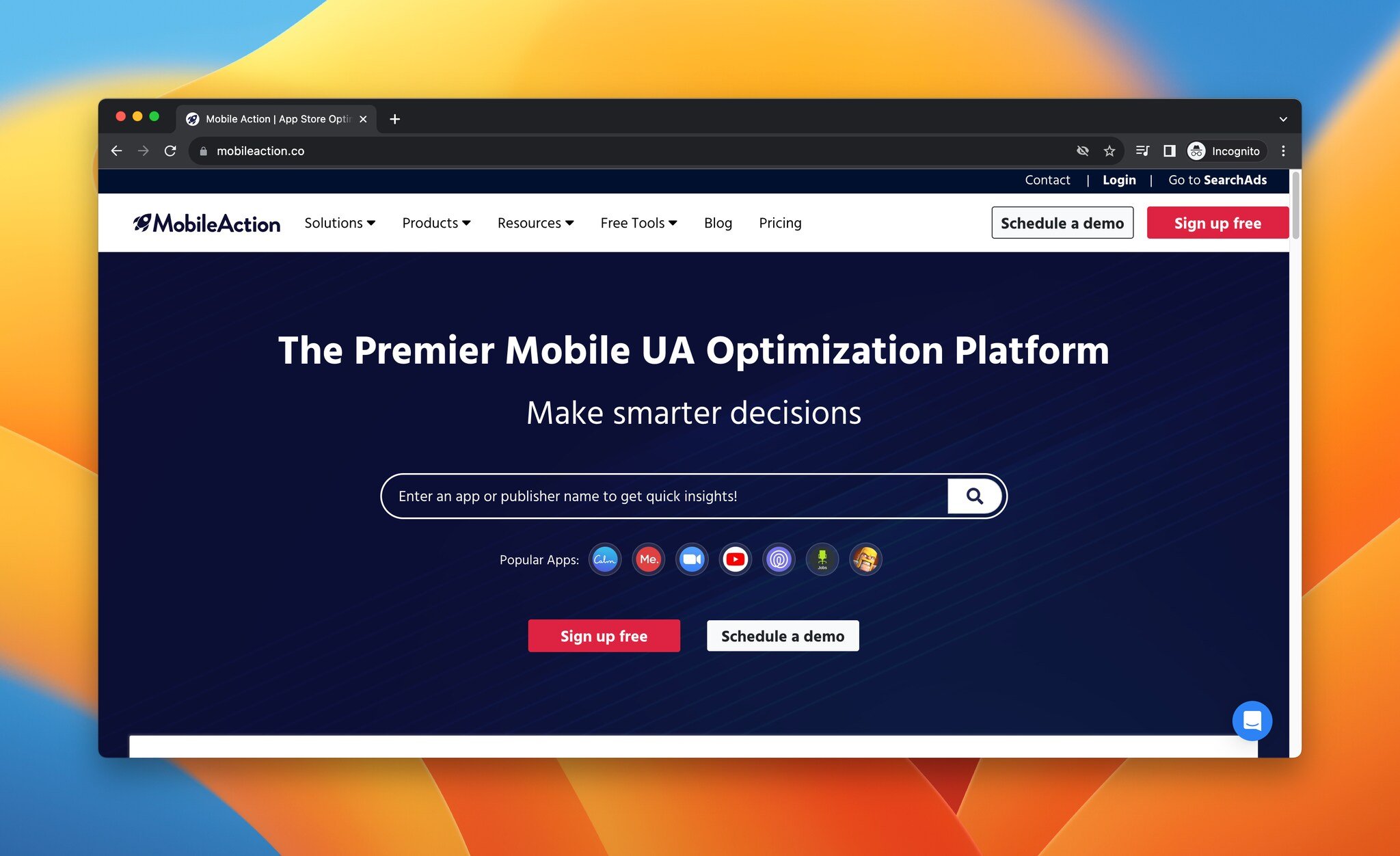
Mobile Action is an app store optimization and marketing intelligence tool.
Top features:
• Competitor monitoring and trend tracking.
• App localization for any market.
• Ready-made reports delivered by email or Slack.
• Free tools including Apple Search Ads Audit, Performance Grader, App Report, Ad Library, and AI Keyword Generator.
Pricing: Free plan available. Schedule a demo for Premium plan details.
How Do You Measure ROI in Mobile Marketing?
You measure mobile marketing ROI by tracking a focused set of metrics — conversion rate, cost per acquisition, click-through rate, customer lifetime value, retention, and return on ad spend — and tying each campaign back to revenue, not just engagement. Vanity metrics like impressions tell you nothing about whether the channel pays for itself.
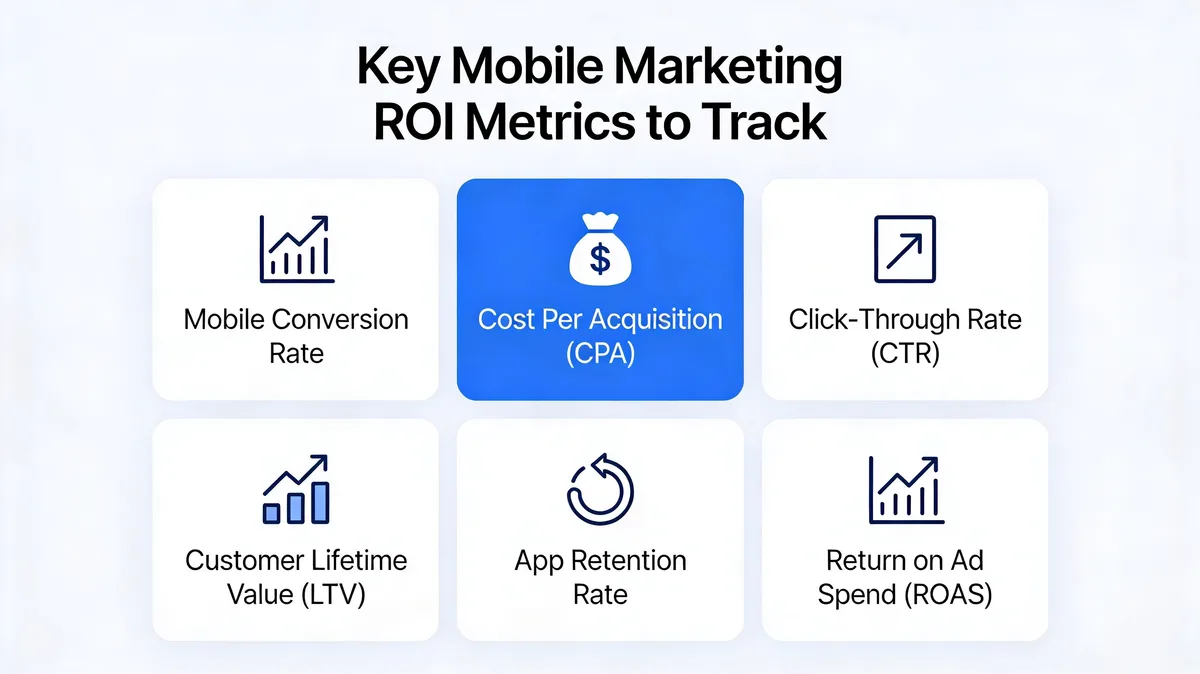
Here is how I read each metric in practice:
• Conversion rate: The share of mobile sessions that complete a goal — demo booked, trial started, purchase made. Track it separately for mobile and desktop; a gap between them points straight to a mobile UX problem.
• Cost per acquisition (CPA): Total spend divided by customers acquired through mobile. Compare it against desktop CPA and against customer lifetime value to know if a channel is profitable.
• Click-through rate (CTR): How often people who see your message act on it. Useful for diagnosing creative and copy, less useful as a standalone success metric.
• Customer lifetime value (LTV): The total revenue a mobile-acquired customer generates. A higher CPA is fine if the LTV justifies it — this is the comparison that matters most.
• Retention rate: The percentage of mobile-acquired users who stay active over 30, 60, and 90 days. For SaaS, retention is where mobile marketing either proves its worth or exposes a leaky funnel.
• Return on ad spend (ROAS): Revenue generated for every dollar of mobile ad spend. The cleanest single number for paid campaigns, and the one to report up the chain.
A practical setup: connect your analytics, ad platforms, and CRM so a mobile click can be traced to a closed deal. Review CPA and ROAS weekly during a campaign, and LTV and retention monthly. The case for getting this right is strong — according to Econsultancy, Legal Brand Marketing's new mobile marketing strategy produced an 89% increase in click-through rates and cut cost per lead by more than half. You only know you have a result like that if you are measuring for it from day one.
Common Mobile Marketing Mistakes to Avoid
Most failed mobile campaigns fail for the same handful of reasons. Avoiding these usually pays off more than adding another tactic.
• Shrinking the desktop experience instead of designing for mobile. A cramped desktop layout is not a mobile strategy — it is the most common reason mobile conversion lags.
• Over-messaging. Daily SMS or push blasts feel productive and drive opt-outs. Cap frequency and segment hard.
• Intrusive popups that trip Google's penalties. Full-screen popups on entry hurt rankings. Use exit-intent or scroll triggers and mobile-specific designs instead.
• Ignoring page speed. A two-second delay quietly erases the gains from every other strategy. Test on throttled mobile connections, not office wifi.
• Measuring engagement instead of revenue. Impressions and likes are not ROI. Tie every campaign to CPA, LTV, and ROAS.
• Treating mobile as a silo. The strongest results come from integrating mobile into the wider funnel — our marketing automation guide walks through connecting these channels into one journey.
Future Trends in Mobile Marketing for 2026 and Beyond
Two forces are reshaping mobile marketing right now: AI-driven personalization and faster networks. Both change what is possible, and both reward brands that adopt early.
• AI personalization moves from segments to individuals. AI systems now adjust ad creative, send timing, and offers per user based on real-time behavior, not broad segment rules. For B2B SaaS, that means a trial user who stalled on a specific feature can get a contextual push the same day. The brands treating personalization as a default — not a campaign add-on — are the ones meeting the expectation Shep Hyken described earlier.
• 5G enables richer, faster mobile experiences. Faster networks make heavier formats — interactive video, AR product previews, instant-loading landing pages — viable on mobile without the load-time penalty that used to kill them. As 5G coverage deepens, the gap between a fast mobile experience and a slow one widens, and so does the conversion gap.
• Mobile's share of ad budgets keeps climbing. According to Tappx, mobile's share of digital ad spend is still growing and is expected to reach roughly 70% of total digital ad spend by 2026. The channel is not just maturing — it is still taking budget from everything else.
• Retention and re-engagement become the main event. With acquisition costs rising, the spending growth is in keeping and reactivating users. Push, in-app messaging, and lifecycle SMS are where 2026 budgets are heading.
Pick Your First Two Mobile Marketing Moves
You do not need all nine strategies live by Friday. You need the right two.
Start with mobile website optimization — it is the surface every other tactic depends on, and a slow or clumsy mobile site quietly cancels out everything else. Then add popups, because they are low effort, high impact, and let you capture the mobile traffic you already have instead of buying more. Once those two are working and measured, layer in SMS or push depending on whether you have a strong offer cadence or a mobile app.
Whatever you start with, set up your measurement first. Track conversion rate, CPA, and ROAS from day one so you know within a few weeks whether a strategy is earning its place. Mobile marketing rewards the teams that ship, measure, and adjust — not the ones that plan forever.
Frequently Asked Questions
What are the 5 key elements of mobile marketing?
The five key elements are a mobile-optimized website as the foundation, a clear targeting and segmentation plan, channel selection matched to where your audience actually is, personalized and concise messaging, and a measurement framework tracking conversion rate, CPA, LTV, and ROAS. Skip any one of these and the others lose effectiveness — a great SMS campaign still fails if it points to a broken mobile page.
How do you create a mobile marketing strategy?
Start by auditing your current mobile experience and confirming your site is responsive and fast. Then define your audience and the actions you want them to take, choose two or three channels to start with based on the effort-to-impact matrix above, set up tracking before you launch, and run small tests before scaling. Begin with the foundation (website optimization) and one quick win (popups), then layer in SMS, social, and push as results come in.
What are the benefits of mobile marketing strategies?
Mobile marketing strategies give you direct access to customers where they spend most of their screen time, faster and more contextual interactions, deeper personalization from behavioral data, and stronger local engagement. As the Keele University data cited earlier shows, mobile-optimized sites drive both higher return rates and higher purchase intent — the practical upside is more pipeline from the same traffic.
What tools are best for mobile marketing?
It depends on the strategy you are running. For on-site capture and mobile popups, Popupsmart is the fastest to deploy. For SMS, Attentive, Brevo, and EZ Texting are strong picks. For push and app engagement, Braze, CleverTap, Airship, and MoEngage lead. For app store optimization, Mobile Action is purpose-built. Most teams run a small stack — one capture tool plus one messaging platform — rather than a single do-everything product.
Articles you might like:
• How to Get More SMS Subscribers in 2026: 12 Ways
How would you rate your experience with this article? 😊