ChatGPT
 Perplexity
 Claude
 Grok
Grok Google AI Mode
Shopify's sales percentage is a per-transaction processing fee ranging from 2.5% to 2.9% + $0.30, charged on every online credit card sale. It differs from a revenue share because Shopify doesn't take a cut of your total revenue, only a payment processing fee that varies by plan tier.
New store owners see "transaction fees" in their Shopify admin and immediately worry they're losing a huge chunk of revenue. The reality? These fees are standard across every payment processor. The real question isn't whether Shopify charges fees. It's whether you're on the right plan to minimize them.

This guide breaks down exactly what Shopify charges in 2026, how each plan stacks up on fees, and practical ways to keep more of your revenue. With Shopify now powering over 5 million active stores, getting your fee math right compounds fast. Whether you're launching your first store or processing thousands of orders a month, you'll find the figures you need to make a smart decision.
How Does Shopify Take a Percentage of Sales?
Shopify charges two distinct types of fees on every sale, and confusing them is one of the most common mistakes new merchants make.
The first is the credit card processing fee. This is what Shopify Payments (powered by Stripe) charges to process the actual card transaction. It ranges from 2.5% + $0.30 to 2.9% + $0.30 per transaction on standard plans depending on your tier. Every e-commerce platform has an equivalent fee. It's the cost of accepting credit cards online.
The second is the third-party gateway fee. If you skip Shopify Payments and use a gateway like PayPal, Authorize.net, or Braintree, Shopify adds an extra surcharge of 0.6% to 2.0% per transaction. This fee disappears entirely when you use Shopify Payments.
Shopify's card rates run from 2.5% to 2.9% + 30 cents per transaction with Shopify Payments, depending on your plan. As Ecommerce Platforms explains, this processing fee is the main way Shopify "takes a cut." On a $100 sale, that's between $2.80 and $3.20 in processing fees.
Here's a quick calculation I run for my clients:
Basic plan, $100 sale with Shopify Payments: ($100 x 2.9%) + $0.30 = $3.20
Basic plan, $100 sale with third-party gateway: $3.20 (gateway fee) + ($100 x 2.0%) = $5.20
That $2.00 difference adds up fast. On 500 orders per month at $100 average, you'd lose an extra $1,000 monthly just from the gateway surcharge.
What Are Shopify's Transaction Fees by Plan in 2026?
Each Shopify plan comes with different processing rates. Higher plans cost more per month but charge lower per-transaction fees, so the break-even point matters.
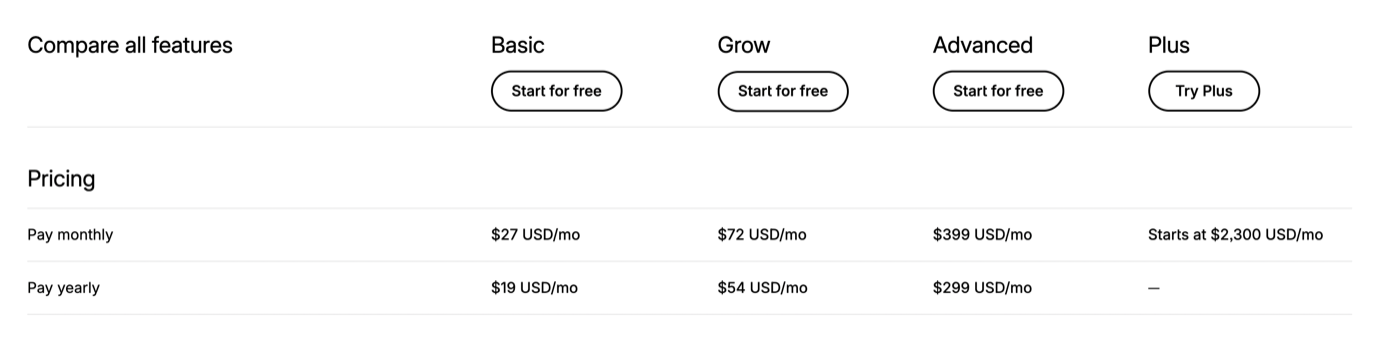
| Plan | Monthly | Annual (per mo) | Online Card Rate | In-Person (POS) | Third-Party Gateway Fee |
|---|---|---|---|---|---|
| Starter | $5 | — | 5% flat | — | — |
| Basic | $27 | $19 | 2.9% + $0.30 | 2.6% + $0.10 | 2.0% |
| Grow (formerly "Shopify") | $72 | $54 | 2.7% + $0.30 | 2.5% + $0.10 | 1.0% |
| Advanced | $399 | $299 | 2.5% + $0.30 | 2.4% + $0.10 | 0.6% |
| Plus | From $2,300 | Custom | 2.25% + $0.30 | Negotiated | 0.2% |
According to Taxomate, Shopify charges 2.5% to 2.9% + 30 cents per sale, plus 0.6% to 2% if you skip Shopify Payments. That third-party surcharge is the fee most merchants don't expect.
One thing worth noting: Shopify's official pricing page lists the base rates, but your actual costs may differ if you sell internationally. Cross-border transactions carry an additional 1.5% to 2.0% currency conversion fee on top of the standard processing rate.
Basic Plan: Best for New Stores
The Basic plan at $27/month ($19 on annual billing) suits merchants just getting started. It includes everything you need to launch an online store: a website, unlimited products, and two staff accounts. The trade-off is the highest per-transaction rate at 2.9% + $0.30.
From what I've seen working with early-stage Shopify merchants, the Basic plan works well until you're consistently processing more than $5,000/month in sales. At that point, the savings from lower transaction fees on the Grow plan start outweighing the higher subscription cost.
Grow Plan: The Growth Sweet Spot
At $72/month ($54 on annual billing), the Grow plan — Shopify's renamed mid-tier, formerly just called "Shopify" — drops your online rate to 2.7% + $0.30 and cuts the third-party gateway surcharge to 1.0%. You also unlock professional reporting, more staff accounts, and better shipping discounts.
For stores doing $10,000-$50,000/month in revenue, this plan typically saves $150-$400/month in transaction fees compared to Basic. That easily covers the higher subscription. You'll also want to focus on strategies to increase your Shopify sales at this stage to maximize the plan's value.
Advanced Plan: High-Volume Merchants
The Advanced plan at $399/month ($299 on annual billing) offers the lowest standard rates: 2.5% + $0.30 online and just 0.6% for third-party gateways. It includes advanced reporting, custom pricing for international markets, and up to 15 staff accounts.
If your store processes $100,000+ monthly, the lower card rate plus the drop from Basic's 2% third-party surcharge to 0.6% can translate to $500+ in monthly savings on transaction fees alone. That's $6,000+ annually, which more than justifies the higher subscription.
How Does Shopify Payments Reduce Your Costs?
Shopify Payments is Shopify's built-in payment processor, and it's the single biggest way to cut your per-sale fees. When you activate it, the third-party gateway surcharge (0.6% to 2.0%) disappears completely.
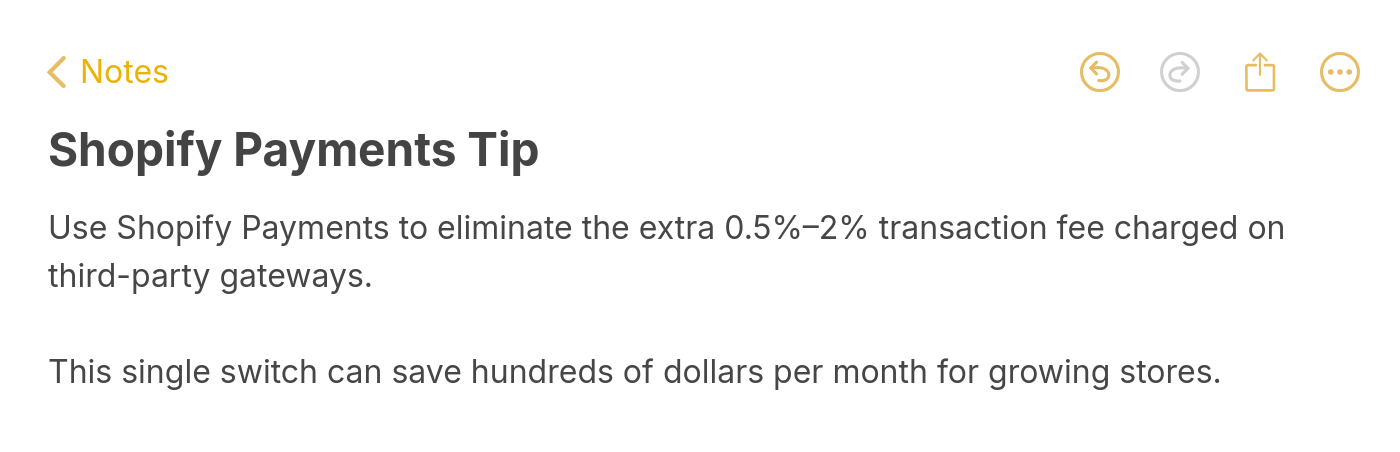
Use Shopify Payments to avoid extra transaction fees on third-party gateways
According to Mipler, using Shopify Payments removes Shopify's platform transaction fee entirely, though you still pay the standard card processing rates. For a Basic plan merchant doing $20,000/month in sales, that's $400/month saved by simply switching to Shopify Payments.
Shopify Payments is supported across most major markets as of 2026, including the US, UK, Canada, Australia, and most of the EU. If you're in a supported country, there's almost no reason not to use it.
One caveat: Shopify Payments doesn't support every business type. High-risk industries like CBD, firearms, and certain supplements may need a specialized third-party gateway regardless.
What Extra Costs Should You Budget for Beyond Transaction Fees?
Transaction fees aren't the only costs that eat into your margins. After working with hundreds of Shopify stores, here are the expenses that catch merchants off guard:
Apps and integrations: Most stores need 5-10 apps for email marketing, reviews, SEO, and inventory management. Budget $50-$300/month depending on your stack.
Themes: Free themes work fine for getting started, but premium themes ($150-$400 one-time) typically convert better because of improved design and UX features.
Domain name: Around $15/year if you buy through Shopify, though you can connect a domain from any registrar.
Shipping costs: Shopify offers discounted shipping labels, but rates vary wildly by carrier, package size, and destination.
Currency conversion: According to TrueProfit, currency conversion fees run 1.5% for US stores and up to 2.0% for international stores. If you sell globally, this adds up quickly.
How to Calculate Your Actual Shopify Fees per Sale
Here's the formula you can use:
Total fee per sale = (Card processing % x Sale amount) + Fixed fee ($0.30) + (Third-party surcharge % x Sale amount, if applicable)
Let me walk through three real scenarios:
Scenario 1: $50 sale, Basic plan, Shopify Payments
($50 x 2.9%) + $0.30 = $1.45 + $0.30 = $1.75 total fee (3.5% of sale)
Scenario 2: $50 sale, Basic plan, PayPal
PayPal fee (~2.9% + $0.30) + Shopify surcharge ($50 x 2.0%) = $1.75 + $1.00 = $2.75 total fee (5.5% of sale)
Scenario 3: $200 sale, Advanced plan, Shopify Payments
($200 x 2.5%) + $0.30 = $5.00 + $0.30 = $5.30 total fee (2.65% of sale)
Notice how the fixed $0.30 fee matters less on larger orders. That's why stores with low average order values get hit hardest. If you're selling $10 items, the $0.30 alone represents 3% of your sale. Improving your average order value through Shopify checkout optimization is one of the fastest ways to reduce your effective fee rate.
How Do Shopify Fees Compare to Etsy, Square, and Stripe?
Here's the context most fee complaints miss: Shopify doesn't take a commission on your sales the way a marketplace does. With Shopify Payments active, there's no per-order platform cut — only the card processing fee. That's a real difference from Etsy, which charges a percentage of every order on top of payment processing.
| Platform | Per-sale platform fee | Payment processing | Notes |
|---|---|---|---|
| Shopify (Shopify Payments) | 0% | 2.5%–2.9% + 30¢ | Plans from $27/mo; no listing fees |
| Etsy | 6.5% transaction fee | ~3% + $0.25 | Plus $0.20 listing fee per item |
| Square Online | 0% | 2.9% + 30¢ | Free plan available |
| Stripe (standalone) | 0% | 2.9% + 30¢ | You build your own storefront |
For a $100 sale, Etsy's 6.5% transaction fee alone is $6.50 — before the ~$3 in payment processing and the $0.20 listing fee — while the same sale on Shopify Basic runs about $3.20 all in. The tradeoff: Etsy hands you built-in marketplace traffic, whereas Shopify expects you to drive your own.
What Is Shopify Plus and Who Needs It?
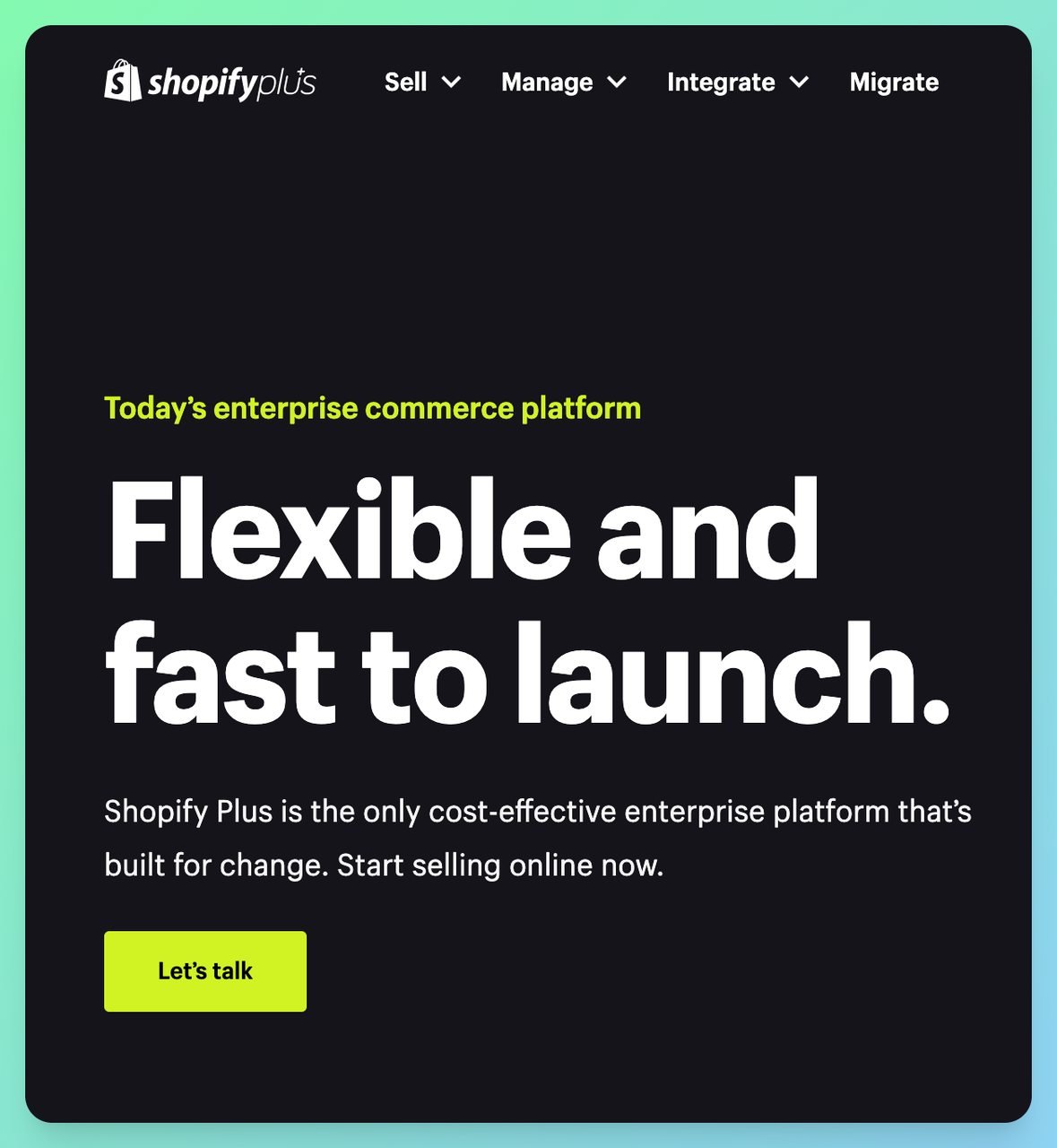
Shopify Plus is the enterprise tier, starting at $2,300/month on a 3-year term or $2,500/month on a 1-year term according to Broken Rubik's pricing guide. Unlike the older "custom quote only" model, Shopify now publishes Plus processing at 2.25% + $0.30 online with a 0.2% third-party gateway fee — the lowest of any tier. Very high-volume merchants can still negotiate custom rates on top of that.
Plus merchants get benefits the standard plans can't match:
• Customizable checkout: Full access to Shopify's checkout extensibility APIs
• 20 expansion stores: Run multiple storefronts for different markets or brands
• Dedicated support: A merchant success manager plus priority support
• Shopify Flow automation: Advanced workflow automation without coding
Most stores don't need Plus until they're doing $1M+ annually. At that volume, the negotiated processing rates and additional features start making financial sense. Below that threshold, the Advanced plan covers nearly everything you'd need.
What Is the Shopify Starter Plan?
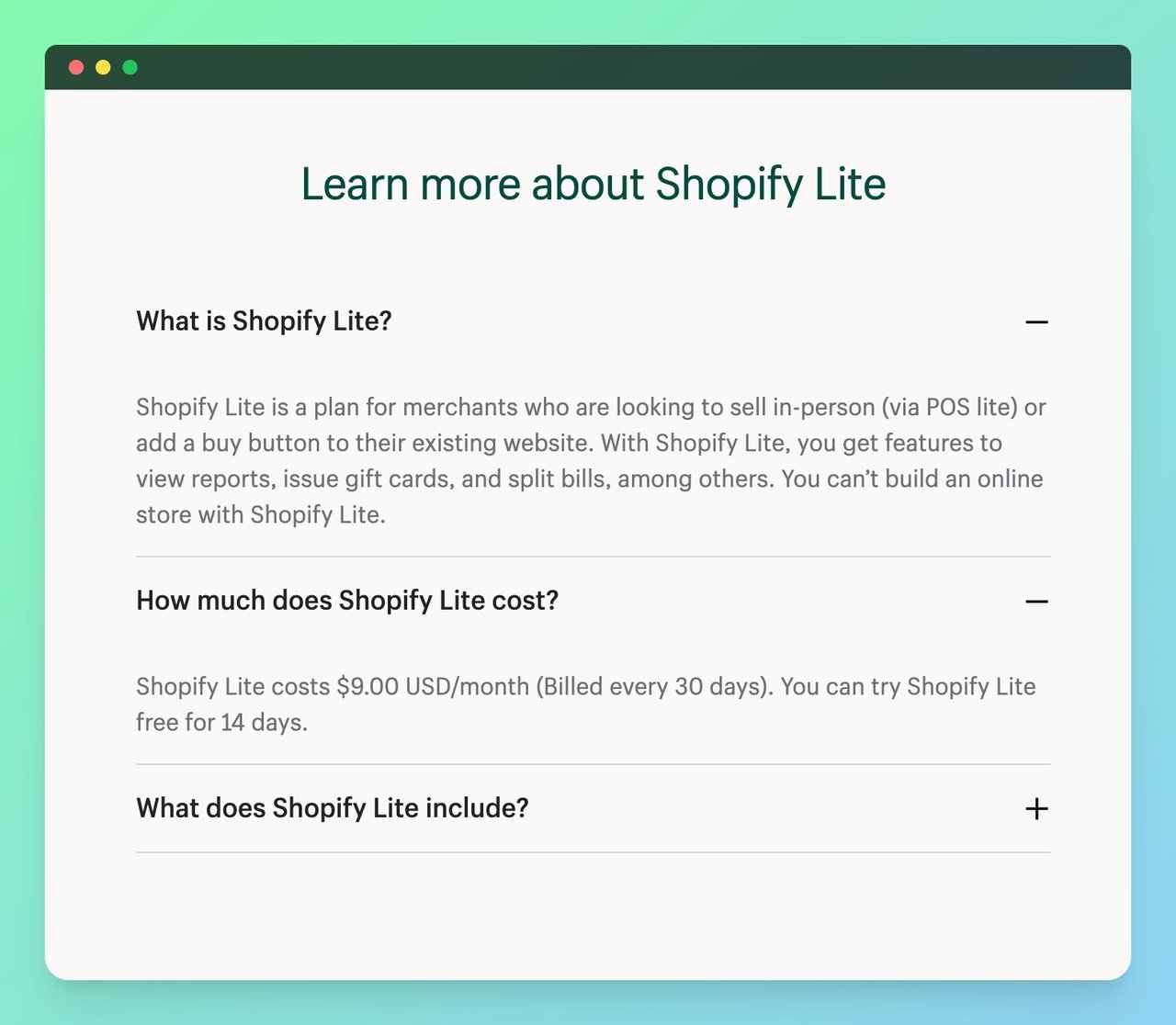
The Starter plan (formerly Shopify Lite) costs $5/month and gives you a shareable product page and checkout link. You don't get a full online store. Instead, you can embed buy buttons on existing websites, blogs, or social media profiles.
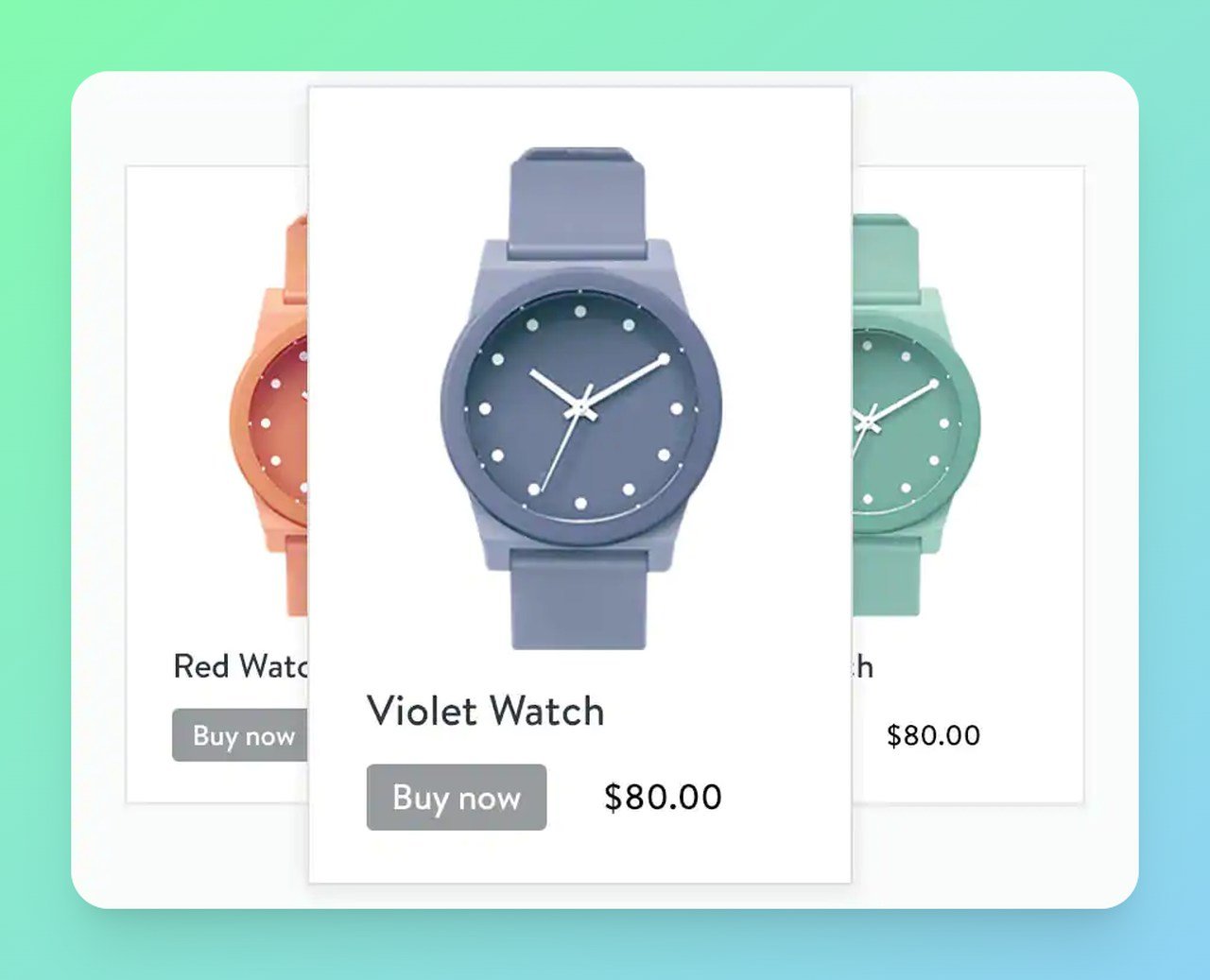
This plan works well if you already have a website built on WordPress or another platform and just want to add e-commerce functionality without rebuilding everything. It's also a great entry point for creators selling digital products through social media.
The Starter plan charges 5% per transaction, which is higher than any standard plan. But at $5/month with no full store to manage, it's the lowest-commitment way to start selling online.
How to Choose the Right Shopify Plan and Minimize Fees
Picking the right plan comes down to your monthly sales volume. Here's the framework I use with my clients:
1. Calculate your monthly break-even point. Take the difference in monthly subscription between two plans, divide by the difference in processing rates, and multiply by 100. That gives you the monthly sales volume where upgrading saves money.
2. Start with Basic, upgrade when the math works. Don't overpay for a plan based on where you hope to be in six months. Shopify lets you upgrade instantly, so start lean.
3. Activate Shopify Payments immediately. This is the single easiest way to cut fees. No setup cost, no separate merchant account needed.
4. Monitor your average order value. The $0.30 fixed fee per transaction hurts more on small orders. If your AOV is under $30, focus on increasing your conversion rate and bundling products to raise it.
5. Track your effective fee rate monthly. Divide total fees paid by total revenue. If it creeps above 3.5%, you're probably on the wrong plan or using a third-party gateway unnecessarily.
Shopify offers a free trial that lets you build your store before committing. Use it to test your product listings and checkout flow before choosing a paid plan.
Once your store is live, don't overlook conversion optimization. Even small improvements in your conversion rate directly reduce your cost-per-acquisition, which offsets transaction fees. Working to increase your Shopify conversion rate is effectively a fee discount: every extra sale from the same traffic dilutes your fixed costs. Tools like popup campaigns and targeted offers can recover abandoning visitors and lift revenue per session without raising your fee burden. You can use the popup builder app Popupsmart for your Shopify store.
Common Mistakes Merchants Make with Shopify Fees
Now that we've answered whether Shopify takes a percentage of sales (yes, between 2.5% and 2.9% + $0.30 on standard plans), here are the mistakes I see most often after auditing fee structures for dozens of stores:
• Ignoring the third-party gateway surcharge: Some merchants stick with PayPal as their primary gateway without realizing they're paying 2% extra on every sale. On $30,000/month in revenue, that's $600/month in avoidable fees.
• Upgrading plans too early: Jumping to Advanced before you have the volume to justify it wastes $372/month. Run the break-even calculation first.
• Forgetting currency conversion fees: If you sell internationally, the 1.5-2.0% conversion fee stacks on top of your processing fee. A $100 international sale on Basic could cost you $4.70-$5.20 in total fees.
• Not factoring in app costs: Your effective "Shopify cost" isn't just the subscription plus processing fees. Include your app spend when evaluating total platform costs against alternatives like WooCommerce or BigCommerce.
Frequently Asked Questions
How Much Does Shopify Take per Sale?
Shopify's per-sale fee depends on your plan and payment method. With Shopify Payments, you'll pay 2.5% to 2.9% + $0.30 per online transaction on standard plans. On a $100 sale, that's $2.80 to $3.20. Using a third-party gateway adds another 0.6% to 2.0% on top, pushing costs as high as $5.20 per $100 sale on the Basic plan.
Does Shopify Charge for Every Transaction?
Yes. Every online credit card transaction incurs a processing fee. There's no way to avoid this, just like you'd pay fees with Square, Stripe, or any other payment processor. The fee applies per transaction, not per order (so split payments could result in double fees). In-person transactions through Shopify POS have slightly lower rates.
How Can You Avoid Extra Shopify Transaction Fees?
Use Shopify Payments as your primary payment gateway. This eliminates the 0.6% to 2.0% third-party gateway surcharge entirely. You'll still pay the standard card processing rate, but you won't have an additional layer of fees. Shopify Payments is supported across most major markets and works with all major credit cards plus Apple Pay and Google Pay.
Which Shopify Plan Has the Lowest Fees?
Among standard plans, the Advanced plan ($399/month) has the lowest per-transaction rate at 2.5% + $0.30 (Shopify Plus goes lower at 2.25% + $0.30). But "lowest fees" doesn't always mean "best value." If your monthly sales are under $50,000, the Basic or Grow plan will cost you less overall because the subscription savings outweigh the slightly higher per-transaction rate. Always run the break-even math for your specific volume.
Is Shopify Payments Worth Using to Reduce Costs?
Absolutely. Shopify Payments saves you the third-party gateway surcharge (0.6% to 2.0% per transaction) and simplifies your operations by keeping everything in one dashboard. The only situations where you might need a different gateway are if you're in an unsupported country, sell restricted product categories, or need a specific processor for high-risk transactions. For the vast majority of merchants, Shopify Payments is the right call.