
9 Best Email Search Engines to Expand Your Email List

 ChatGPT
 Perplexity
 Claude
 Grok
Grok Google AI Mode
Email search engines find emails across domains using updated, accurate databases from sources like social media and company data; the article lists 9 tools (e.g., Hunter, Emailsearch, Leadfuze) with pricing and features, plus benefits and selection tips.
Email search engines can be the best help for your business if you want.
There is always a chance for businesses to grow bigger and better with the help of email marketing.
And email search engines are among the most beneficial side of email marketing.
We have covered the best ten email marketing search engines for you to decide on according to your needs and expectations.
Let's start!

What is an Email Search Engine?
An email search engine is an application that allows you to search for emails from any domain.
It is important to choose an email search engine with a high accuracy rate, a good data database, and regular updates.
It should also have various sources of email data, including social media, company databases, and domain searches.
In addition, email search engines should be capable of searching for personal emails.
Best 9 Email Search Engines to Get Emails
If you're looking for a good email marketing tool, these 9 email search engines can help you choose.
1. Hunter
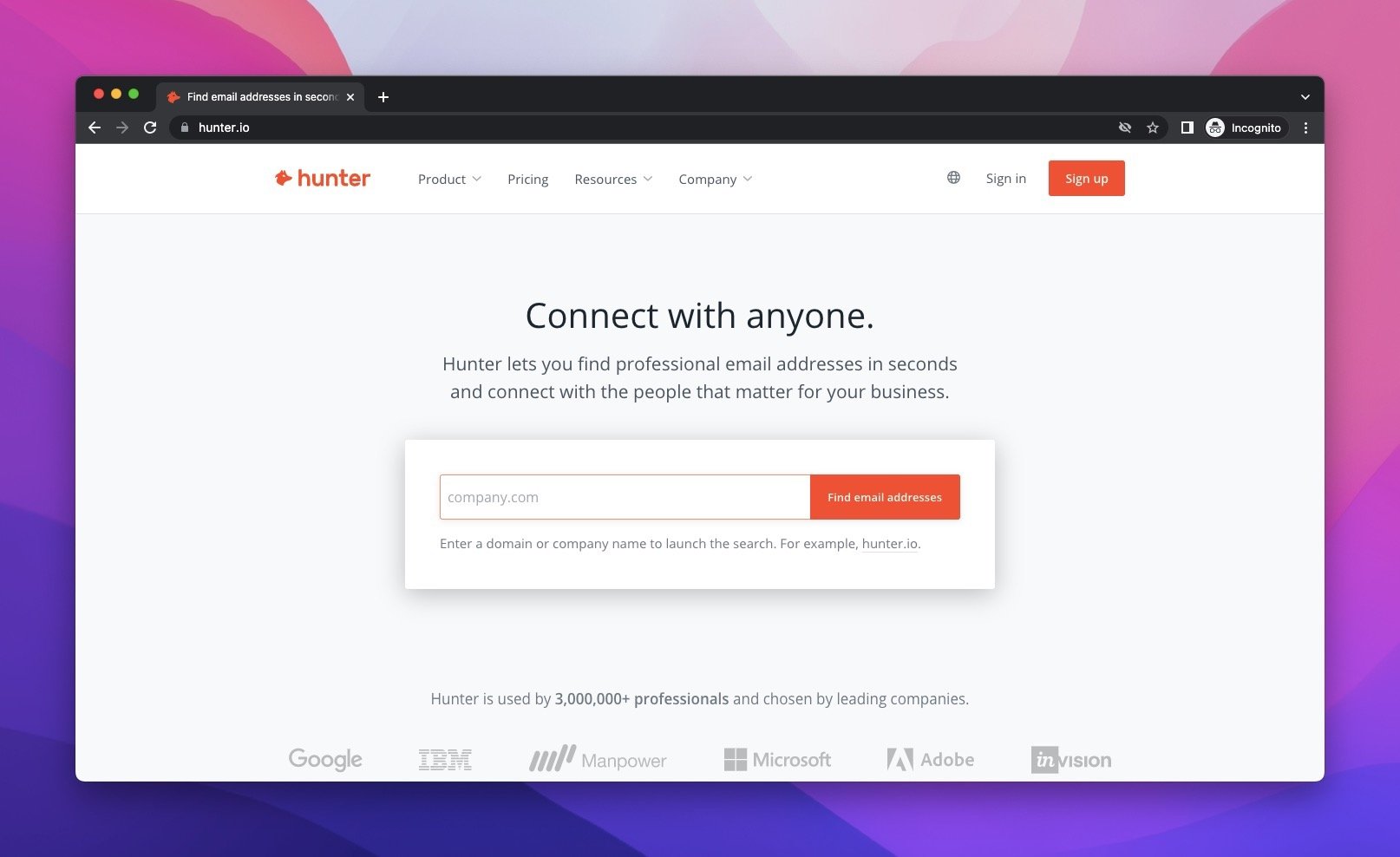
Hunter is the most well-known and useful email search engine in the market.
It is both easy to use and offers a wide range of search features for your email searches.
On the one hand, there is a free plan to use Hunter and try the opportunities yourself.
On the other hand, plans start at $49 with the Starter plan and range to $399 with the Business plan.
It may sound a little pricy, but it is a price-performance tool to use and benefit from for your business.
2. Emailsearch
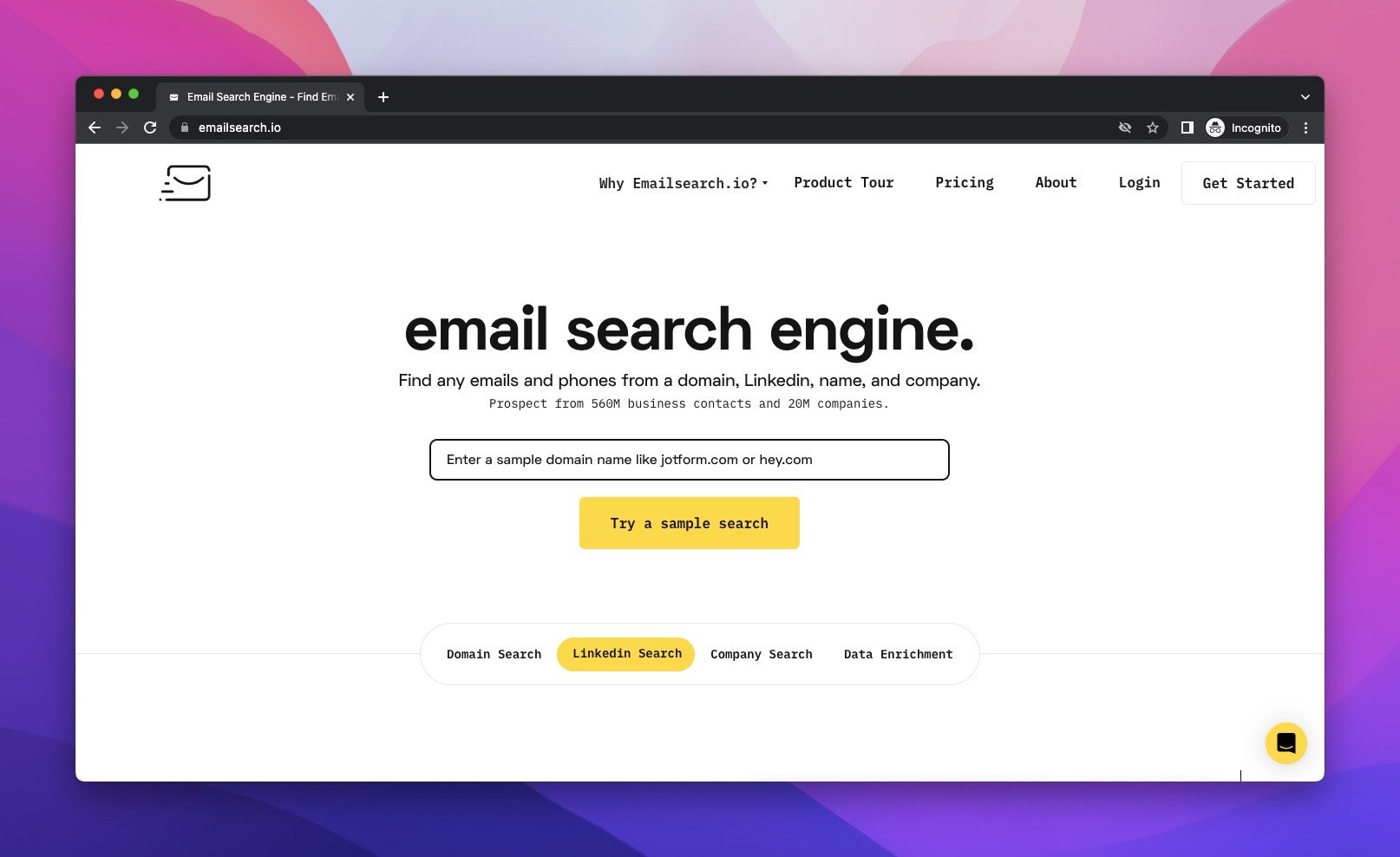
Emailsearch is an advanced email search engine.
You can reach the e-mail addresses and all other data of more than 500 million people with a single search.
In terms of pricing, the plans range from $29 to $279, and if you are not satisfied, they offer a money-back guarantee as their satisfaction guarantee.
The prices are more manageable compared to Hunter, but the decision is yours.
3. Leadfuze
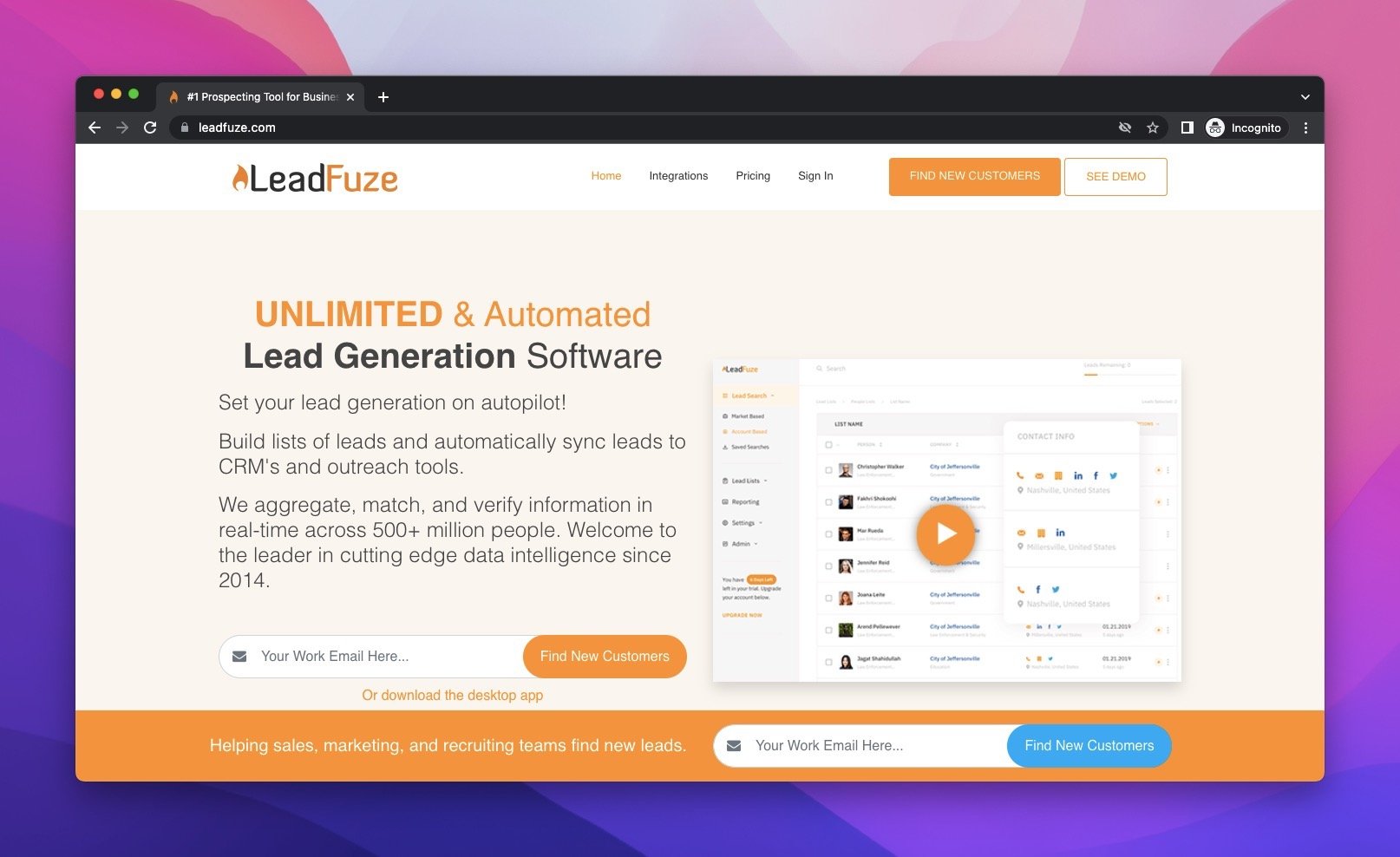
If you're looking for an email search engine that offers advanced search features, Leadfuze is a great choice.
The Leadfuze also has a Chrome Extension, which can help you find an email address in less than 10 seconds.
In addition, you can also use the tool to expand your sales funnel.
In terms of pricing, this is highly expensive. There are three plans that cost $147 and $397, or you can have a custom offer.
4. Reply.io
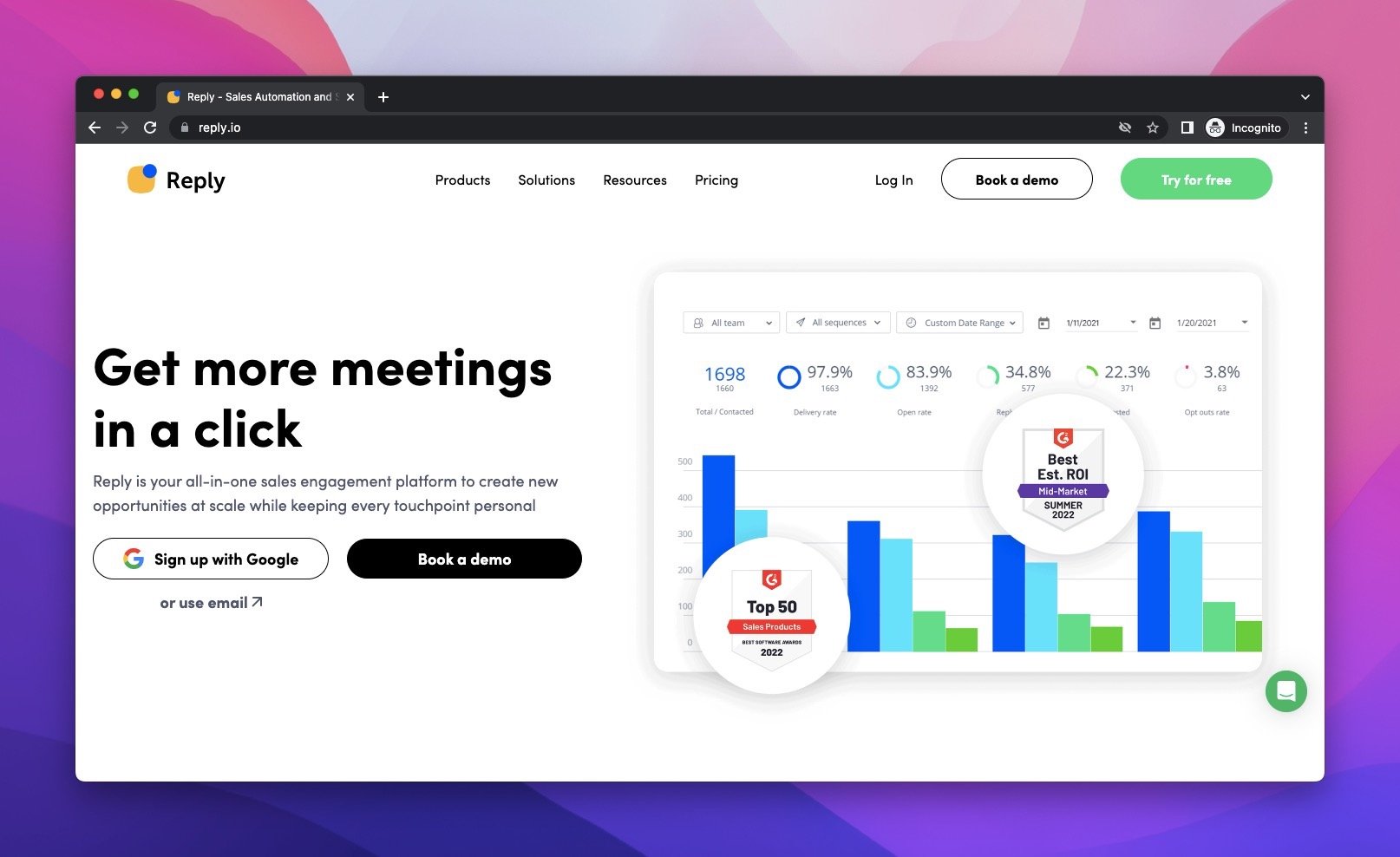
Reply.io is a premium email lookup service with an API and Chrome extension.
The service specializes in looking up email addresses associated with a company domain.
It is available on the Chrome Web Store as an extension offering up to 200 free search domains each month.
The Chrome extension is very easy to use, and it allows you to save up to 500 contacts into one list.
With a clear user interface, there are three plans for Reply.io, the Starter costing $60, the Professional costing $90, and the custom plan.
Considering the features and pricing, Reply.io can be practical email search engine.
5. Anymail Finder
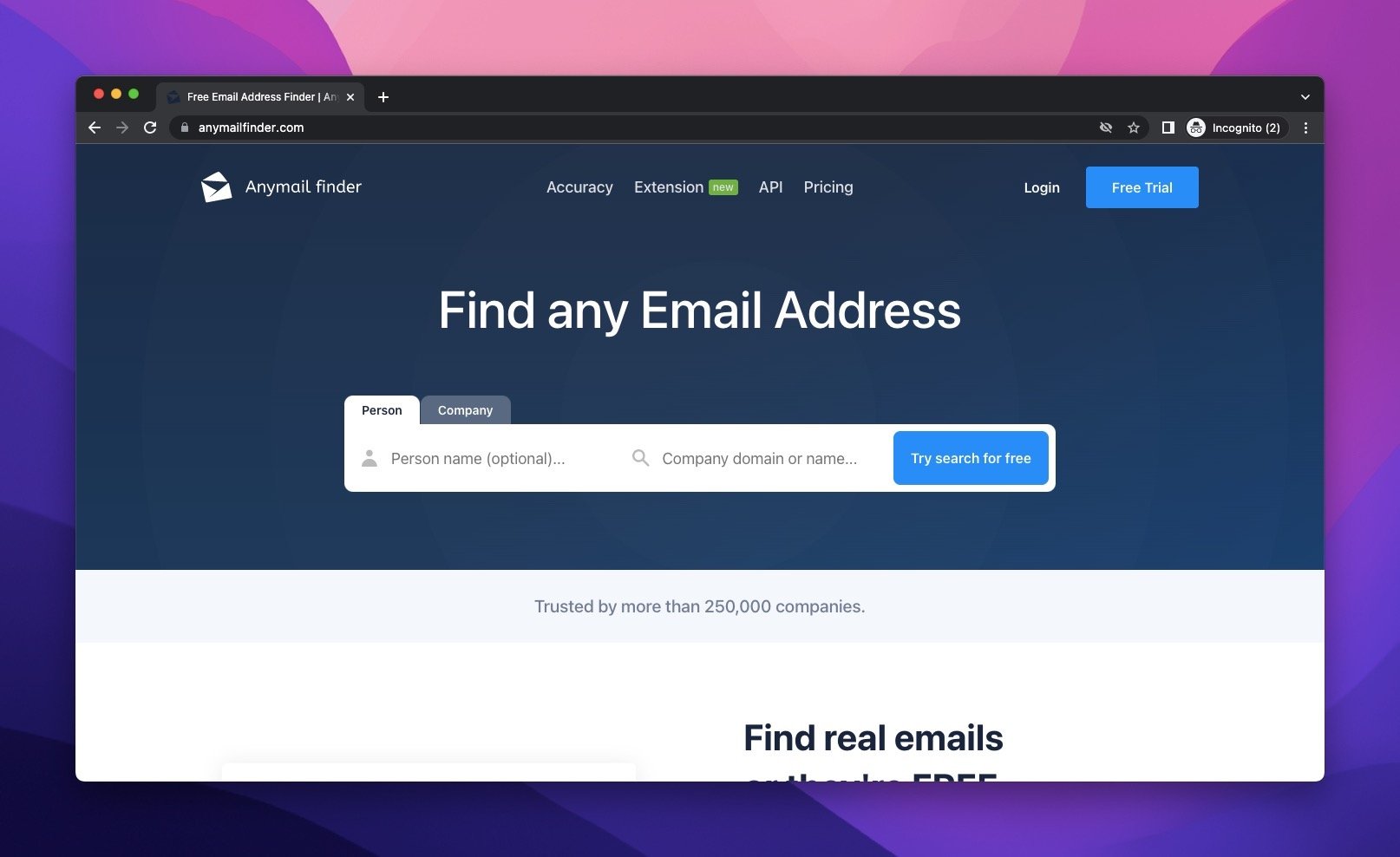
Anymail Finder is a free email search engine tool that lets you find emails on a daily basis.
It uses name, domain, and email address information to find emails. It also uses direct server validation so that you can be sure that you're getting a valid email address.
Anymail Finder is great for prospecting because it allows you to verify an email address. You can also use the service to bulk-verify a list of emails.
The service is available in a web browser and as a plugin for Gmail. You can search for emails by name, company, role, or other criteria. It also includes contextual data on the emailers.
For the pricing of Anymail Finder, the plans range from $49 to $299. And you can choose from various plans.
6. Datanyze

Datanyze email search engine is a useful tool that helps sales professionals and marketers find the email addresses of targeted prospects.
Datanyze has an extension for Firefox and Chrome that extracts email addresses from web pages.
All you need to do is highlight the name of the person you are interested in and right-click to see their contact information.
Datanyze has three plans, including a free plan, Nyze Pro 1, costing $21 per month when billed annually, and Nyze Pro 2, costing $39 per month when billed annually.
7. Sellhack
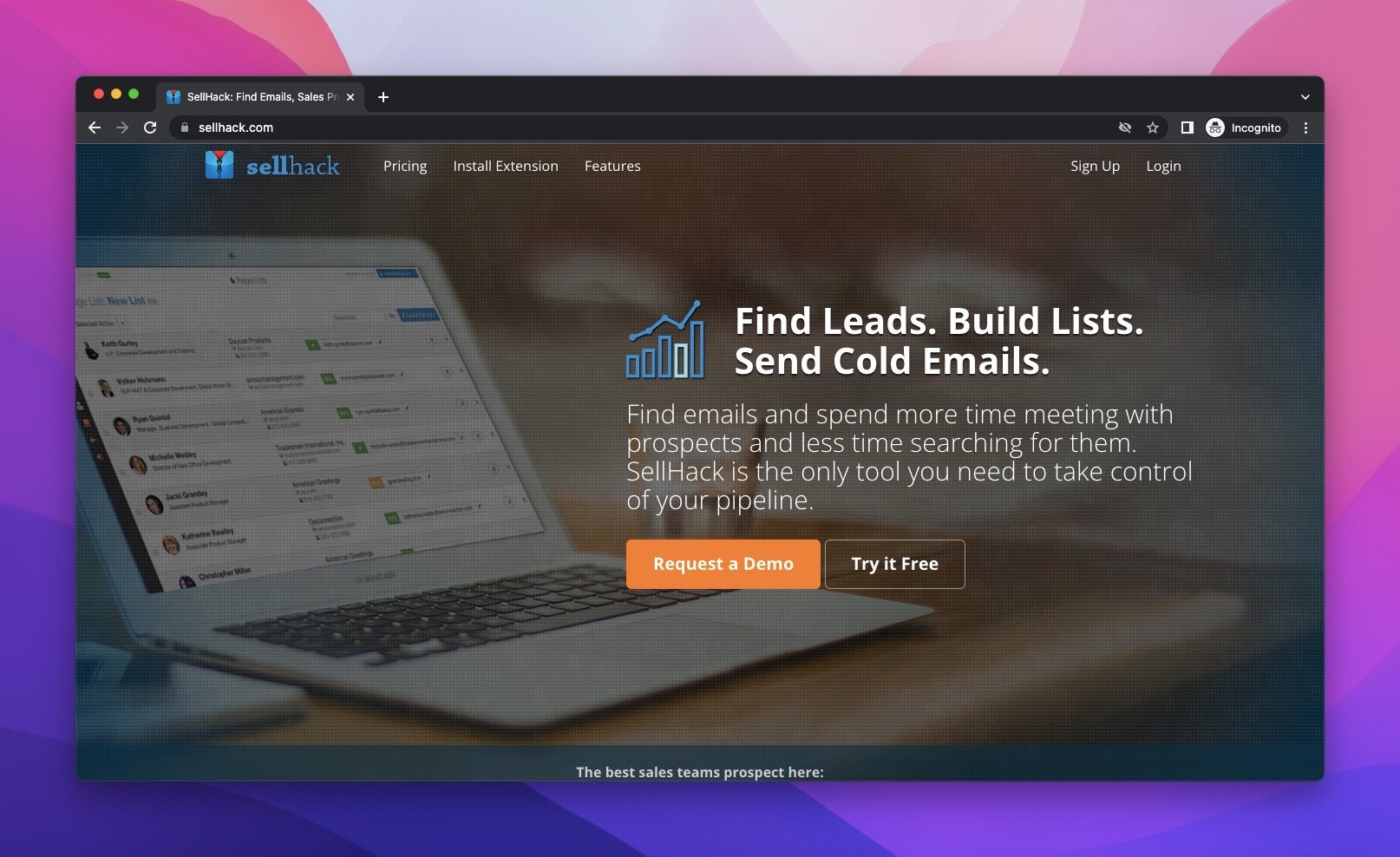
Sellhack is aimed at sales, marketing, and recruitment teams and uses a proprietary verification process to ensure every email is genuine.
The tool can be used to build lists, automate sales pipelines, and manage email reminders.
Pricing starts at $3 per month for up to 100 email credits and costs $60 for 2500 email credits.
With other plans available, Sellhack’s plans are proper considering the features it offers.
8. Clearbit Connect
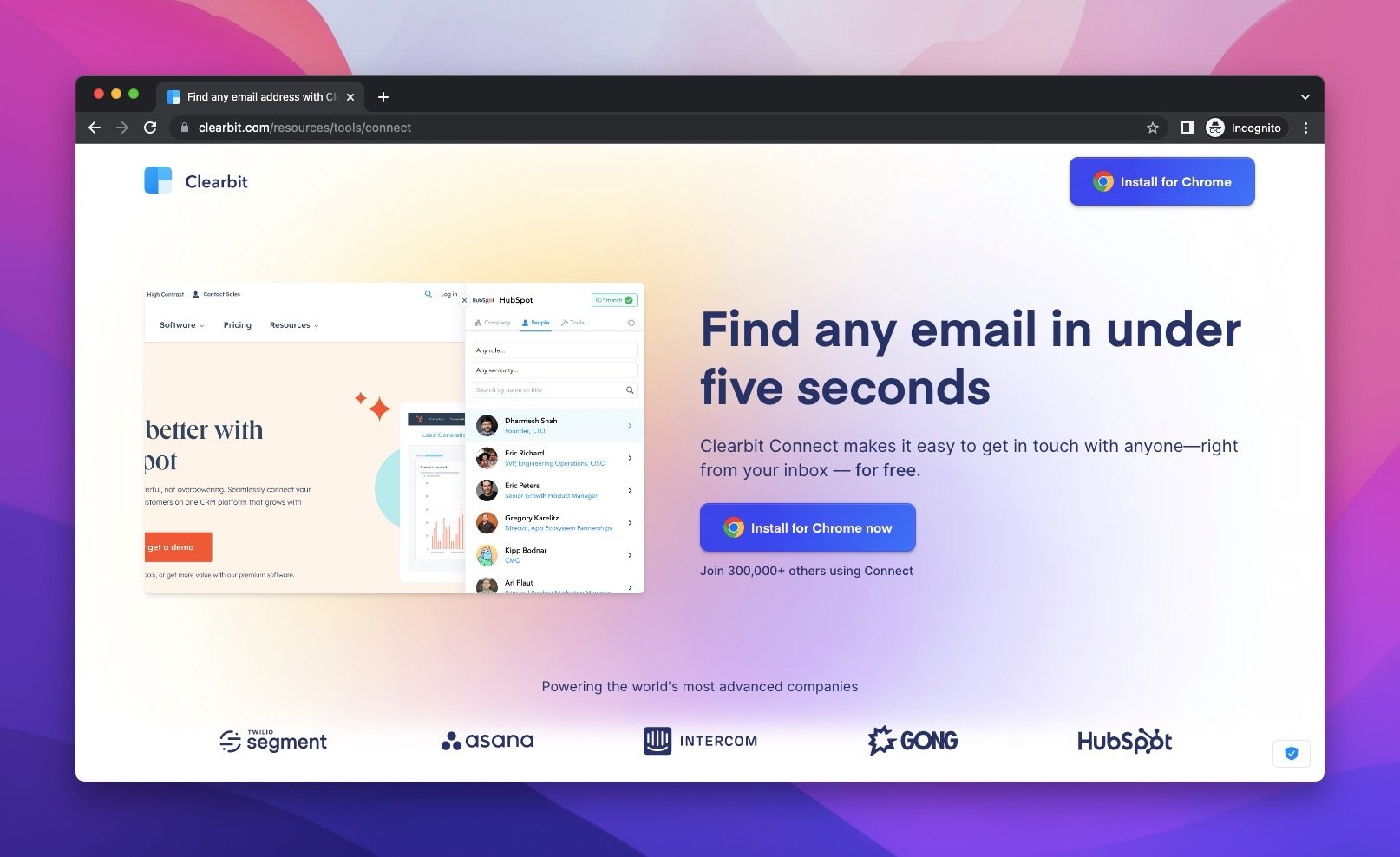
Clearbit Connect is a great free tool for email search.
This tool works with any email account, including Gmail and Outlook.
It displays contacts by domain or company name, title, URL, and social accounts. It also offers filters for different types of data.
Clearbit Connect is a free email address finder that requires the use of a Chrome extension. It is great for salespeople, marketers, and developers who want to build an email list.
The free version allows users to make up to 40 searches for free, while a paid plan offers unlimited access.
9. Uplead

Uplead is a simple and very practical email search engine.
With a 95% data accuracy guarantee, you can get Uplead to have high-quality data for your business.
You can have 5 leads immediately when you enter your email address.
Also, it has a Chrome extension to add to your website and collect leads for your list.
Ranging from $74 to $299, you pay only for the verified data you get from Uplead.
What are the Benefits of Email Search Engines?
- You can use email search engines to have more leads for your business to use as the lead.
- You can save your time with email search engines because they find emails for you.
- You can use email search engines for recruitment while finding the best candidates for your business.
- You can find a specific company or employee's email address without much effort.
- You can increase brand visibility by reaching more email addresses with the help of an email search engine.
- They may be cost-effective choices if you can manage your budget.
Conclusion
Email search engines can do more good than you think.
Consider all the alternatives that we offer and choose your email search engine.
Don’t forget to pay attention to your needs first and then check the features of email search engines.
That’s how you can take advantage of them more.
FAQs
How Do Email Search Engines Work?
The email search engine analyzes all data on the web and records personal information. So it is completely legal and GDPR compliant. The email search engine only crawls the public web.
What Can You Use Email Search Engine for?
If you want to reach a person via email, you can use email search engine tools. In addition, recruiters and digital marketers can actively reach the people they target with email search engine tools.
How to Choose an Email Search Engine?
You need to consider some vital factors, like accuracy, capacity, delivery, price, and many more. However, one of the most important points here is not to decide by taking the price at the center since the result can change based on each criterion. Evaluate all the factors in detail and choose the best for your needs.
What Makes an Email Search Engine Best?
An email search engine is the best if it has the highest accuracy rate. All tools can be an email shelter, but the accuracy rate matters. Also, you should check where the email addresses are coming from. Different sources can help find more email addresses. In addition, it is important to see if there are any extra features of the email search engine.
Recommended Blog Posts
There are other articles of Popupsmart that can help you shape your email marketing strategy.
How would you rate your experience with this article? 😊