
Browser Language Targeting
Maximize your website's engagement with Browser Language Targeting. Learn how to reach users effectively by customizing popups to their language.
You can create popup campaigns with different browser language targeting settings if you provide language options on your site or have visitors from different countries.
This way, you can target your popup campaigns to be displayed for specific languages only.
Pro Tip
You can choose one of Popupsmart's ready-to-convert popup templates that come with predefined segmentation features.
How to Set Up Browser Language Targeting
Navigate to Segment
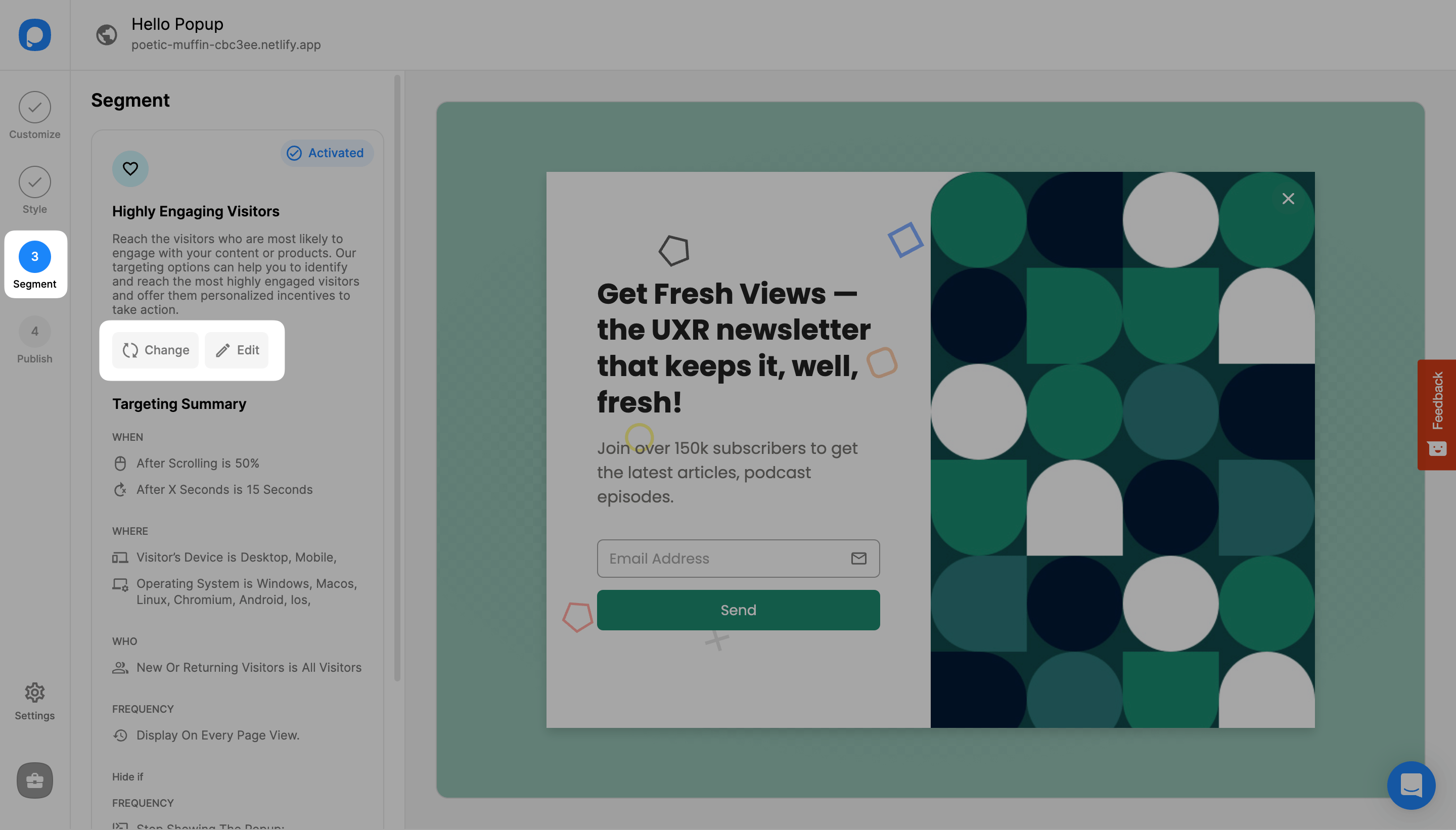
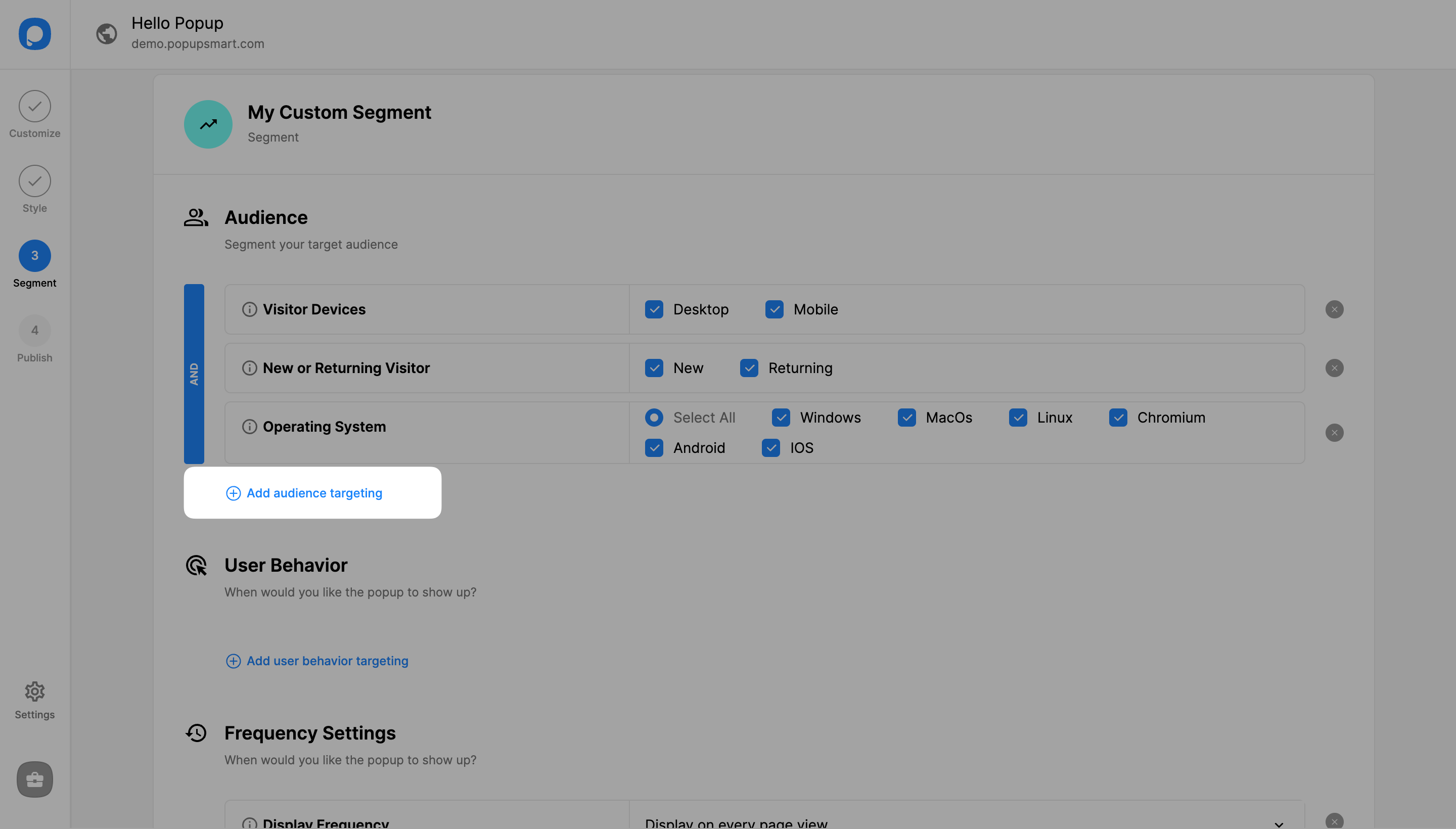
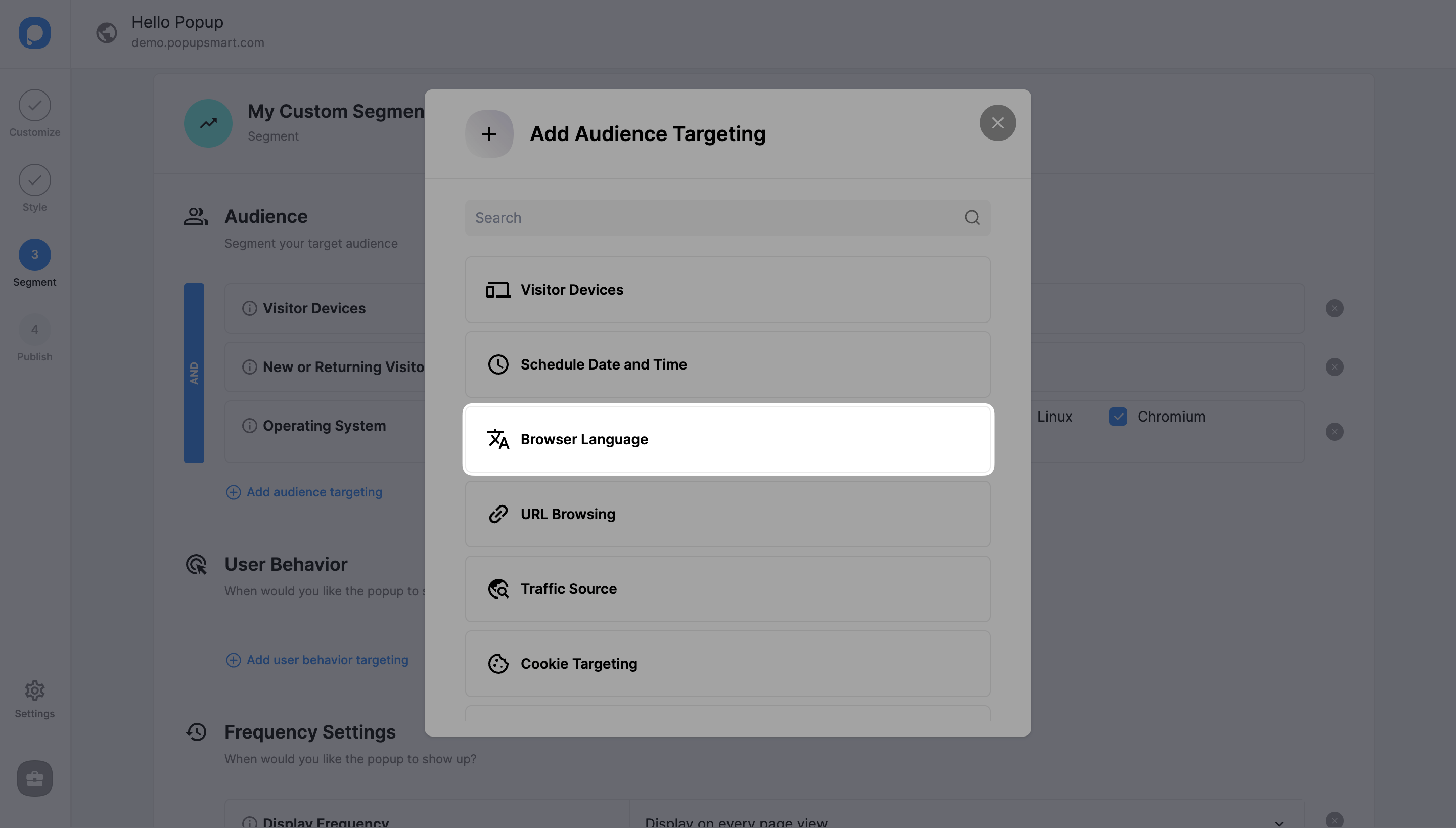
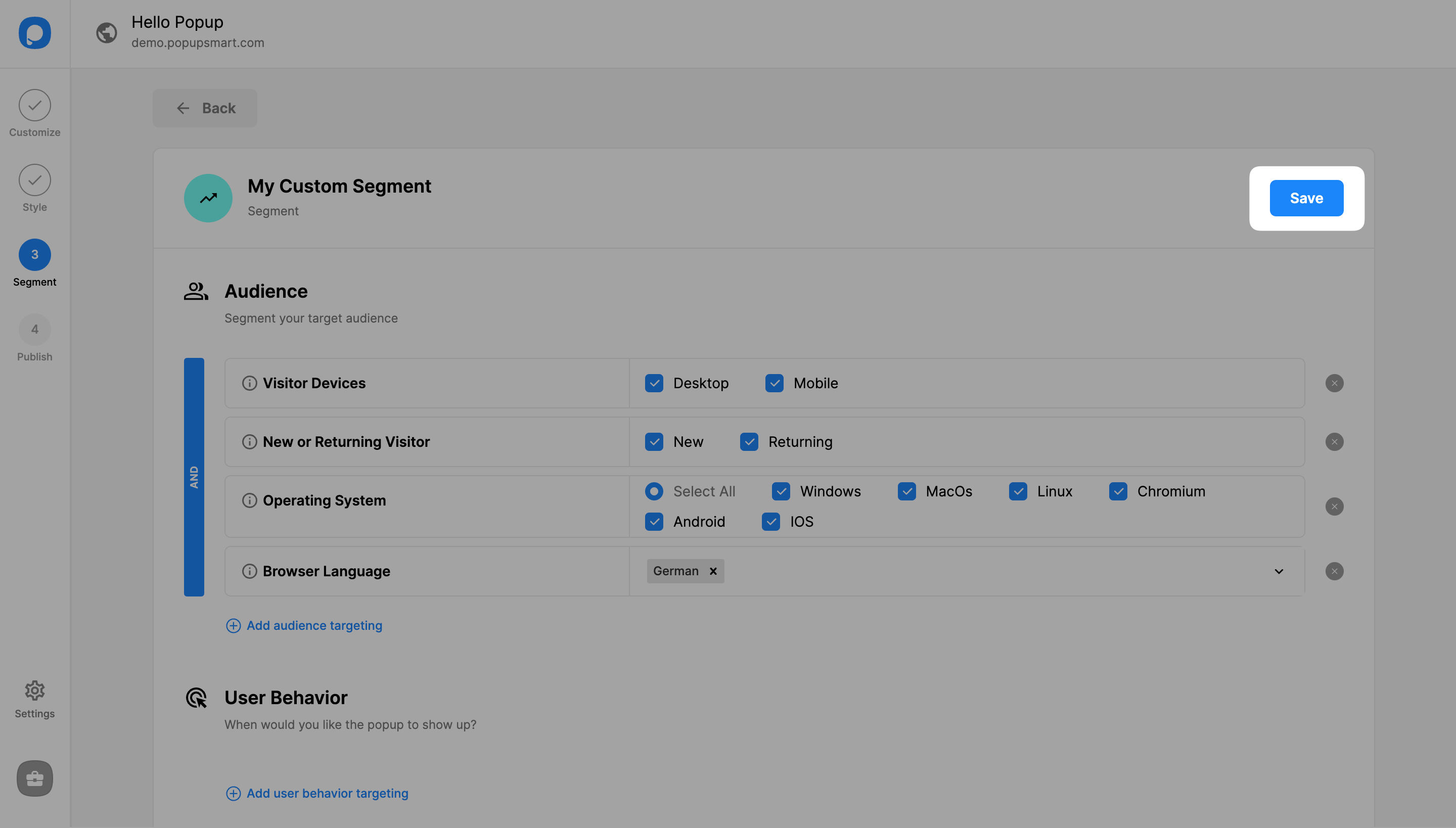
On the popup builder screen, navigate to the "Segment" section and click "Edit Segment." (If it's a new campaign, click the two circular arrows to choose a predefined segment or create one from scratch in "My Segment.")
Select Languages
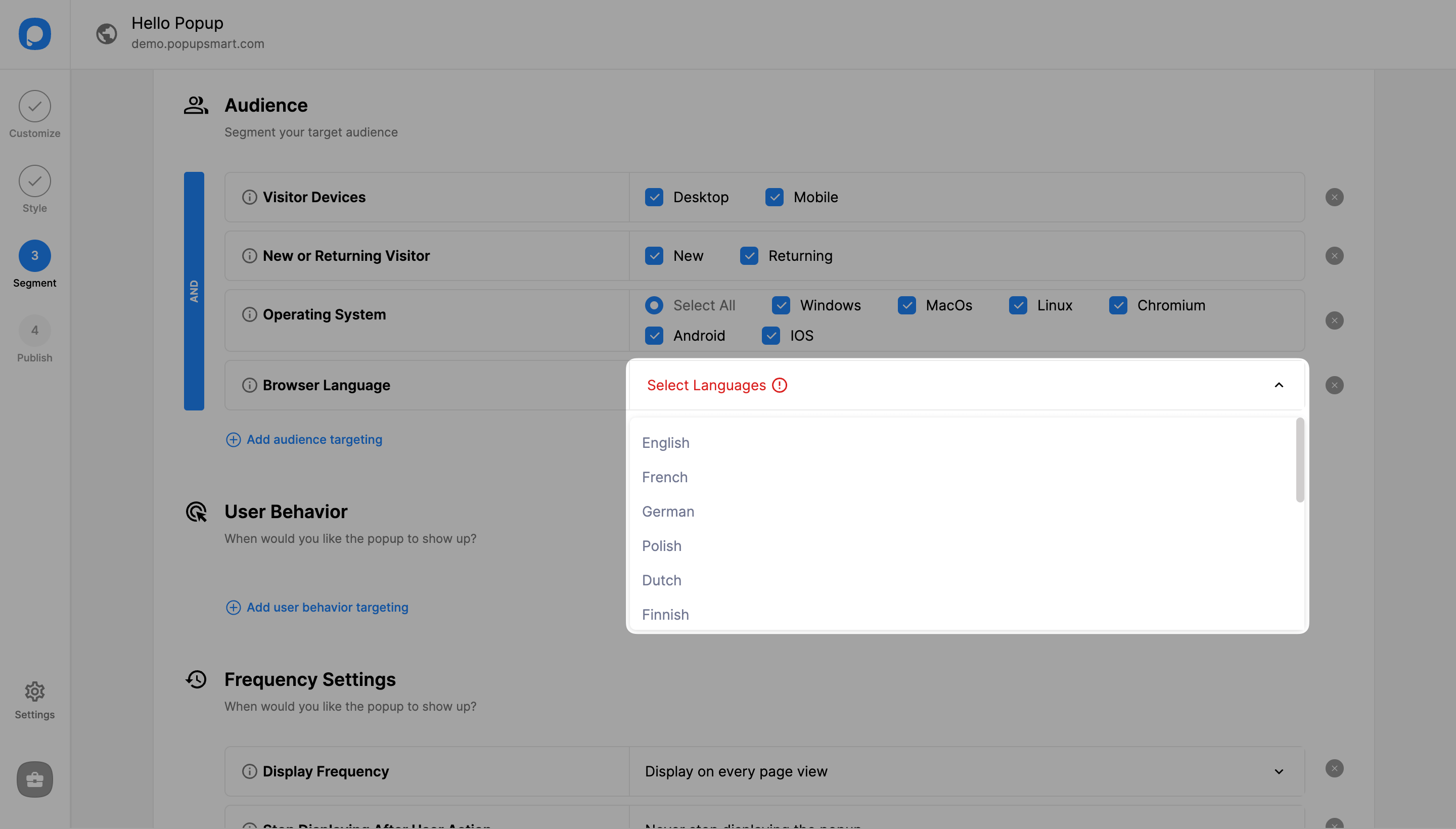
Click on the empty bar to see the language options or type out the language you want to add.
Save and Publish
Make sure to click "Save" before closing and continue with the "Publish" step to publish your campaign.
Multiple Languages
You can select more than one browser language for your popup. That way, the same popup will be shown to browsers in chosen languages.
Troubleshooting
If your popup doesn't appear on your site, even if you have published it and set the status on, try using the "Debug" to see which trigger is causing the issue.
How is this guide?