
How to Share Your Popup Form and Submission with a Link
Learn how to create shareable popup links with your visitors to fill them out forms and submissions in an easiest way.
Creating popup forms using Popupsmart is straightforward. The "Shareable Popup Link" feature creates a unique URL (like form.popupsmart.com/randomkey) making your form accessible to visitors anywhere.
How to Create a Shareable Popup Link
Publish Your Popup
After selecting a popup form, make all necessary adjustments and customizations and publish it. You'll see a switch labeled "Shareable Popup Link" on the modal that appears.
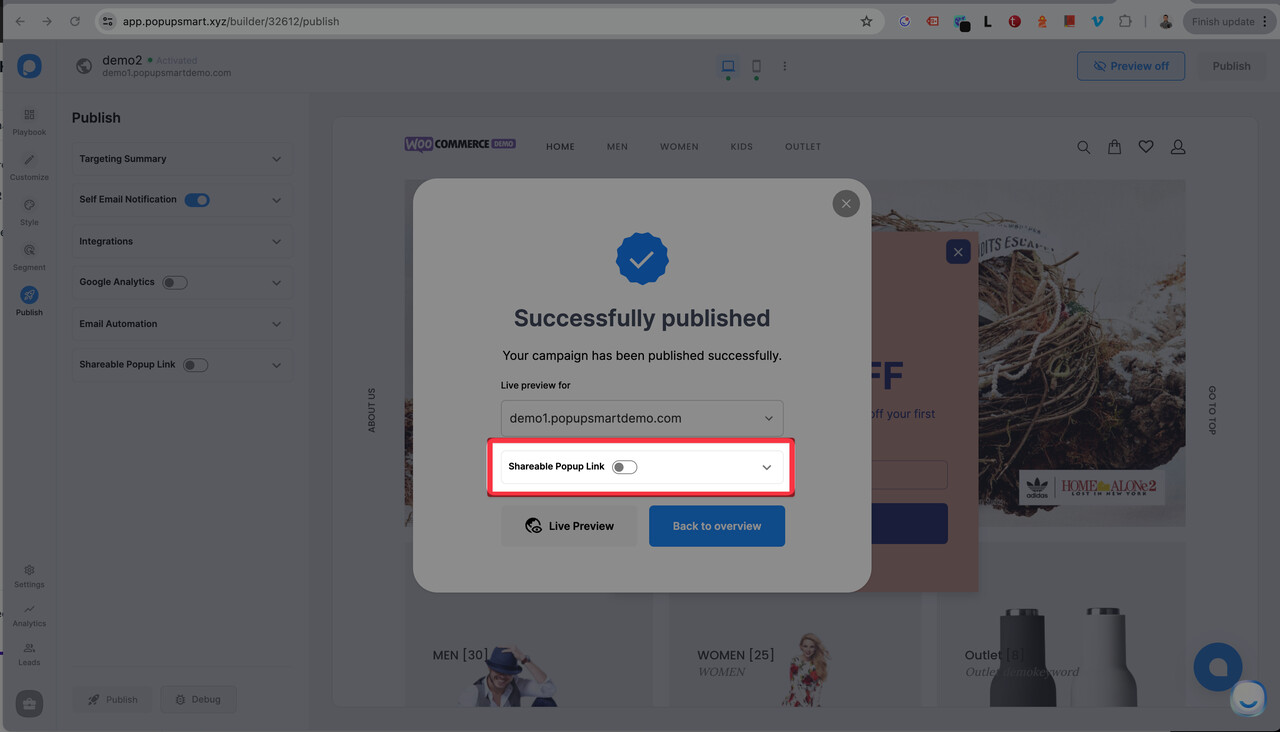
Enable the Switch
Turn on the switch. After a brief build process, your unique link will be available for copying.
Use the Link
Navigate to the link in your browser to open and fill out your form.
Disable Access (Optional)
To disable access, return to the publish step and turn off the "Shareable Popup Link" switch from the left menu.
Important Points
Full-Page Background
For a form with a full-page background (not white) that covers the entire page, you need to either:
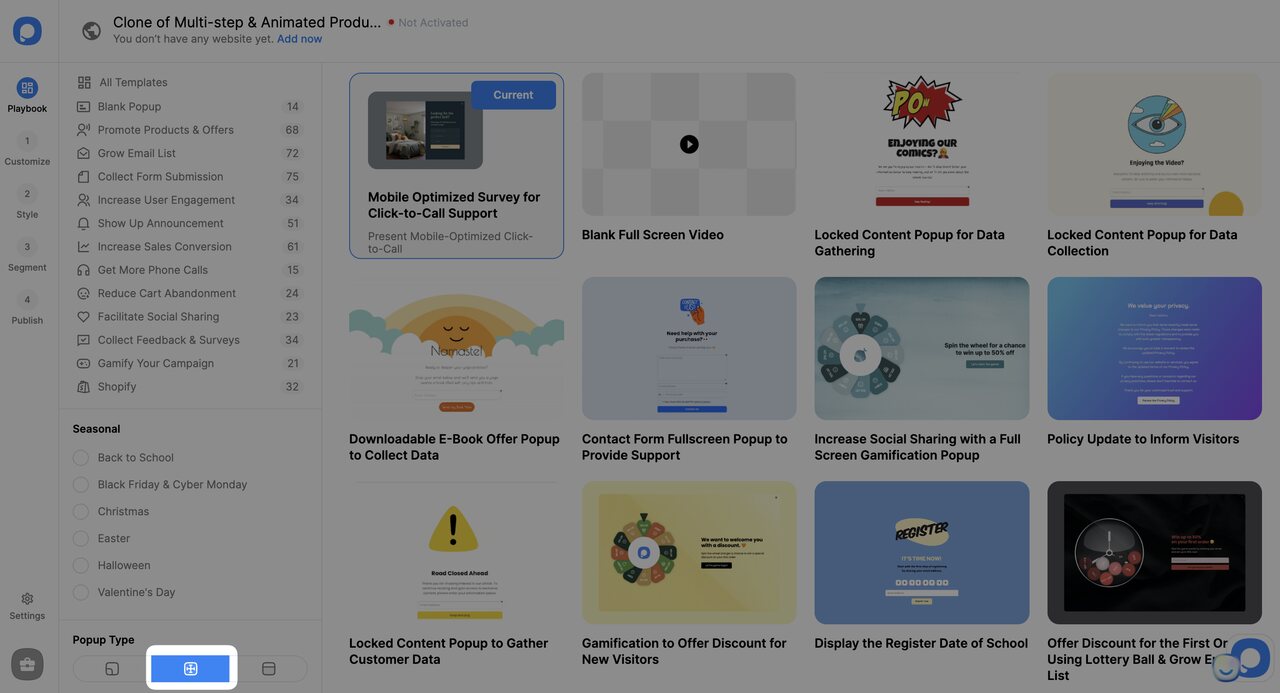
- Use a full-screen popup
- Assign an overlay value to your popup in the style step
Feature Limitations
When you activate "Shareable Popup Link," the following features are disabled since the popup operates via a link: close button, popup shadow values, animations, and targeting rules.
How is this guide?