
IntegrationsIntegration Platforms
How to Integrate Popupsmart with Make
Enhance automation with Popupsmart-Make.com integration. Learn how to connect for efficient campaigns and streamlined engagement.
Popupsmart enables you to connect to Make straight off to help you grow your business.
Prerequisites
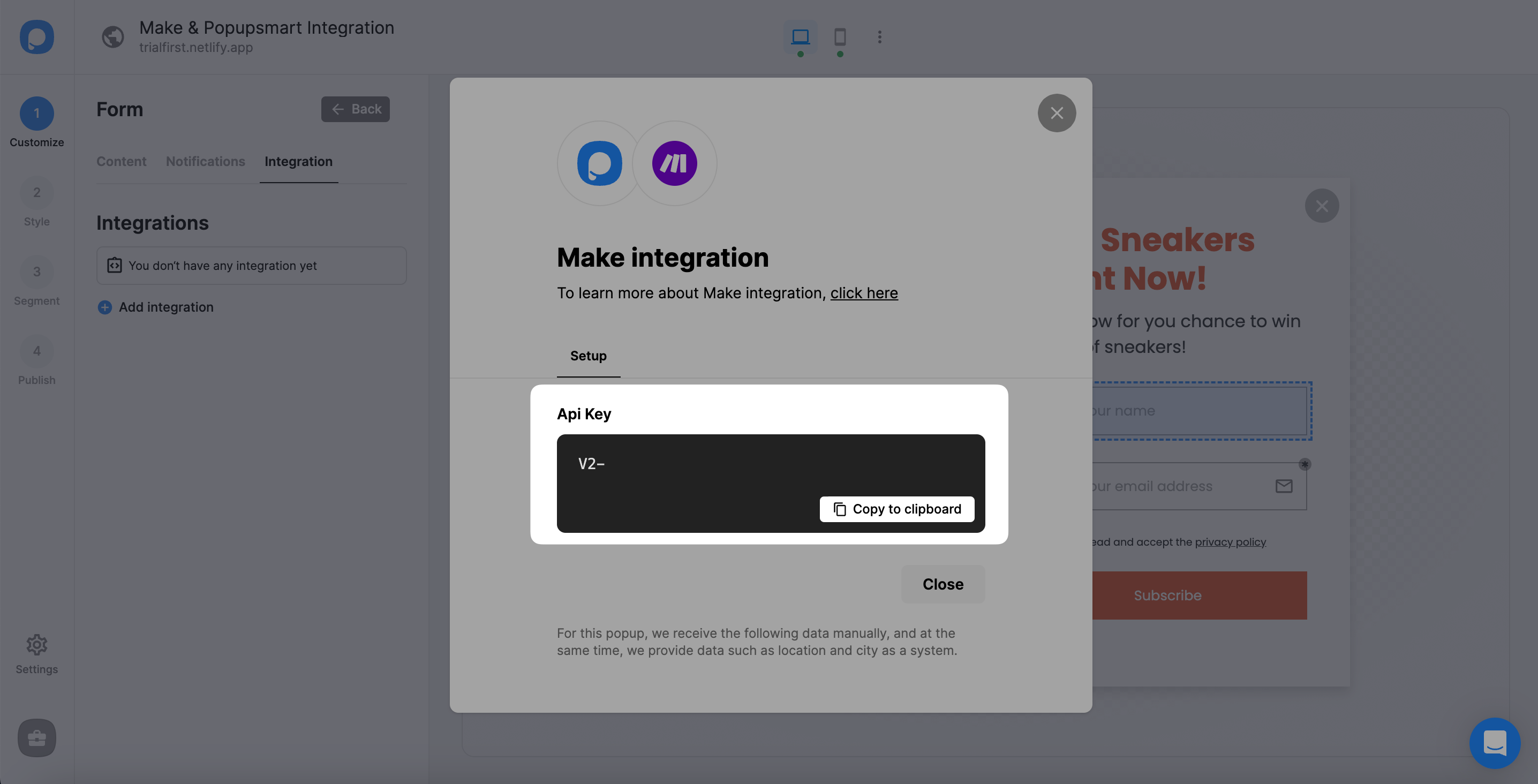
- You must have a Make account to insert the API key taken from the Popupsmart integration step.
- You must install the Popupsmart app in Make through the invitation link.
Part 1: Get API Key from Popupsmart
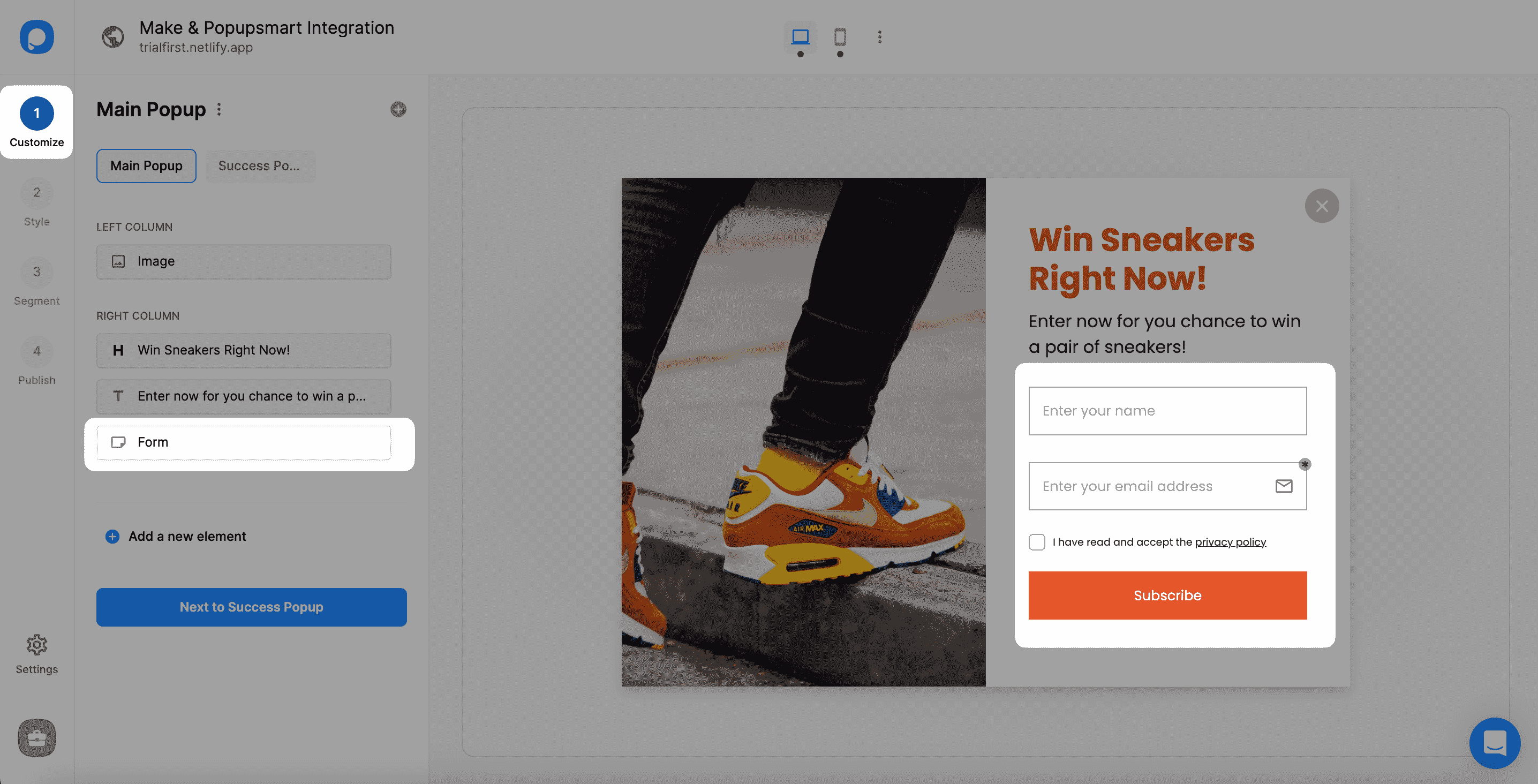
Open Campaign
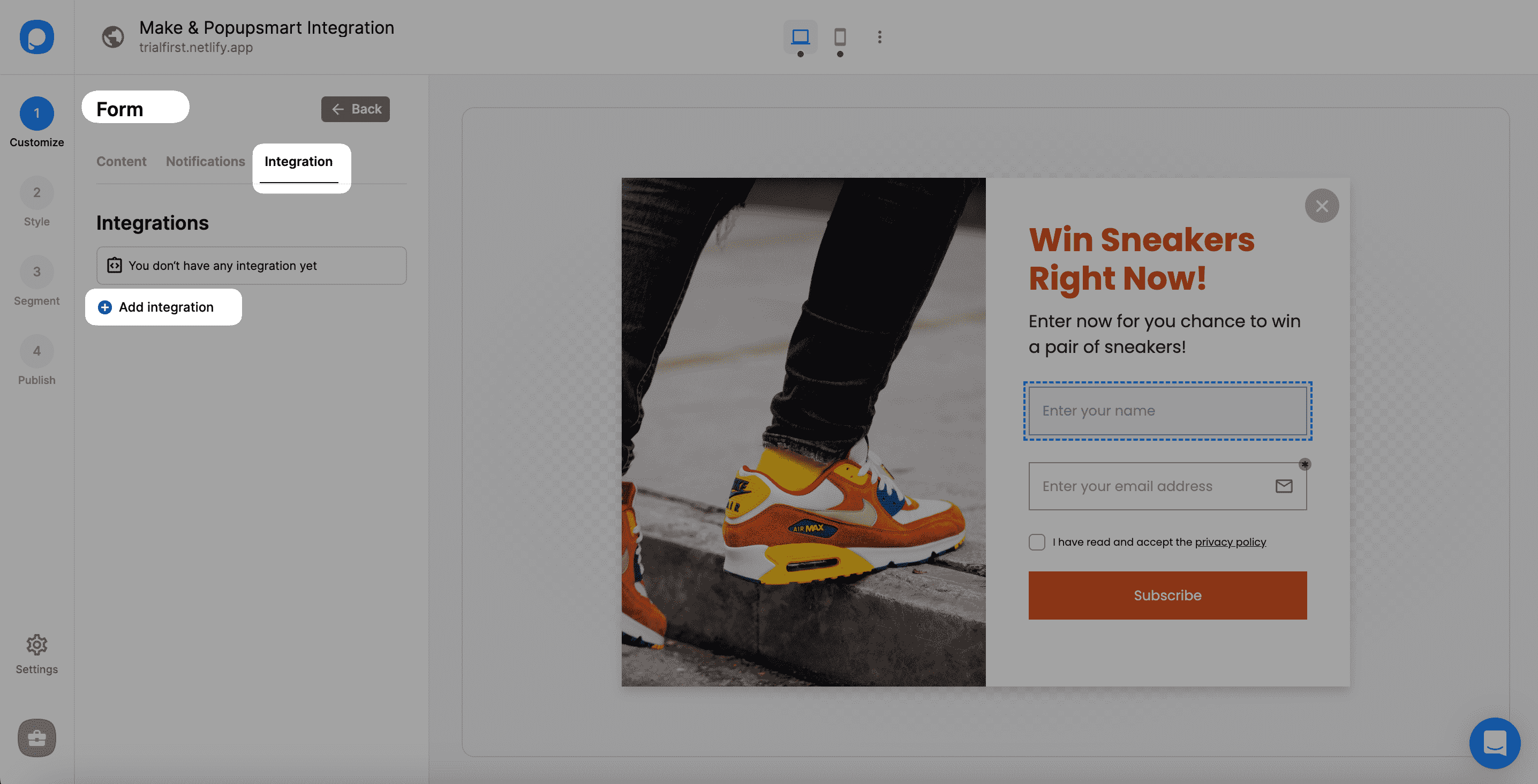
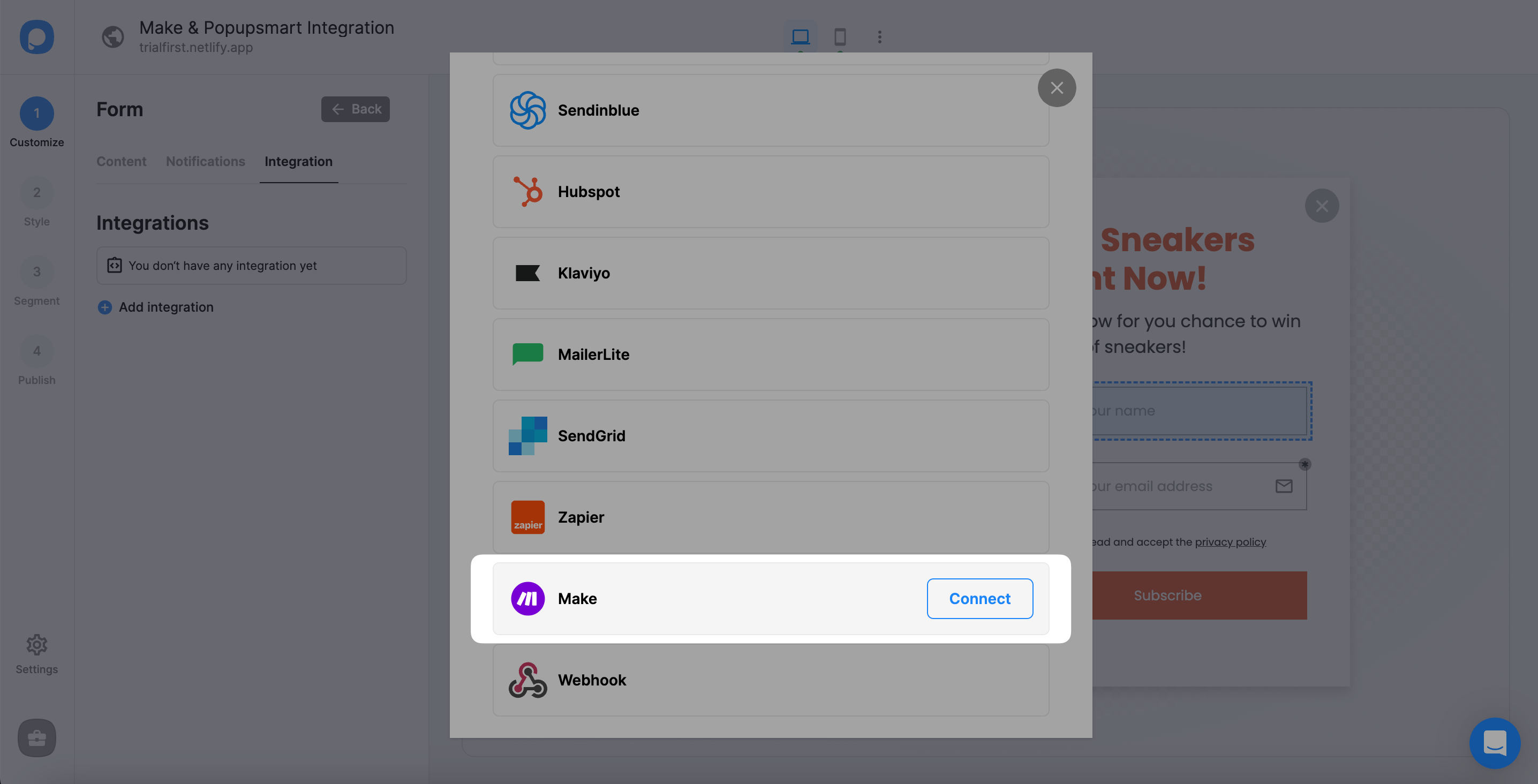
Open the desired Popupsmart campaign and click on the form input element to add Make integration.
Part 2: Configure Make

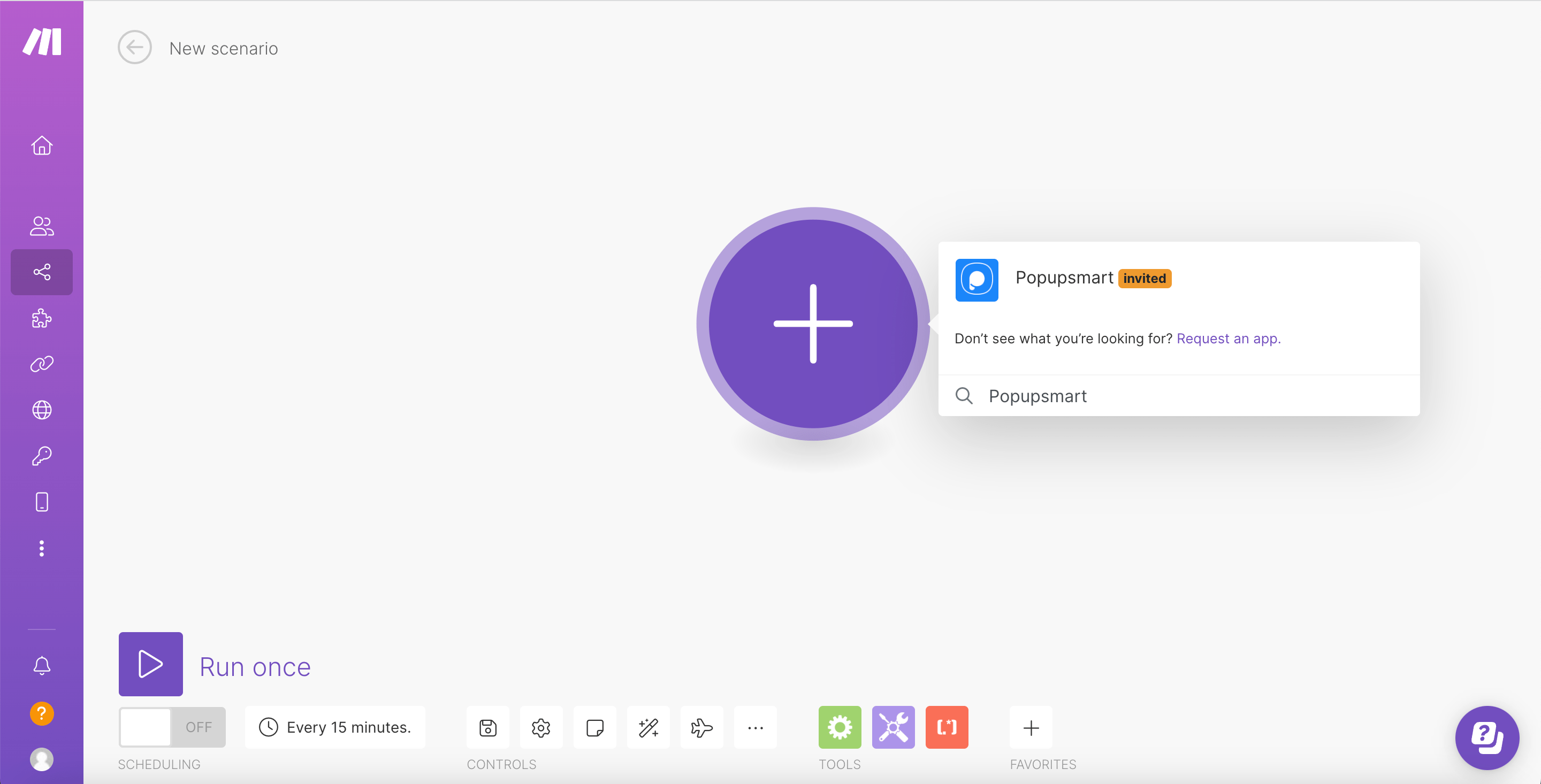
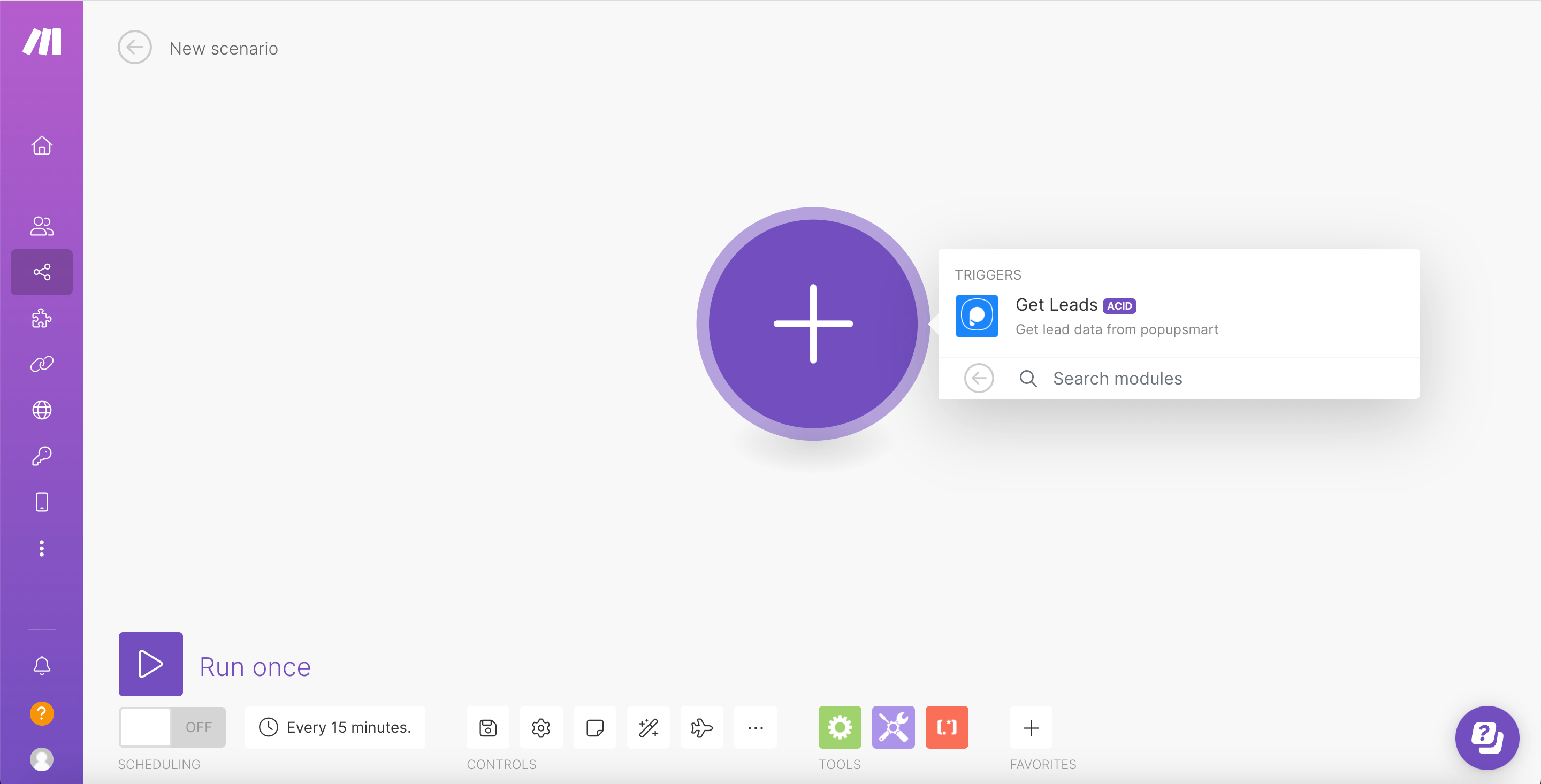
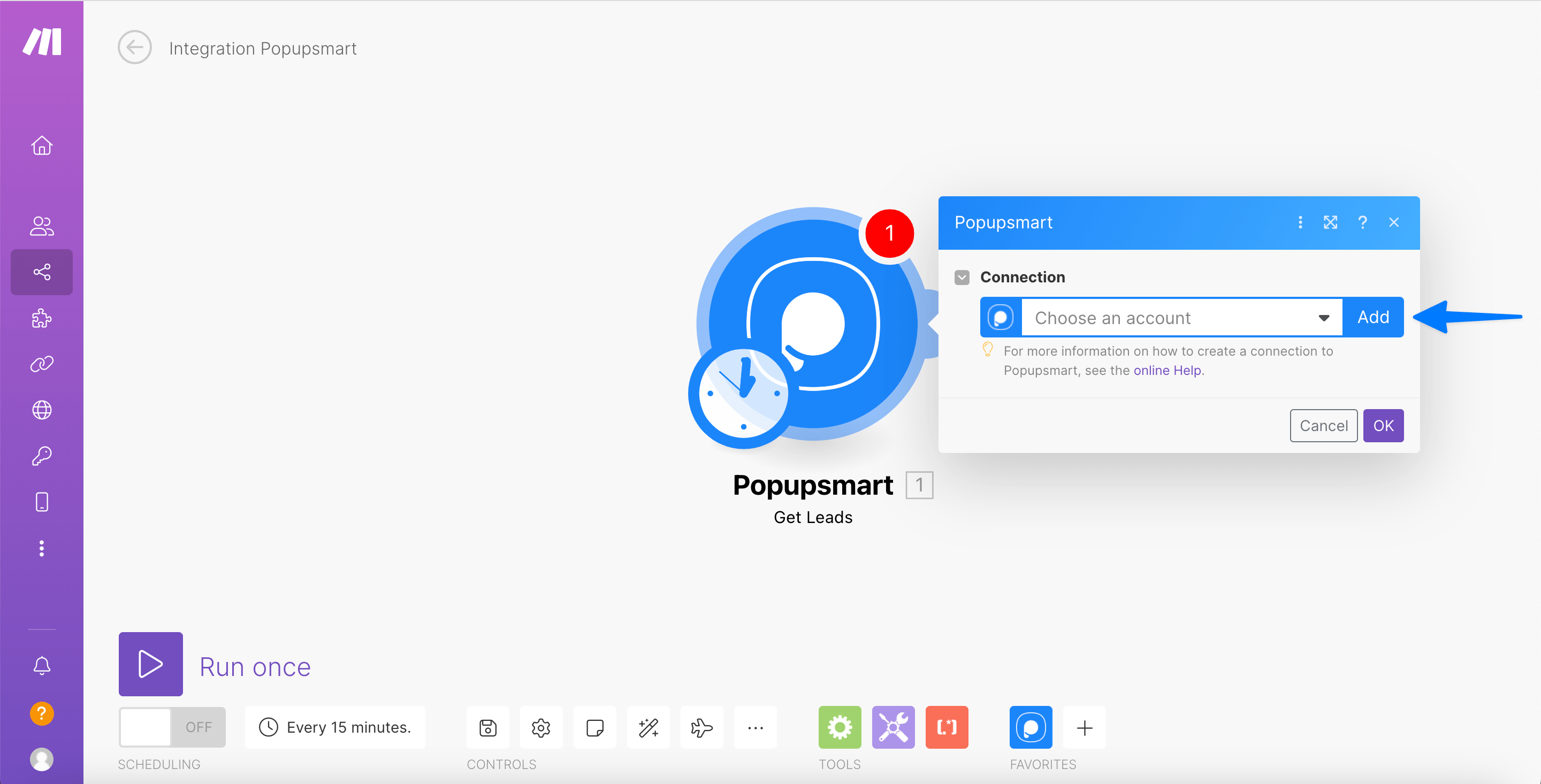
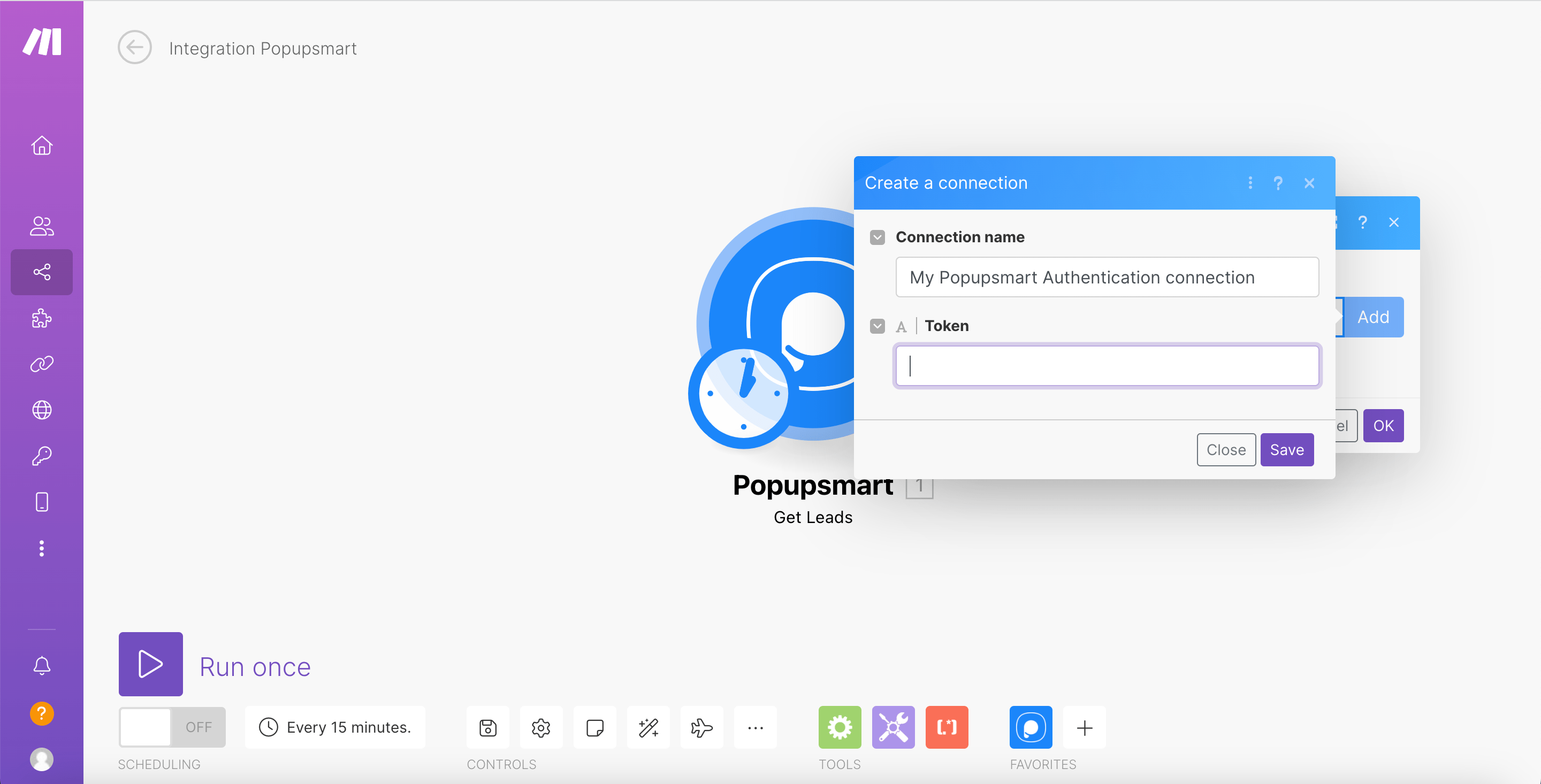
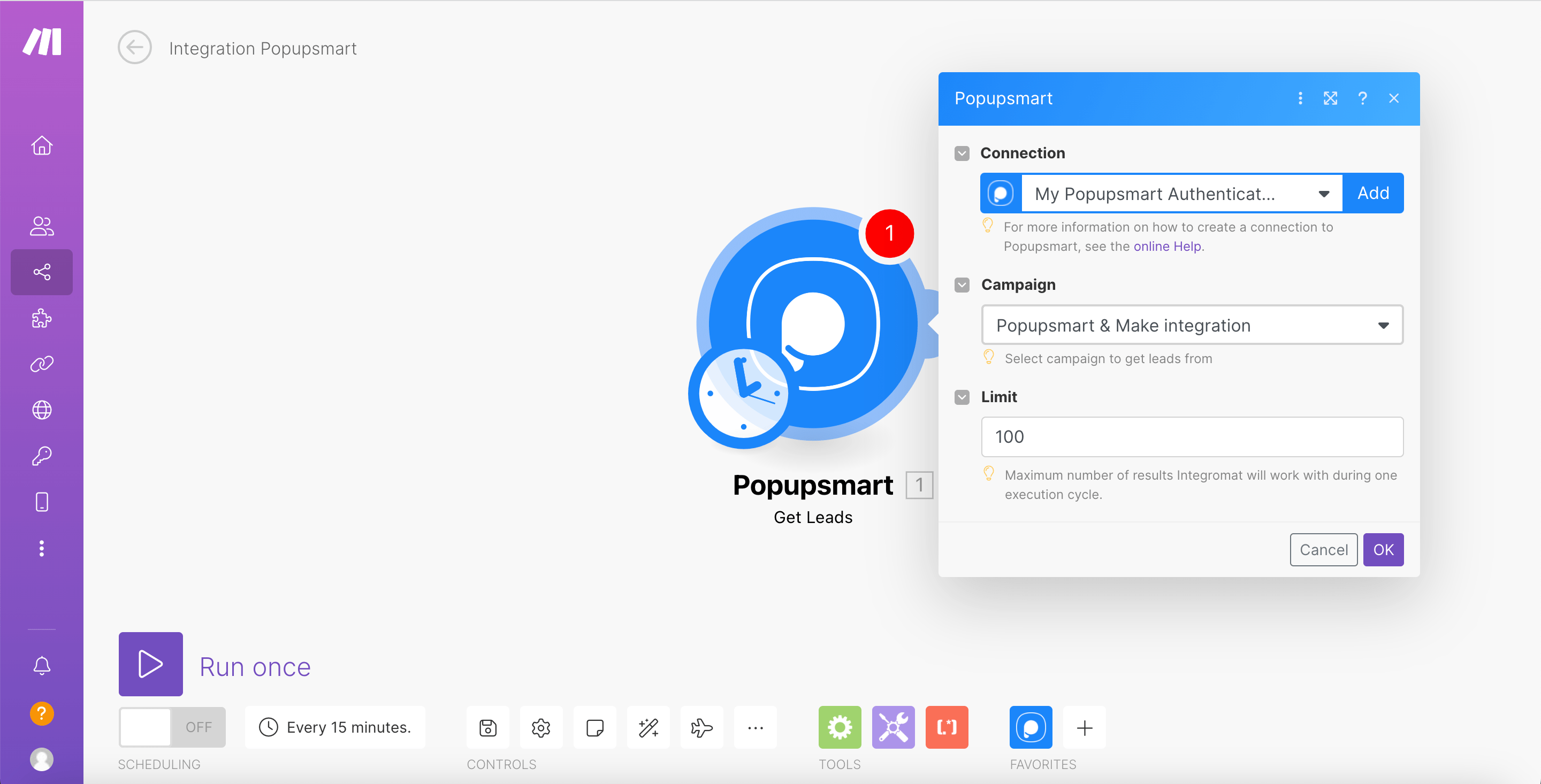
Select Campaign
Select the Popup campaign you want to connect from the Popupsmart drop-down menu and set a limit. Click OK.
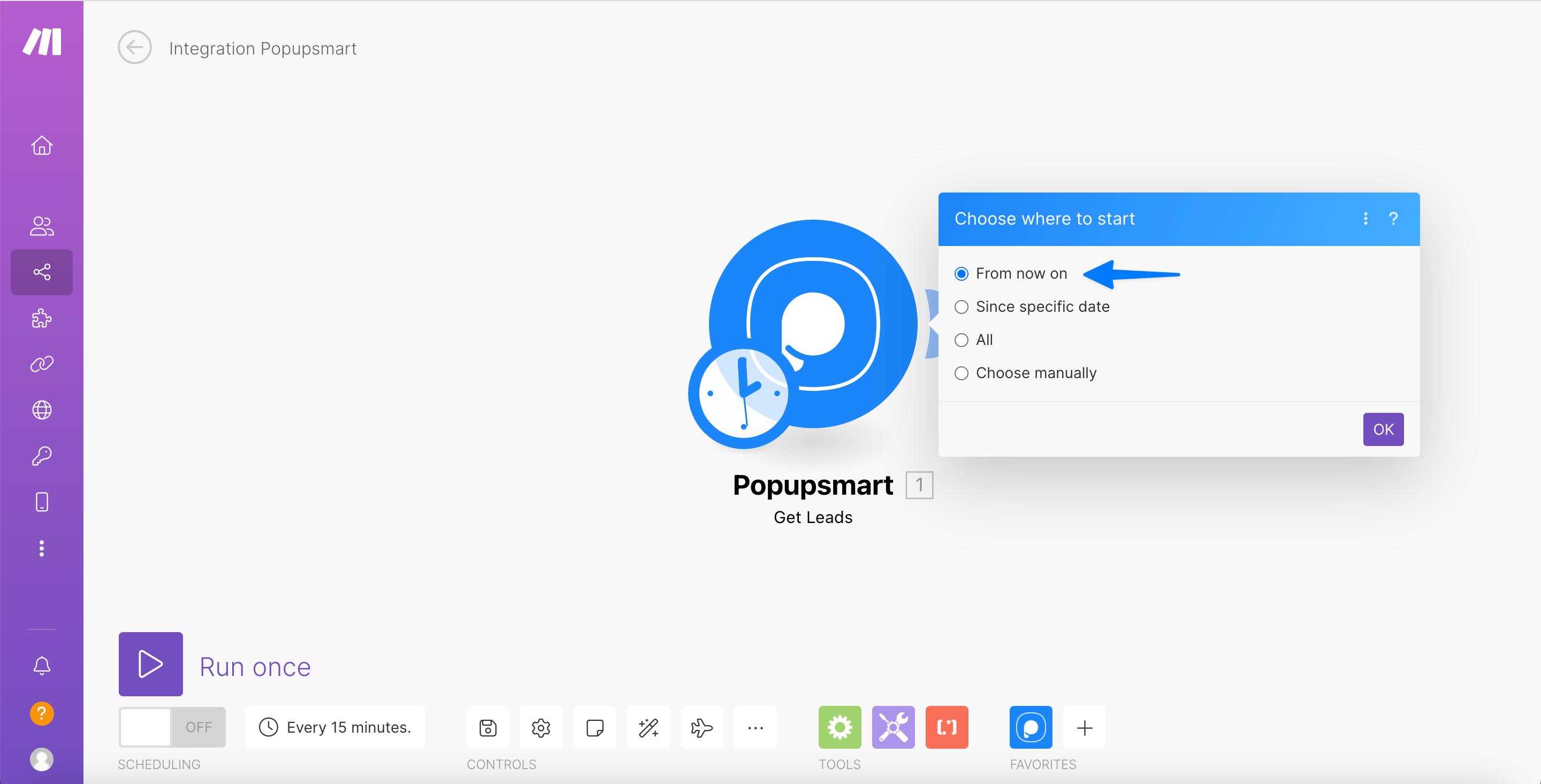
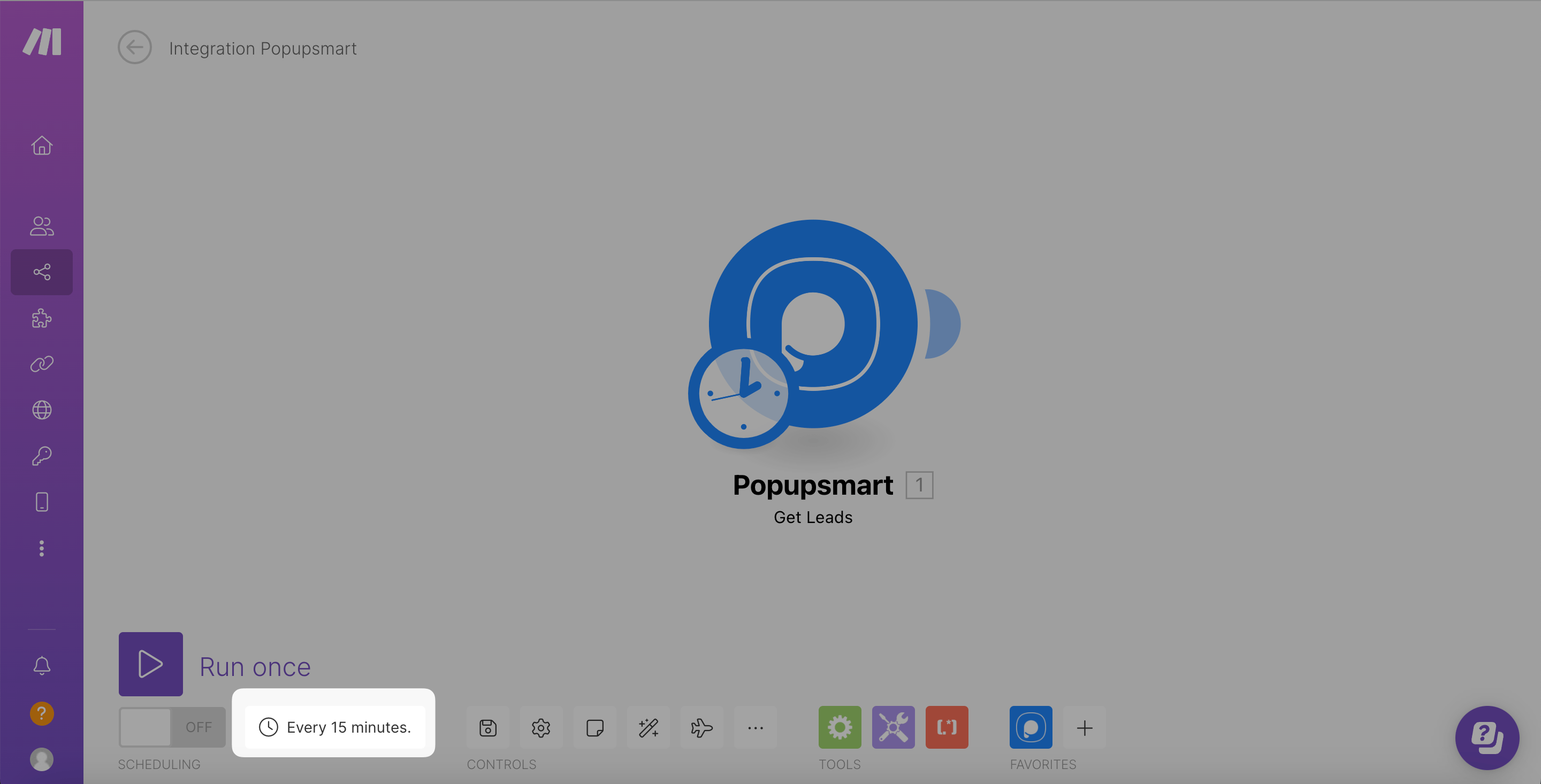
Run and Enable
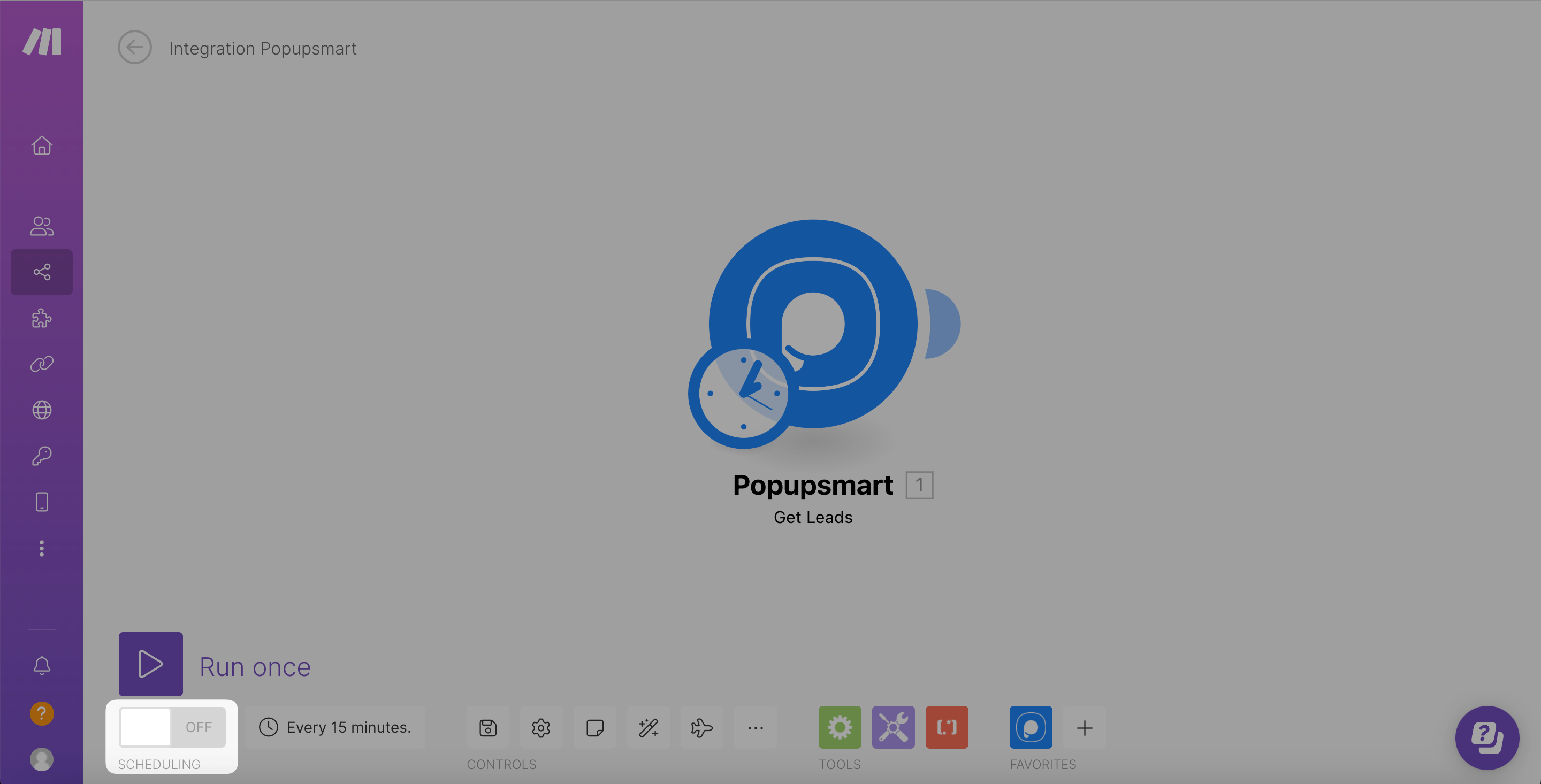
Click Run once to activate your scenario. Then toggle on Scheduling to set your intervals.
Publish Changes
Go back to your Popupsmart account and Publish changes.
Important Notes
- You can run the trigger for 15 minutes every time, minimum. It should be equal to 15 minutes or higher.
- You can use Make freely for up to 1000 data.
All set! Now you know how to connect your Popupsmart account with Make.
That's it! If you have any additional questions, contact us.
How is this guide?