
How to Create Well-Designed Campaigns with Themes?
Explore how to use Popupsmart's ready-to-use themes for ensuring well designed and impactful popup campaigns.
The design is as important as the elements while increasing user engagement.
Everyone wants fascinating and attractive popup designs on their websites to directly grab the attention of their visitors.
Therefore, we offer various styles for designing your popups differently.
With Popupsmart's Theme Engine, you can make your choice among the theme options and find the best one that suits your brand and strategy.
You don't need to decide on the color for your summer campaign or the background image for your Valentine's Day sales.
Now, all you need to do is follow the steps below and reach the theme engine to customize your popup!
How to Use the Theme Engine
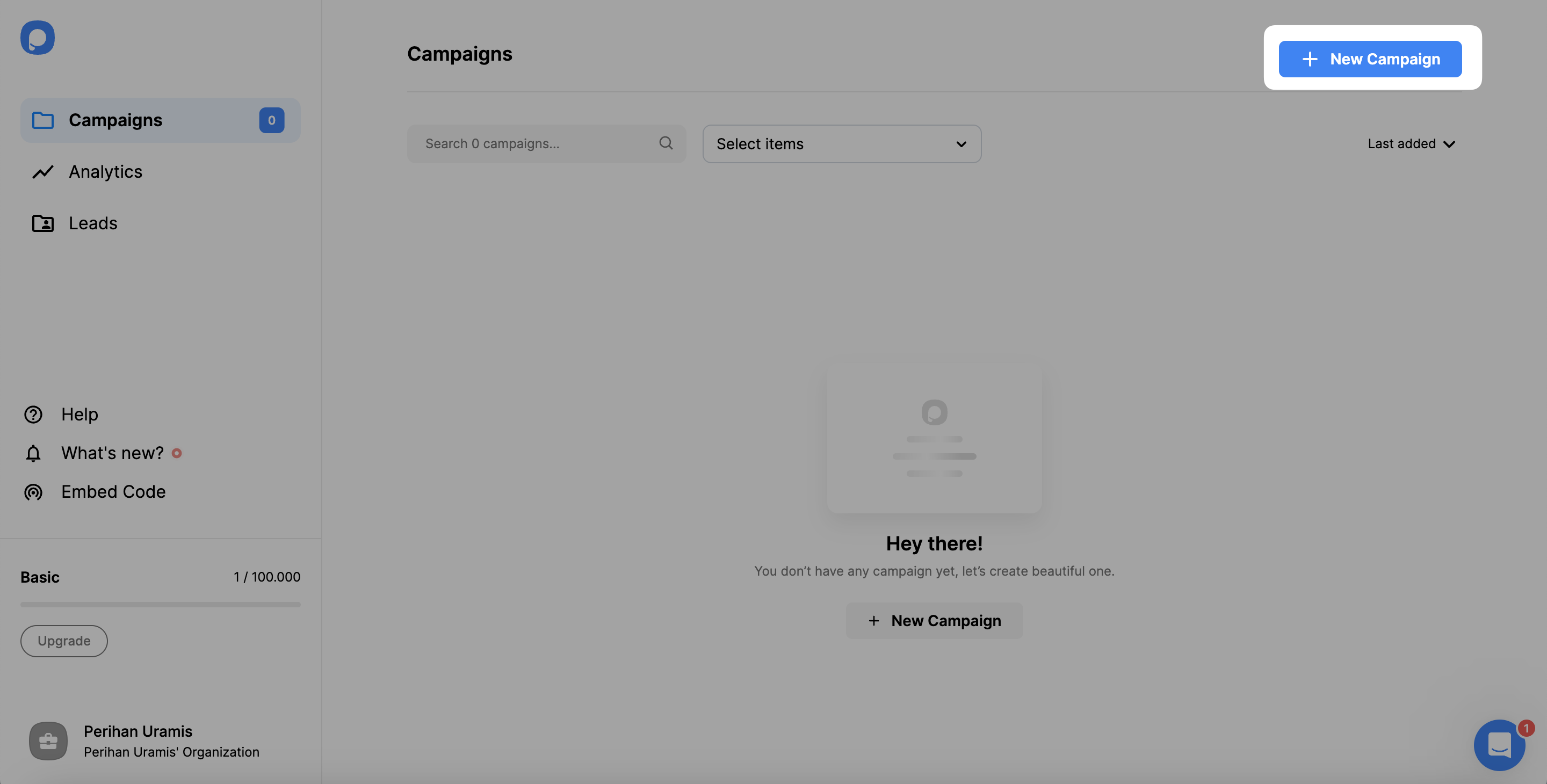
Open Style Step
After choosing a ready-made popup template or a blank popup from the template gallery, click the Style step on the left.
Access Theme Engine
On the Style step, the Theme Engine is at the top.
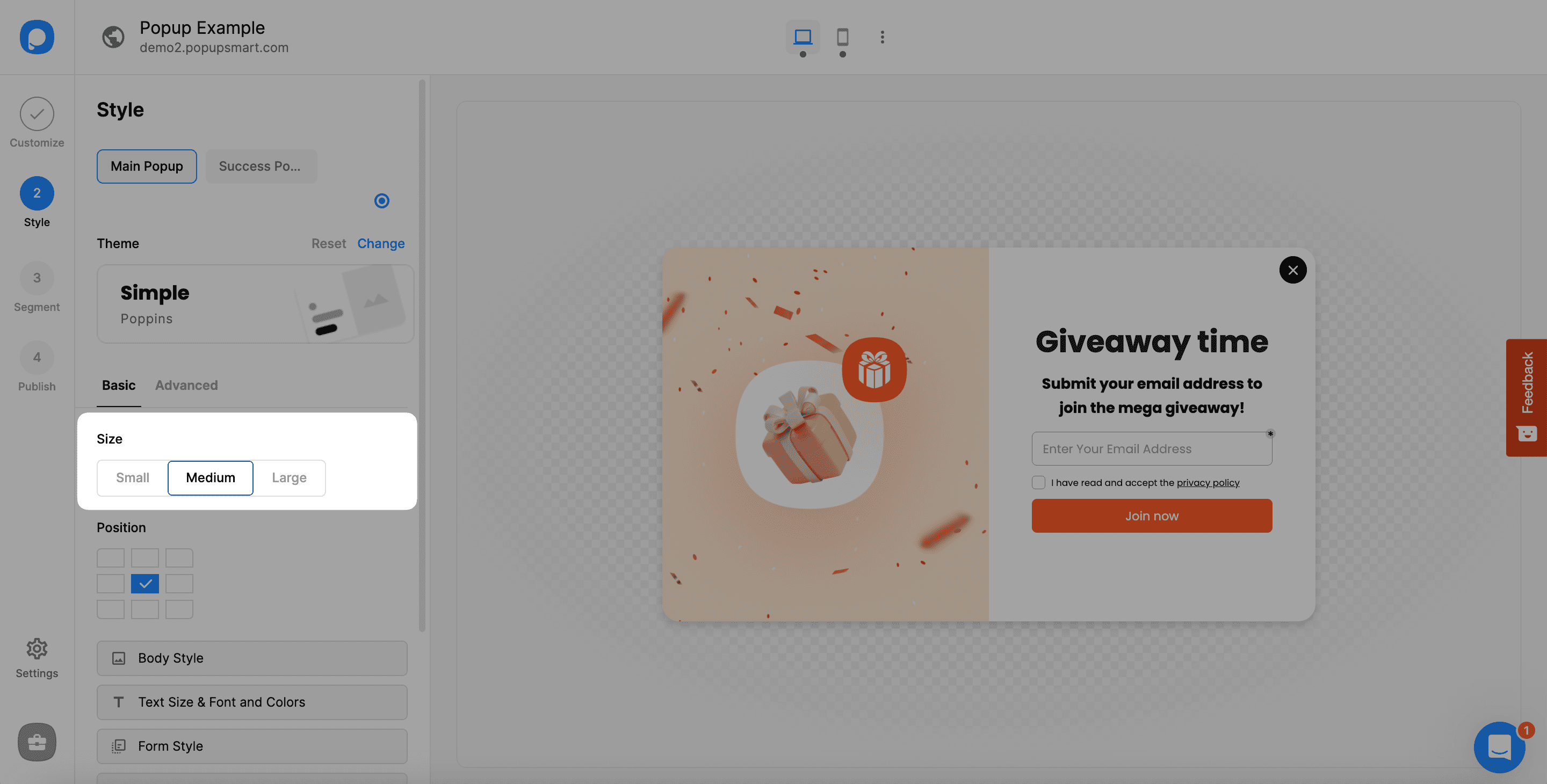
- By clicking Reset, you can get back to the first template that your popup has. Resetting the theme causes changes in new arrangements.
- By clicking Change, you can change the theme by choosing among the options that appear.
- It's also possible to change the theme by clicking on the current theme.
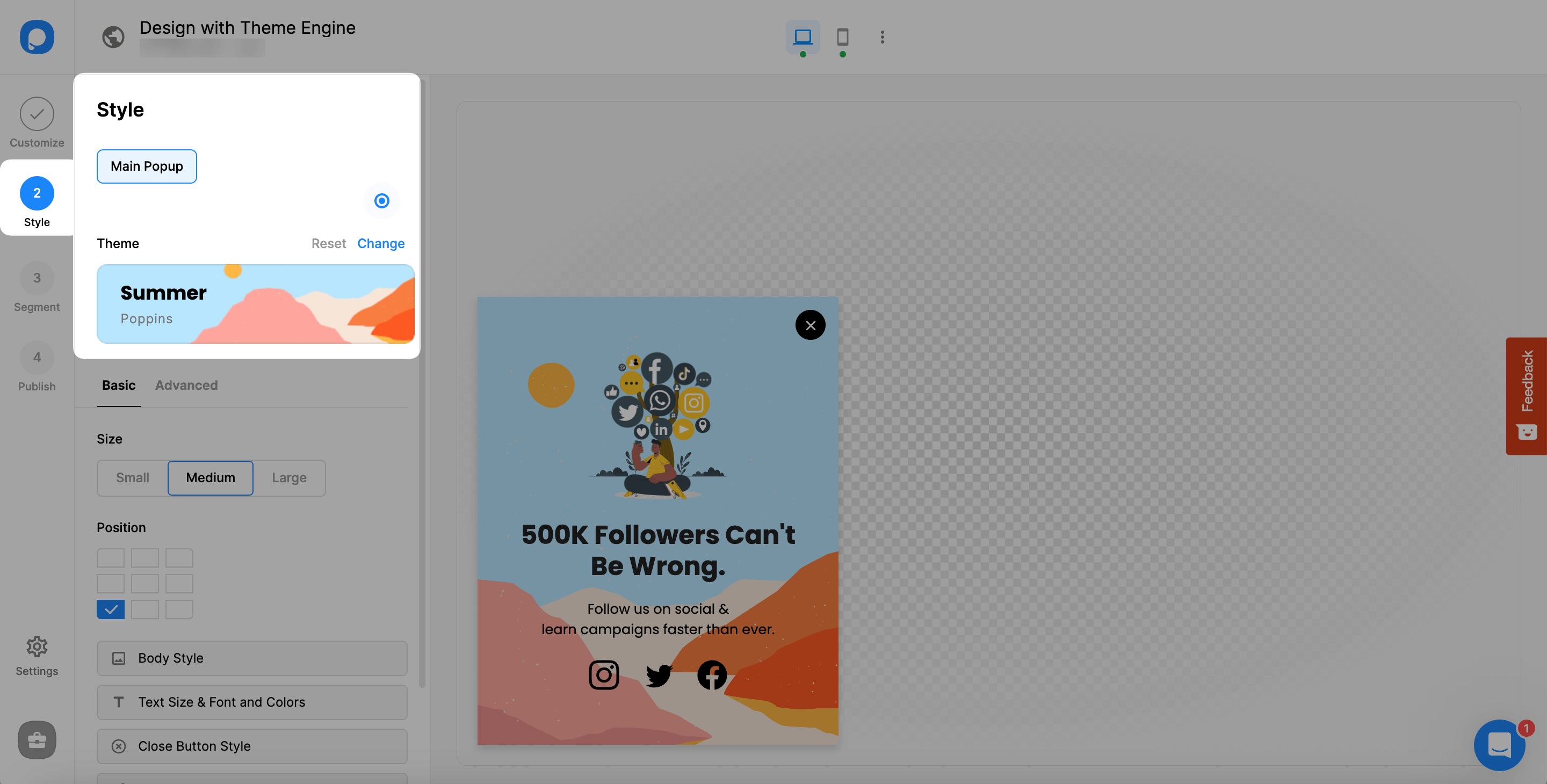
Choose Theme
Viewing the themes, each is specifically designed for different purposes.
Besides, each theme comes with its special fonts to style your popup, but you can change them easily as well on the Text Size & Fonts and Colors tab.
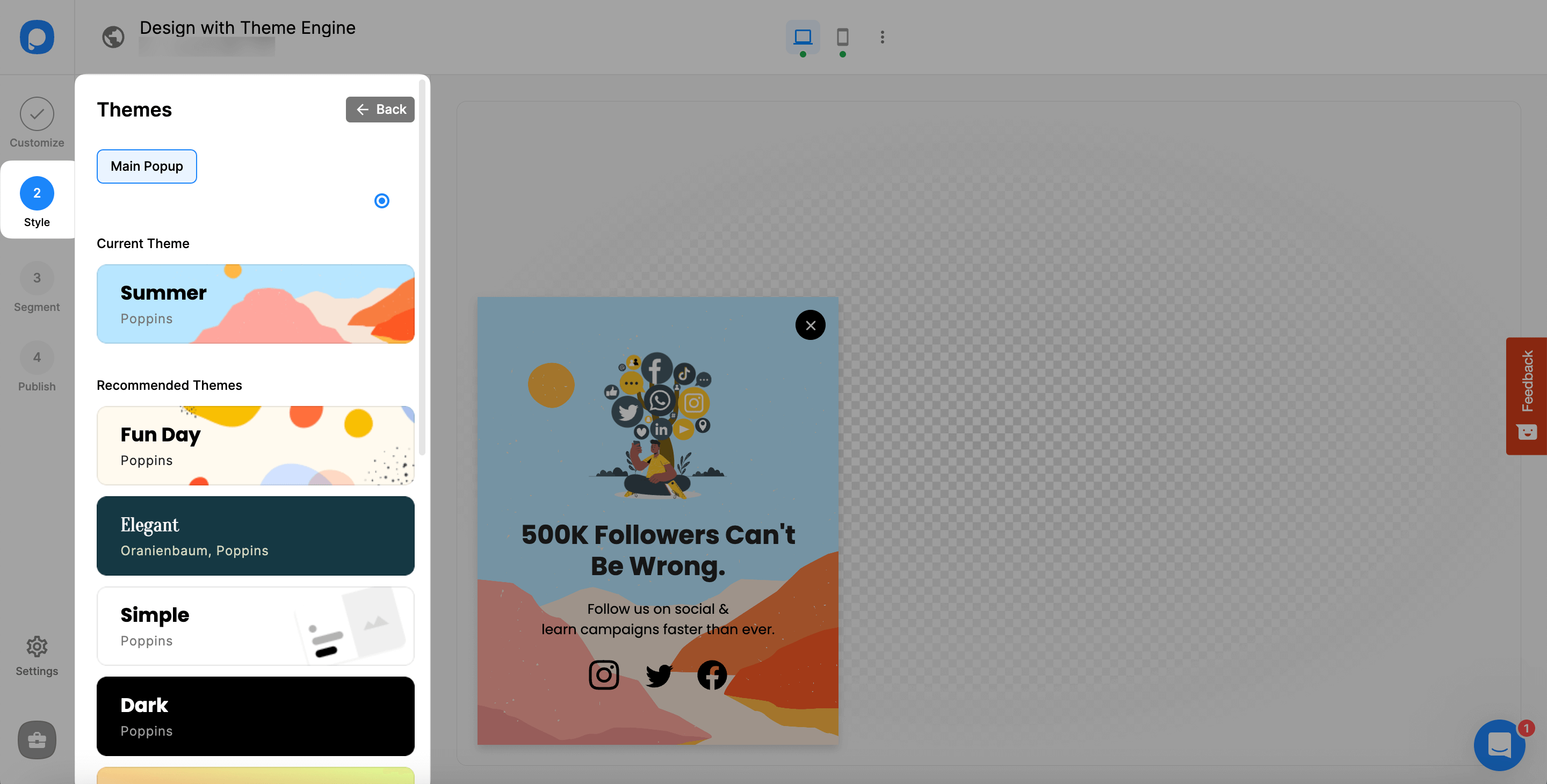
Blank Popup Note
If you choose a blank popup from the template, the theme will automatically be "Simple." Other themes are more customized and direct with their designs.
Go Back to Continue
After choosing your theme, you need to head back by clicking the "←Back" button at the top, near the Themes title.
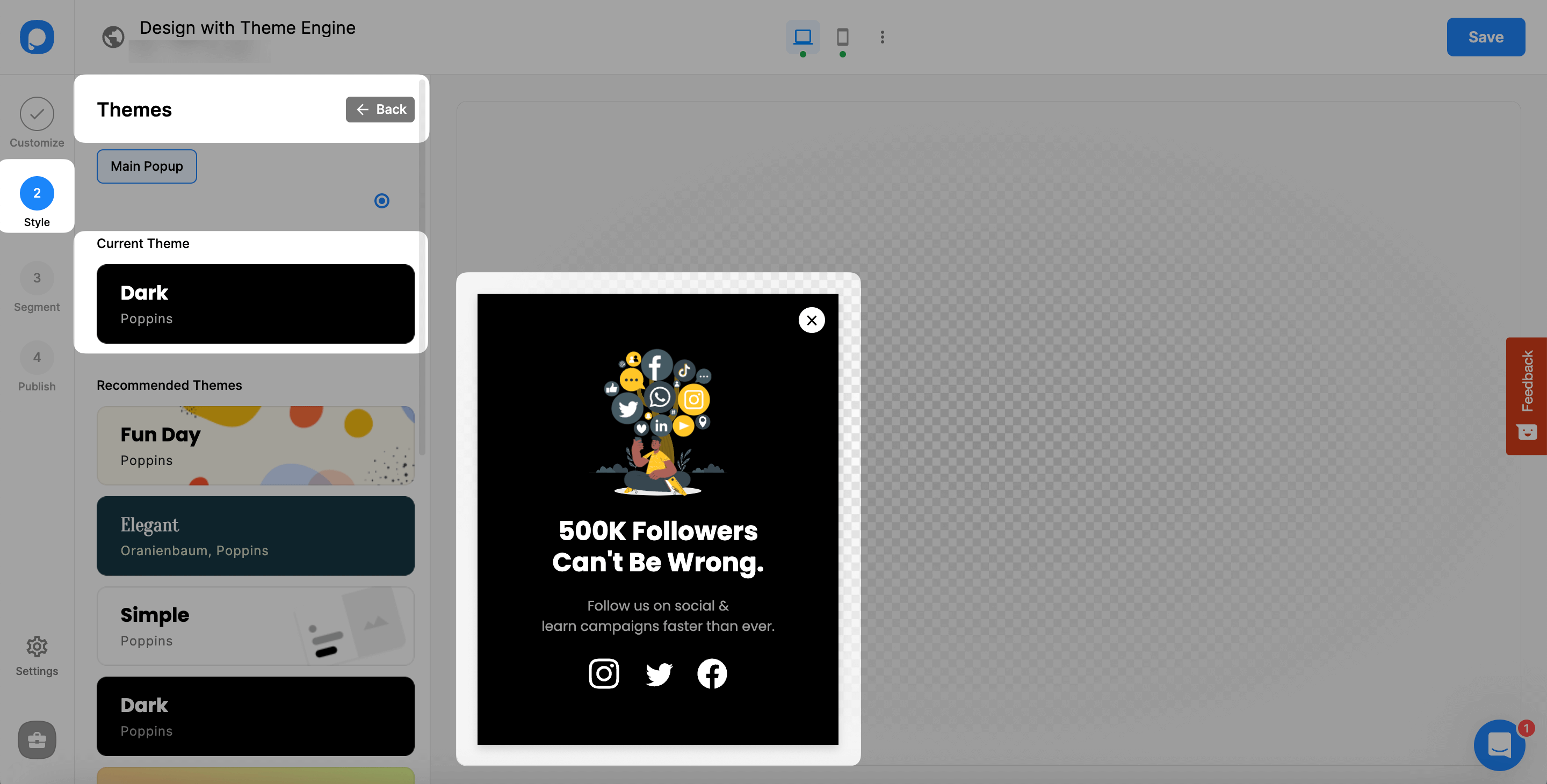
That's all! You can change all other elements and styles even after choosing a new theme.
Important Reminder
If you consider changing your theme after you have made all the arrangements, including the fonts, size, and colors, the changing of the theme will cause them to use the related fonts of the theme. So it can be better to determine the theme first and make the related arrangements. Otherwise, you will need to repeat all the actions.
If you have any questions, please contact us and let us find the solution for you.
How is this guide?