
How to Integrate Mailerlite with Popupsmart
Enhance email campaigns with Popupsmart-MailerLite integration. Learn how to seamlessly connect for efficient audience engagement and growth.
Popupsmart makes it easier to connect with your favorite email marketing service providers.
By connecting your popups with MailerLite, the email leads you to collect automatically and get enlisted in your MailerLite subscriber list.
Here's a simple step-by-step guide to help you integrate your MailerLite account with Popupsmart seamlessly.
Prerequisites
- You need to have a MailerLite account.
- You need to have a Group as your list on MailerLite to continue. You can create a Group on MailerLite by following 'Subscribers' and clicking 'Groups' later.
- You need to verify your website on your Popupsmart account.
How to Set Up MailerLite Integration
Create Campaign
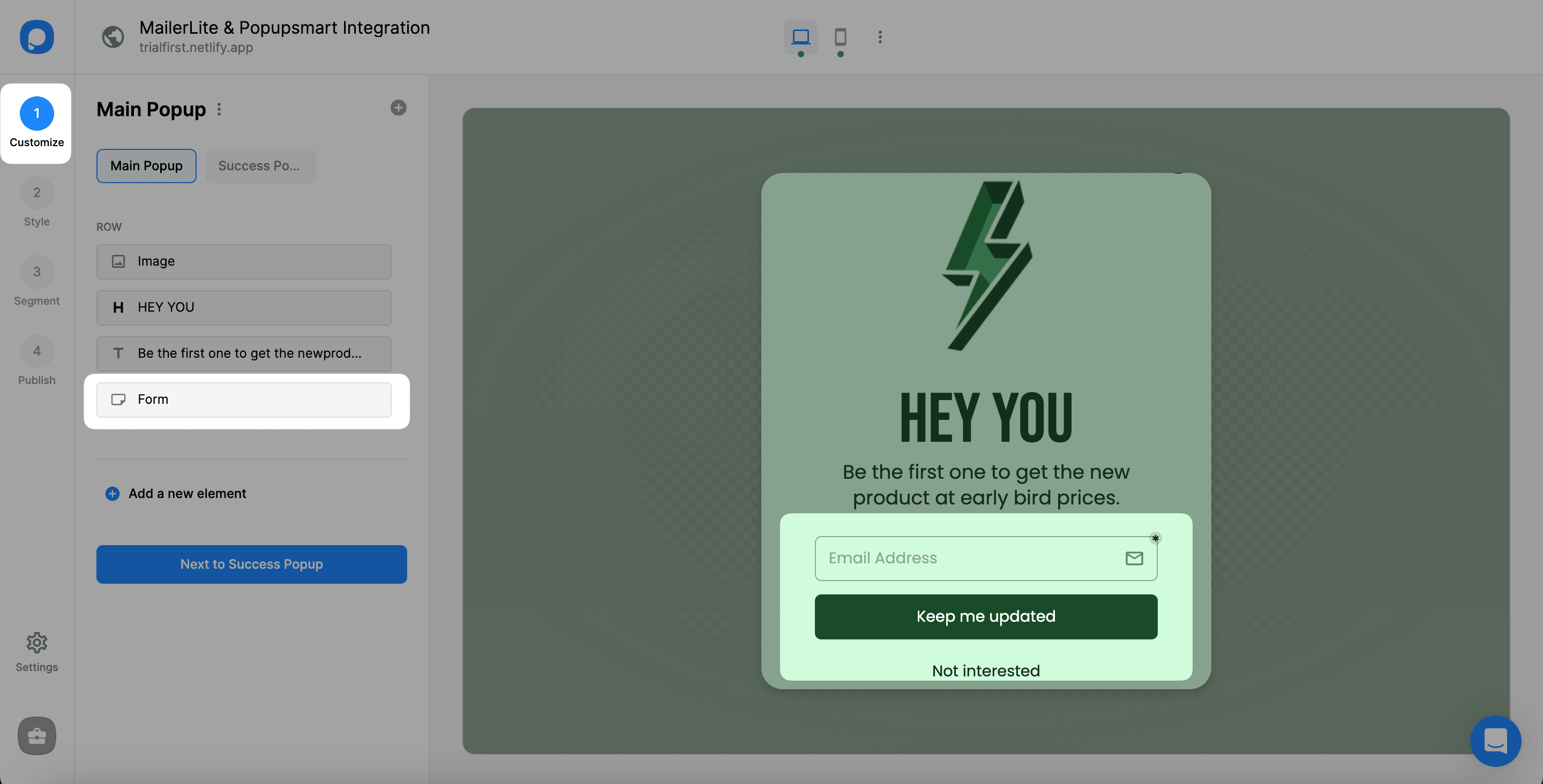
Sign in to your Popupsmart account and create a new campaign. Choose the best template to start your campaign. You need a popup with a form input element that you will decide on and make the integration. Or, you can easily add a new form input element.
Add Integration
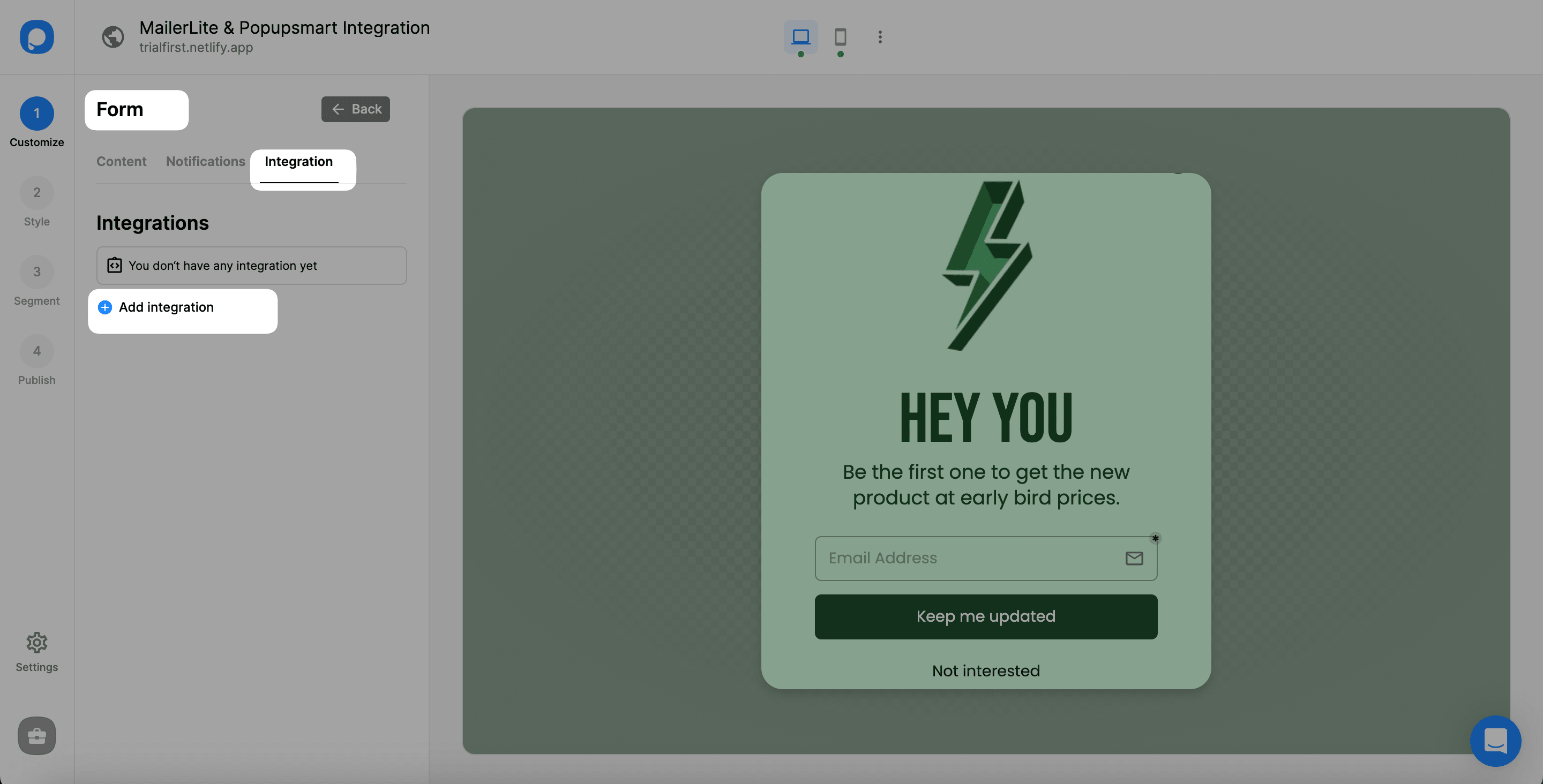
After adding a form input element, choose integration to add one and click add integration.
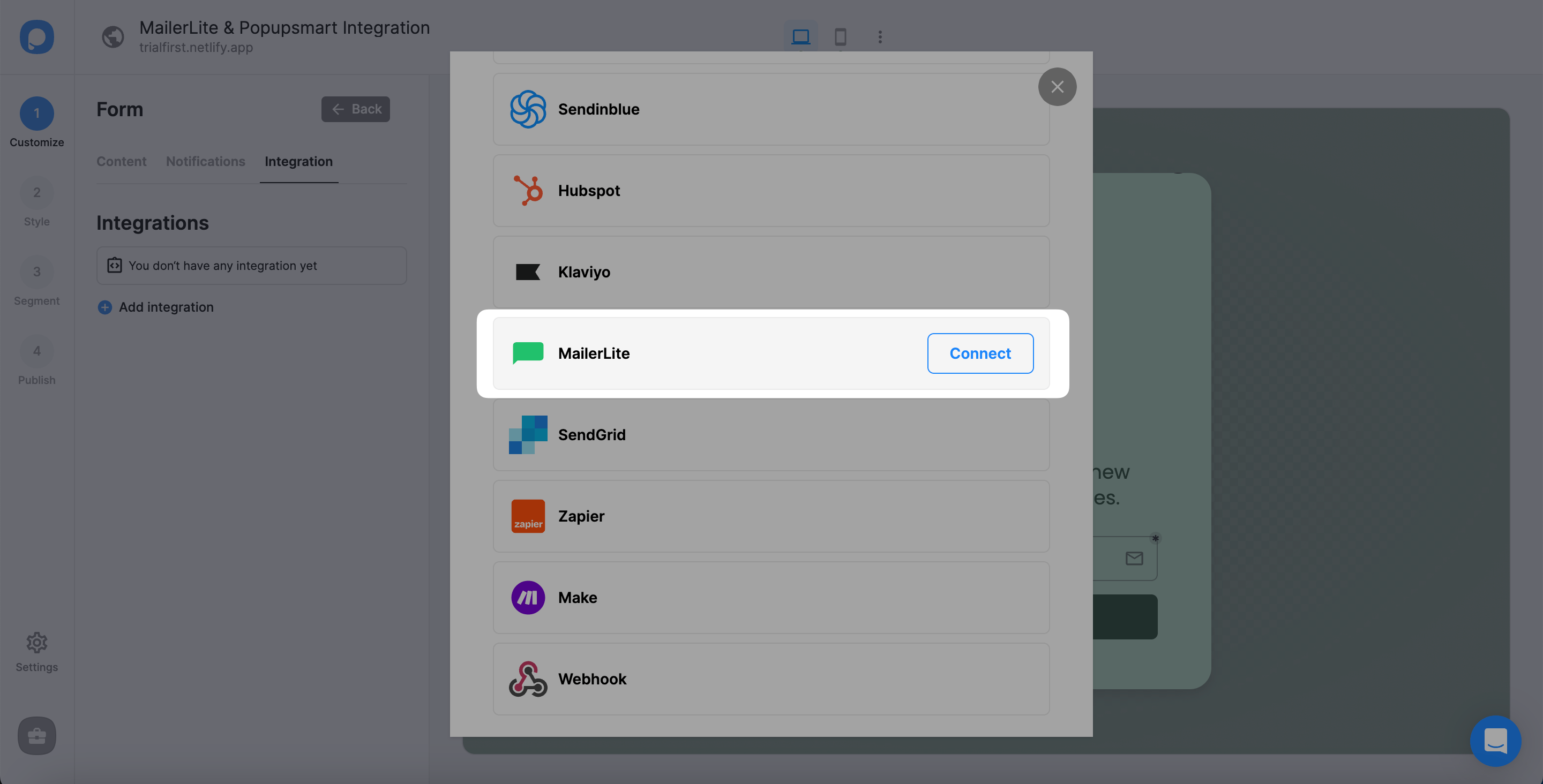
Add API
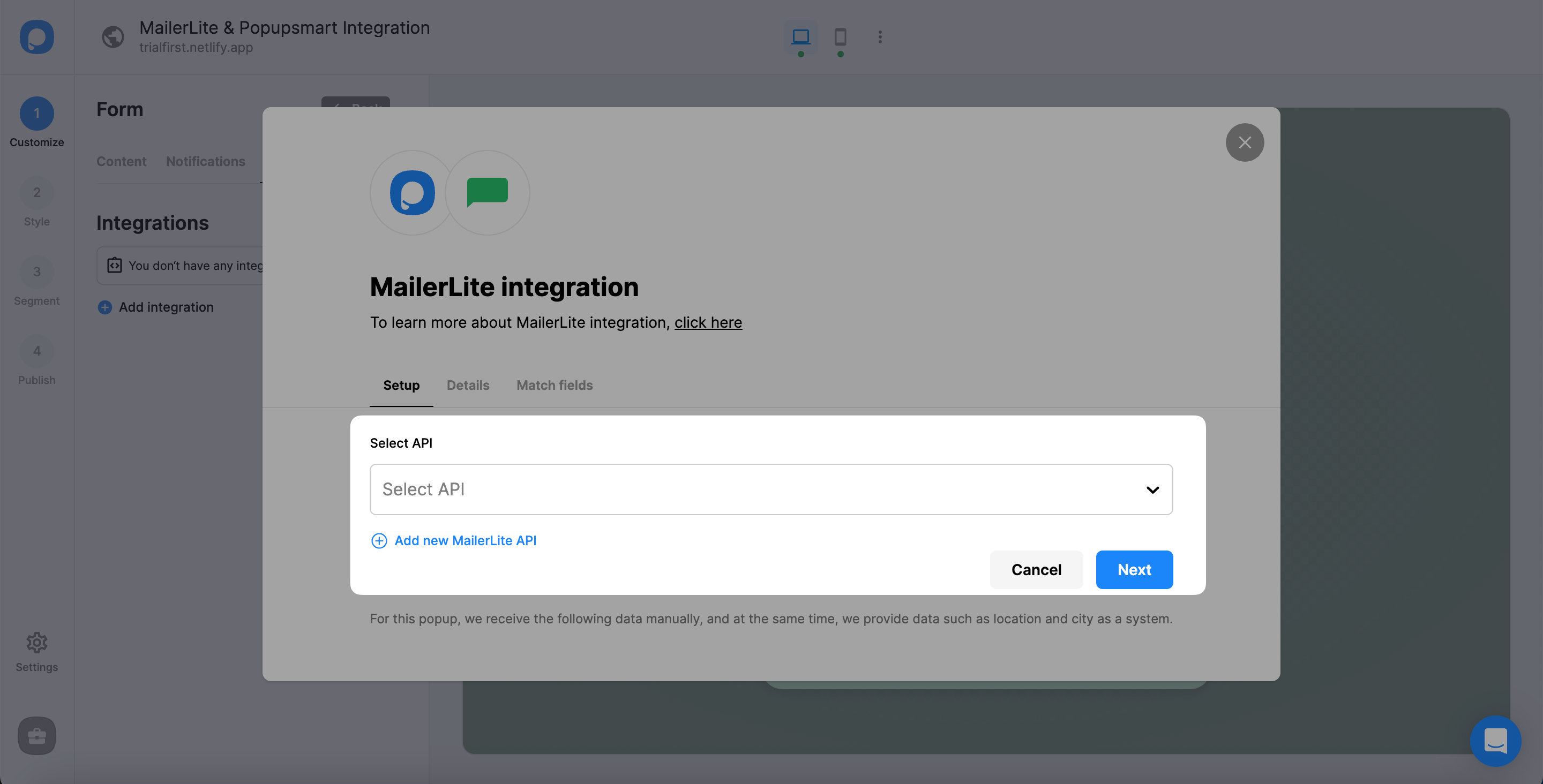
You need to add a new MailerLite API or select from the dropdown. To add an API for the first time, click "Add new MailerLite API."
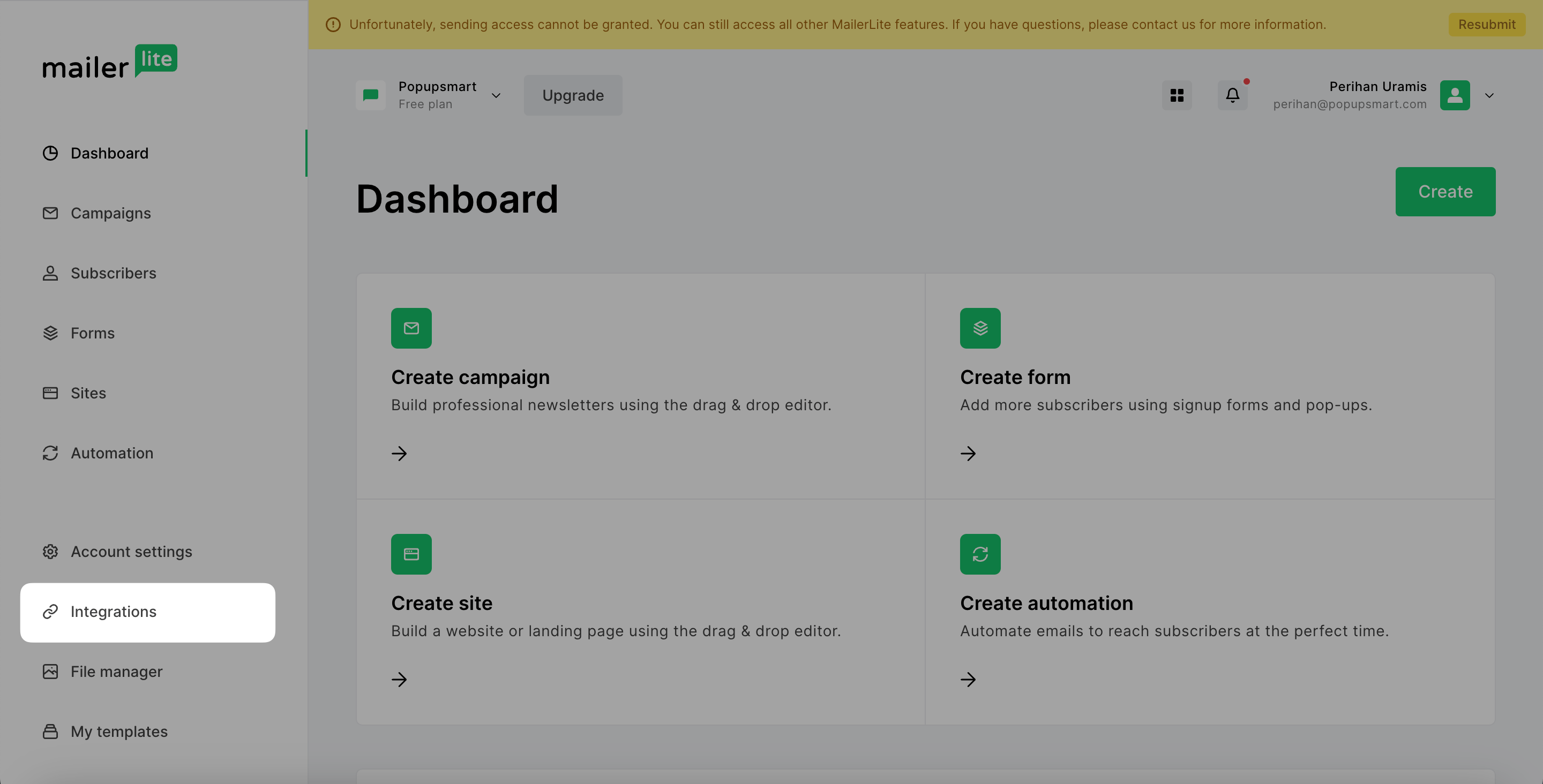
Access Integrations
After logging into your MailerLite account, click "Integrations" on the left sidebar of the page.
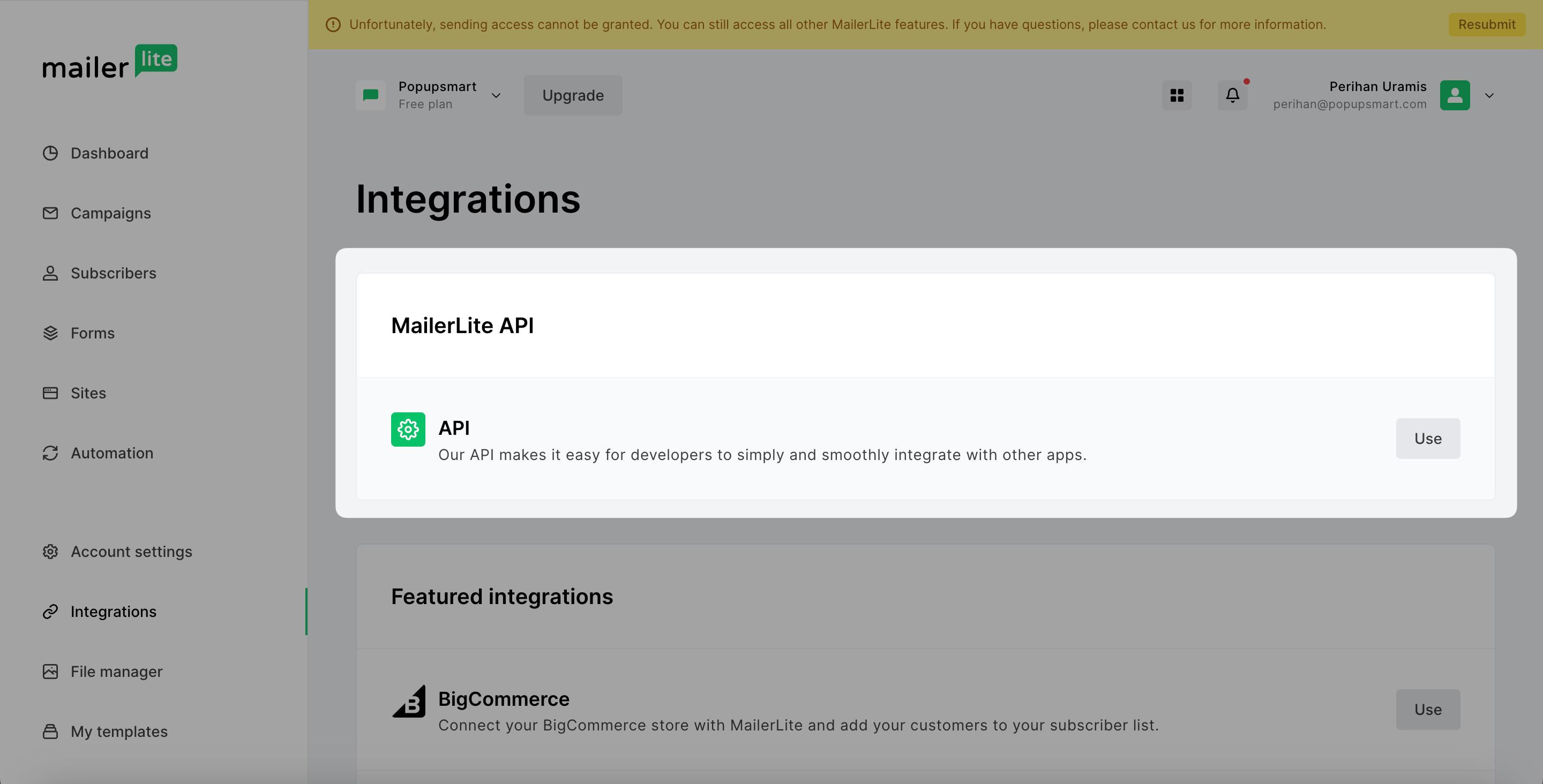
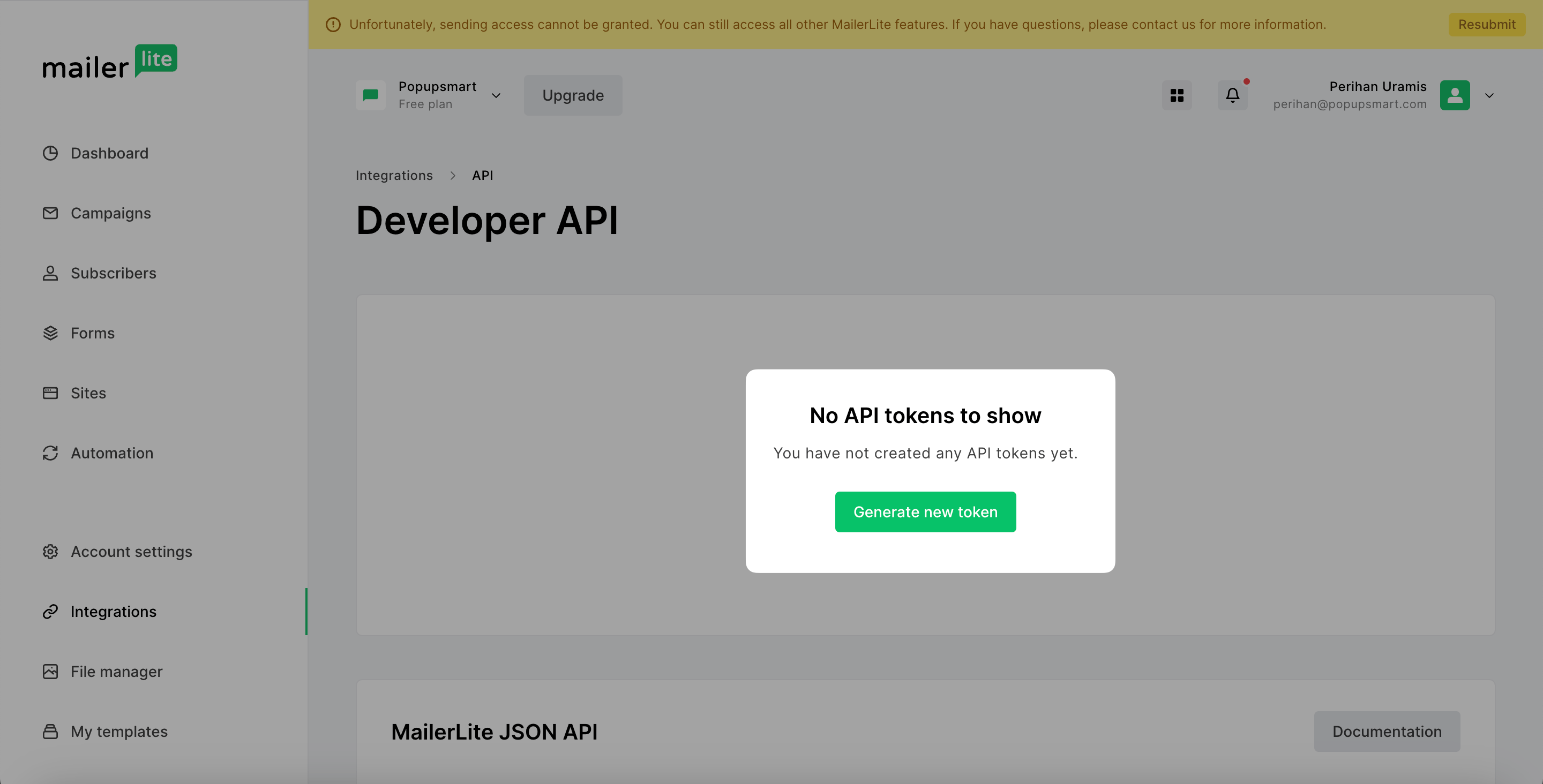
Generate Token
If you don't have any API tokens to show, click "Generate new token" to have a new one.
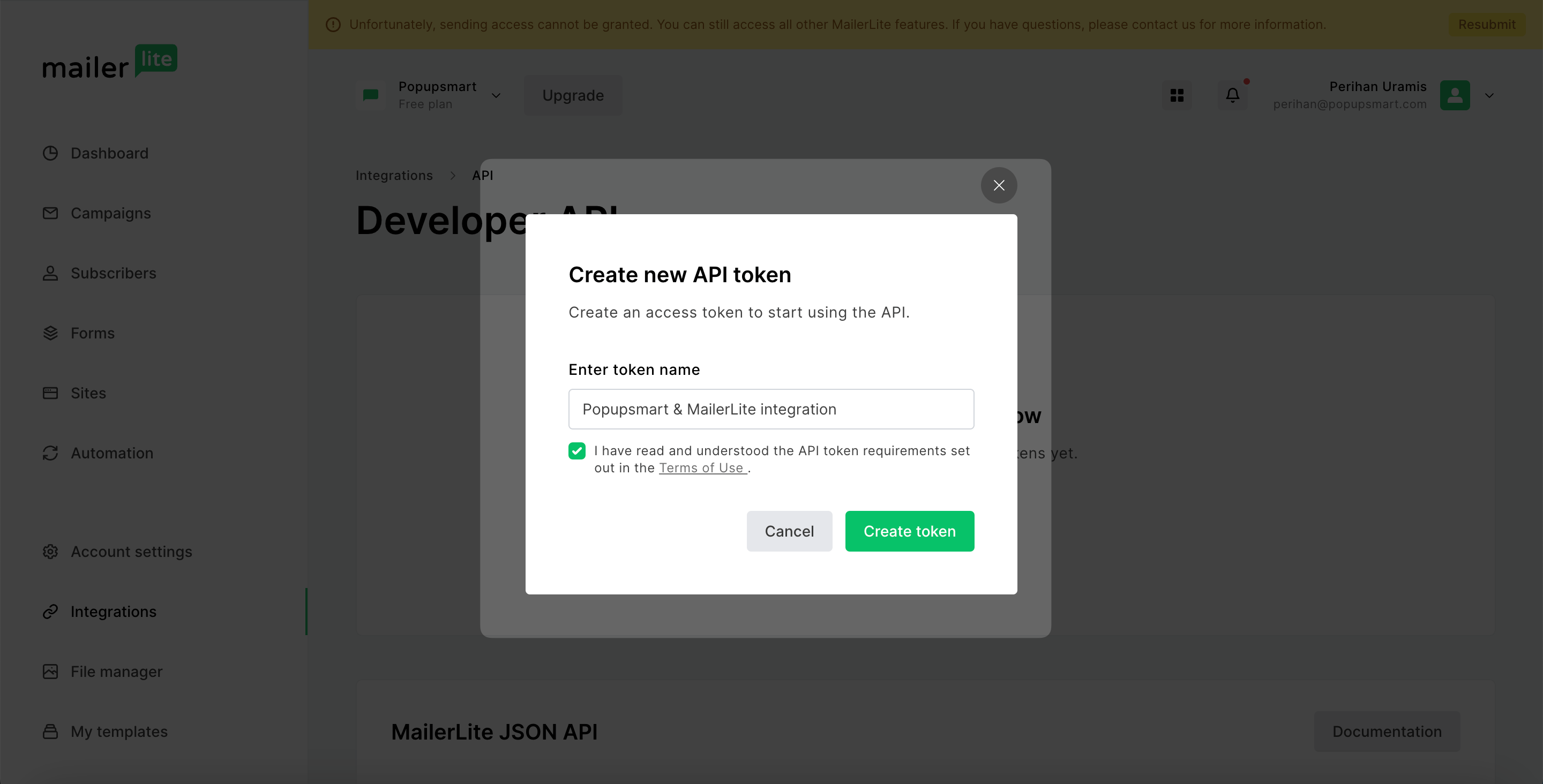
Create Token
After you name your token and agree to the Terms of Use, click "Create token." Don't forget to confirm that you have read and understood the Terms of Use requirements, or you can't create a token.
Copy API Token
Copy the API token MailerLite has generated to paste it into your Popupsmart dashboard.
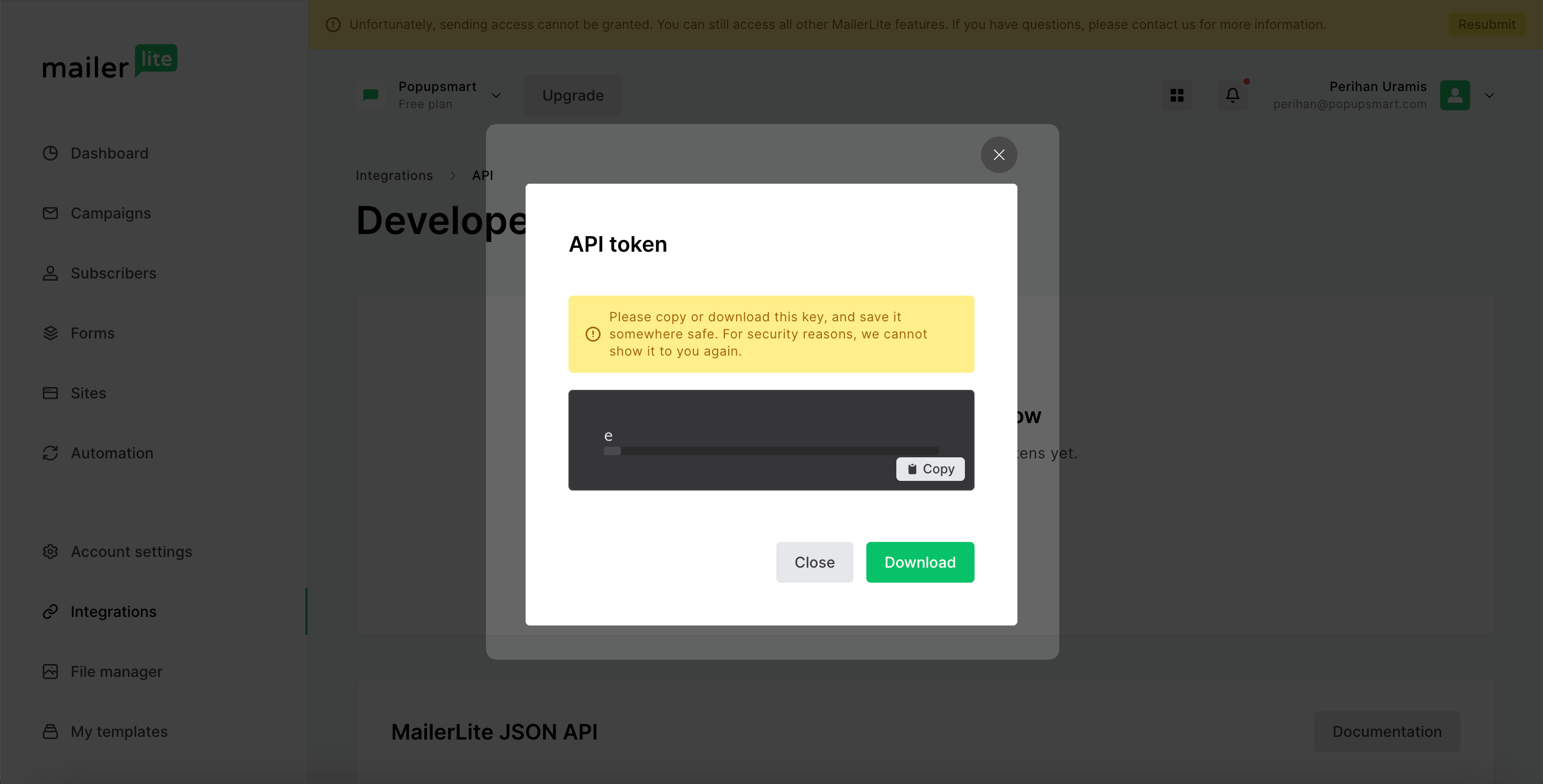
Save Connection
Turn back to your Popupsmart dashboard and "Save" after you name your collection and write your API Key.
Important
You need to remember to have a Group on your MailerLite account; otherwise, you will get an error. Creating a Group on MailerLite is super easy; all you need to do is choose Subscribers and Create group on the Groups tab.
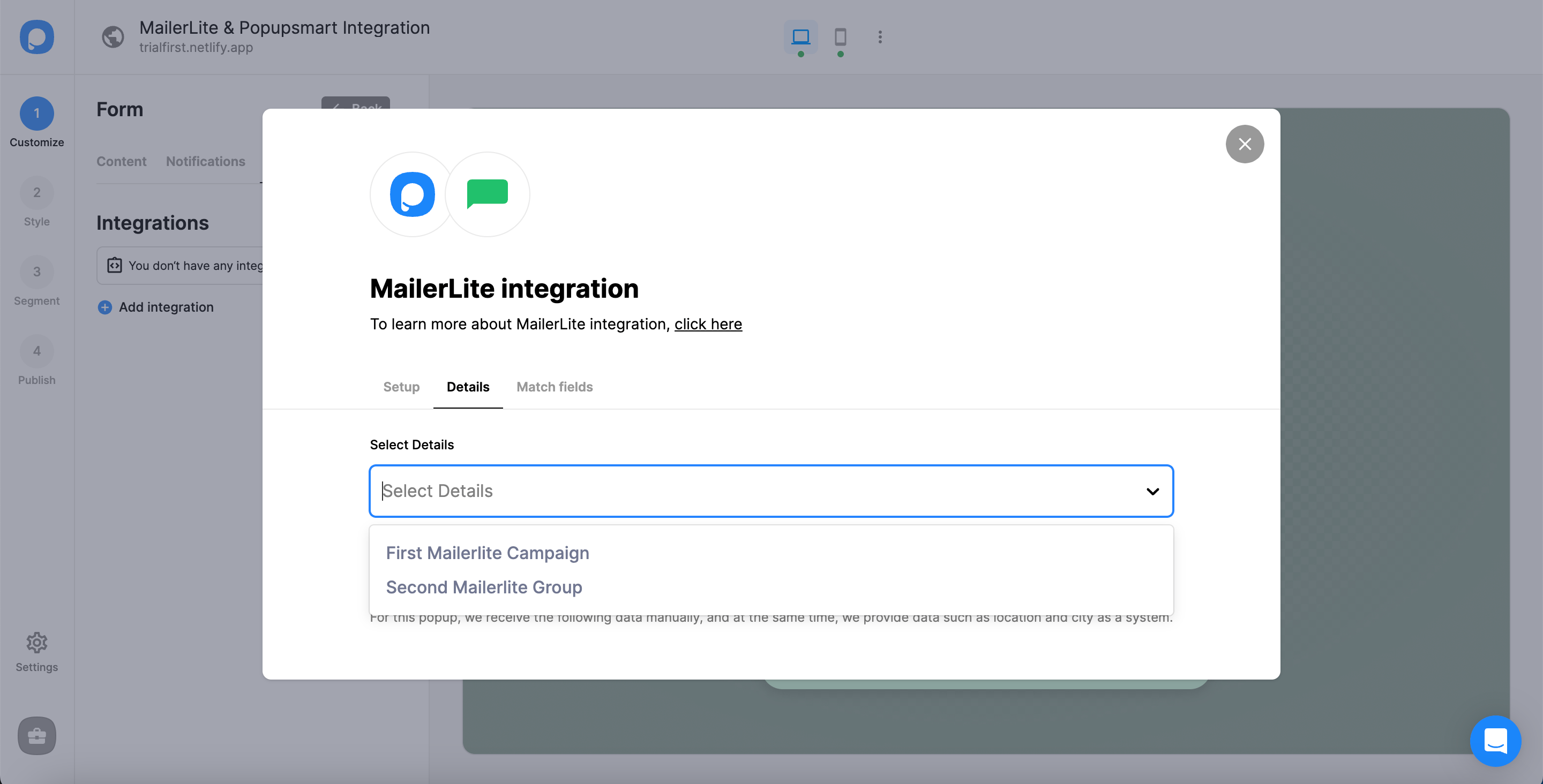
Choose Group
After you complete the Setup, you need to choose your target group in the Details section. Then, click "Next."
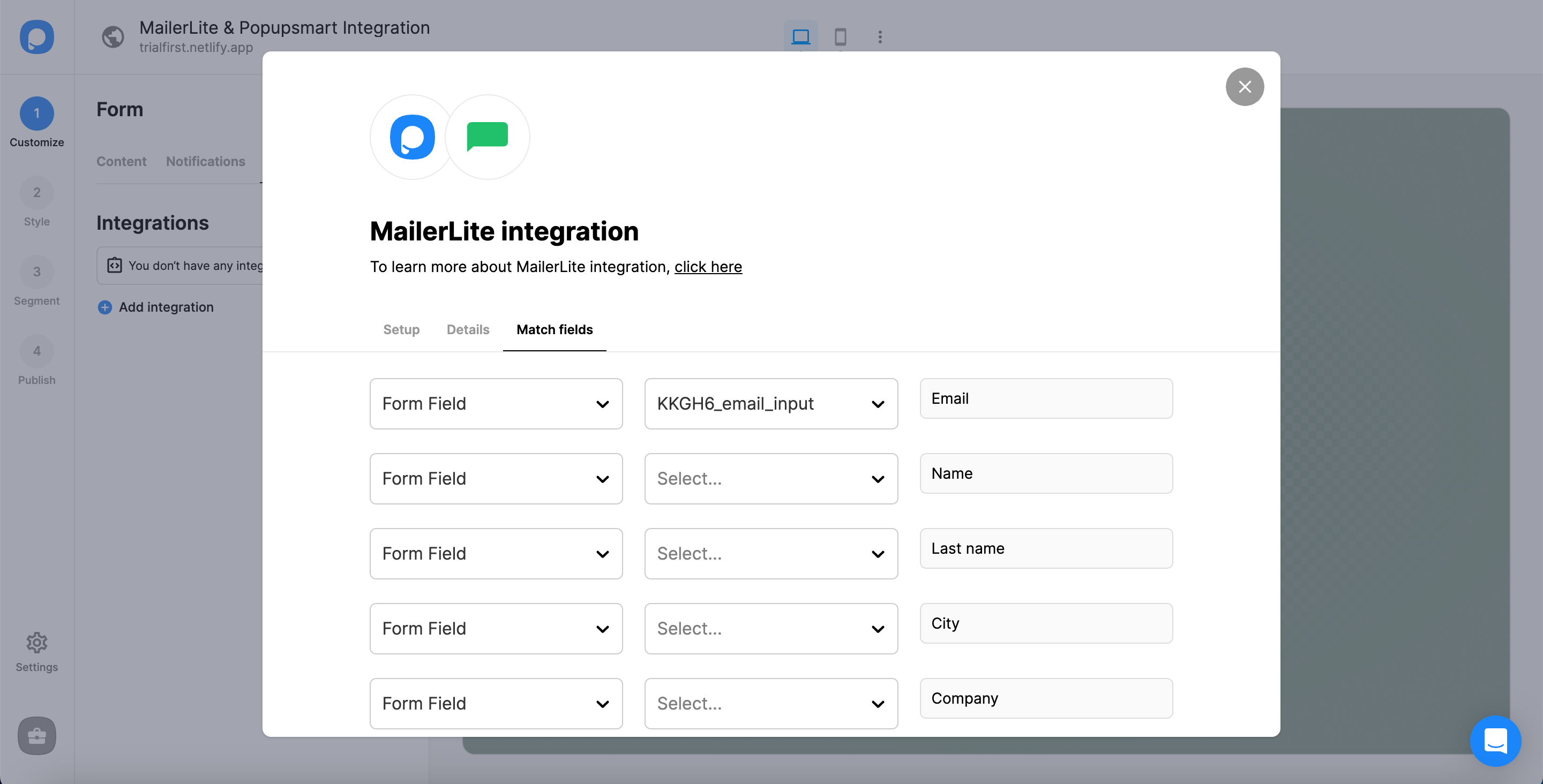
Your MailerLite integration is ready, and you can change its status with the three-dot whenever needed.
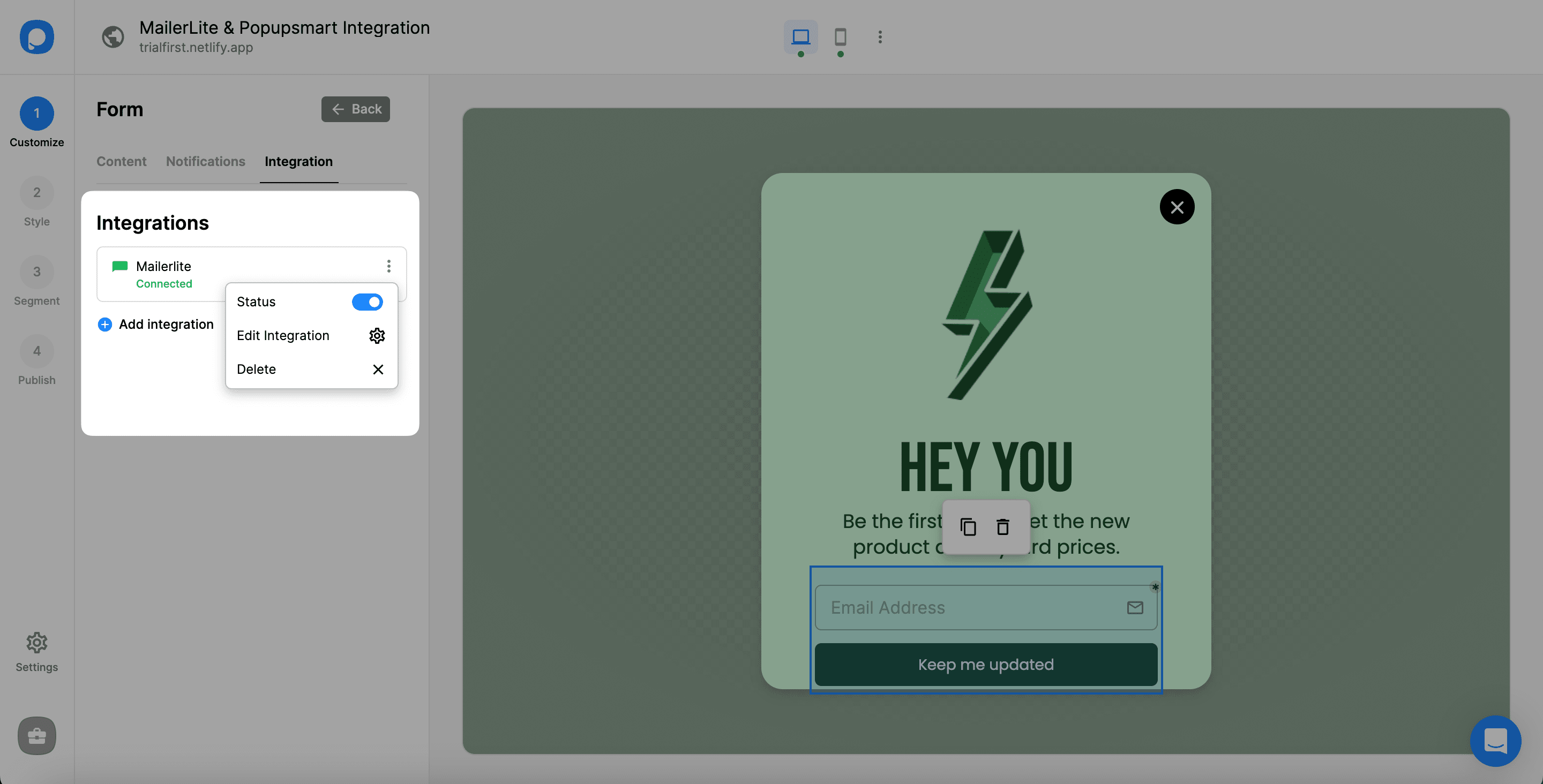
Now you can get the most out of your email campaigns.
Note
It is possible to integrate MailerLite and Popupsmart in the Settings section.
If you have any other questions about MailerLite integration, feel free to mail us!
How is this guide?