
How to Set up Self-Email Notifications
Learn how Popupsmart's Sel-Email Notification feature helps you receive notifications, ensuring timely updates on user interactions.
Receive an email notification each time someone submits to your popup form.
Popupsmart provides two types of email notification systems: Self Email Notifications go to any email address you add, and Autoresponder Email Notifications go to the people who submitted information to your popup forms.
How to Set Up Self-Email Notifications
Open Campaign
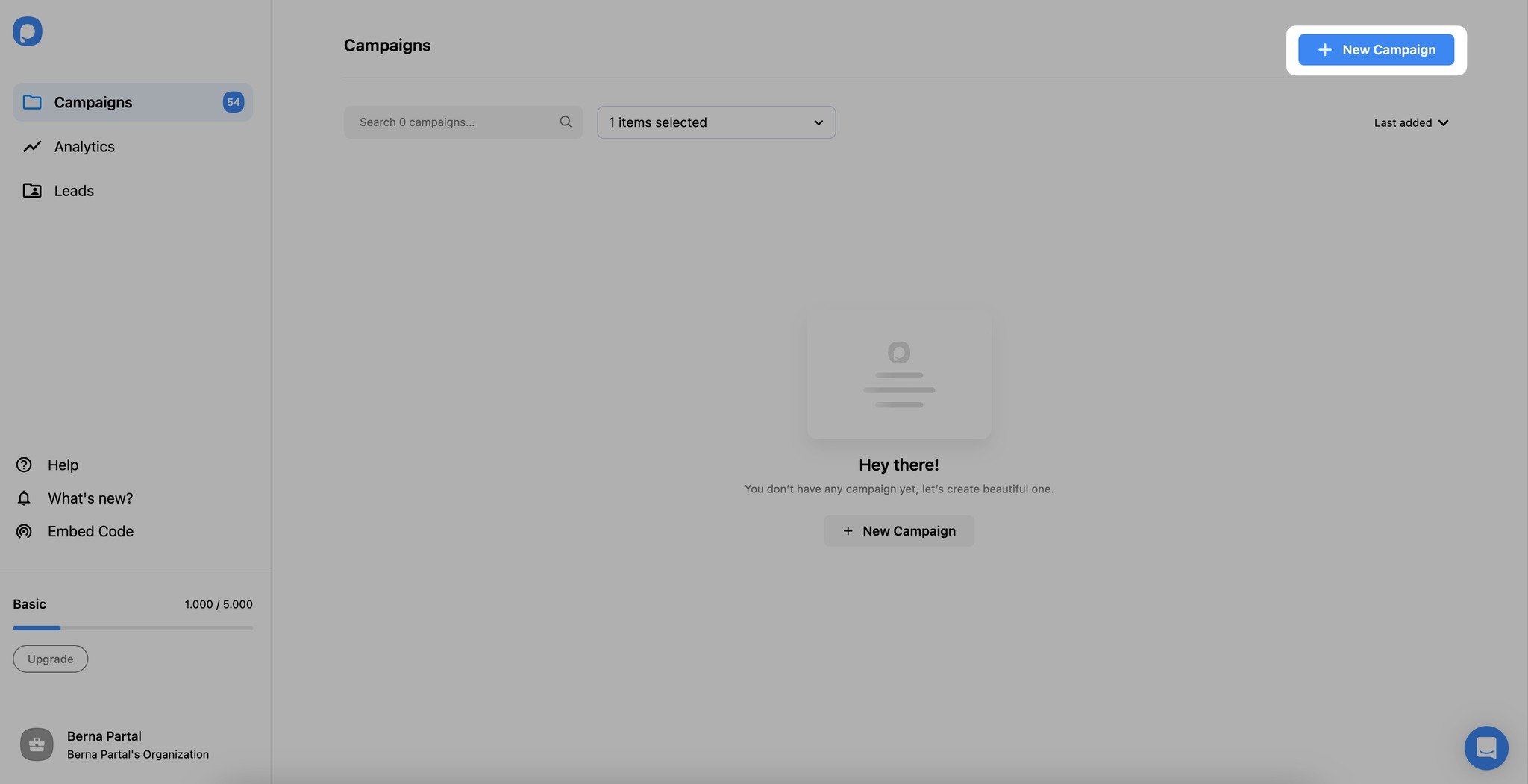
Open the popup campaign you wish to set up from the "Campaign" screen in your Popupsmart Dashboard. If you have no popup created yet, just click on "New Campaign," and you'll be redirected to the builder.
Enable Notifications
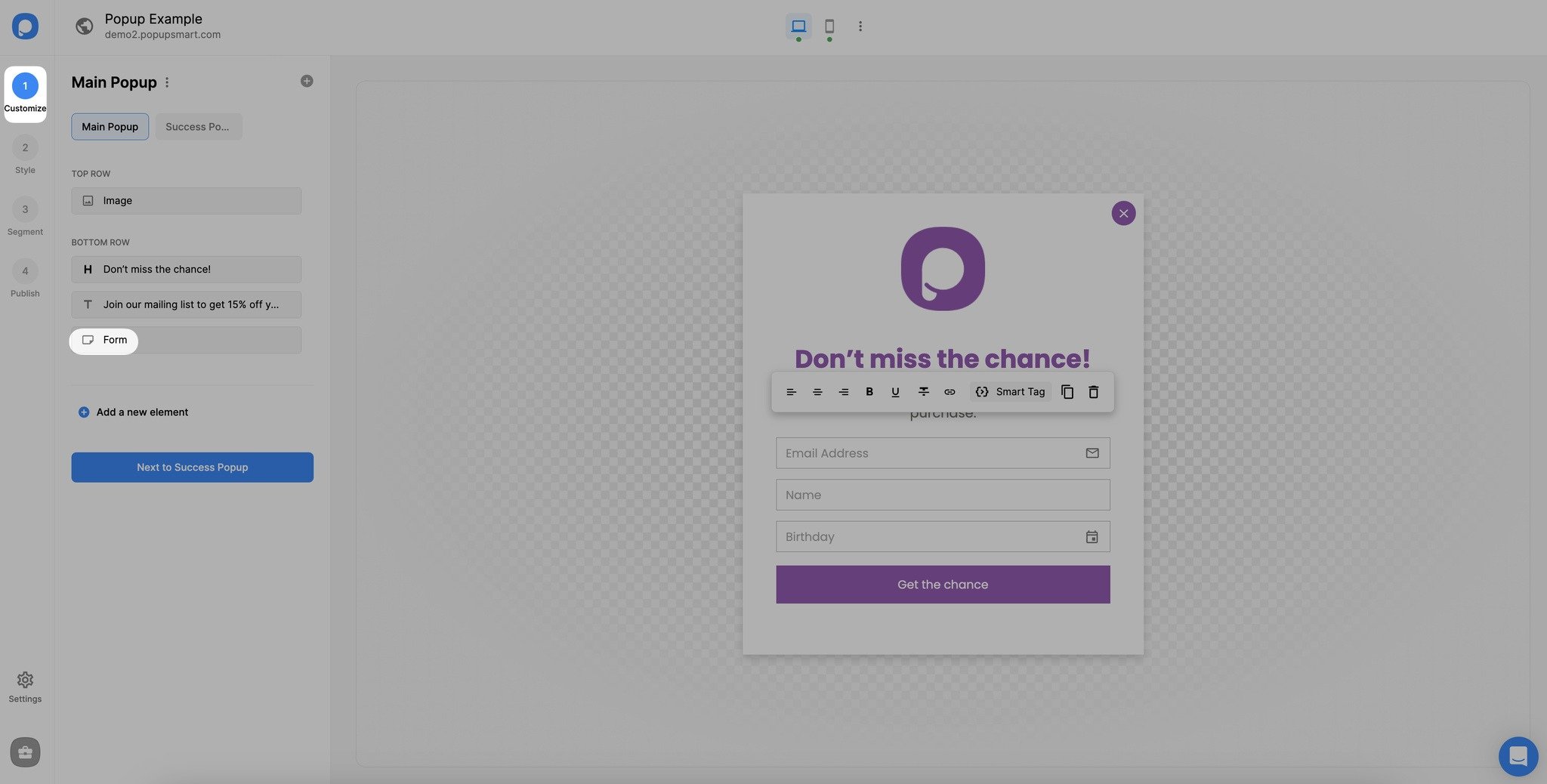
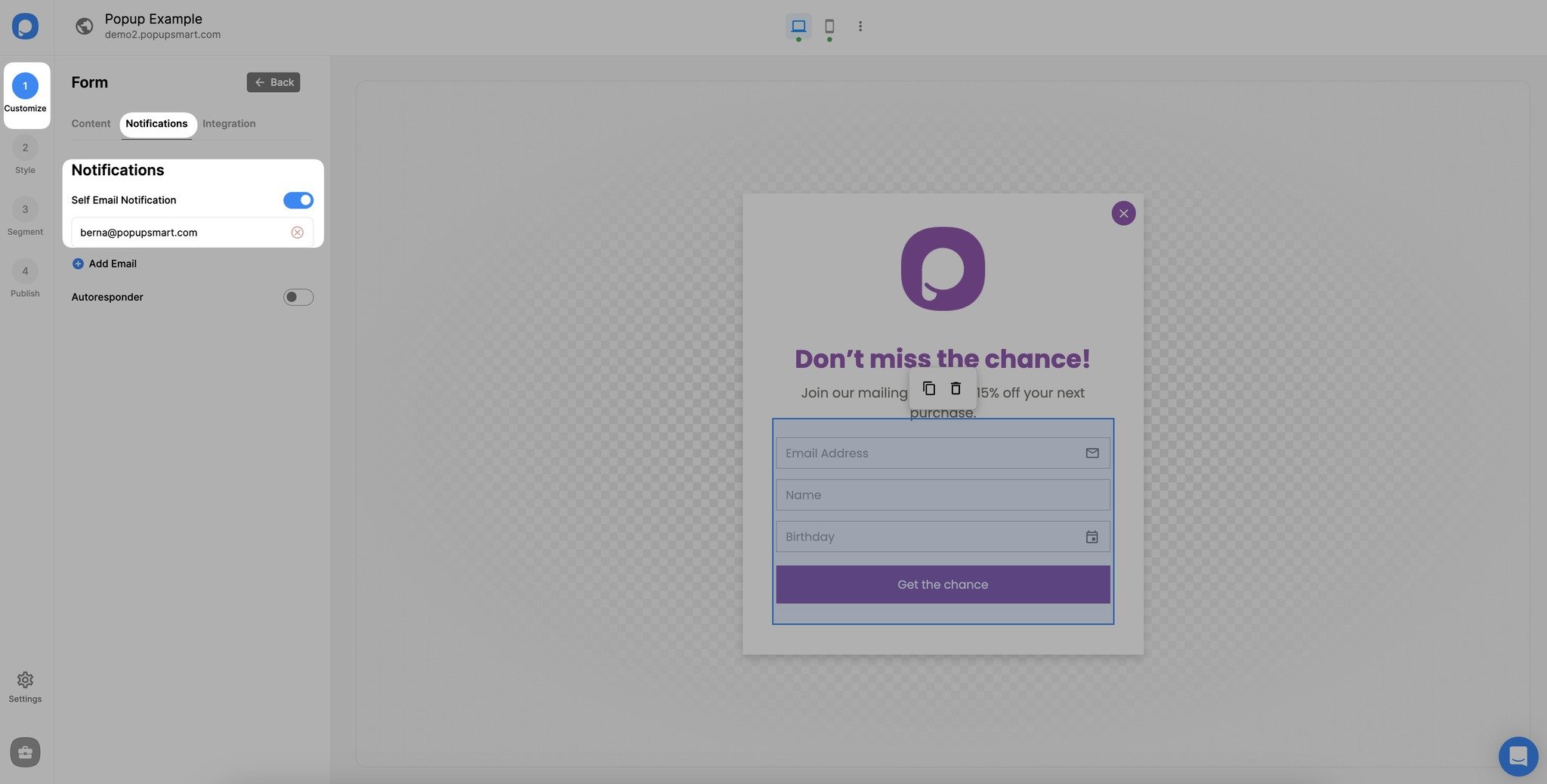
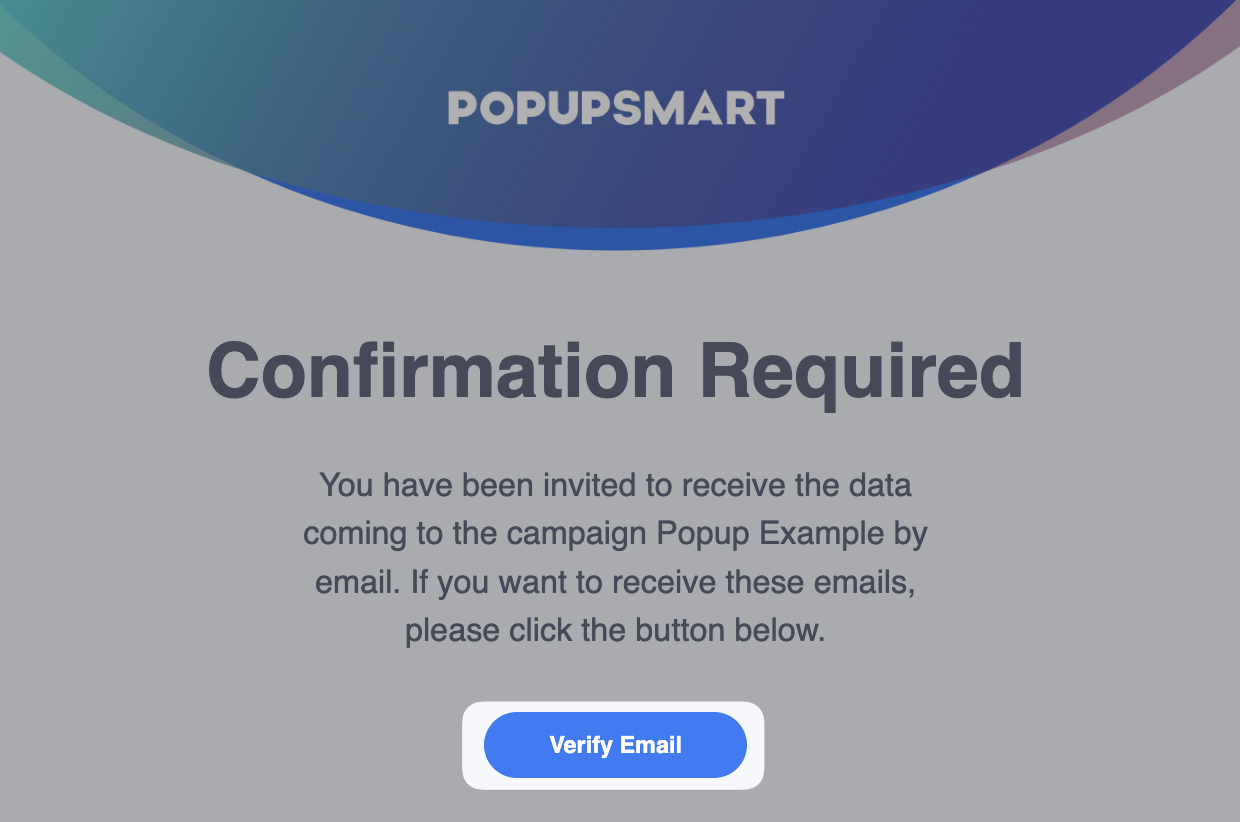
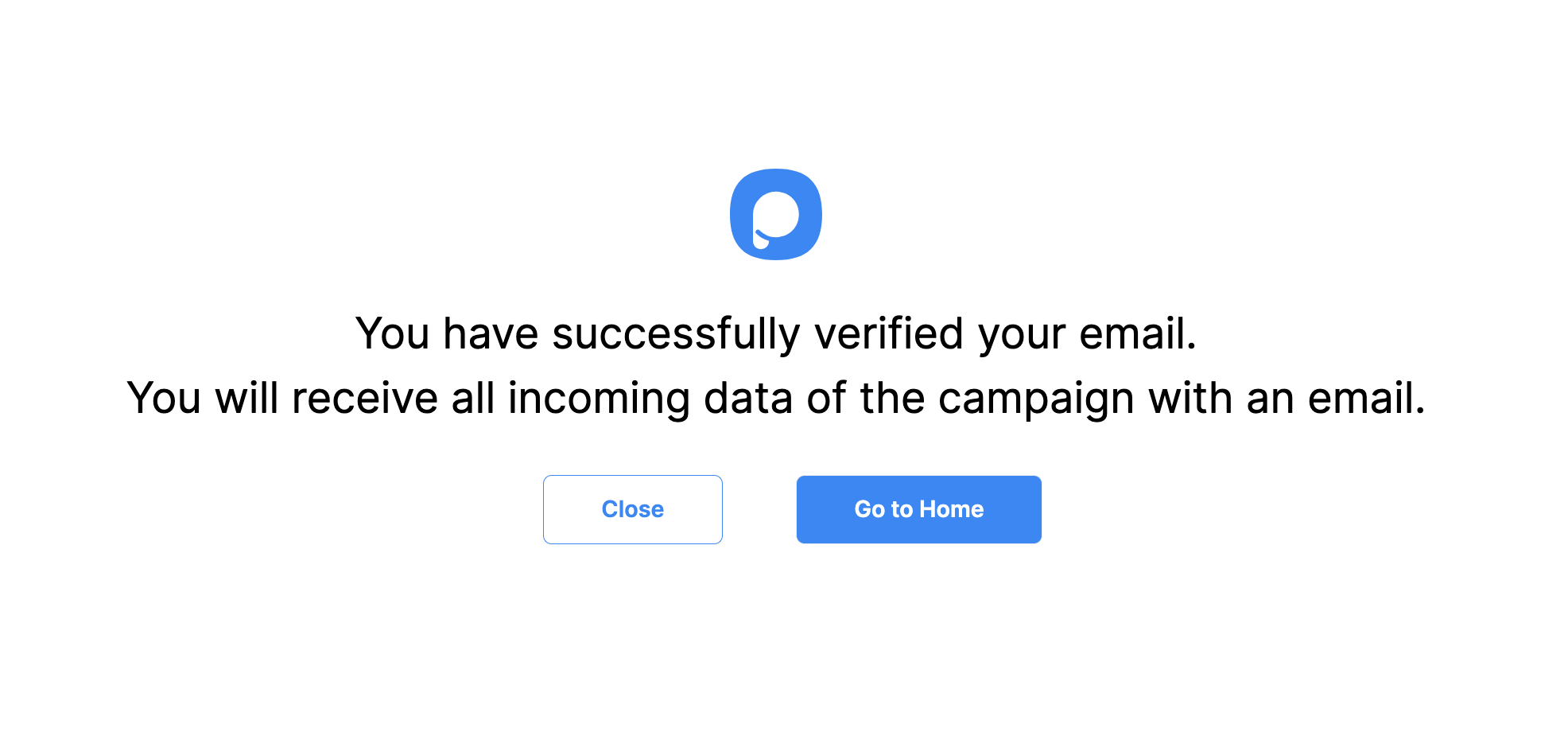
Go to the "Notifications" part and turn on the "Self email notification" toggle on. You will see your registered email address. You can add another email address by clicking on the "Add Email" if you want.
Alternative Method
You can set up self-email notifications on the "Settings" part as well. Scroll down the page to see Self Email Notifications and check "Use my registered email address" if you want to receive emails to your registered email address, or click "Add a new email" to add a different email address.
How is this guide?