
How to Create a Custom Popup with a Blank Popup Template?
Craft unique popups effortlessly. Learn to create custom, blank popups on Popupsmart for tailor-made campaigns and engaging designs.
Creating a popup is so simple with Popupsmart because we have many templates you can use for your campaigns and announcements.
However, if you give too much importance to creativity and want to be different from everyone, let's see how you can create a custom popup with a blank popup template.
You can customize blank popups as you wish or choose a blank popup to fill in with different elements.
To cut a long story short, let's start to learn how to create a custom popup with a different perspective!
How to Create a Custom Popup
Create Campaign
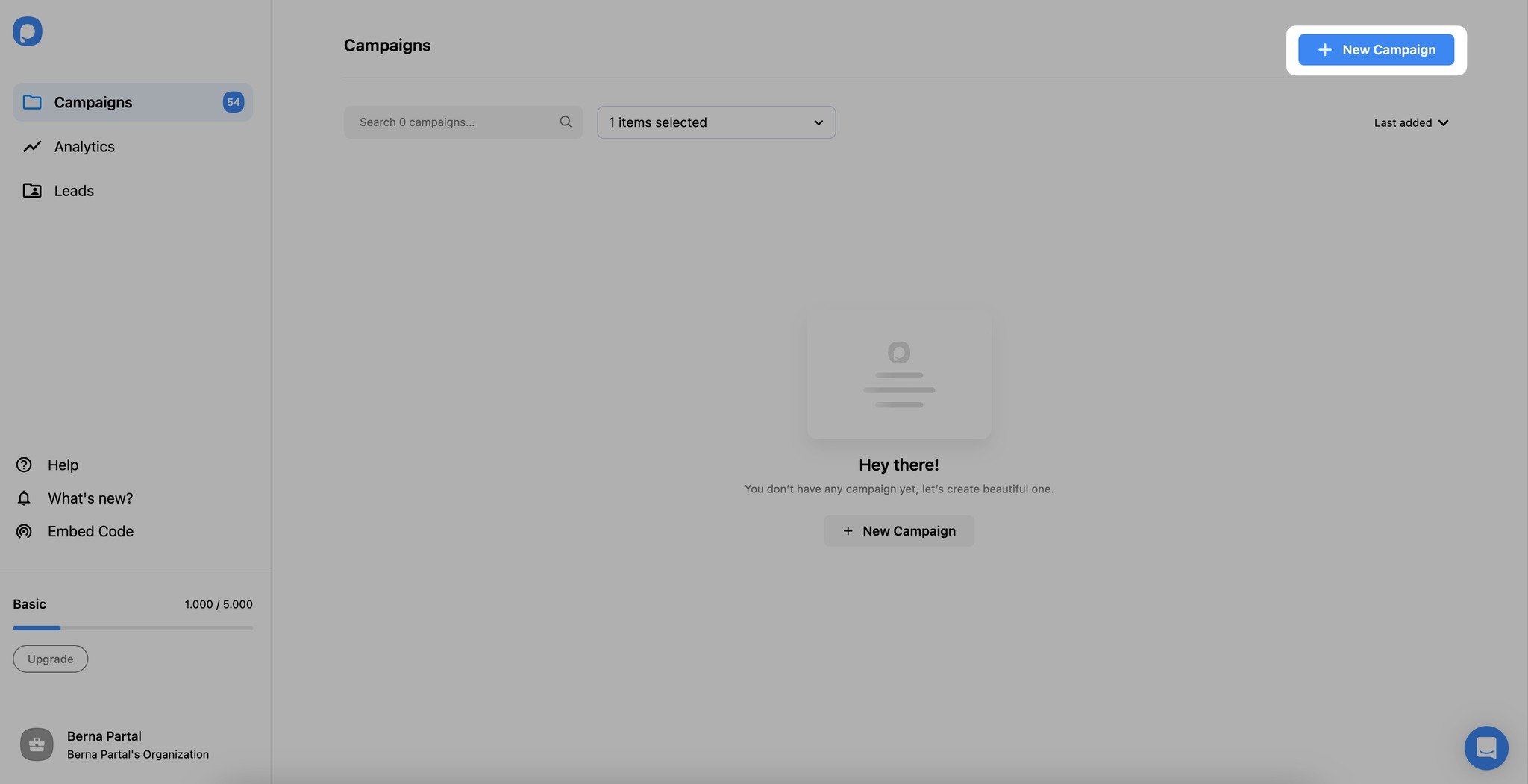
After signing into your account, click "New Campaign" on your Popupsmart dashboard.
Then, you will view so many popup templates. To see the blank popups specifically, tick the "Blank Popup" box. Choose one of the blank popup templates.
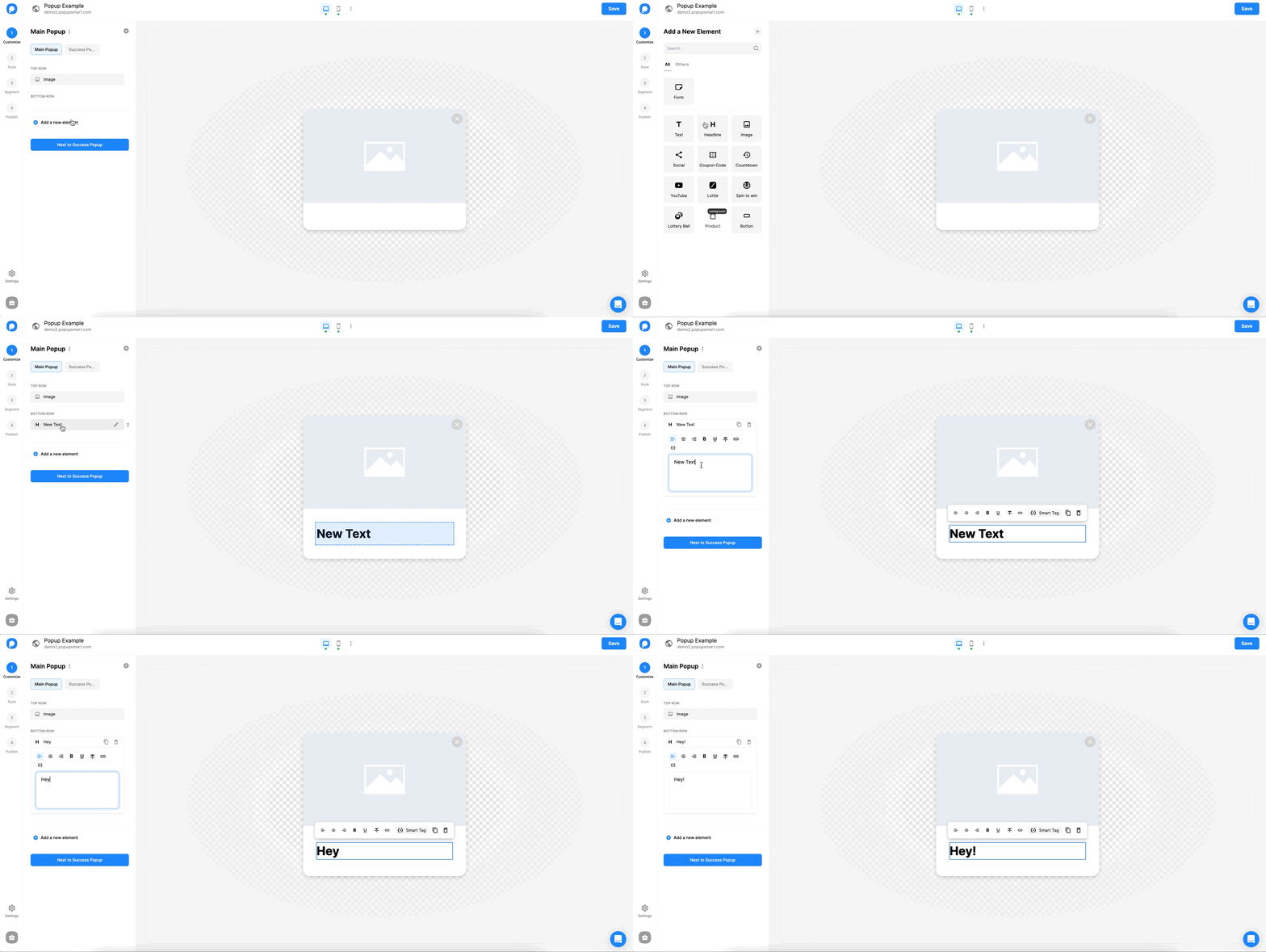
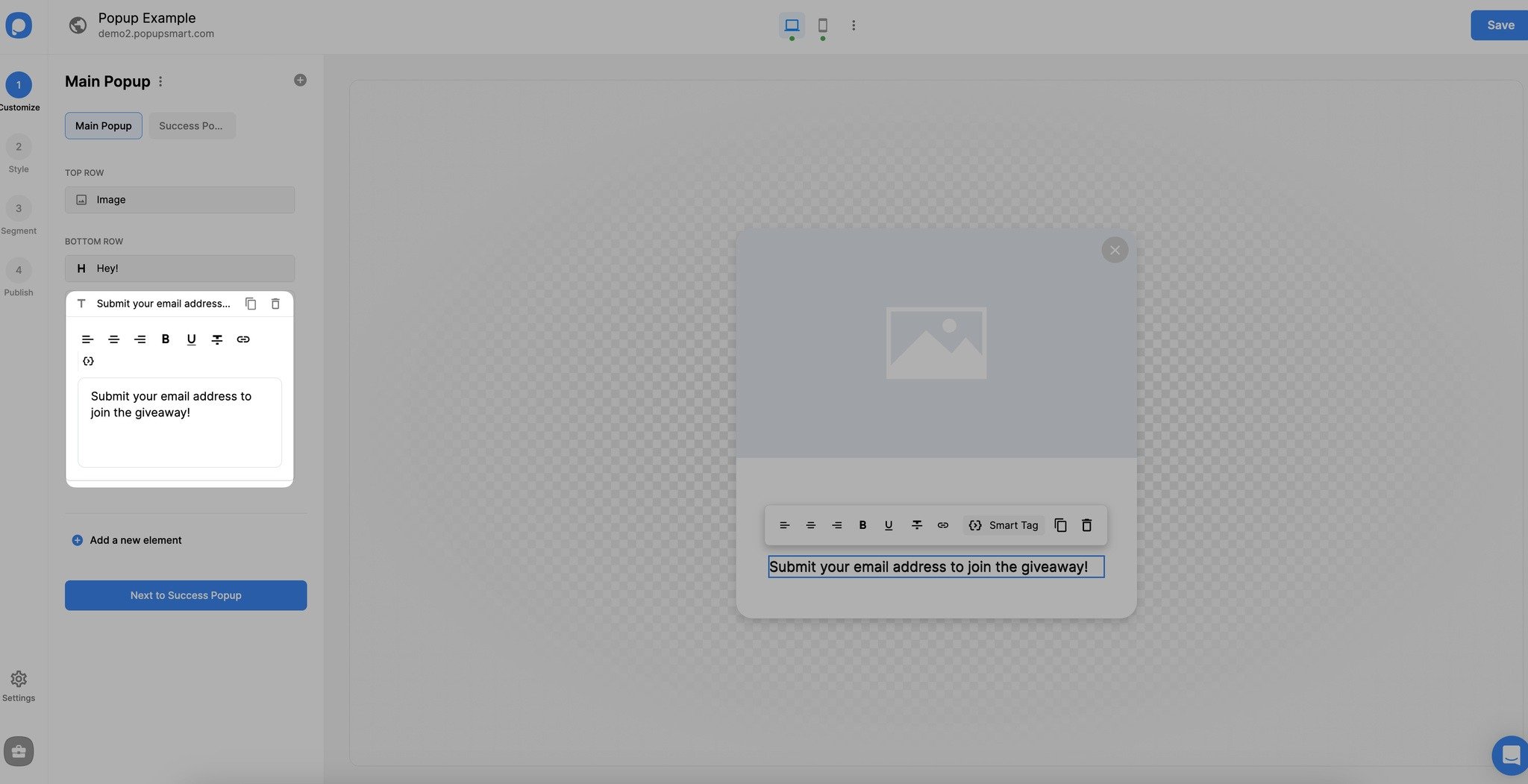
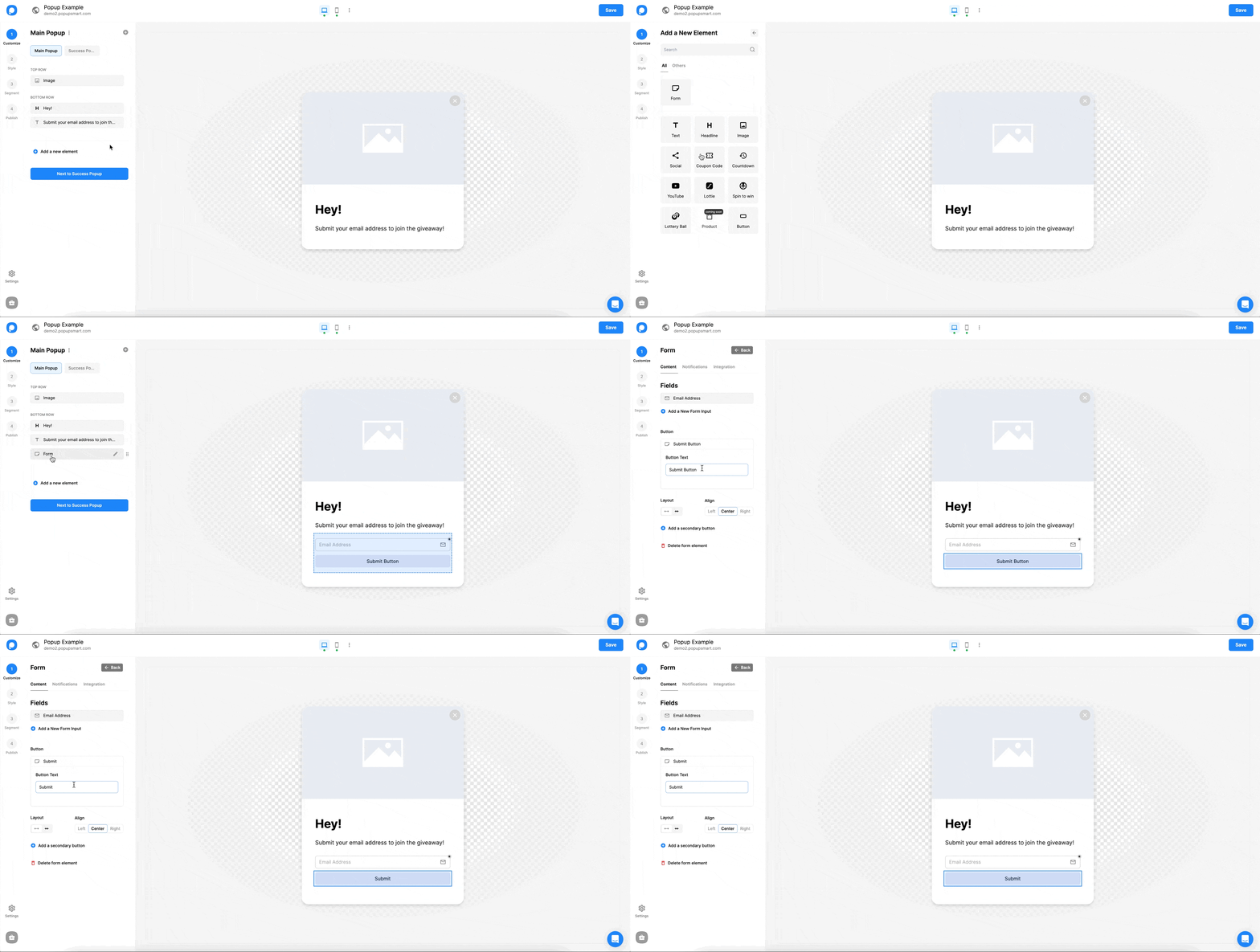
Add Image
We can add an image to grab the attention of visitors.
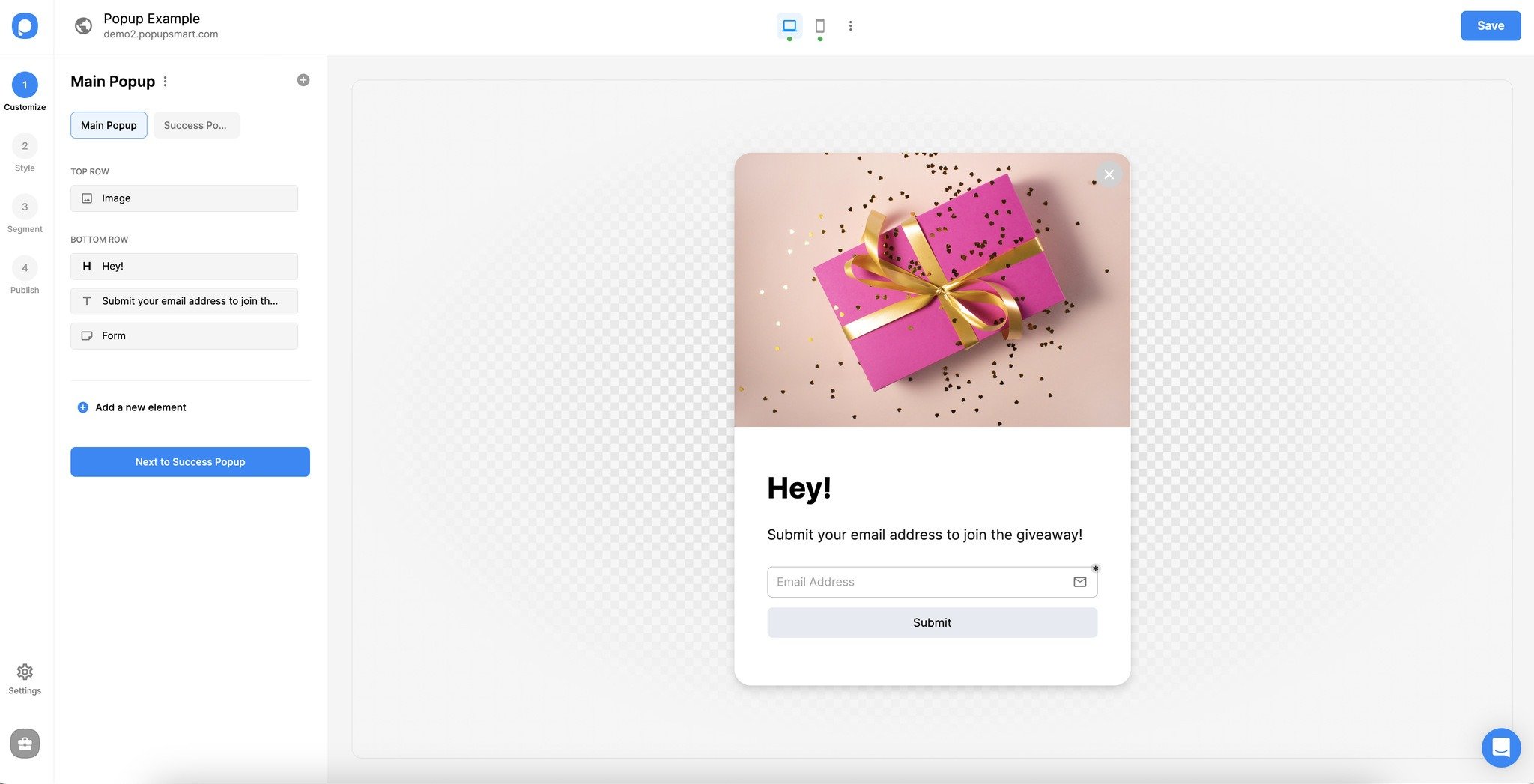
You can easily drag and drop the components if you want to change their order.
Select Theme
From the "Style" step, you can select a ready-to-use theme and customize your popup's style as you like.
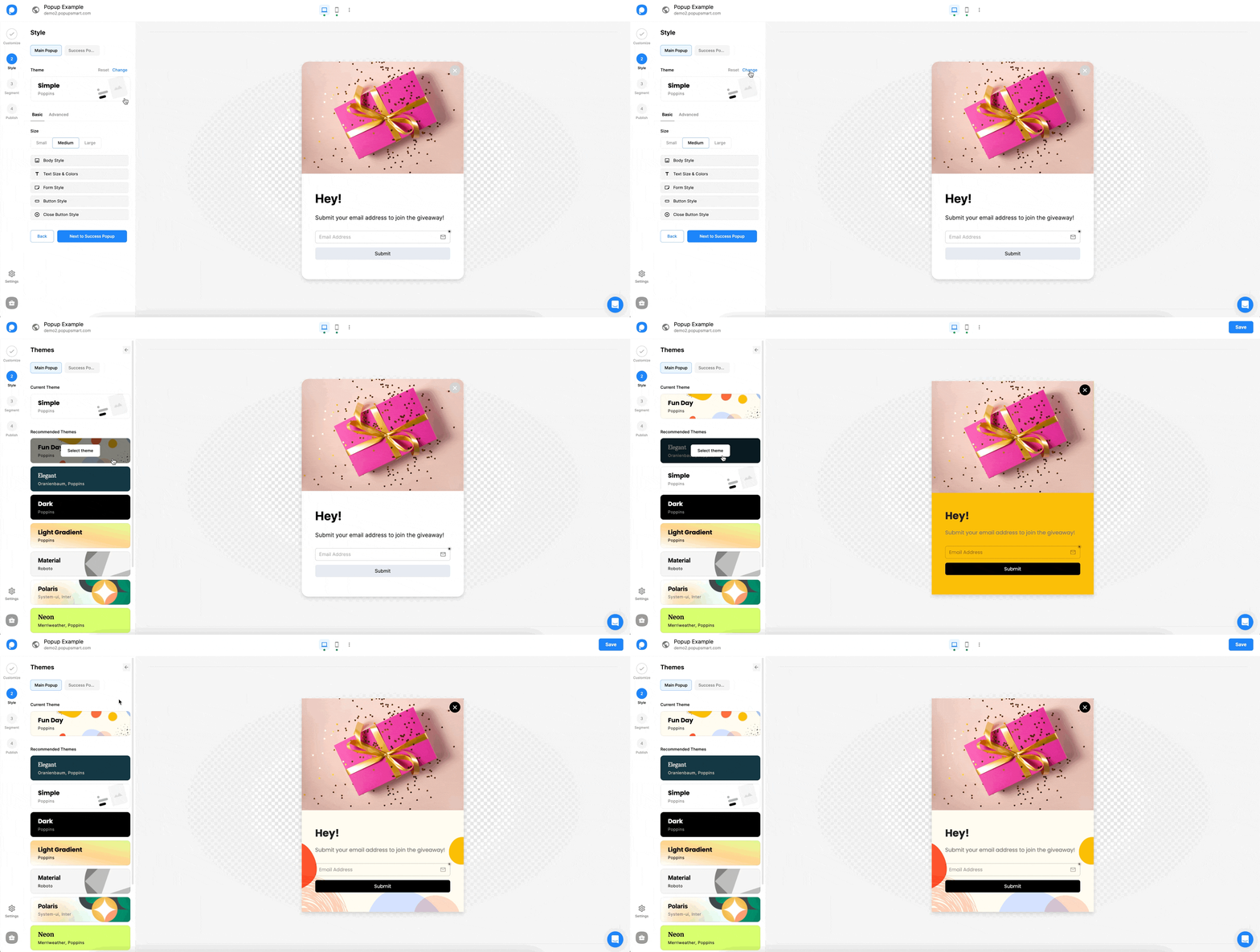
And you can customize the body style, text size & colors, form style, button style, and close button in this step.
See "How to Customize Popup Style" for further details.
Customization Complete
Our customization has finished! Now we can save and publish our highly-customized popup.
You can arrange your popups segment by reading the Targeting Help Documents and perform our integrations by benefitting from the Email Marketing and CRM Integration Help Documents.
If you have any questions while you create your custom popup with a blank template, feel free to contact us.
How is this guide?