
What is a Success Popup? How Does it Work?
Enhance customer journeys with success popups. Explore how Popupsmart's Success Popup feature boosts engagement by effectively confirming actions and guiding visitors.
A success popup will be displayed when a visitor fills in the required input field or clicks on a button of the main popup.
How to Create a Success Popup
Add New Step
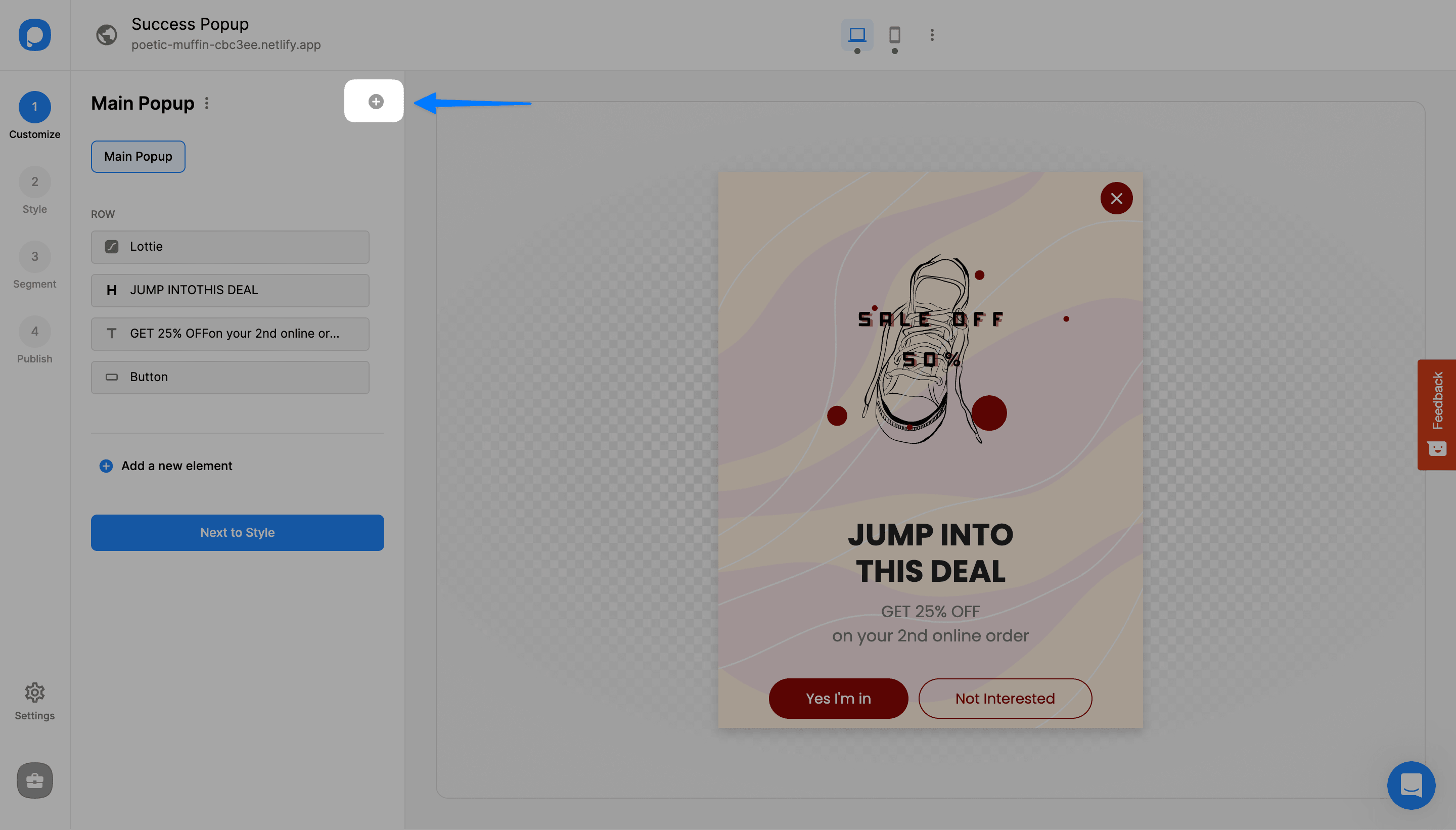
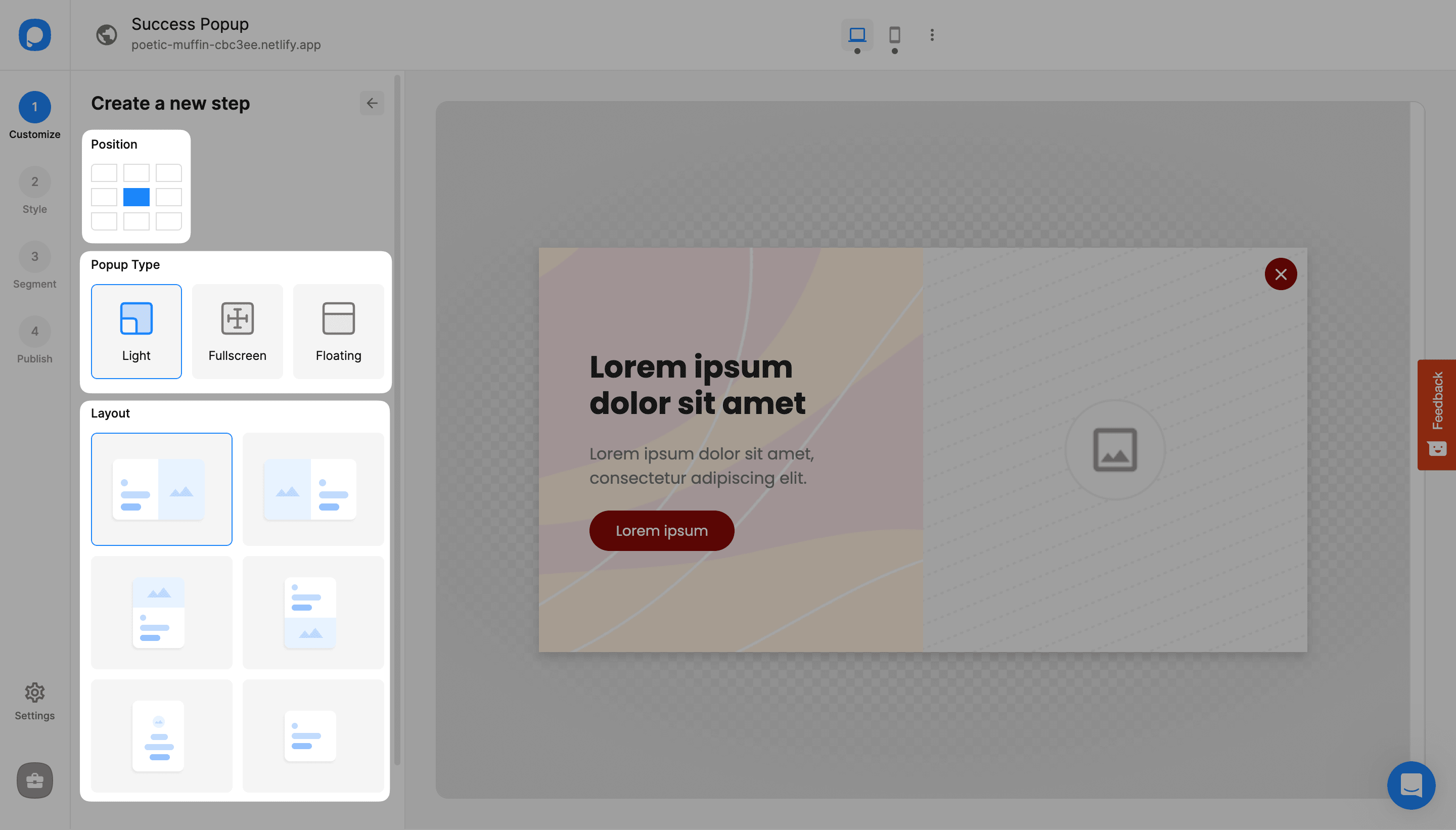
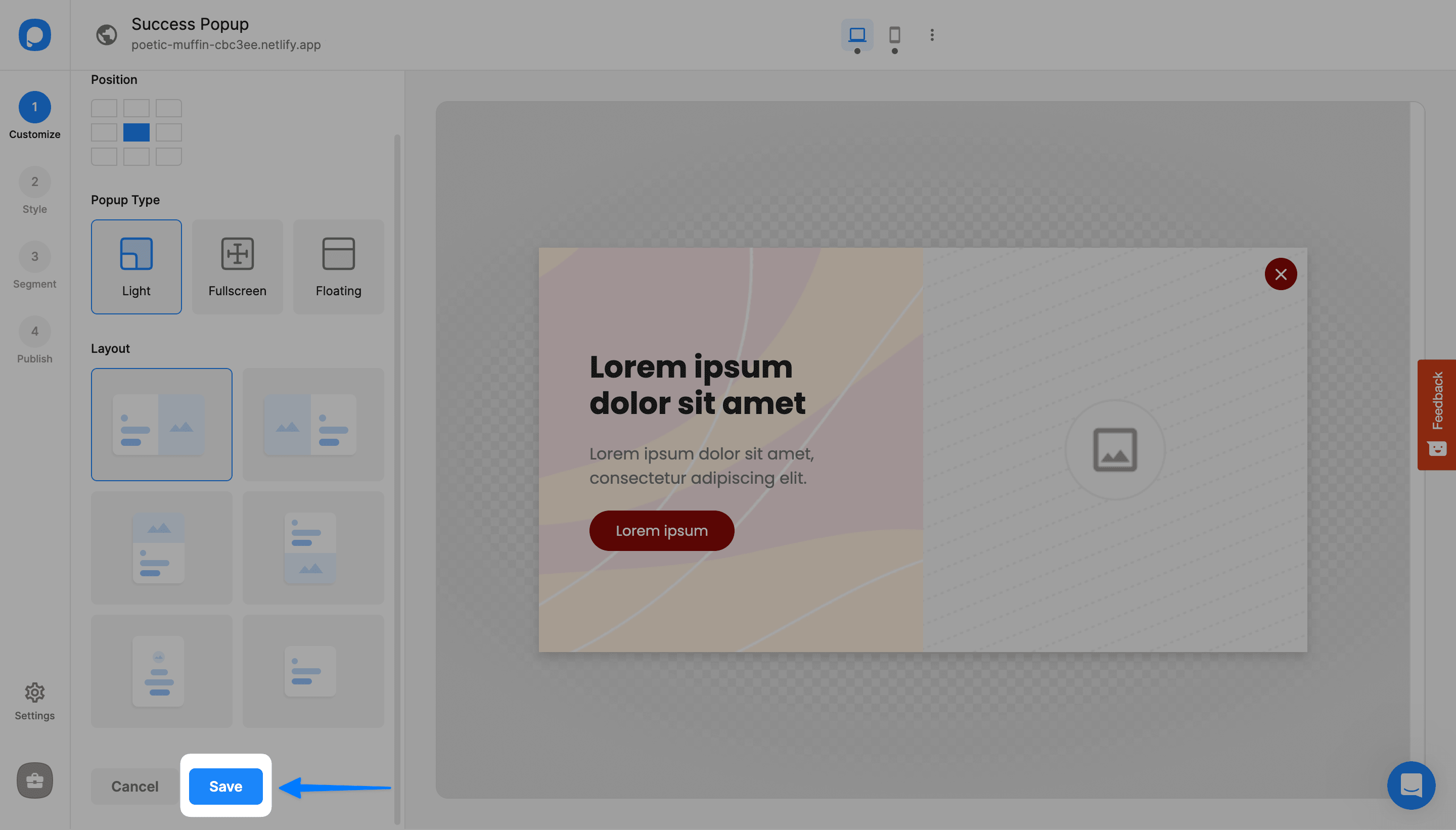
After you create your main popup, you can add your success popup by clicking on the "Add new step" on the "Customize" step.
Add Trigger to Main Popup
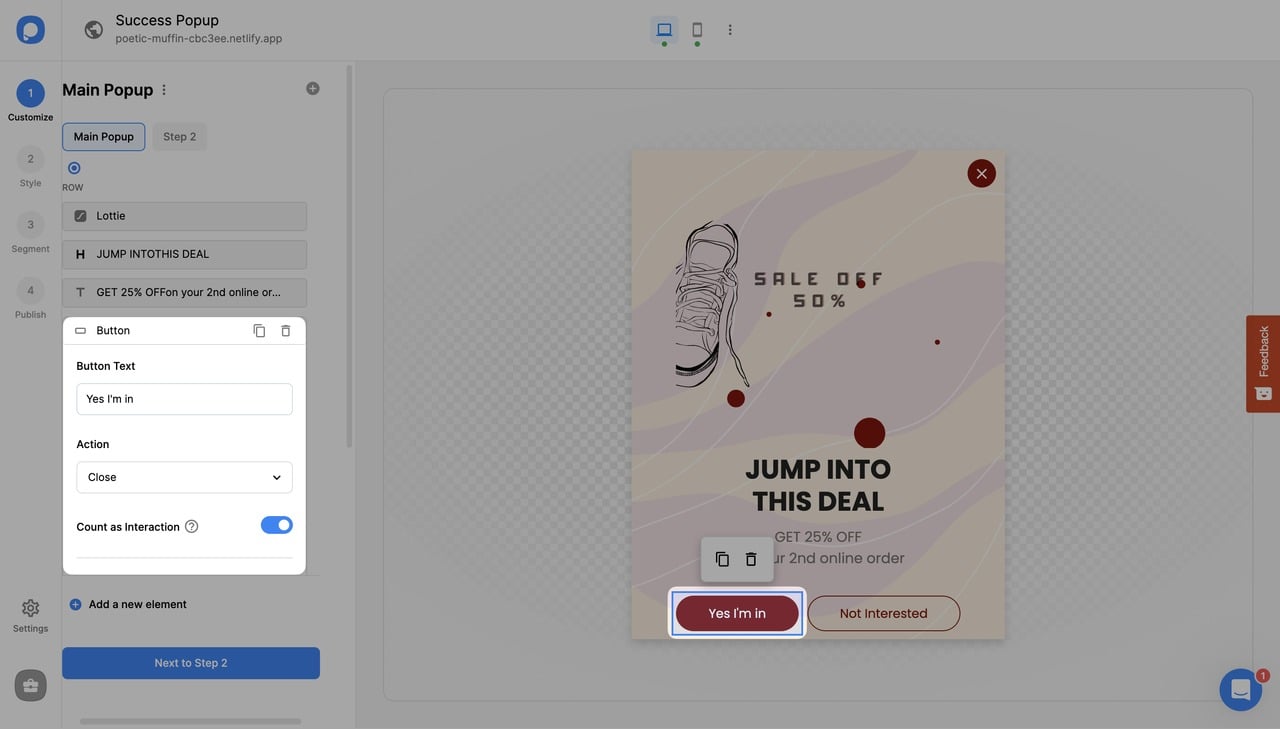
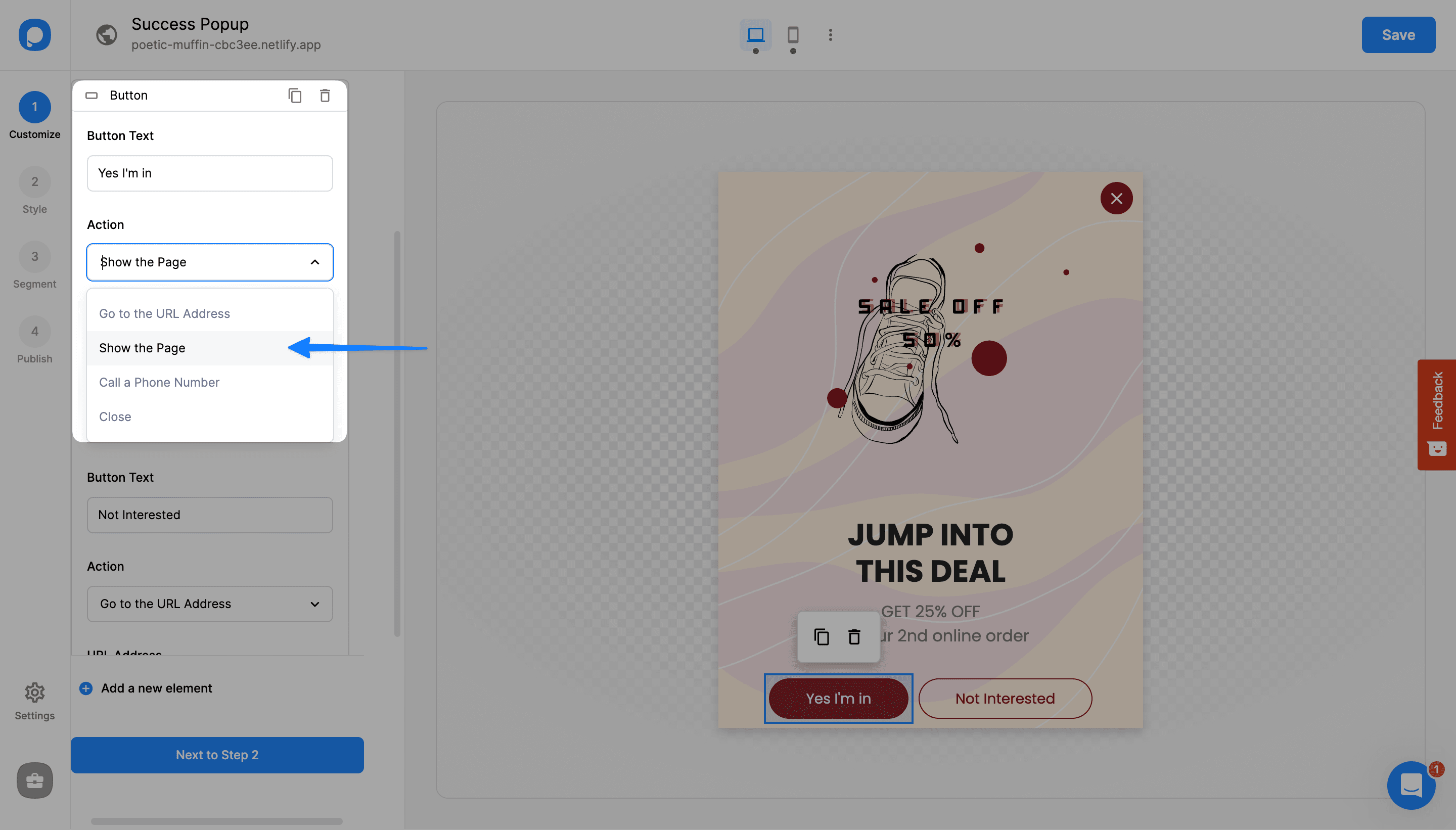
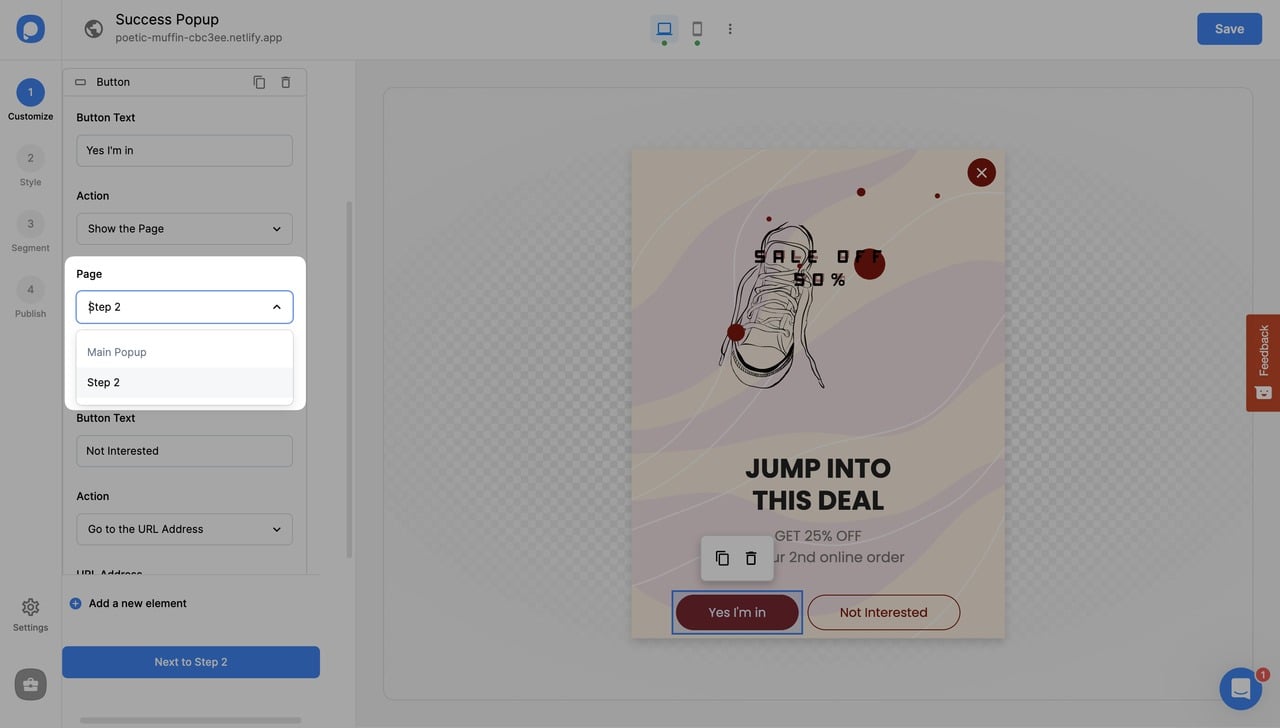
Now, we need a trigger to show the success popup. For this, go to the Main Popup. Select the button you want to add a trigger to.
Multiple Buttons
If you have two buttons, you can choose a different action for the other one, such as "Close."
Rename Popup
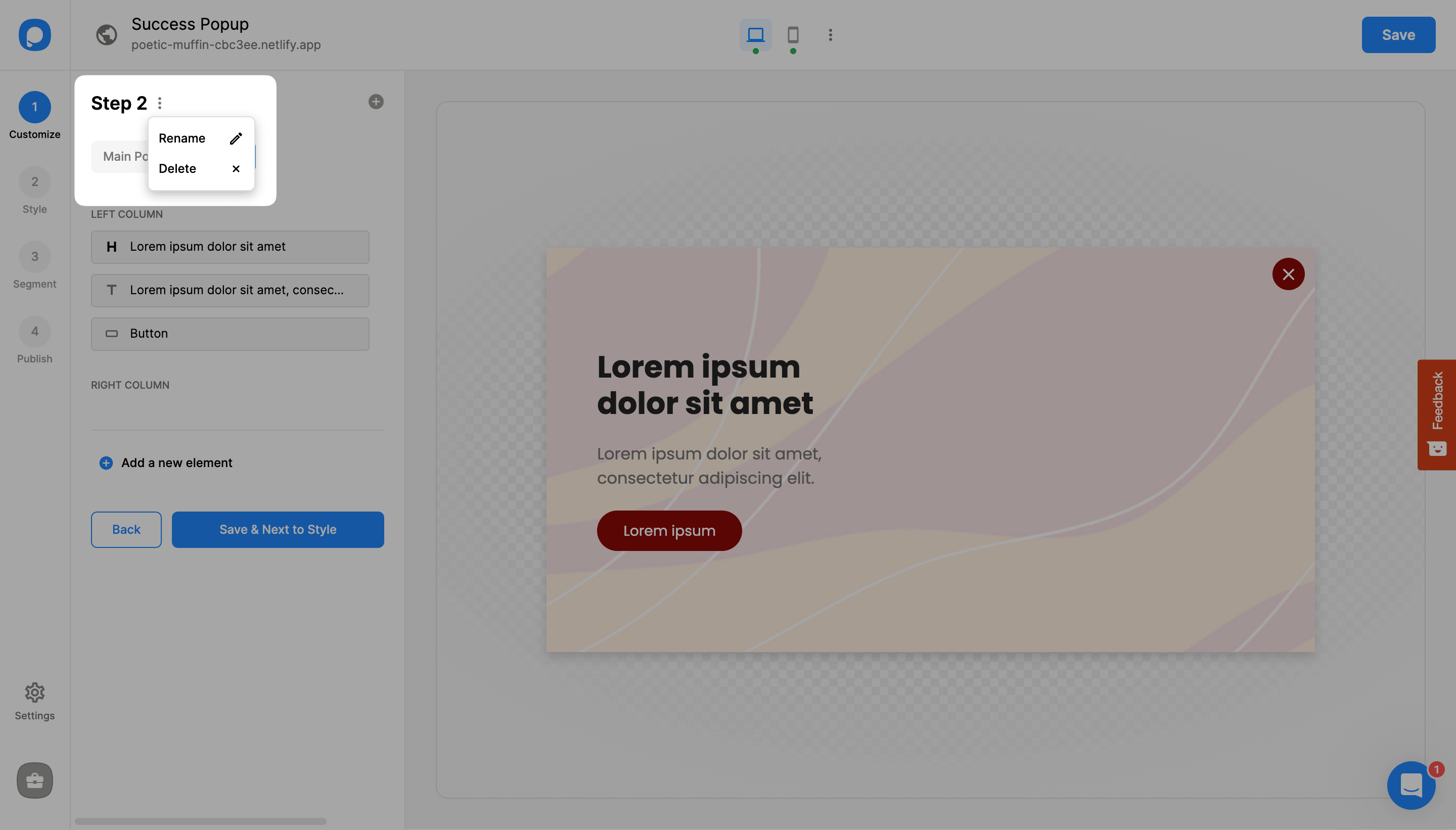
You can change your success popup's name by clicking on the three dots as shown below.
Your success popup will appear once visitors click on your button!
Have more questions about success popups? Feel free to contact us!
How is this guide?